강의

멘토링

커뮤니티

Security & Network

/

Cloud

Azure App Service Practical Configuration, Complete Step-by-Step Guide

I'll provide a complete full-stack source code, and by following along with the course to create and configure Azure services step by step, you'll complete a fully functional real Azure web app service. This is an Azure course where you don't need to know the source language, and you can either practice hands-on or just watch the course without practicing.

27 learners are taking this course

Level Beginner

Course period Unlimited

  • timecopy
Azure
Azure
azure-virtual-network
azure-appservice
azure-appservice
azure-communication-services
azure-storage-blobs
azure-storage-blobs
Azure
Azure
azure-virtual-network
azure-appservice
azure-appservice
azure-communication-services
azure-storage-blobs
azure-storage-blobs

What you will gain after the course

  • Essential Configuration Settings and Usage of Popular Azure Services for Real-World Applications

  • Even if you don't know about load balancers, how to increase instances using the App Service's auto scale-out feature

  • # Using SQL Azure for Services and Securing DB with VNet To use SQL Azure in your service while securely protecting your database with VNet, you can implement the following approach: ## 1. VNet Service Endpoints Configure VNet service endpoints to allow only traffic from specific subnets to access your SQL Azure database. ```bash # Enable service endpoint on subnet az network vnet subnet update \ --resource-group myResourceGroup \ --vnet-name myVNet \ --name mySubnet \ --service-endpoints Microsoft.Sql ``` ## 2. SQL Server Firewall Rules Add VNet rules to your SQL Server to restrict access: ```bash # Add VNet rule to SQL Server az sql server vnet-rule create \ --resource-group myResourceGroup \

  • # How to Use Blob Service with Azure Storage Account

  • Creating a mail service as a communication service and using it to send membership registration verification emails

  • Deploying to Azure via GitHub Actions (Complete CI/CD Setup Process)

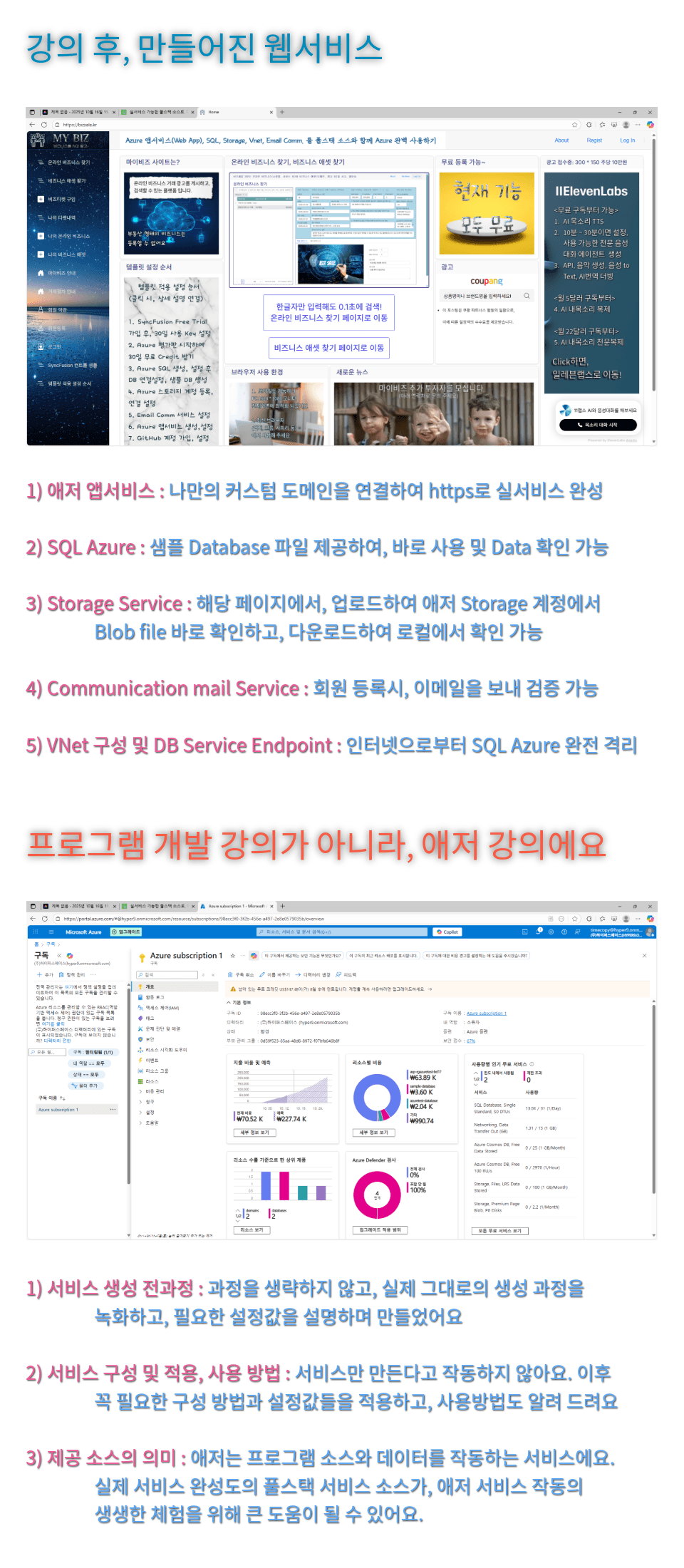
You can easily create a real web app service just by following the course.

Created with the latest Azure Portal UI (October 2025).

  • Without any coding required, we're giving students full-stack SPA web app source code built with the latest 2025 technology.

  • The latest 2.0 widget from Toss Payments, one of Korea's top 3 payment services, is also integrated.

  • With features and completeness suitable for real services rather than simple examples, you can directly experience and feel Azure services.

We recommend this for:

For those interested in Azure

Azure is the world's second-largest cloud

It's widely used in Korea too

Those interested in app services

You all probably know what a VM is,

App Service is much easier and more powerful.

New to GitHub and CI/CD

Simply and easily,

I'll tell you only the essential features.

After taking the course

  • You'll be able to use Azure's representative services, making it applicable to your own services as well.

  • When you only encounter it through theoretical lectures, it can be difficult to actually use it, but the entire course is about practical usage.

    • Essential for practical work, composed of directly applicable settings and methods.

  • The service that was operated on Azure,we're providing the source code that was processed into a template.


Features of This Course

Key Features and Differentiators

애저강의 특징1
애저강의 특징2

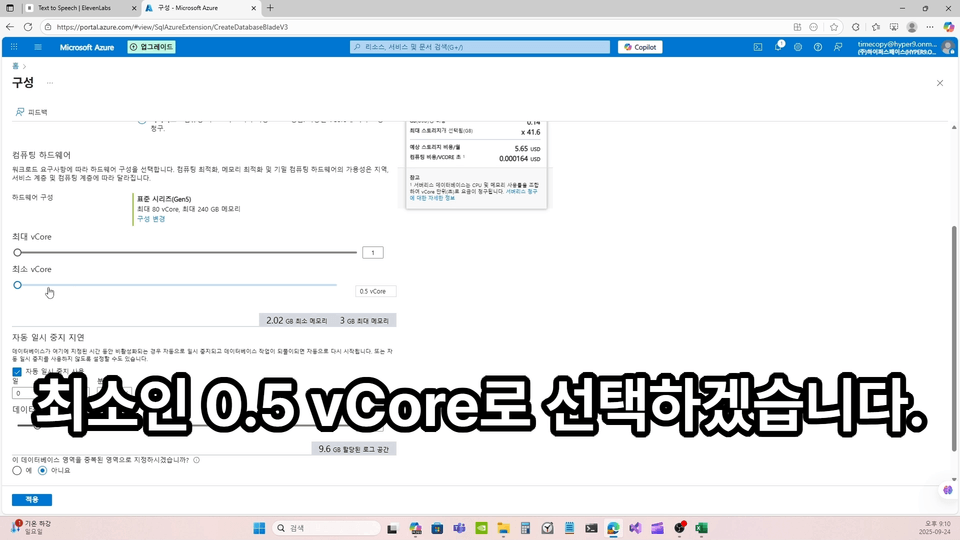
Here's how I improved the quality of my lectures

This is my voice

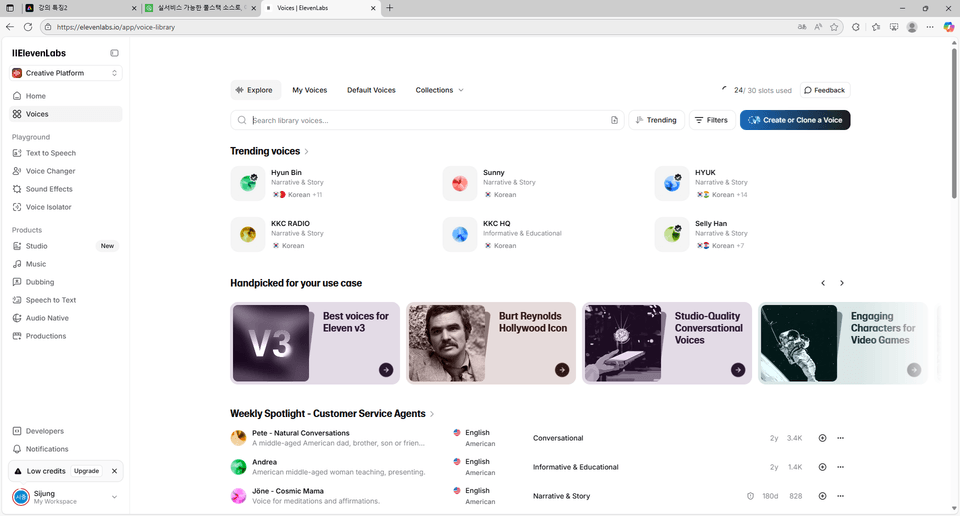
I created my voice as an AI voice at ElevenLabs, the world's highest quality,

I created a lecture script and used the Text to Speech feature.

I'll cover the uncomfortable face, but it's to convey accurate content without mistakes.

I added subtitles to all screens

Not inaccurate voice recognition subtitles, but my voice on every lecture screen

The subtitles are displayed exactly as written in the script, accurately and in large text.

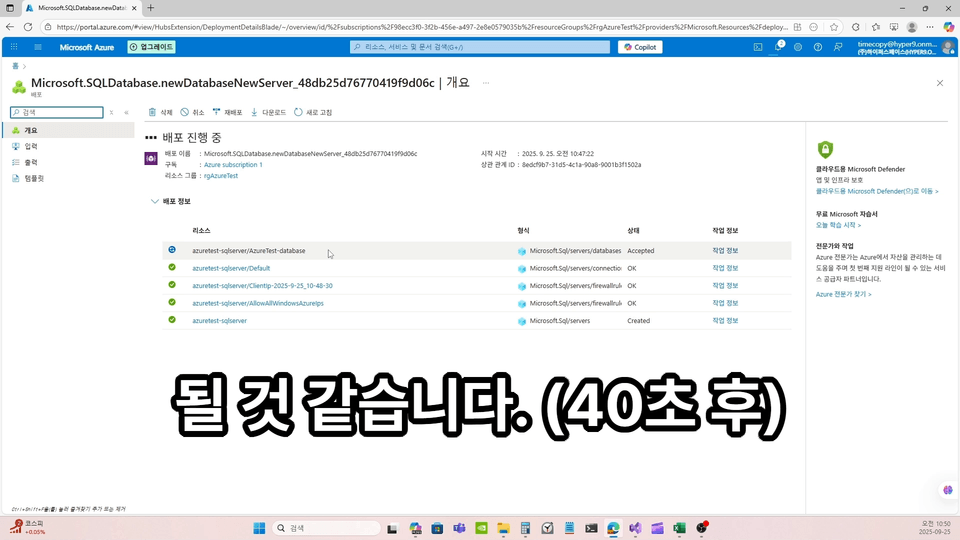
I also added skip times

To record and convey the entire service creation process as it actually happens, I've displayed the exact time so that you can skip ahead if the waiting time exceeds 6 seconds.

The person who created this course

  • I'm originally someone who creates their own services.

  • The service I want to create in the future requires complex but powerful UI controls, so while searching for the latest technology, I discovered a new standard called WebAssembly. It was recognized by W3C in December 2019 as the fourth standard language of the web platform. Since I'm familiar with C# among the languages applicable to WebAssembly, I chose a platform called Blazor. This part is explained in more detail in the last lecture and is also available as a preview, so feel free to check it out in advance.

  • I also first encountered Azure this year, and although I had read quite a few books and lectures about it, when it came to actually applying it in practice, there were many things I needed to know and check, and there were quite a few things not explained in the documentation. As a result, applying it to actual services without issues wasn't that easy. And since I felt I couldn't afford to fall behind in this era of infinite AI competition, I've been earnestly building my foundation and preparing services from this year, but so far, Azure is the only official channel where you can directly apply OpenAI's GPT models to a cloud platform.


Do you have any questions?

Q. What types of full-stack source code do you provide?

Using the Web App Auto mode in .NET 9, part of Microsoft's Blazor platform.

• You may not be familiar with Blazor, but it's composed of HTML, CSS, Javascript, and C#, so it's not difficult.
• It's a platform for implementing SPA (Single Page Application).
• Even if you don't know the source code, there's no problem at all with the Azure lectures and service construction.
• If you're interested and want the actual implementation source of Azure services, you can take a look at it.
You can modify and use it unlimitedly for your own services, and you can review the detailed license in the course materials after purchase.

Q. I'm using Azure for the first time. Will it be okay?

Yes, even if you have no experience with Azure, there will be no issues with taking the course. I've included everything from the beginning and only the essential things needed in the lectures, so there's no problem even if you're using it for the first time. However, once you complete the course, you'll be able to say that you've reached a beginner level of Azure usage.

Q. How can I change the Azure Portal display from English to Korean?

You can click the Settings icon in the Azure Portal and set it to Korean, South Korea in the 'Language + Region' menu. Also, at the beginning, the URL in the 'Lecture Help' file was set to display Korean characters.

Notes Before Enrollment

Practice Environment

  • Operating System and Version (OS): Windows 11 or other OS capable of installing Visual Studio 2022


  • Tools Used: Visual Studio 2022 Pro or higher, or the free version Visual Studio 2022 Community Edition, latest version of standard browsers (Edge, Chrome, Safari, Firefox, etc.)

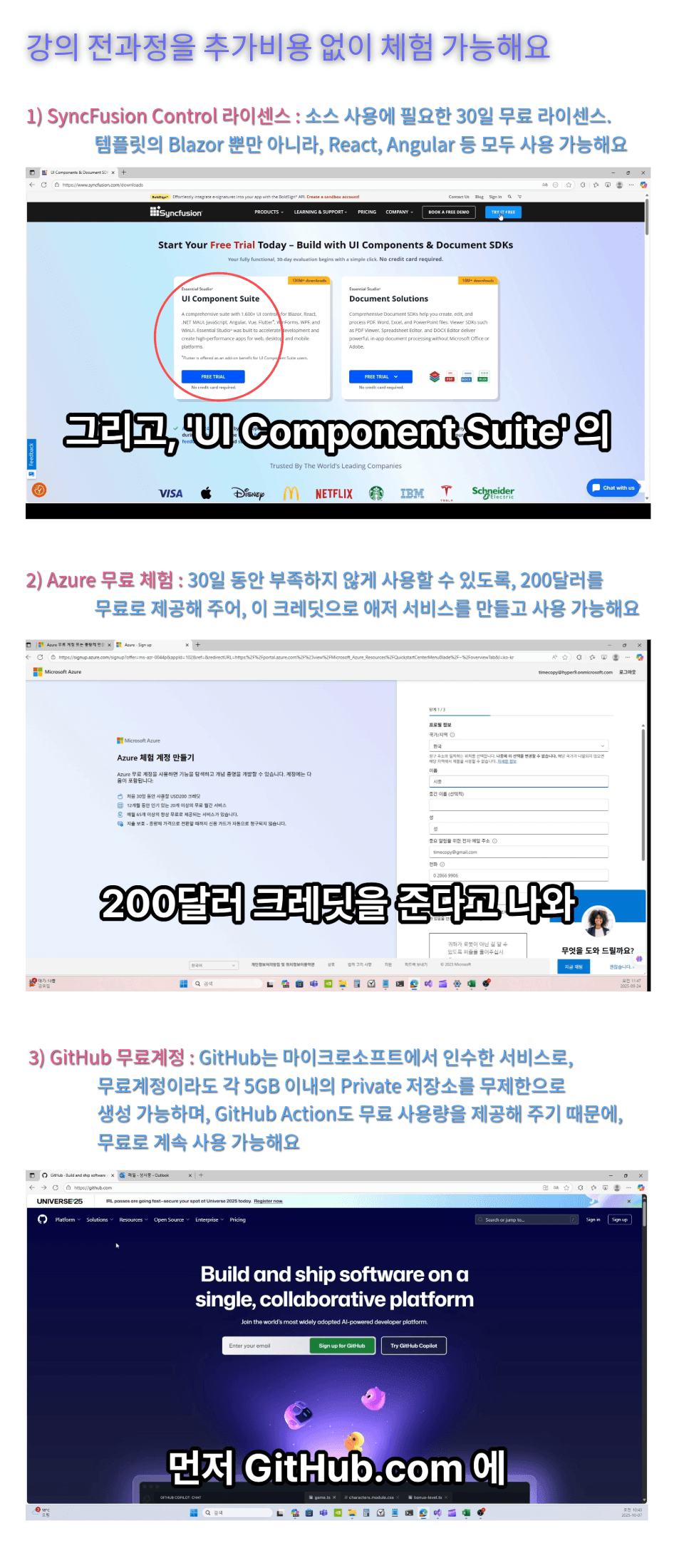
  • Trial accounts with detailed step-by-step guidance during the course: SyncFusion UI 30-day free trial license, Azure 30-day free trial account, GitHub free account


  • PC Specifications: Minimum specifications capable of running Visual Studio 2022 and internet access environment

  • A valid credit card is required to activate an Azure trial account: 1,000 won will be authorized and immediately canceled, and no additional charges will be incurred unless you manually activate the account yourself from the trial account

Learning Materials

  • In the lecture of Section 1 'Download Course Materials', all course materials can be downloaded

  • Learning materials format provided (Visual Studio source code, license information txt file, lecture support Help txt file)

  • The lecture supplementary Help txt file can also be downloaded from the materials in that lecture

Prerequisites and Important Notes

  • IT Operating Fundamentals (Cloud, Network, Web Services, etc.)

  • Visual Studio 2022 Pro or the free version Visual Studio 2022 Community edition installation instructions are not provided in the course, so pre-installation is required.

  • The lecture video quality is 1920 * 1080, and for text readability in the Azure portal, we recommend taking the course on a PC monitor with 2K resolution or higher rather than on mobile devices.

  • Q&A is provided, but since this is an Azure course, questions about source code are not accepted.

  • Lecture and Learning Materials Copyright Notice: Among the full-stack sources, sample sources and licenses related to Syncfusion controls follow Syncfusion's regulations. Without an appropriate license, they won't display on the screen anyway, so it is essential for operation. However, possessing the source code without a license is not a problem, even if proper operation is not possible. (For reference, if you need a free license after the 30-day free trial, check out the Community license)

Recommended for
these people

Who is this course right for?

  • For those new to using Azure

  • Those who are familiar with cloud VMs but new to app services that offer convenient automated operations and deployment

  • Those who want to learn only the minimum necessary usage of GitHub and CI/CD deployment

  • Instead of vague Azure theory lectures, for those who want to learn actual usage with the latest Azure UI

  • For those who want to learn how to securely protect databases through virtual network configuration

Need to know before starting?

  • Basic IT Knowledge (fundamental concepts of cloud, web, apps, networks, etc.)

  • Visual Studio 2022 is the default tool, so you don't need to know this, but it's better if you do (requires prior installation)

Hello
This is

Hello, I am timecopy, and I am currently creating various internet web app services using Azure, Blazor, and various AI services and technologies.

I have about 15 years of experience in software development, primarily focused on C#. I am a full-stack developer capable of handling everything from UI development in WPF—dating back to the Silverlight era—to server-side logic and various databases. Additionally, I have approximately 9 years of experience developing and maintaining general hospital information systems.

Now, I aim to create new and useful services using Azure, Blazor, and AI.

And, as I learn and apply new technologies, I will share my knowledge here on Inflearn whenever I have the opportunity.

Thank you.

Curriculum

All

23 lectures ∙ (3hr 34min)

Course Materials:

Lecture resources
Published: 
Last updated: 

Reviews

Not enough reviews.
Please write a valuable review that helps everyone!

$22.00

Similar courses

Explore other courses in the same field!