


The application is
https://groschool.kr/category/productivity/course/notion-year-korea
Available at the link above (free)
Notion recognized
Examples of people who use Notion well💎
Happy Notion's Year...!
Just knowing and using Notion
I felt like my productivity was increasing.
But what's more important is how you use it.
Notion is attractive because it has a lot of freedom , but...
Writing well is another matter, Many people who use Notion are curious about real-life examples of people who use Notion well .
So Notion prepared it for you.
Notion is also used really well in Korea.
Showing the best examples !!!
Notion Official Webinar
Session 1.
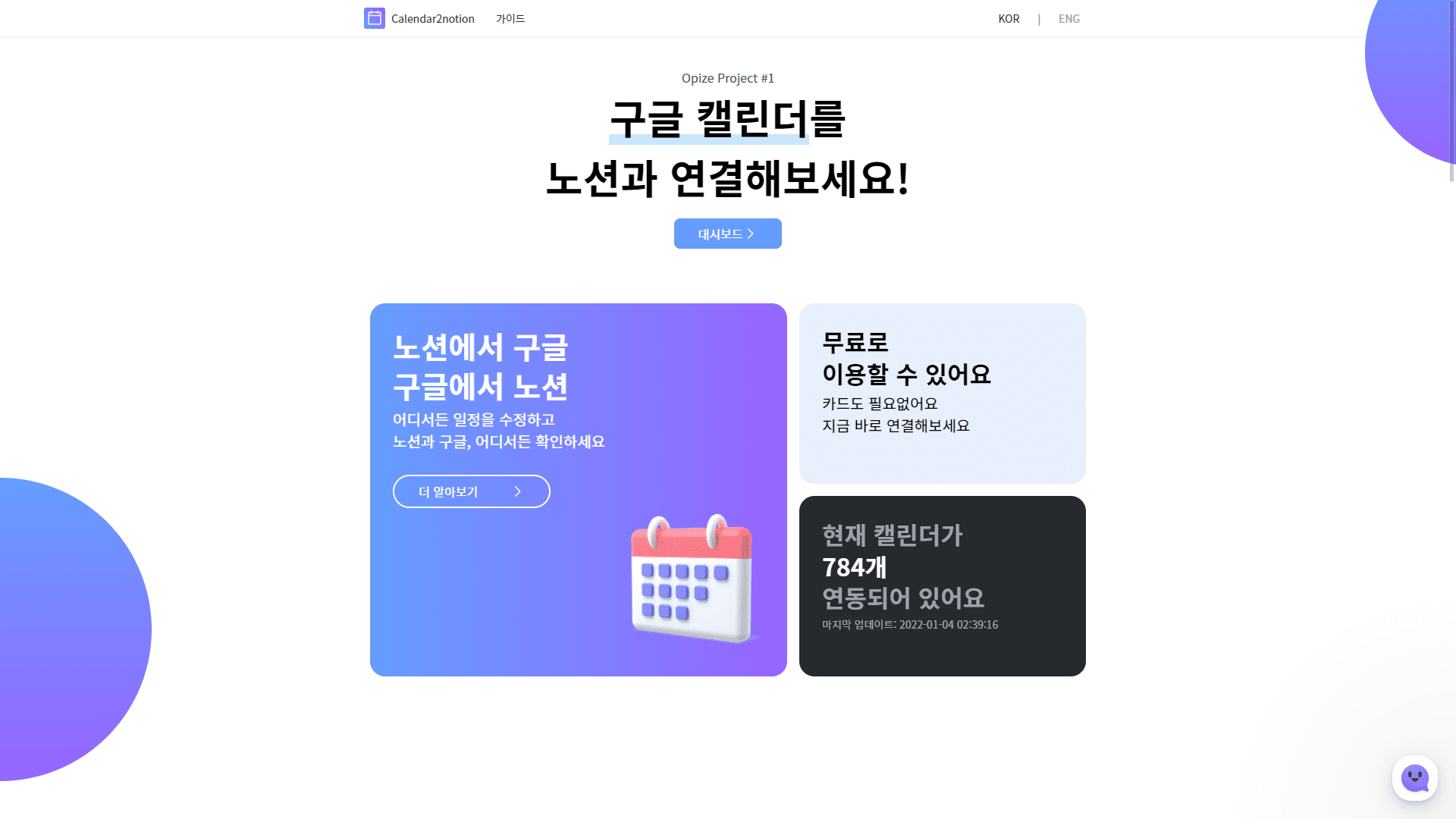
Calendar2Notion,
How to sync Notion and Google Calendar
🎤 Park Hyun-woo (Office Developer)

- The idea of syncing the two calendars came up while looking for a way to overcome the limitations of Notion and combine the strengths of Google Calendar. This was the beginning of a service called Calendar2notion.
Session 2.
Home Decoration PO
How to use Notion
🎤 Lee Hye-won (Home Decoration PO)

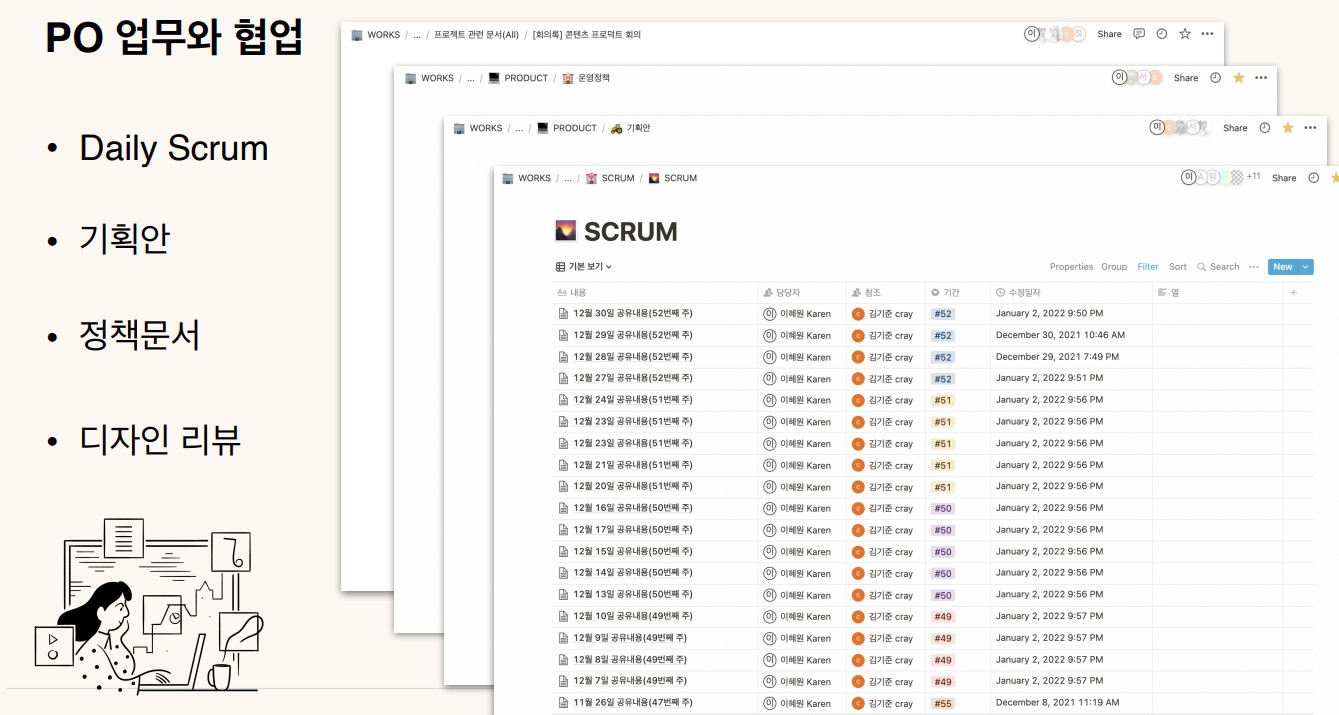
- The important things for PO are 'efficiency' and 'communication'. There are many tasks and documents to take care of, such as plans, service policy documents, and design reviews, but they must be managed efficiently. And these documents are used to communicate with various collaborators.
- Notion is a great tool that can solve both 'efficiency' and 'communication'. It's easy to create documents, and it's the best way to quickly and easily organize folders by task and share them with colleagues.
- In addition to work, it can also be used as a portfolio to promote my abilities, and as my own wiki to systematically organize the vast amount of information I learn and discover every day.
Session 3.
Comment and like
It's also possible in Notion
🎤 Kang Sang-kwon (Joy Developer)

- I once created an important document in Notion. I wanted to get feedback, so I shared it with people around me, but there was no way to get feedback using Notion alone. I thought, what if I could get likes in Notion? What if I could create a comment section? It would be great if there was one.
- That's why Joy was created.
Session 4.
With Notion
Create a smart website
🎤 Choi Jong-wook (CEO of Oopy)

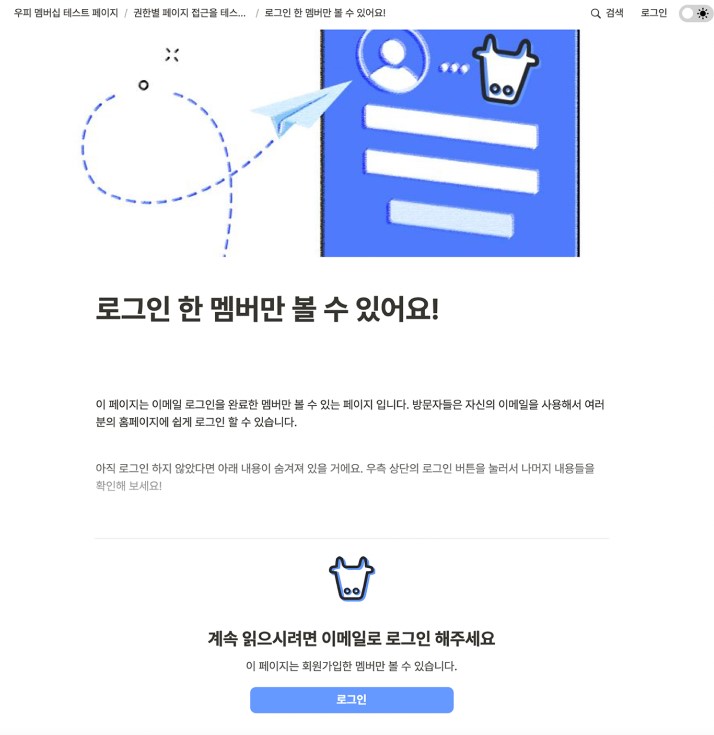
- It is possible to create web pages with Notion, but there are limitations. It is also difficult to create membership services that require membership registration or products that require payment with Notion.
- If that's possible, it will be possible to quickly create a pretty decent service with Notion.
- But it is possible. We reveal how to create a website that requires payments and memberships in no time, without a developer or designer.
Session 5.
Without developers and designers
Building B2C Products
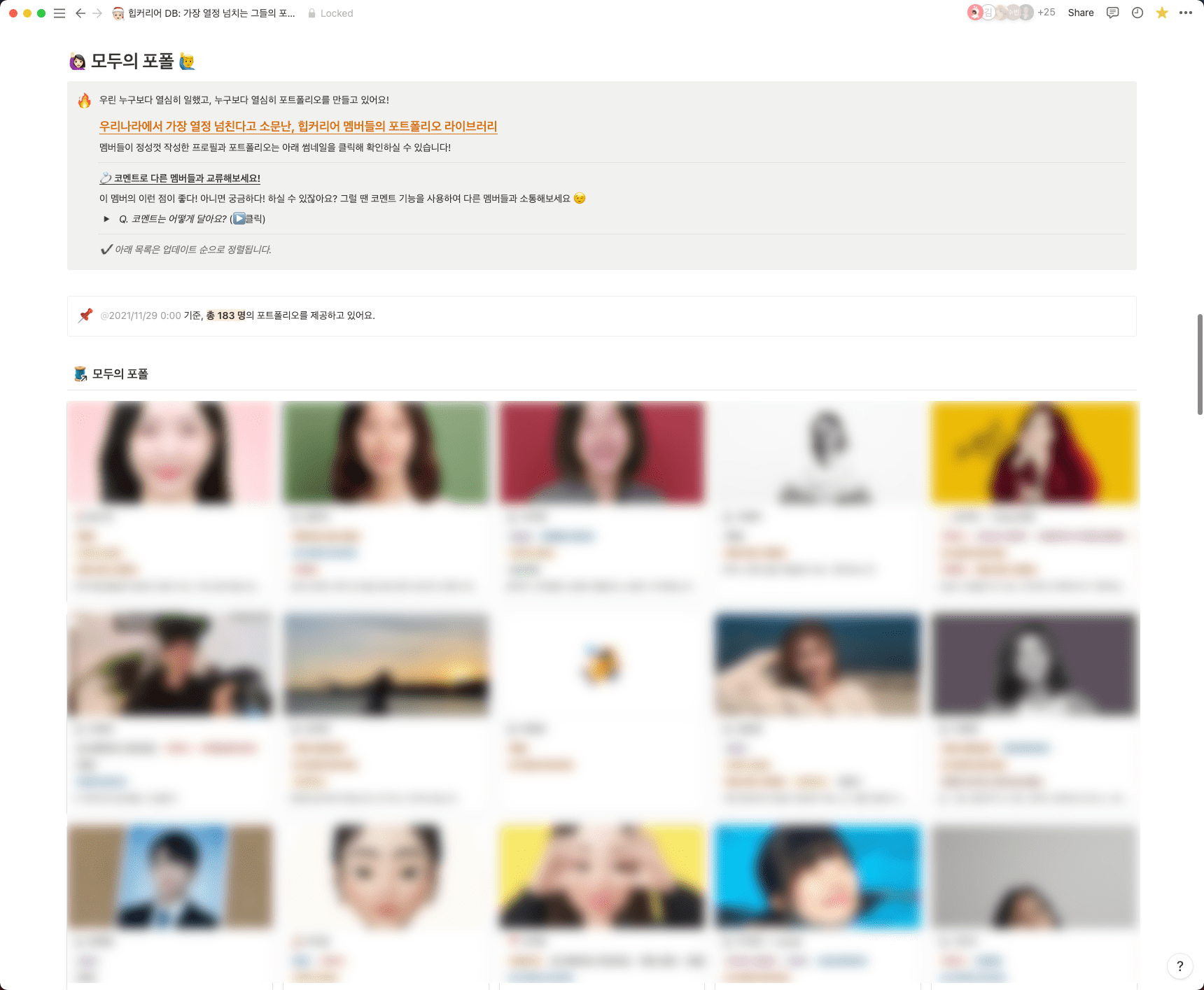
🎤 Lee Young-eun (Hip Career PO)

'Hip Career' is a collection of approximately 200 portfolios of PM/PO/planners, designers, and marketers who are passionate about IT services!
This product, which has a user satisfaction rating of 9.1, was created solely with Notion and various integrations, without developers or designers.
We will share with you how we reduced the rate of manual operations by half with the automation integration 'Zapier' and how we were able to provide B2C services by creating a professional and official website using 'Oopy'.
Session 6.
Notion is all you need for work and love!
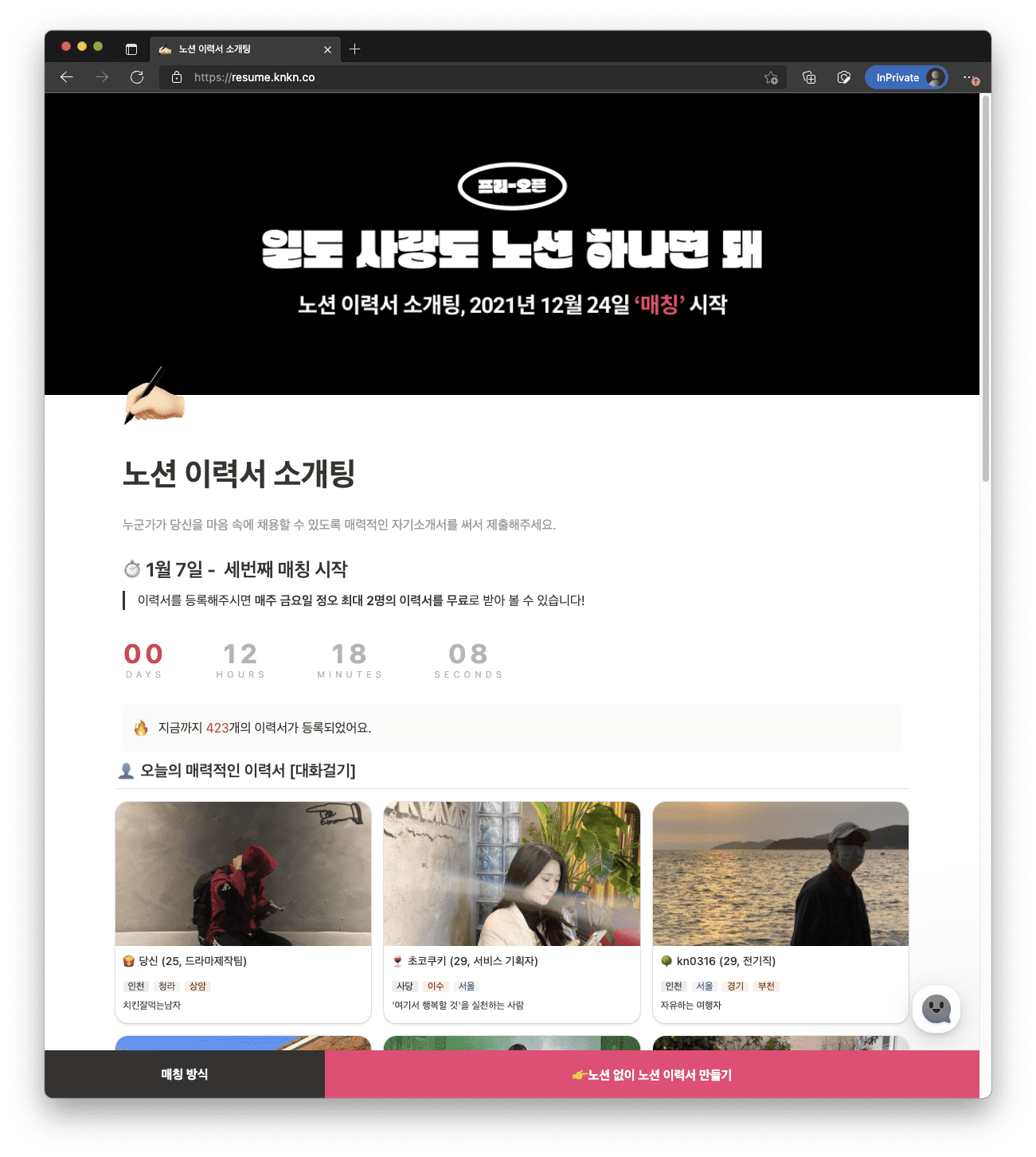
🎤 Kwak Jae-yong (Netflix Love Product Manager)

- Have you tried making a Notion resume? Now you can even go on a blind date with Notion, which lets you introduce yourself in a lively and attractive way!
- I thought it wouldn't work, but it did.
Session 7.
With Notion
Making New Year's resolutions
🎤 Jeon Si-jin (Notion Consultant)

- Now is the time to make and stick to new plans. Let’s do it together with Notion!
🙆🏻♂️ Who would benefit from this webinar?
- Anyone who knows the strengths and limitations of Notion and wants to expand its essential functions to get 200% use
- For those who are curious about actual application cases
- For those of you who are wondering whether or not to implement Notion in your team or organization
for a moment!!!
This webinar is tailored to the streaming era.
It will be conducted through short presentations and Q&A-based communication !
You can ask questions through chat, or you can leave questions for the speakers in advance on Google Form (click here) so that we can prepare for them in advance!
Go to enter your question 👉 https://forms.gle/D1YFHXwoyrReQ5v77
Wait a minute!!!
To those who attended the webinar
- Notion Credit ($200)
- Oopy 50% off coupon for the first month
- Calendar2Notion 10-time coupon
- We will give you detailed instructions on how to use it during the event.
Happy Notion's Year
Schedule and location
- Date: Thursday, January 13
- Time: 8:00 PM - 9:30 PM (TBD)
- This webinar is a pre-recorded video that is broadcast at a set time.
- Speakers will answer questions submitted in advance through Google Forms and sent through live chat in real time .