Create Premiere Pro-quality videos with your smartphone
In an era where anyone can make videos, but you can't!
If you're feeling overwhelmed with what to start with just the motivation, start with this lecture.
Even people who know nothing about videos can easily and without burden make videos with just a 'smartphone'!
It was nice to be able to take the class while looking at the phone directly.
However, if the phone model is different, it can be a little confusing... It was a little disappointing.
I enjoyed watching the video on how to make it easily with a phone...
5.0
jykim0303
100% enrolled
I had a vague fear, but thank you for teaching me step by step~
I will slowly follow along^^
5.0
박현웅
100% enrolled
I love it so much
What you will gain after the course
The world's easiest and fastest way to edit videos!
A video editing method that is easy to approach even without basic skills!
Provides detailed explanations and fun at the same time using various videos!
Smartphones are like DSLRs The world's easiest and fastest way to edit videos!
Video editing anyone can do
Video editing possible even without basic skills! Experience the world's easiest and fastest video editing using your smartphone!
The A to Z of Smartphone Photography
The advantages of smartphones over DSLRs! We'll teach you everything from A to Z about smartphone photography that will turn your everyday life into a pictorial!
Have you ever thought about this?
Even if you change to the latest phone The pictures are the same
Promotional video, easy I want to make it myself
Short and intense SNS I want to make a video
My own special trip I want to make a video
Don't worry anymore!
Smartphones are like DSLRs! You can achieve DSLR-like effects with your smartphone camera.It's all about understanding light, framing the right shots, and editing skills.
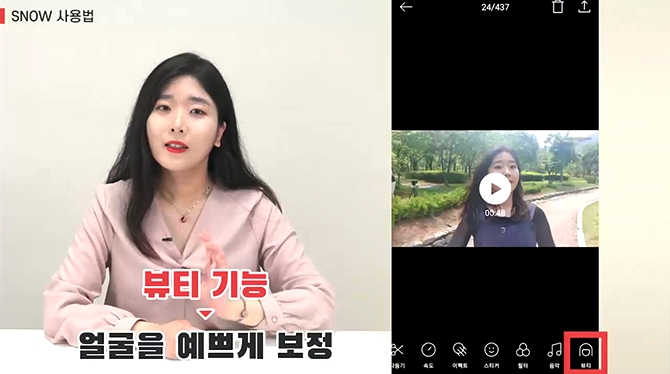
Just with your smartphone and app! The course will be conducted using only your smartphone and an app that caneffectively correct images, without the need to purchase specialized equipment or programs .
A curriculum compiled with the most useful tips for camera phone users! We have carefully selected lecture topicsthat would be beneficial to camera phone users, including shooting techniques, camera functions, and app usage .
In this lecture You can learn things like this
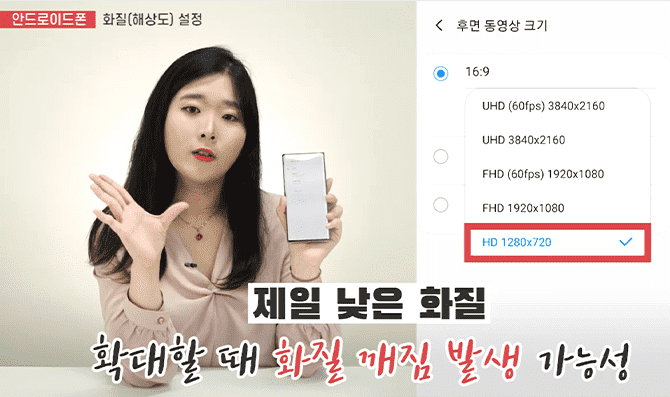
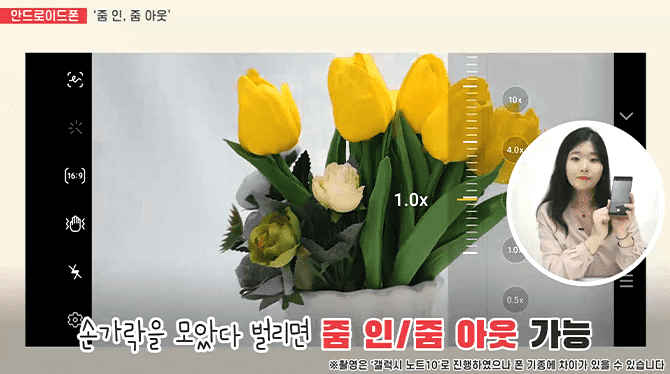
Key features of smartphone cameras
Image quality
zoom
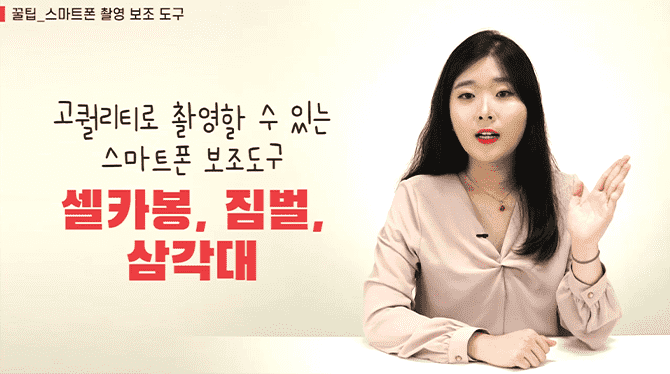
Filming and auxiliary tools
Improve video quality
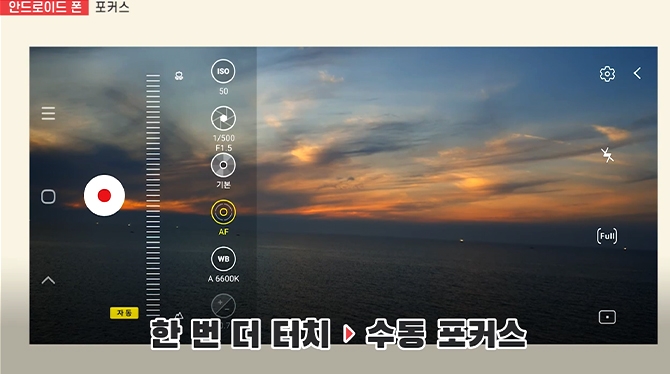
How to use Pro Mode
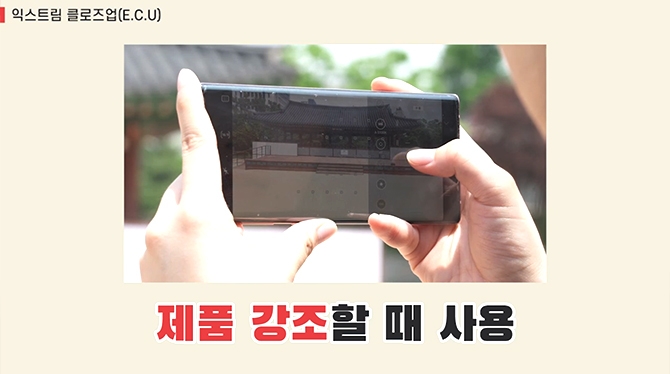
Shot size and angle composition
KineMaster
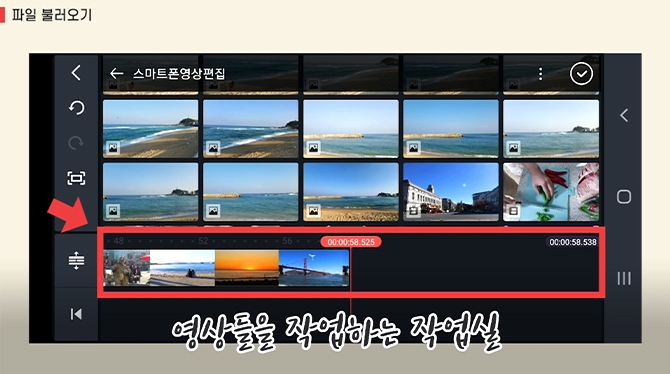
Basic video editing
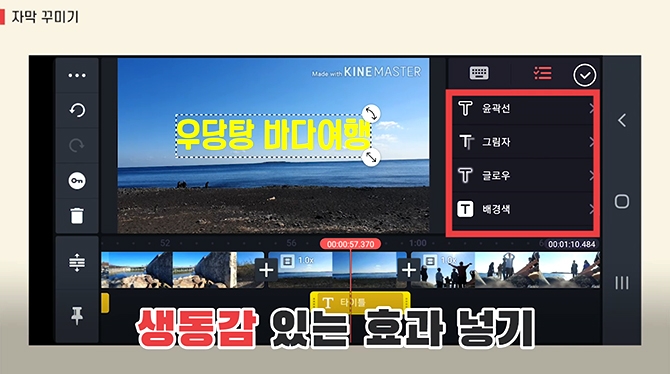
Creating a vlog using cuts, background music, and subtitle effects
Various videos
Cooking and travel videos
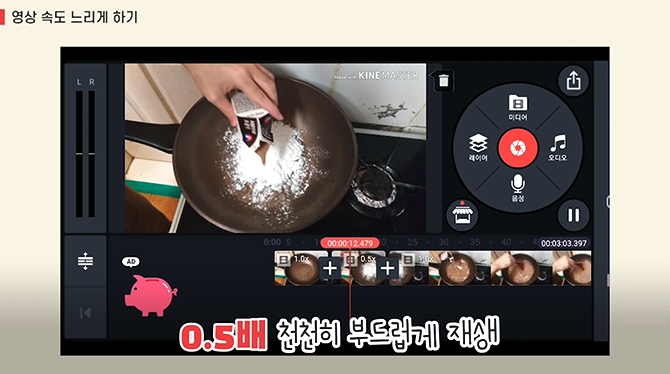
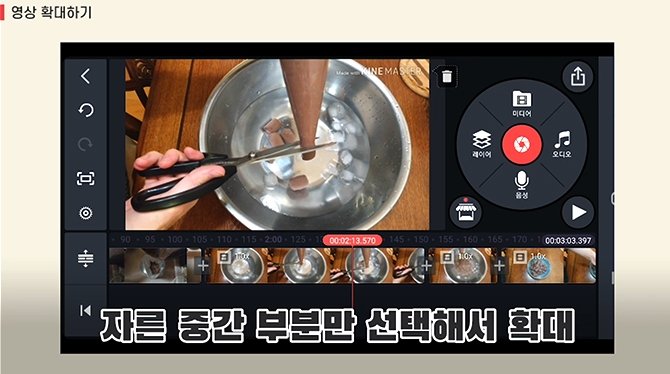
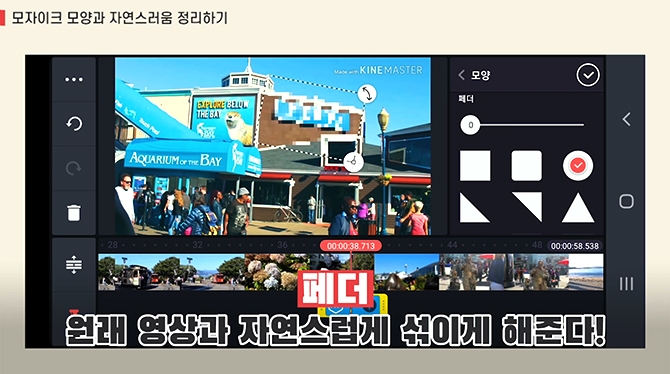
Use speed, zoom, rotation, color correction, spectrum effects, etc.
Slideshow video
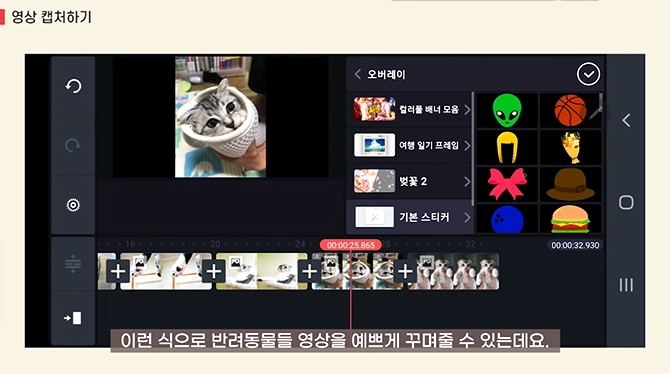
Cute and cheerful animal videos
Video sharing
Video editing programs and apps
In this lecture It has these advantages
Top-rated instructors, popular for a reason!
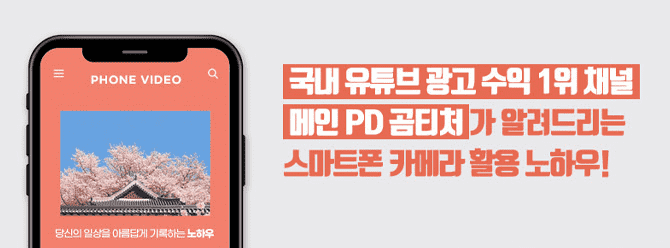
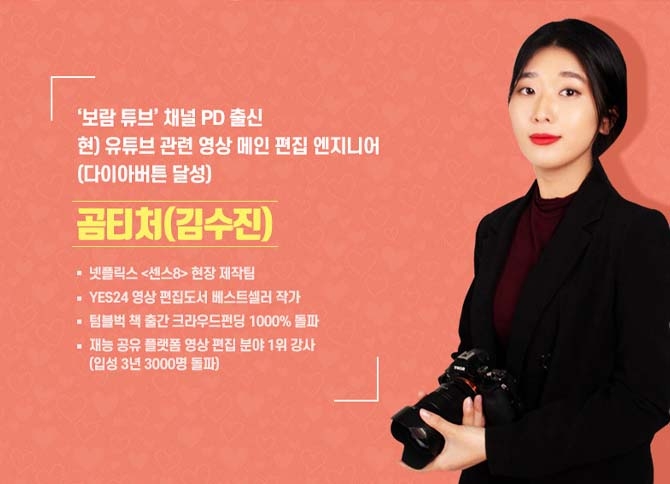
Instructor Kim Su-jin, the editor of the #1 YouTube channel in terms of advertising revenue, reveals everything about ' editing methods that make people watch '!
Know-how and tipsfrom the hottest instructors right now !
We'll teach you all the essential features of your smartphone camera, photography tips, and know-how for great shots and angles.
Just follow along and you too can become an expert!
Practical know-how that instantly displays editing results by function, along with helpful tips on when to use which function ! Just follow along and you'll be creating professional-level videos in no time.
In this lecture Knowledge sharer is
Recommended for these people
Who is this course right for?
People who have no idea about video shooting or editing and want to start without any burden
People who want to learn video production at a simpler level than Premiere
People who need to quickly acquire knowledge and skills due to the need for video production for work purposes
Need to know before starting?
All you need is a smartphone!
And, if you have a desire to create videos on various topics related to daily life or work, I definitely recommend taking this course!
Hello, Jeong An-na! This is So Hwak-seong.
Thank you for your compliments on the lecture content, and we will work hard to develop more useful content in the future.
Please take care of your health in the suddenly chilly weather,
and have a great fall!
Hello Nam Il-kwang!
Thank you for helping us with our course.
How about leaving a nice video of fall?^^
Thanks to your support, we will try to make the next course a little more useful.
Take care of your health during the changing seasons and have a healthy week~
Thank you!
It was nice to be able to take the class while looking at the phone directly.
However, if the phone model is different, it can be a little confusing... It was a little disappointing.
I enjoyed watching the video on how to make it easily with a phone...
Hello jykim0303! This is Sohwakseong^^
Thank you for leaving such a warm review on a cold, windy day.
Please take our course and leave many pretty winter videos~
Thank you!!
Hello, Mr. Park Hyun-woong! This is Sohwakseong.
Thank you for taking the smartphone video lecture,
and thank you even more for the impactful course review~~
Have a nice day today!!








![[YouTube Super Fast Monetization] The fastest way to monetize YouTube from scratchCourse Thumbnail](https://cdn.inflearn.com/public/courses/333045/cover/42af88ea-8556-42ba-92db-726f55127a57/333045.png?f=avif&w=420)


![[Inflearn] From Course Creation to Promotion: A Journey of Knowledge Sharing with InflearnCourse Thumbnail](https://cdn.inflearn.com/public/courses/334097/cover/63a94b3a-104c-4ba4-a607-46342a334eb6/334097.png?f=avif&w=420)


