Description of commands and detailed options required for creating 2D drawings using SolidWorks
Easy and convenient 3D CAD & modeling for everyone, Have fun learning with SolidWorks.
Lecture Introduction 🚩
SOLIDWORKS?
Even complex parts are fast! For easy and simple 3D model design It is a CAD solution tool .
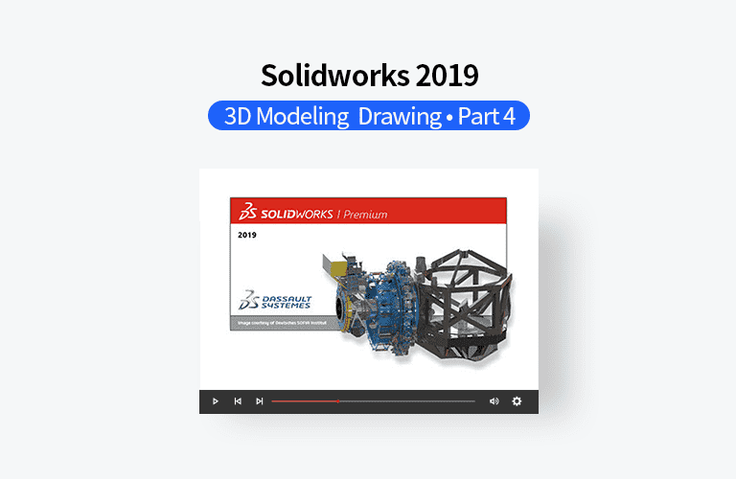
SOLIDWORKS Premium 2019 provides an integrated design environment that enables you to perform practical work quickly and easily through powerful product data management and an integrated design environment, including 3D solid and surface design, concept design, large assembly design, sheet metal design, weldment design, mold design, pipe/tube design, electrical cable/harness and conduit design, various design libraries and ToolBox, MotionStudy, Simulation, FlowWorks, etc.
This course is designed for those who are just starting to learn SolidWorks, so that they can learn various design methods and functions, from basics to advanced techniques.
Learn Solidworks 2019 3D Modeling with Videos Part 4
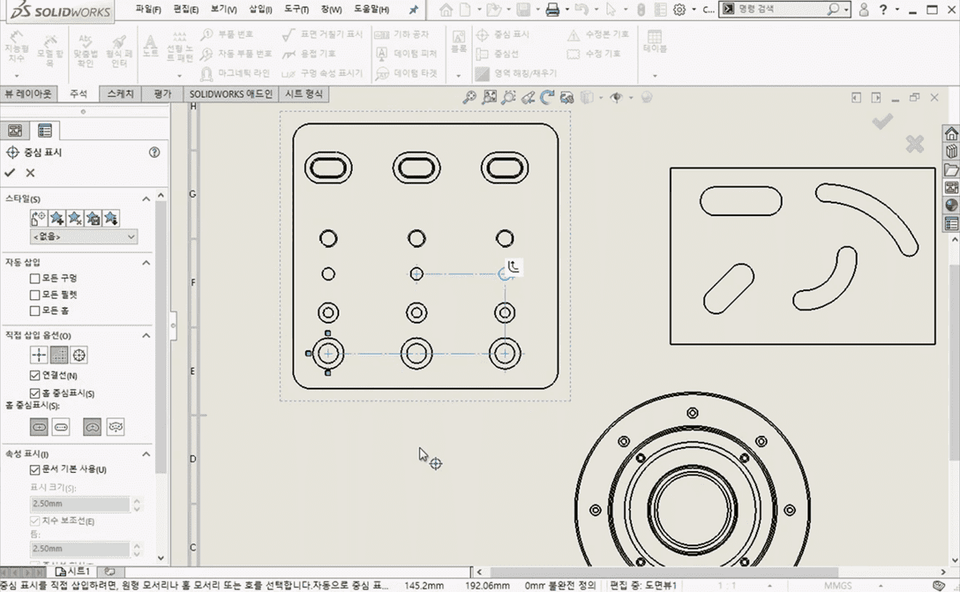
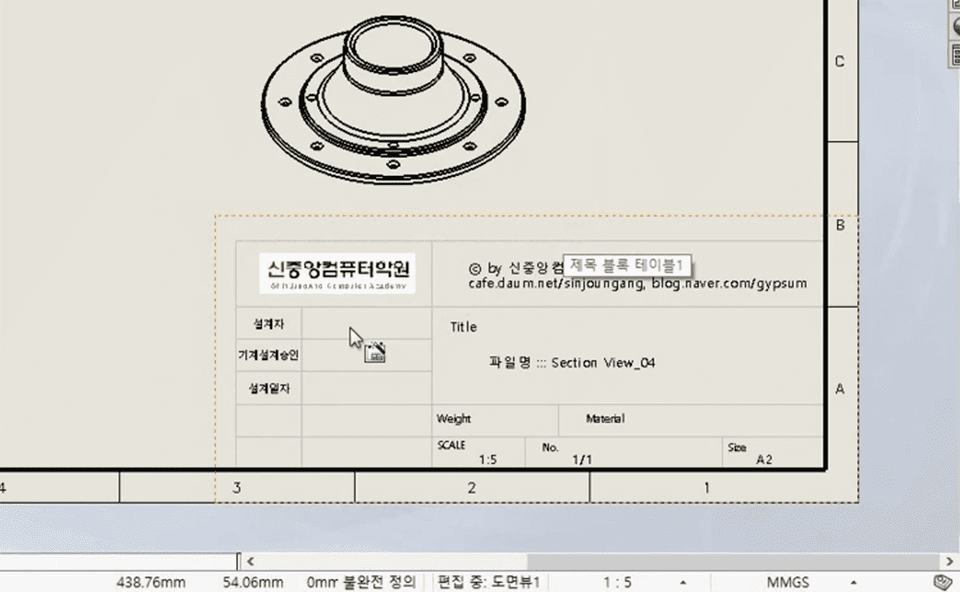
In the fourth part, you'll learn the skills needed to create 2D drawings using individual parts and assemblies. You'll learn a variety of design techniques, including how to create various views, enter dimensions and various annotations, drawing options, and create templates.
Course Features 📚
Textbook files (PowerPoint files) provided for each course
Provides practice files for each course to practice along with
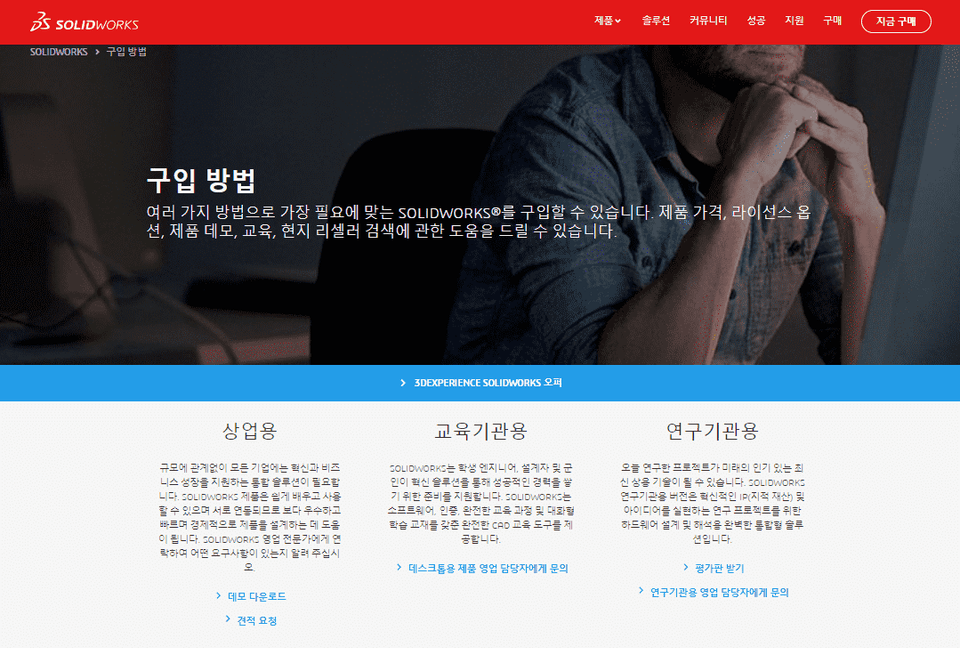
This course uses Dassault Systems - 3DEXPERIENCE SOLIDWORKS 2019 version . You can purchase various solutions for commercial, educational, research, and student use, or use trial versions, on the official website.
Recommended for these people
Who is this course right for?
Anyone who needs to create single product or assembly drawings using SolidWorks
Anyone who wants to learn the functions necessary for drawing production in SolidWorks
Graduated from Yonsei University Graduate School (Former) Visiting Professor, Department of Visual Communication Design, Konyang University (Former) Visiting Professor, Department of Computer Science, Seoul Health College (Current) Adjunct Professor, Department of Future Automotive Engineering and Department of Semiconductor/Display Engineering, Gachon University (Current) Director, Shin Jungang Computer Academy (Current) Full-Time Instructor in 3D Design using AutoCAD,Catia,Solidworks,Siemens NX,Inventor,Rhino,ZW3D,SolidEdge