Hello! 👋
August Second Lecture Update news to share with you!
The app selection/forced update notification feature using Supabase has been updated.
The app update notification feature is a function that provides guidance and encouragement for users to update to a new version when their app is an older version.
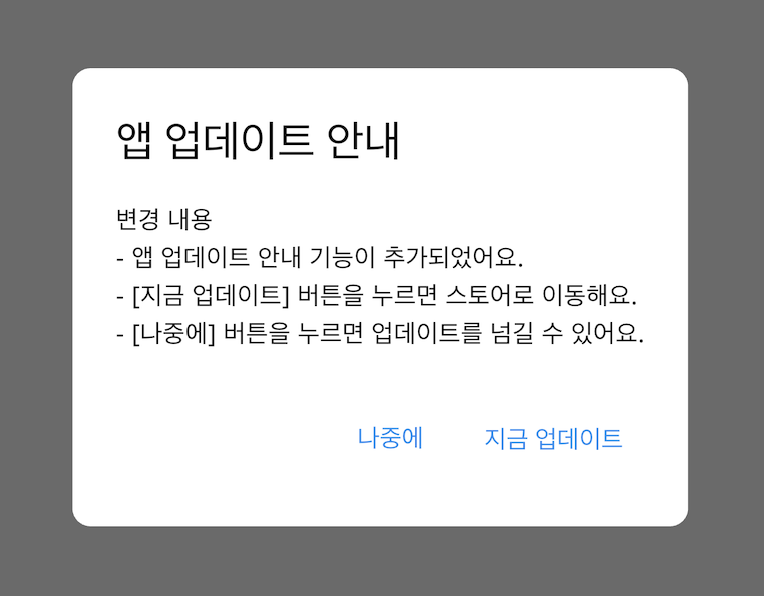
In the case of forced updates, when the version installed on the user's device has critical errors or is incompatible with the new version, you can force an update.
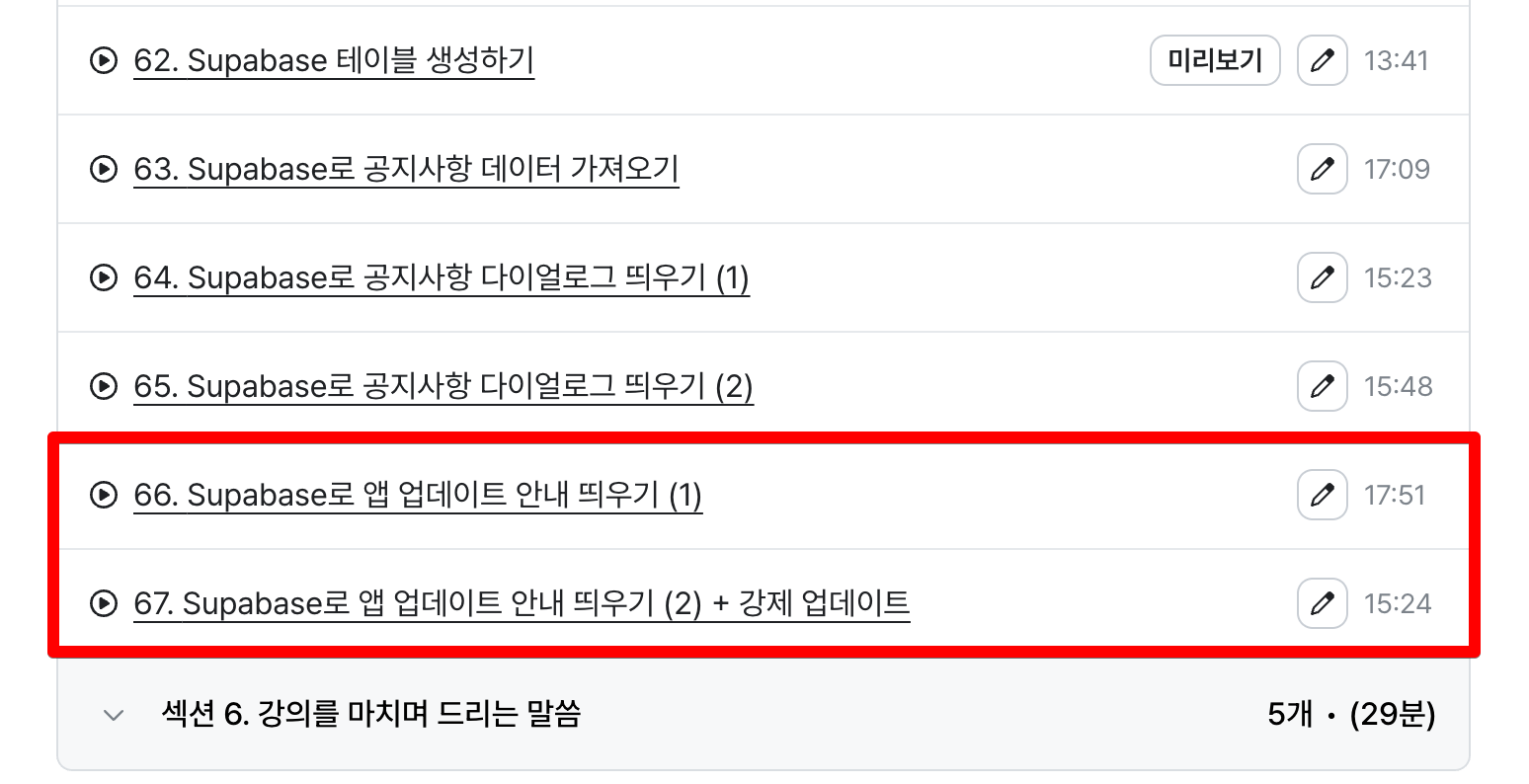
This lecture is approximately 30 minutes long and proceeds by writing code directly without live coding.
Once implemented in the base app, you can apply it identically to all future projects.
We support your quick app launch. 🙌
Thank you :)
Hello! 👋
I have August lecture update news to share with you!
Google Play Store personal accounts require a 2-week private testing period before you can publish an app.
After the private testing, how to apply for production and launch your app has been updated!
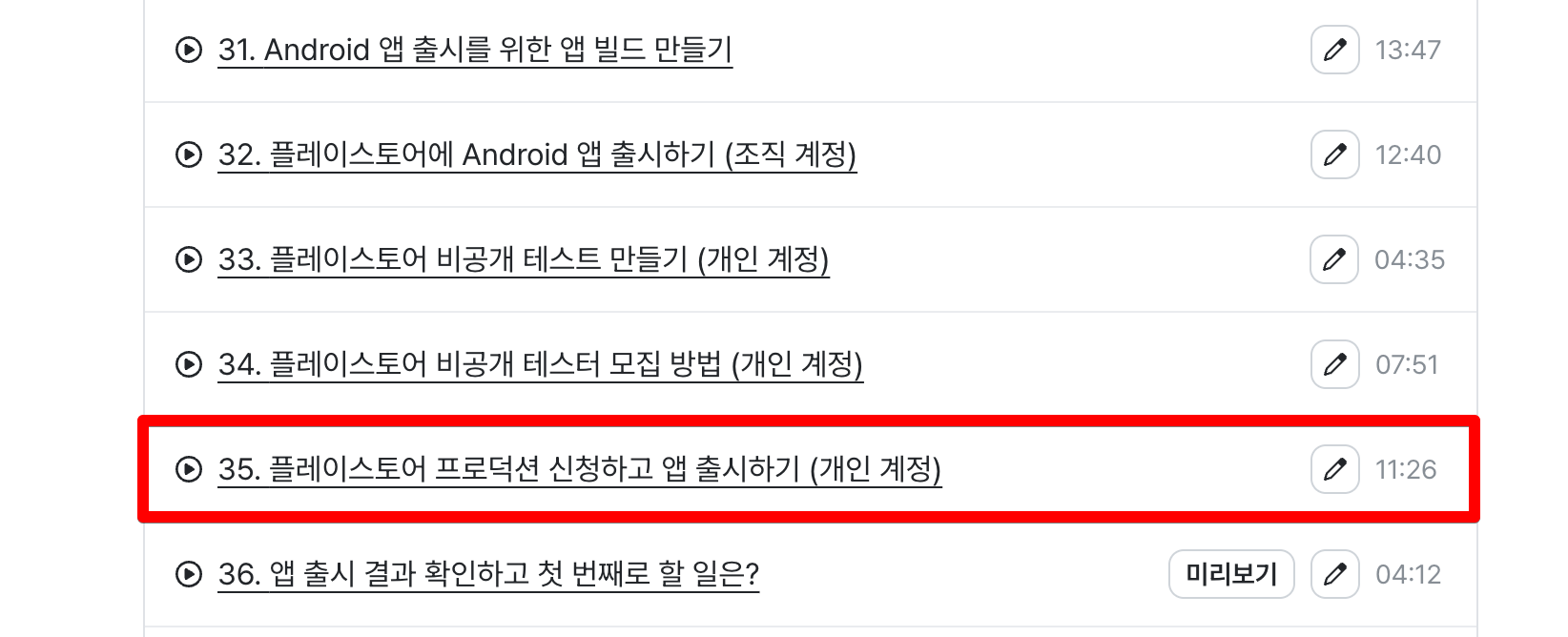
For production applications, if rejected, you will need to conduct private testing again, so please make sure to update your app at least once before applying for production.
We support your quick app launch. 🙌
Thank you :)
Hello! 👋
We're here to inform you of some lecture updates .
The lecture content on the planned Supabase integration and announcement features has been updated.
This feature connects the database through Supabase and notifies users of app announcements.
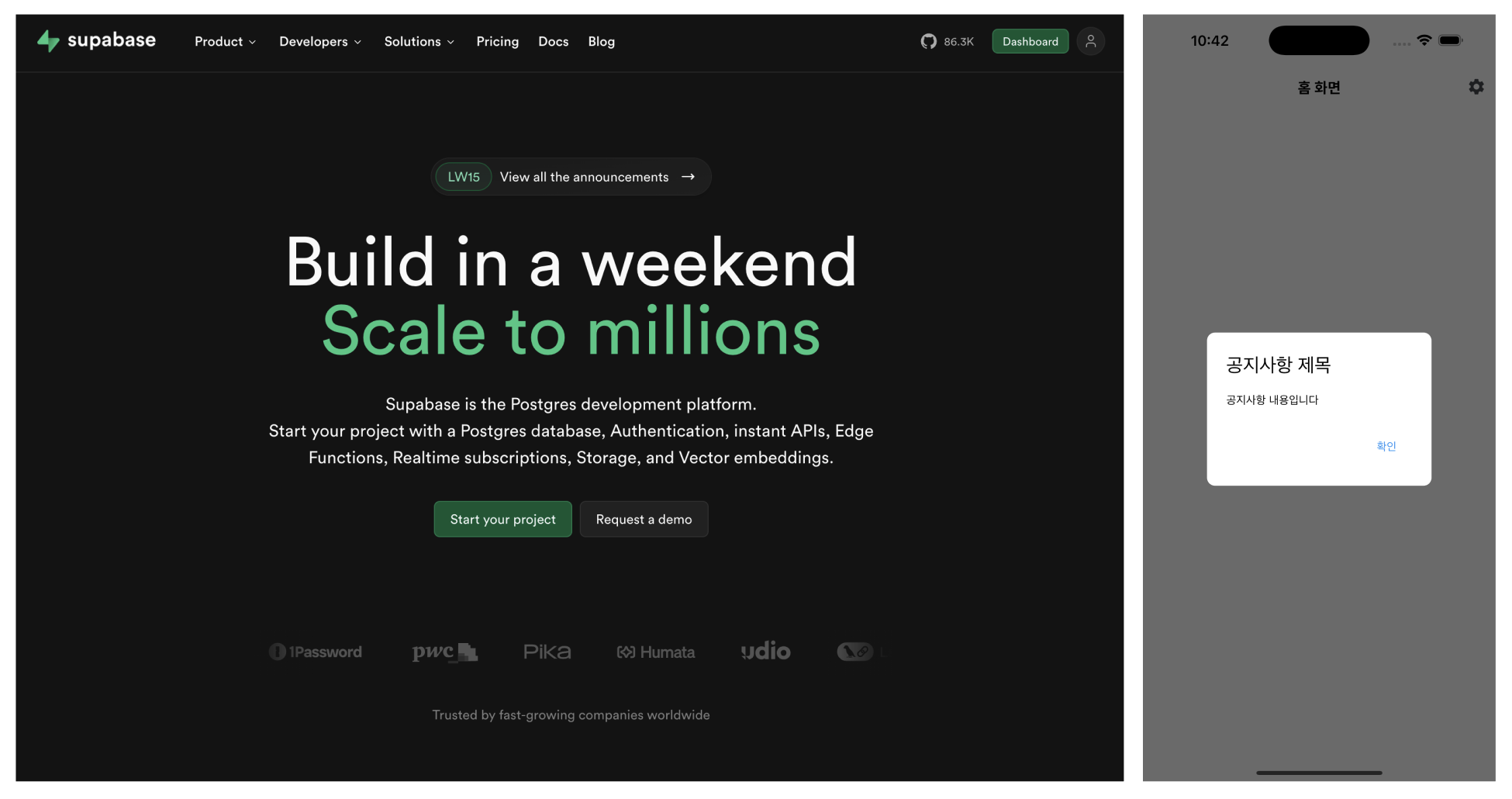
The video covers the basic usage of Supabase , including creating tables and setting up RLS (row-level security).
Notices are displayed in a dialog box format , and notices that the user has confirmed are implemented so that they do not appear again.
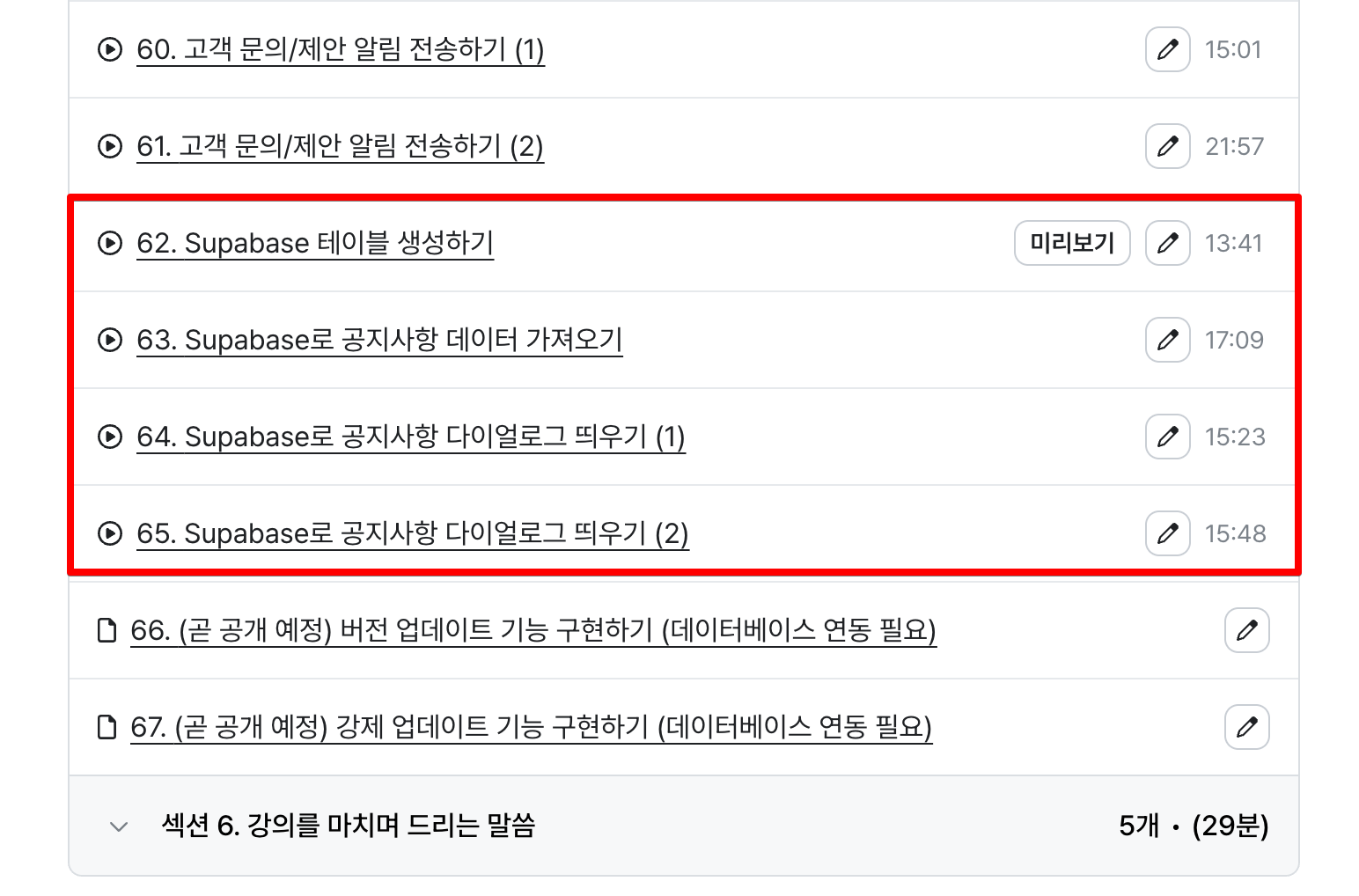
The course content is approximately 1 hour long and will be taught by writing code directly without using Vibe coding.
Once you implement it in your base app, you can apply it to all future projects.
We're rooting for your speedy app launch! 🙌
thank you :)
hello!
We're here to inform you of some lecture updates .
The lecture content for the scheduled settings screen and customer inquiry/suggestion function has been updated.
Through the settings screen, you can inform users of the current app version or provide an introduction to the service.
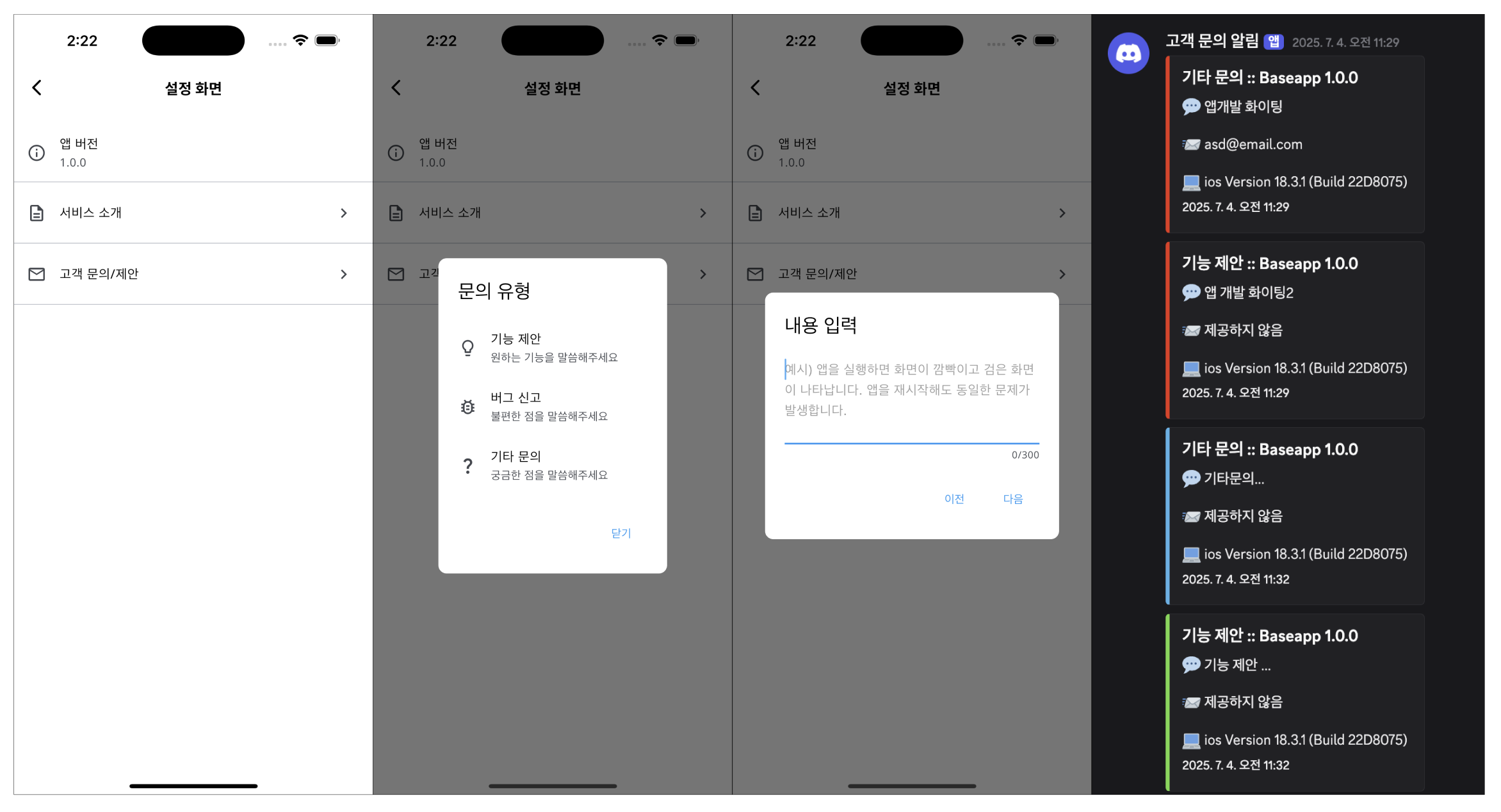
The lecture content includes the Customer Inquiry/Suggestion feature that allows users to make inquiries or suggest ideas within the app and receive real-time notifications through a personal Discord server. 😁
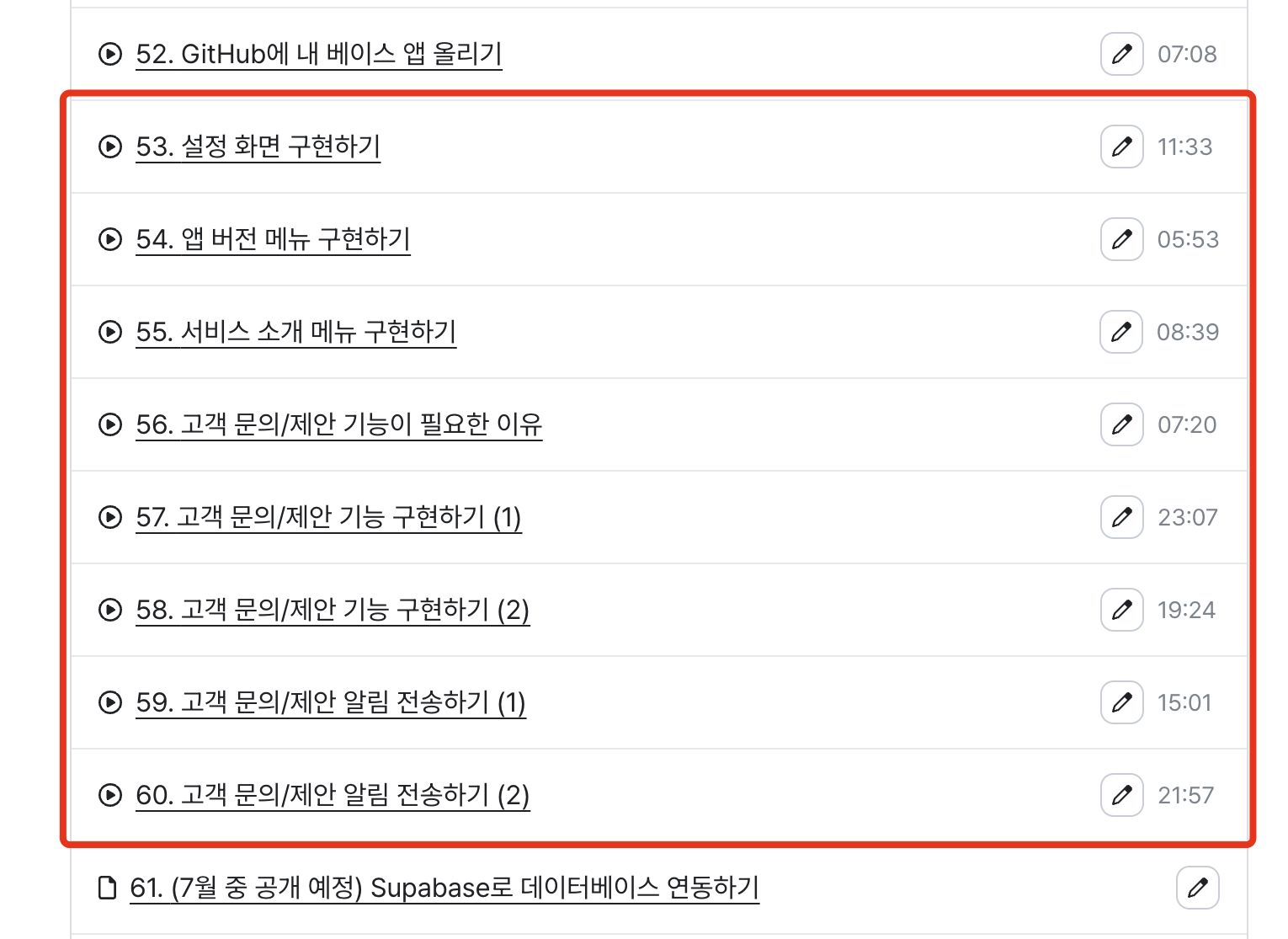
The course content is approximately 2 hours long and will be taught by writing code directly without using Vibe coding.
Once you implement it in your base app, you can apply it to all your future projects in the same way.
We wish you a speedy app launch.
thank you :)
hello!
We're here to inform you of some lecture updates .
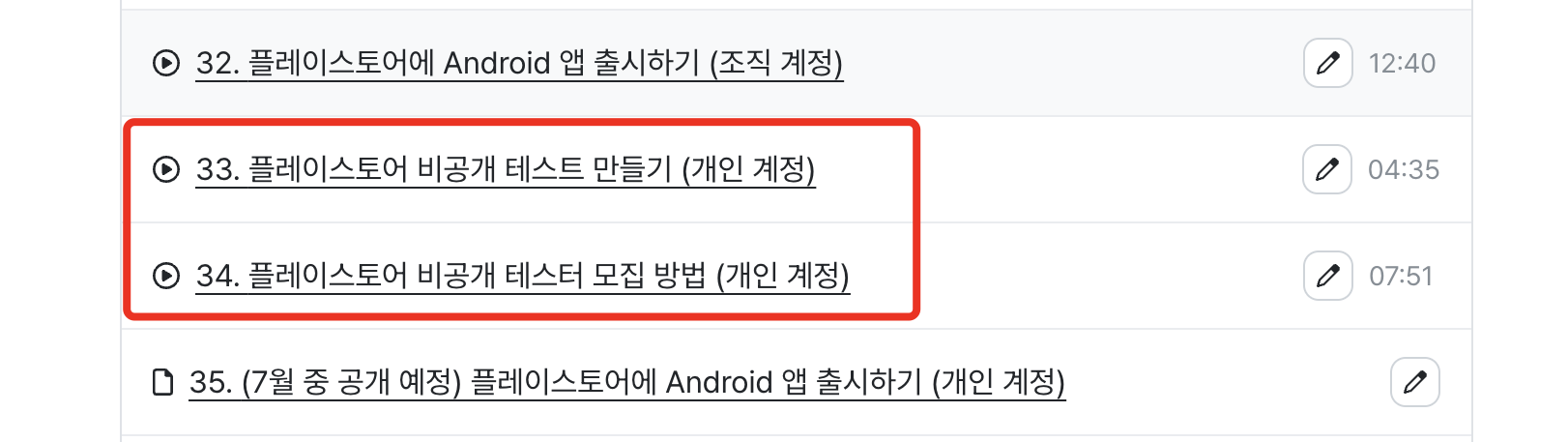
To release an Android app, you will need to release it through either a 'personal account' or an 'organizational account' on the Play Store. In the case of a 'personal account', the [private testing] process is required .
For those of you who are planning to release your Android app with your own account, I have updated two videos in Section 3. If you refer to the lecture content, you will be able to proceed with the private test more easily. 😉
If you have been in closed beta testing for 14 days, you can send a review request to the Play Store again and then request a production release.
This course is something you can do on your own naturally, but I plan to produce an additional lecture (number 35 in the image above) in July so that you can easily follow along with the video. I am also producing it while conducting an actual private test, so please understand that it will take time.
thank you :)