


From Figma design to publishing
Michael Kwon
$51.70
Basic / HTML/CSS, Figma
4.9
(23)
All-in-one course for designers and developers! New UI3 included

Basic
HTML/CSS, Figma

Practical web UI development using AI and component-centric UI creation, An essential course for Designers + Developers!
11 learners
Level Basic
Course period Unlimited
You can build a fast and efficient development environment using Vite.
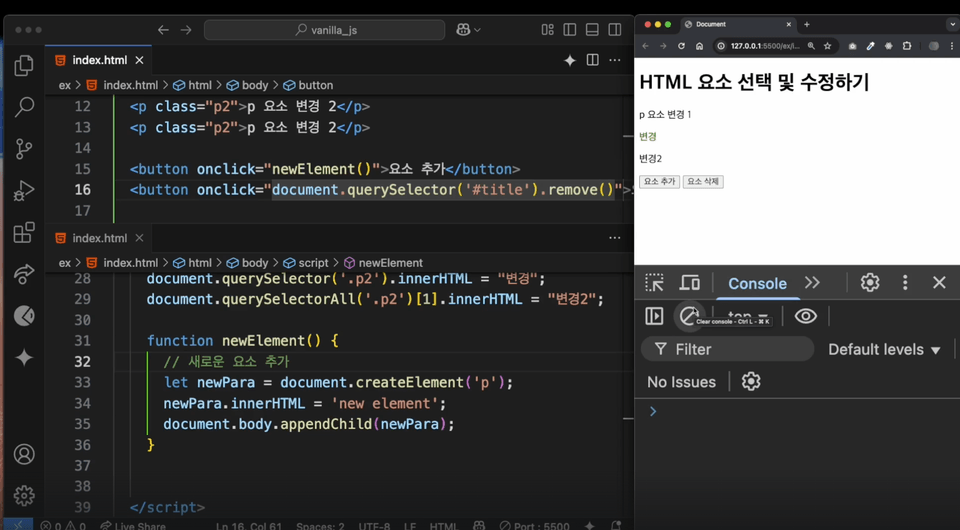
Learn how to manipulate the DOM, handle events, and implement dynamic UI using Vanilla JavaScript.
Quickly implement UI designs using Tailwind CSS without writing long CSS.
AI Code Assistant can shorten code writing and improve quality.
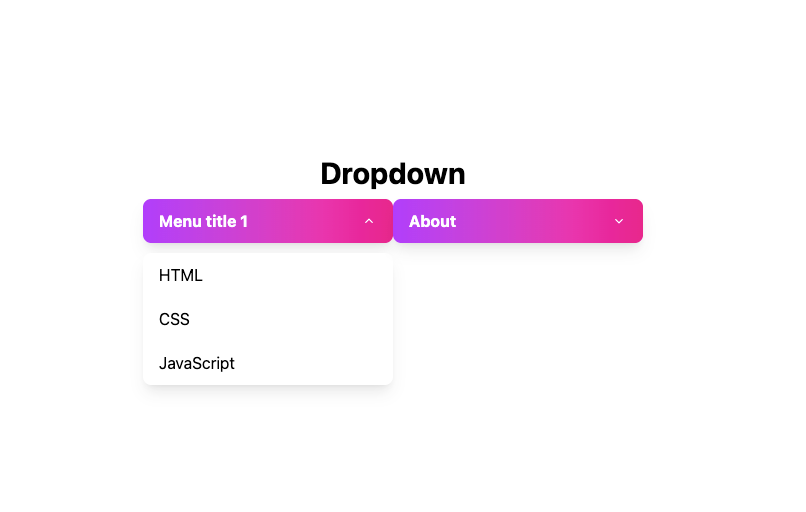
We will directly implement UI elements commonly used in practice, such as modals, dropdowns, accordions, and toggle menus.
This course is a practical web development course for designers and developers. Without frameworks like React or Vue, you will learn how to efficiently style and implement essential UI components frequently used in practice using only vanilla JavaScript and TailwindCSS.
Through vanilla-javascript, the foundation of web development, you will learn everything from basic grammar to DOM manipulation and event handling. You will be able to write code that works without a framework and understand the core concepts of JavaScript.
Learn Tailwind CSS, which allows you to create sophisticated web designs using only classes, without writing complex CSS. Quickly apply styles such as background color, margin, and font size, and easily create responsive web.
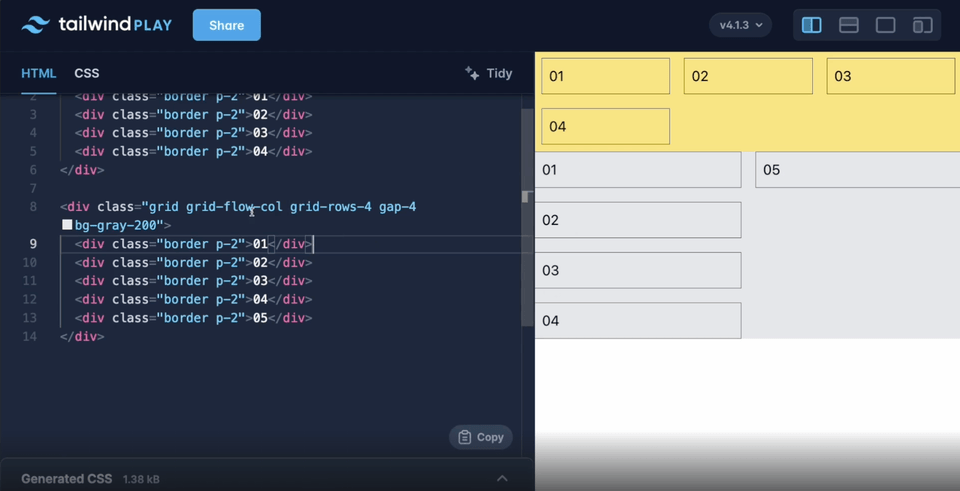
tailwindcss
Focusing on UI component development , you will create modal windows , drop-down menus , and accordion menus that are frequently used on actual websites. You will connect design and behavior and build skills that can be applied directly to frontend work.
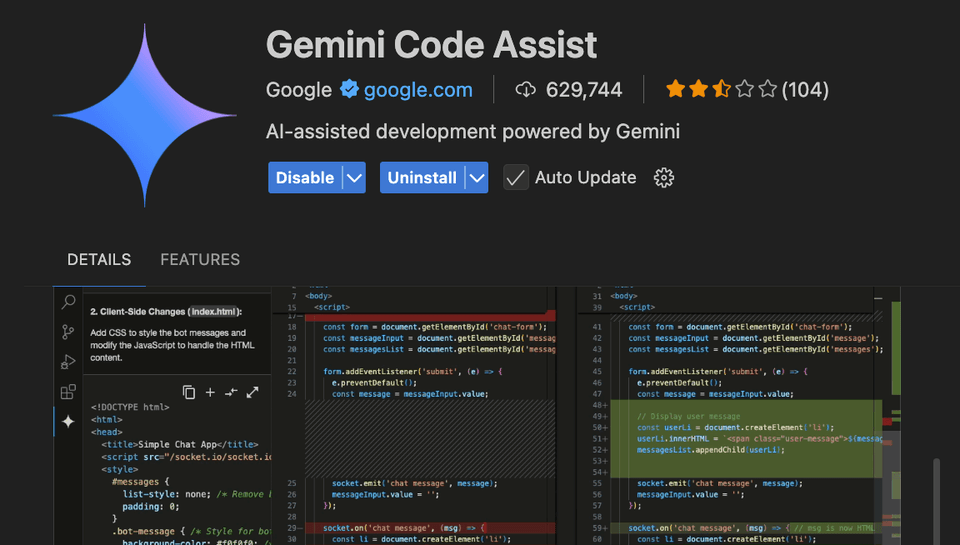
You'll also learn how to use AI tools (Google Gemini) to make your development and design work faster and smarter.
Web Designer → Anyone who wants to learn Tailwind CSS and collaborate with developers
Beginner Front-end Developer → Anyone who wants to learn UI development using Vanilla JS and Tailwind
Designers considering transitioning to developers → People who want to use their design sense to do web development
Startup Developer → People who want to create prototypes quickly
Developers who find CSS difficult → People who want to easily handle CSS through Tailwind
Operating System and Version (OS): All OS are supported, including Windows, macOS, and Linux.
Tools used: Visual Studio Code, Node.js & npm
PC specifications: PC with basic specifications that can access the Internet
Format of learning materials provided: GitHub source code, text lecture materials
Volume and Capacity: Learning materials provided for each section
This course is designed for beginners who are not familiar with programming or web development . However, if you know the basic knowledge below, you will be able to follow along more easily.
HTML, CSS Basics
Photoshop or Figma Basics
Who is this course right for?
Developer who wants to implement UI using pure JavaScript without a framework
Designers & Publishers Who Want to Style Quickly Without CSS
For those who want to build UI components commonly used in practice.
Those wishing to learn the designer-developer collaboration process
Anyone who wants to learn the latest web development environment and efficient development methods
Need to know before starting?
HTML, CSS basics

270
Learners
39
Reviews
17
Answers
4.9
Rating
5
Courses
Starting as a multimedia content creator at a startup, I have not stayed in a single field but have led planning and development across games, web, and multimedia, launching various commercial projects in the industry. I majored in Digital Media and Visual Arts at university and have been creating tutorials while conducting web design, front-end development, and media education (for over 10 years) at major educational institutions.
- Books -
JavaScript Project Book (Hanbit Media, 2017)
All
35 lectures ∙ (4hr 44min)
Course Materials:
1. 강의 소개
03:22
4. 자바스크립트의 역할
01:29
5. 변수
06:45
6. 데이터 타입(자료형)과 연산자
12:01
7. 함수
09:51
8. 조건문
11:29
9. 배열과 객체
13:02
12. DOM 이란?
02:44
14. 속성 조작하기
15:13
15. 이벤트
03:25
All
2 reviews
Check out other courses by the instructor!
Explore other courses in the same field!
25% off for new members
$16.40
25%
$26.40



![A Solid Front-End Bootcamp for Full-Stack Developers (HTML, CSS, Vanilla JavaScript + ES6) [Full-Stack Part 2]Course Thumbnail](https://cdn.inflearn.com/public/course-326306-cover/4ea213de-f786-4af1-a9d0-b8932263885a?w=420)



![Modern Web Interactive CSS3 Bootcamp [Full vers.]Course Thumbnail](https://cdn.inflearn.com/public/courses/334857/cover/4ccc6c75-74aa-4aba-b3d9-8aabe36e9452/334857.jpg?w=420)


![Flutter for Beginners: From Basics to Real-World Applications [Full Stack Part 4] (Easy, Robust, and Step-by-Step Through Various Projects)Course Thumbnail](https://cdn.inflearn.com/public/courses/331245/cover/1f8c5bb8-8aad-4542-b3bc-977cda51c846/331245.png?w=420)
![[AI Practical Workflow] Create a Service Planning Figma UX Flow in Just 10 MinutesCourse Thumbnail](https://cdn.inflearn.com/public/files/courses/340323/cover/01kev8vd8z1tkyrehkk9k5s1x8?w=420)