Practical React Native for iOS/Android App Development - Intermediate
This is an intermediate course for developing mobile apps based on React Native. This course is designed to help you develop a complete app that can handle server linkage/login/data transmission/reception/public API utilization, while learning not only the in-depth content of the front-end but also the back-end content based on Firebase.
Personally, I learned a lot from this lecture. At first, I just followed along, but it was hard to check when errors occurred, and I kept doubting myself about what I was doing, so I went back to the beginning and looked through related docs and forum threads, and at the same time, I followed along while writing a journal. I've already reached the end, and looking back, I think it was a time when I, who had no experience in web development or app development, not only experienced React, RN, Redux, etc., but also gained some development habits, goals, and even a little perspective as a developer. The lecture covers a lot of topics, but I remember that you tried to continuously show the steps of planning and configuring the app itself. Thank you for giving me a great lecture, and I hope to see you again in another lecture if I have the chance.
5.0
Hoing
65% enrolled
Good
5.0
몽몽
16% enrolled
It's a bit expensive, but it's a lecture that is that helpful.
What you will gain after the course
React Native In-Depth Content
Redux concepts and usage for easy app state management
How to understand Redux logic and check app status using React Native Debugger
How to use external libraries for component (screen component) applications
How to design an app structure (screen tree structure, Redux system structure, middleware structure for server connection, etc.) for easy development
Firebase concepts and usage for server integration
How to connect Firebase to React Native and connect to a server
Sign up/Log in/Log out function
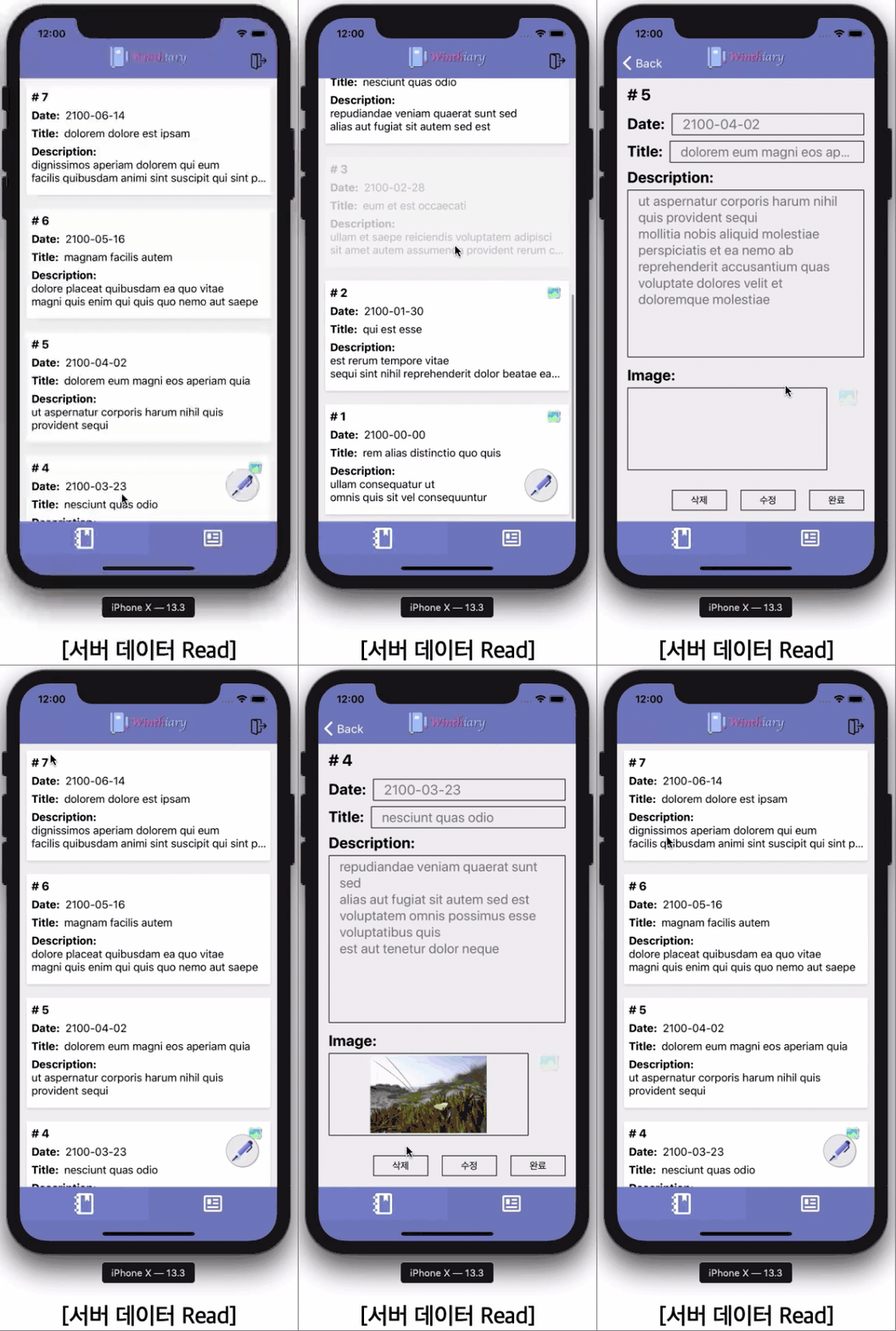
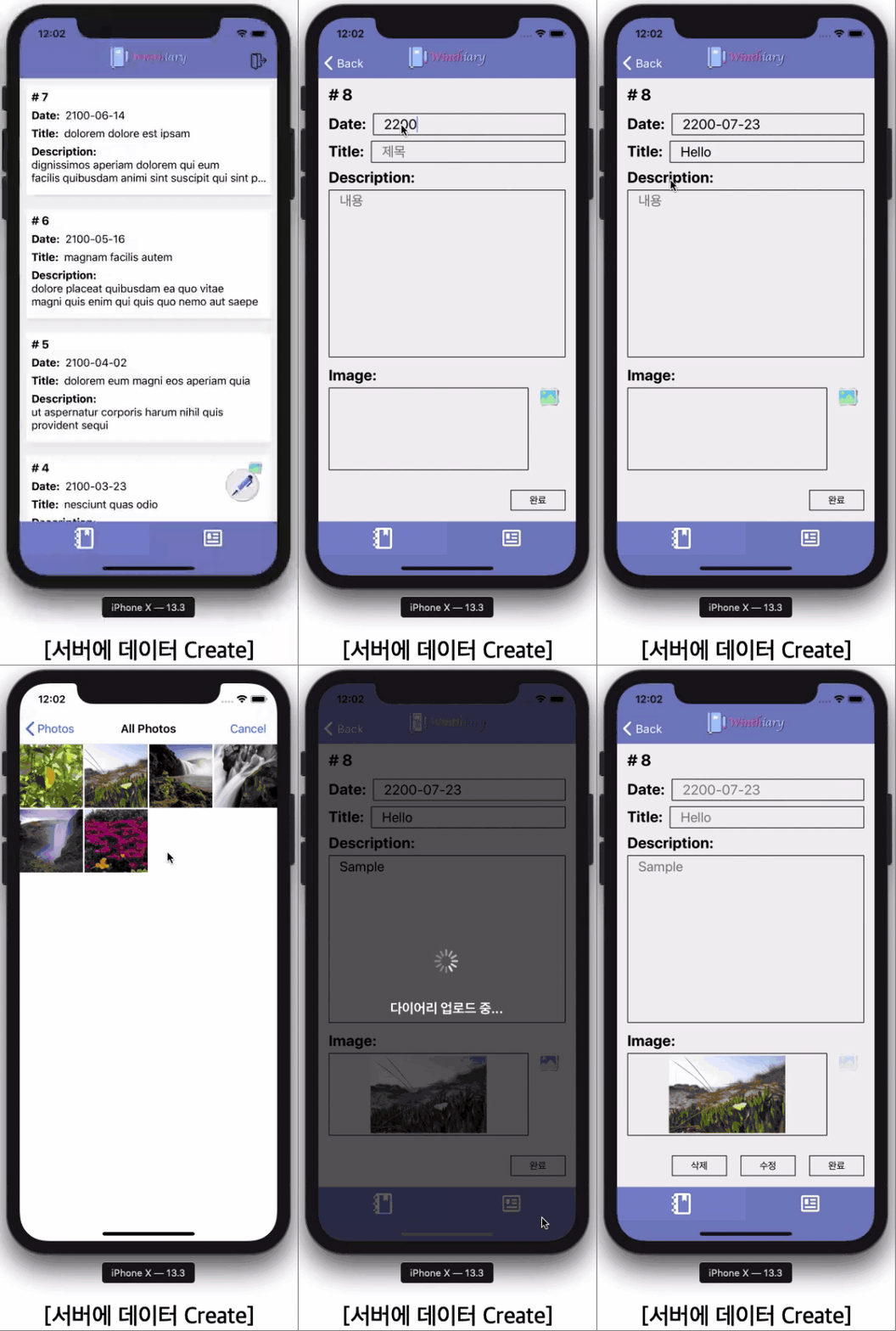
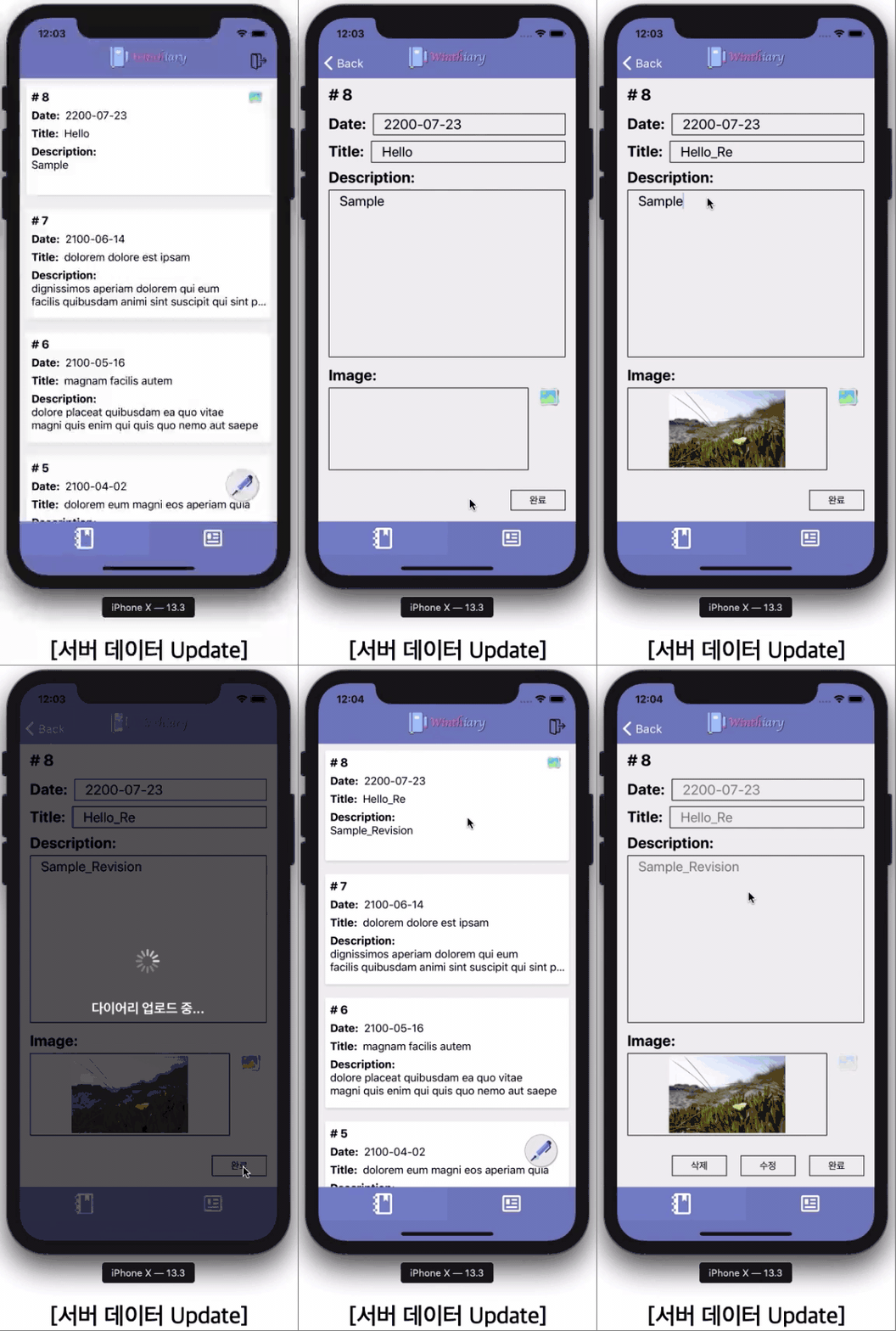
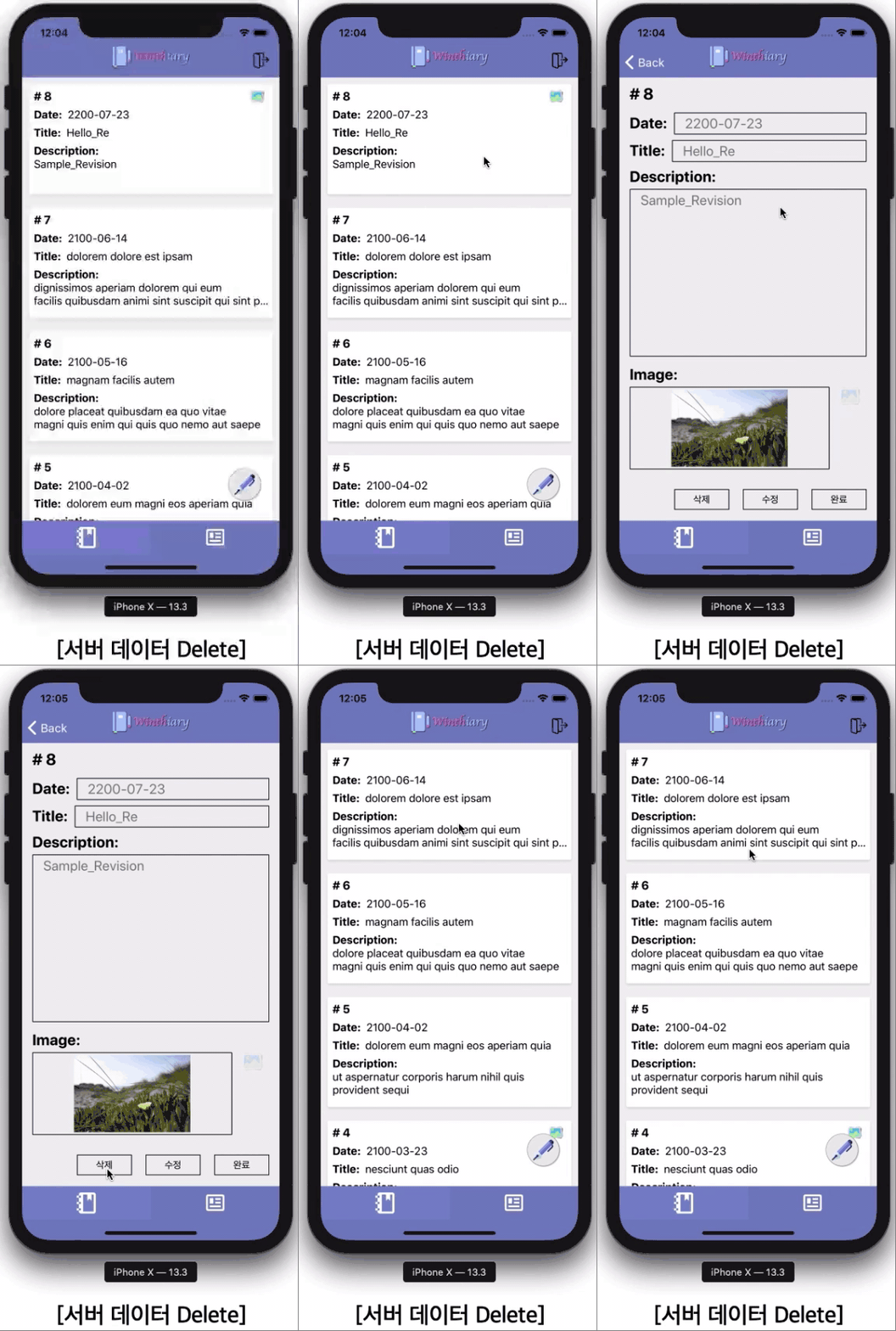
Data read/write/modify/delete functions
User identifier-based account management and server data access permissions settings
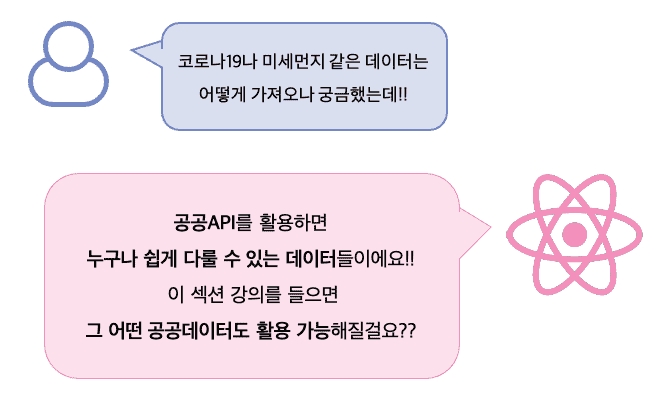
Concept and usage of public API
How to use public data on COVID-19 and fine dust
With React Native Try your hand at mobile app development!
In the following order It's in progress.
Section 0: Intro
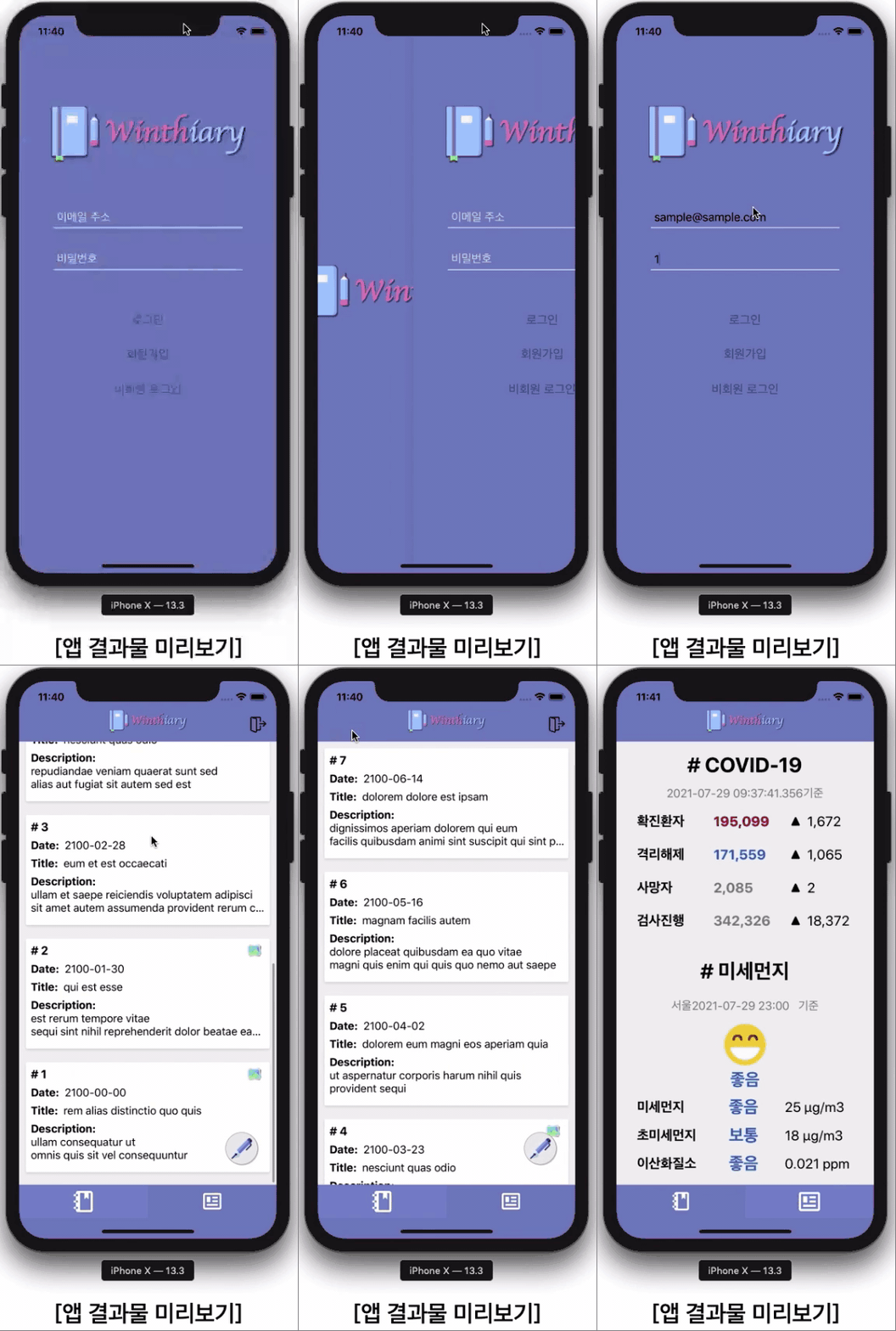
This course is designed for those seeking an A-to-Z experience in app development. We'll cover both React Native in-depth learning and a Firebase-based backend (server integration) to complete a complete app. This section examines the skills required to become an app developer and allows you to preview the final product.
Section 1: Redux
Redux is an open-source JavaScript library and framework for easily managing app state . As React Native projects grow in size, their component structures become more complex. Redux is a state management library that facilitates easy state sharing and management across all components. Because it offers the best interoperability and synergy with React Native, most React Native developers develop with Redux . This section covers the concepts and operating principles of Redux.
Section 2:Creating and Setting Up a New Project
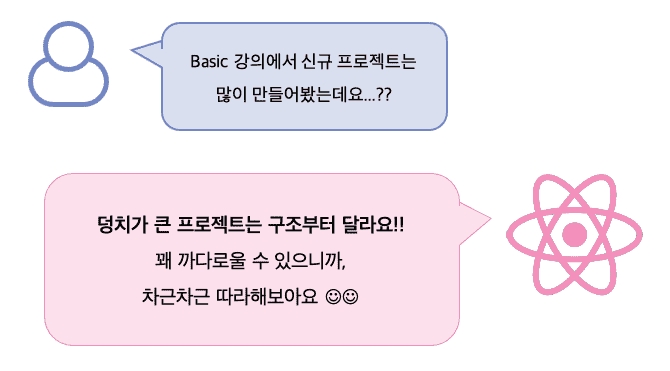
Implementing a complete app requires designing a project structure . For easy development, designing not only the screen tree structure but also the newly learned Redux system structure and middleware structure for server integration is essential. This can be somewhat complex and challenging. This section covers app structure design and how to integrate Redux with React Native.
Section 3:Implementing the Login Screen (Front-End)
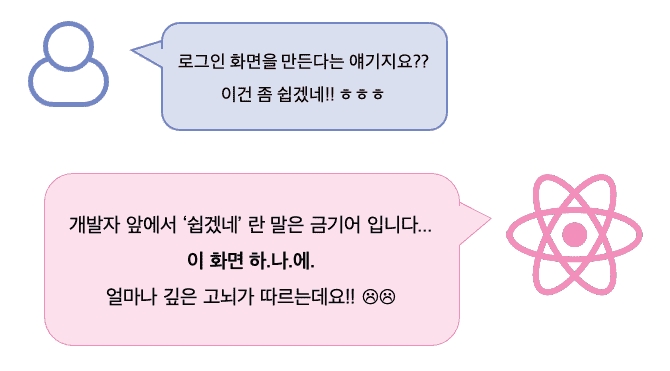
This section covers front-end development of the login screen . To improve development efficiency, you'll create reusable components and define email address/password rules and a validation framework for login. This section also includes verifying the login process and logic using Redux and preparing for integration with a real server.
Section 4:Implementing the Login Screen (Backend)
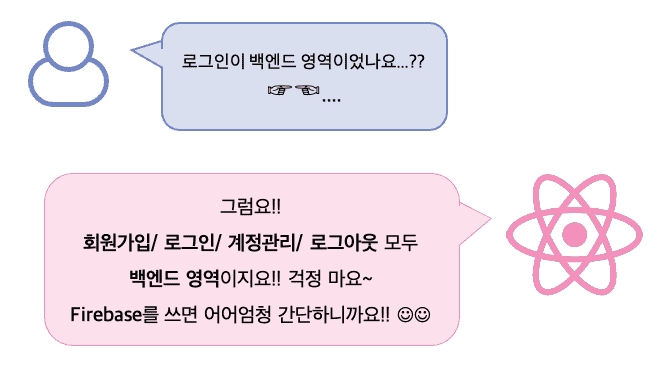
This section will demonstrate how to implement a login-related backend using Firebase. This section will explain how sign-up information is stored on Firebase servers, how account information can be verified, and what code is needed to automatically log in when the app is closed and reopened. In this section, you'll apply the login process and logic implemented in Section 3 to the Firebase server and see it in action.
Section 5:Implementing the Diary Screen
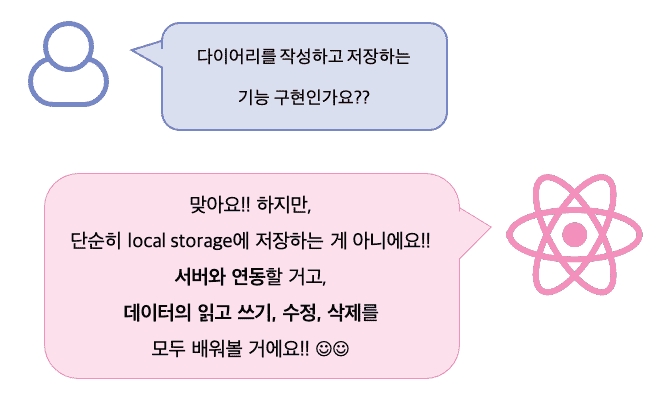
Beyond in-depth learning of React Native , this course will also cover the core backend CRUD (Create, Read, Update, Delete) of data, along with its implementation . This section aims to develop development skills that cross the frontend and backend , covering topics such as how to utilize Firebase's data storage, how to integrate Firebase with React Native, how to identify users based on login information, and how to set data access permissions.
Section 6: Implementing the News Screen
Public APIs are open APIs provided by government agencies to the public, allowing anyone to access public data. This section teaches you how to utilize public APIs and, through practical implementation , learn how to check COVID-19 status and fine dust levels on an app.
The unique features of this course Check it out.
First, we've included all the prerequisite knowledge needed for React Native development in one lecture.
This course covers the essential Redux concepts essential to becoming a true React Native developer. Redux is a JavaScript library for easily managing app state. Because it's not a built-in technology provided by React Native, even if you already understand the concepts, you'll need to learn how to integrate it with React Native. This course will help you understand Redux concepts and learn how to integrate them with React Native.
Second, although this is a front-end lecture, it also covers the back-end.
This course aims to develop real-world apps that interface with servers. Therefore, you'll learn not only in-depth React Native, but also backend implementation . By learning and implementing functions like sign-up, login, logout, and data read/write/update/delete, you'll acquire the broad knowledge necessary for real-world app development.
Third, using Firebase makes learning the backend really easy.
Firebase is an app development platform that provides backend functionality as a cloud service and significantly lowers the barrier to entry for mobile server development. You can implement backend functionality for free , without purchasing a domain or server. While covering backend content using Firebase, I'll explain how easy it is to integrate with servers and why the Firebase platform blurs the lines between frontend and backend development.
Fourth, learn how to use public APIs.
Public APIs are open APIs provided by government agencies to the public and are accessible to anyone. This guide is designed to help you understand the concept and use of public APIs through examples of COVID-19 and fine dust . You will be able to utilize any public data created or managed by government agencies.
React Native Development The whole process You can experience it!
After taking this lecture?
You will be able to develop a decent app on your own.
And it's not a stand-alone app, it's an app that communicates with a server!
Before taking this course, you'll likely be able to create simple screens using a few components, or even navigate between them. However, after completing this course, you'll gain the ability to easily manage app state with Redux and learn how to integrate it with React Native to develop apps . Furthermore, by learning Firebase, you'll be able to handle not only logins but also read, write, update, and delete data . You'll also master how to utilize public data .
From an app development perspective, your skills will leap forward quite a bit, and you'll likely have intermediate-level or higher app development skills, enough to handle actual app development and even collaborative work in the field.
Please note before taking the class!
This course uses macOS. Please set up a Mac environment.
This course uses the React Native CLI. Expo CLI, an alternative to React Native CLI, may be easier for beginners, but it offers significantly less freedom in terms of development. Learn how to use the React Native CLI to overcome its limitations.
Please understand that responses to this lecture may be delayed due to circumstances of the knowledge sharer.
Frequently Asked Questions Check it out.
Q. What are the benefits of learning React Native?
You can develop iOS and Android apps simultaneously with just one code 🙂
Q.What are the special features of this course?
You'll learn not only in-depth React Native content but also Firebase-based backend (server integration). Understanding the backend is essential for real-world app development and collaborative work!
Q. I don't have a basic understanding of React Native. Can I still take this course?
Q. Do you provide the source code used in the lecture?
Yes, I've uploaded it as a class material . (You can download it by clicking the [Course Materials] button or the cloud icon in the upper right corner.)
Q. Is development only possible in a Mac environment?
No. You can develop React Native on Windows using the React Native CLI , and you can preview your app using the Android Emulator. However, programs like Xcode and the iOS Simulator only work on Macs, making it difficult to preview your app on an iPhone.
Who created this course Introducing the knowledge sharer.
Wintho
Hello. This is Wintho , sharing my React Native knowledge with you. I majored in Computer Vision and developed autonomous driving systems in the automotive industry. I am currently a developer in the robotics industry, developing image processing algorithms for object recognition, obstacle avoidance, and other tasks.
I started developing apps as a hobby, wanting to expand my development stack in a new area. I've developed native Android/iOS apps in Java and Swift, but I don't think there's an API with as low a barrier to entry and as easy to develop as React Native. It's easy, and the ability to simultaneously develop for iOS and Android with a single code base is a huge plus, right? :)
React Native has already become a mega trend overseas, and its developer community is rapidly growing. However, in Korea, its awareness is lower than its reputation. To share the excellence of React Native with many people, I created the course "React Native – Basics for iOS/Android App Development." Many students requested this course, and to keep my promise to them to create an in-depth course, I've created this course. I hope you'll find it a valuable opportunity to acquire the knowledge you've been craving, and through it, I hope to revitalize the React Native developer community in Korea.
See you in class then. Thank you :-)
Curious about other lectures by the knowledge sharer?
Those who have completed basic knowledge of React Native and need to learn more in-depth content
Those who need to acquire and apply skills necessary for actual app development, rather than learning fragmentary component usage
Those who need the ability to develop apps that are linked to a server, not stand-alone apps
Those who need to learn backend content with a low barrier to entry
For those looking for a course that covers both front-end and back-end
Anyone who wants to learn how to use public APIs
Anyone who needs A to Z experience in app development
Anyone who wants to develop an app properly
Anyone who wants to become a true app developer
Need to know before starting?
Basic understanding of React Native and basic development skills are required. This lecture is explained on the assumption that you have completed the content covered in the ‘Practical React Native for iOS/Android App Development – Basic’ lecture or have equivalent knowledge, and it is composed of contents for learning more in-depth content. Those who are new to React Native are recommended to study the Basic lecture first.
Hello. I am Wintho, and I will be sharing my knowledge of React Native with you.
I majored in Computer Vision and developed autonomous driving systems in the automotive industry. Currently, I am a developer in the robotics industry, developing image processing algorithms for object recognition and obstacle avoidance.
I started app development as a hobby to build up a development stack in a new field. I have tried native Android/iOS development using Java and Swift, but I believe no other API has a lower barrier to entry or is as easy to develop with as React Native. The fact that it's easy and allows for simultaneous iOS/Android development with a single codebase is an incredible advantage, right? :):)
React Native is already part of a mega-trend abroad, with its developer community growing rapidly. In reality, however, its recognition in Korea is still low compared to its global reputation. I created this course to share the excellence of React Native with as many people as possible. I hope this class provides a valuable opportunity for you to gain the knowledge you've been thirsting for, and through that, I hope to see the React Native developer community in Korea become more active.
Personally, I learned a lot from this lecture. At first, I just followed along, but it was hard to check when errors occurred, and I kept doubting myself about what I was doing, so I went back to the beginning and looked through related docs and forum threads, and at the same time, I followed along while writing a journal. I've already reached the end, and looking back, I think it was a time when I, who had no experience in web development or app development, not only experienced React, RN, Redux, etc., but also gained some development habits, goals, and even a little perspective as a developer. The lecture covers a lot of topics, but I remember that you tried to continuously show the steps of planning and configuring the app itself. Thank you for giving me a great lecture, and I hope to see you again in another lecture if I have the chance.
It was great to learn how to use React Native from the basics in the basic course, and in this course, I was able to learn how to actually utilize it in real-world practice and real apps, and how to separate it.
I've taken all the Basic lectures and about 70% of the Intermediate, but I personally have a lot of regrets about the lecture. I already had some experience with React, so I took the lecture, but the code is lacking in terms of React. It's been a few years since Facebook emphasized functional components instead of class-type components, but the lecture proceeds with class-type components. They do cover Redux, but they do asynchronous processing directly in the action creator function without middleware. It's not that you can't do that, but it seems like it's common to use middleware, so I wonder if it was too much to expect them to use redux-thunk since it's a simple asynchronous processing. And React native already officially supports it, so even if it's not the latest version, it's already in the official documentation, but I feel like they're not prepared enough to process it using a library with only two-digit downloads per week. It's something that's already stated in the lecture introduction, but even if you ask a question, you can't get an answer. It is advertised that using react native cli instead of expo is advantageous, but I couldn't tell from the lecture what the advantages are. It may have been covered by the 30% that I haven't heard yet. Even though it's an intermediate course, it's a very basic course, so I wonder if it's really that different from using expo.
In the introduction of the knowledge sharer, you said that you mainly did image processing and then tried app development as a hobby before recording the lecture. I don't think that's a problem at all, but from the students' perspective, they're paying a lot of money and spending more precious time to listen to the lecture with a heavy heart, so I think they should have prepared more thoroughly.













![[Unity] Developing Idle Games TogetherCourse Thumbnail](https://cdn.inflearn.com/public/courses/334447/cover/a4464cfb-be08-4a40-b6e2-00060b912c1a/334447.png?w=420)


![[CLI] Build Flutter Apps Without Coding with AICourse Thumbnail](https://cdn.inflearn.com/public/files/courses/344365/cover/01m28ccjzp5ecbs85z3warw0r0?w=420)