Learn assembler
usefulit
Free
Basic / C
4.6
(37)
4,700+
This is an assembler course provided by Smoothie TV.

Basic
C

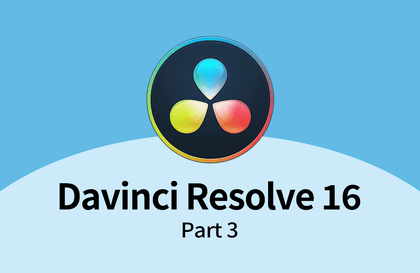
Let's learn Davinci Resolve from scratch, step by step 🙂

DaVinci Resolve software from BlackMagic Design is a comprehensive video editing tool that enables video editing, effects and compositing, and color correction all within a single application. In this course, we'll use the free version of Resolve to learn the most basic video editing techniques, focusing on the Edit, Cut, and Media Pool features.
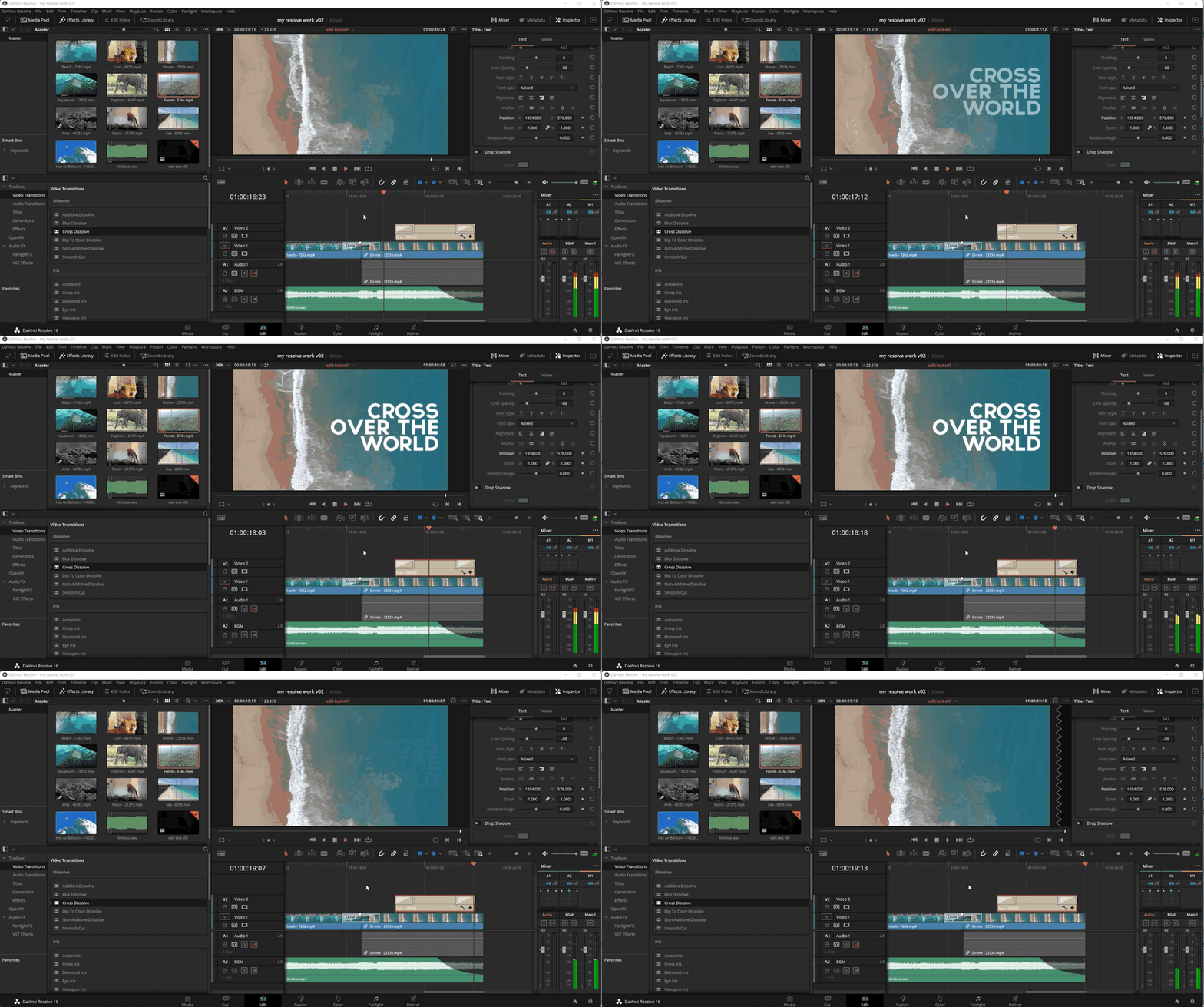
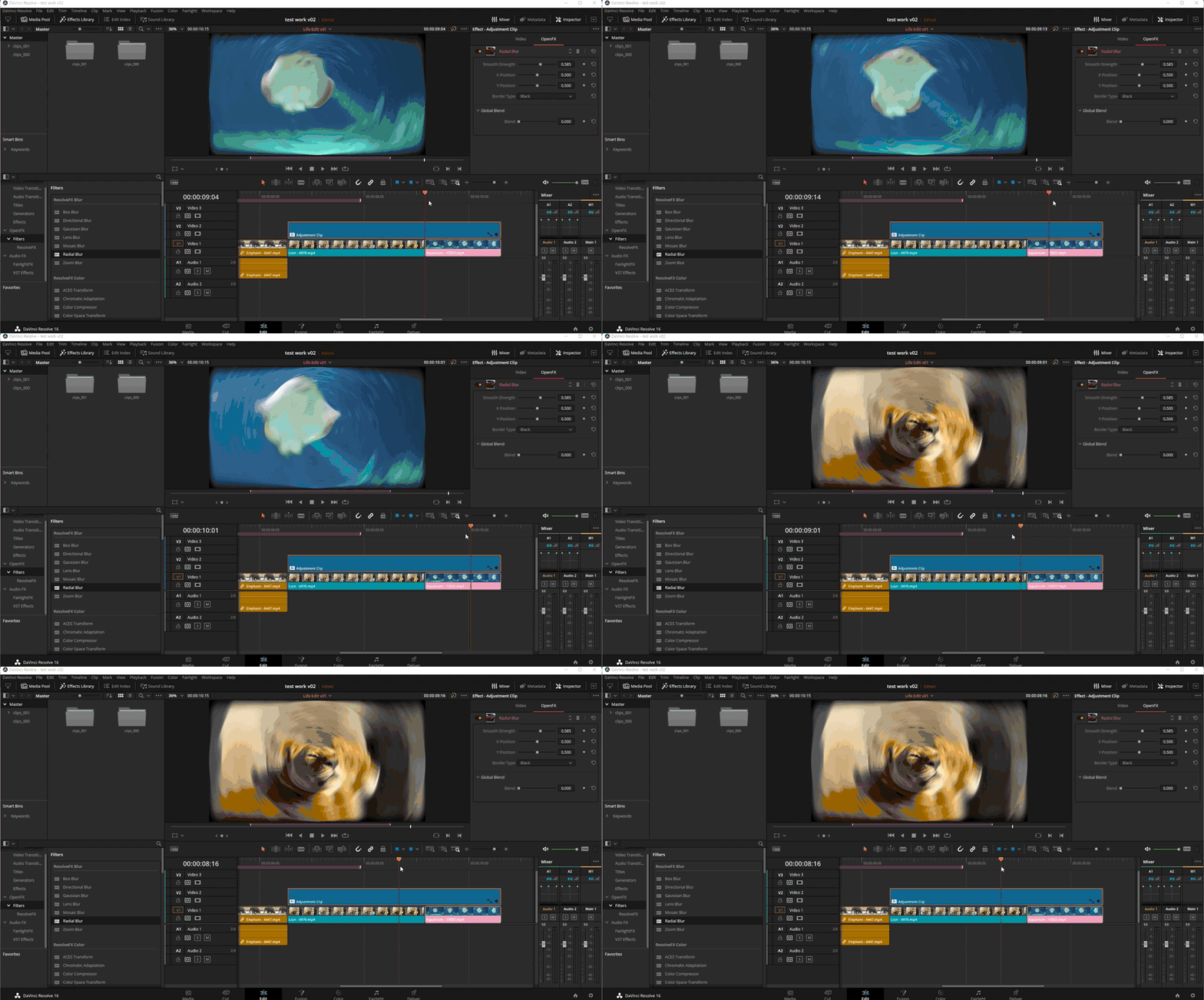
This course uses the Davinci Resolve 16 English interface , so we recommend that you have that version or higher.
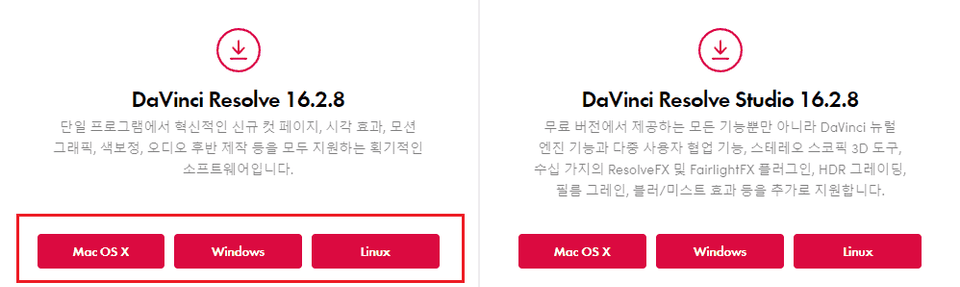
You can download and use a free trial version from the official website. Official site link
(The difference between the free and paid versions is that the free version does not support multi-GPU and excludes some features provided in the paid version.) 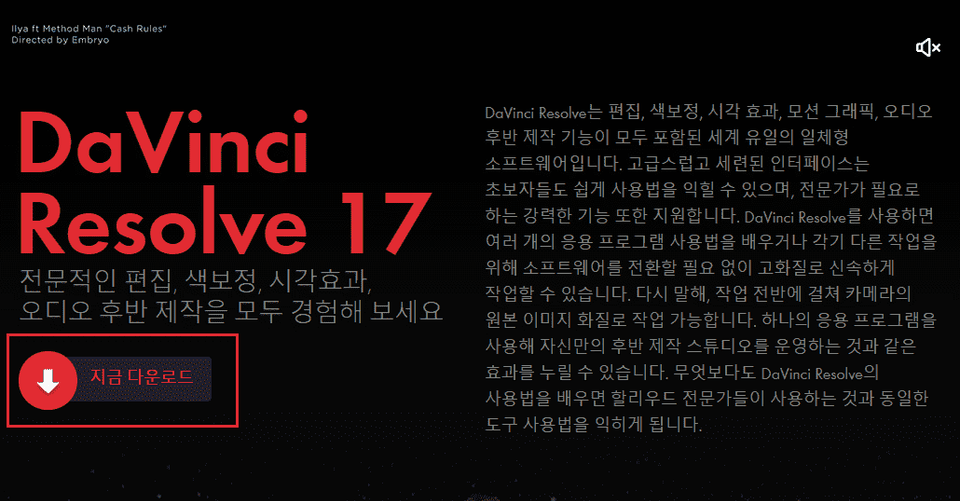
Covers basic editing features and simple color correction in DaVinci Resolve.
We'll cover basic color correction techniques, focusing on the Color page in DaVinci Resolve.
Covers XML file-based collaboration and the powerful color correction features of version 17.

Please explain in detail
Thank you for explaining it so well, I understand it well.
It was very helpful. Thank you.
The explanation is detailed and easy to understand. It helped me a lot.
It's a good lecture.


![[Photoshop Revolution Broadcast] Photoshop Intermediate CompleteCourse Thumbnail](https://cdn.inflearn.com/public/courses/324136/course_cover/6bafe72e-0196-41d1-ad2c-b3bcbf583407/free_photoshop.png?w=420)
![[Photoshop Revolution Broadcast] Photoshop Basics CompleteCourse Thumbnail](https://cdn.inflearn.com/wp-content/uploads/photoshop002.jpg?w=420)


![[Photoshop Revolution Broadcast] Photoshop Advanced Completion - Mastering the Pen ToolCourse Thumbnail](https://cdn.inflearn.com/wp-content/uploads/photoshop001.jpg?w=420)


![How to Make a Unity 2D Roguelike Game [Korean Subtitles]Course Thumbnail](https://cdn.inflearn.com/wp-content/uploads/unity003.jpg?w=420)