inflearn logo

[2025 Renewal] Build an App in One Month Without Coding Using FlutterFlow

This is an introductory course where you'll build an app using FlutterFlow, the world's #1 no-code app builder! 🤗 You'll learn the concepts naturally by recreating Twitter... so it'll be easy and fun! 🥳

(4.7) 52 reviews

470 learners

Level Beginner

Course period Unlimited

No-code
No-code
FlutterFlow
FlutterFlow
Flutter
Flutter
Firebase
Firebase
No-code
No-code
FlutterFlow
FlutterFlow
Flutter
Flutter
Firebase
Firebase

News

7 articles

  • ilgyu865859님의 프로필 이미지

    Hello~

    There has been an issue with images not displaying properly since the Flutter update last July..

    So many students experienced inconvenience because of this.
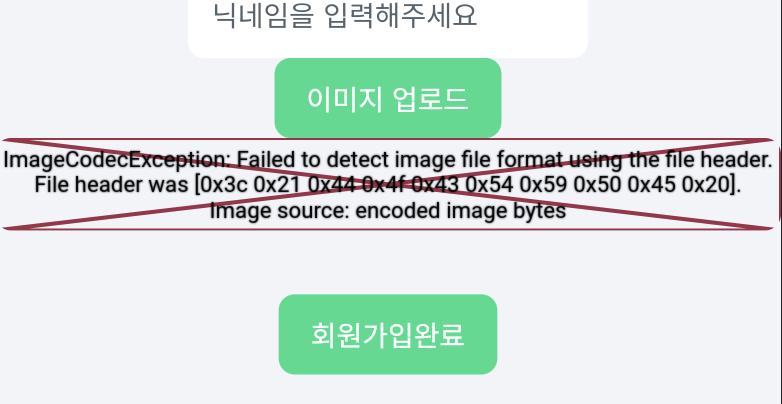
    image.png

    I'll film and share a simple lecture on how to solve this. (About 5 minutes)

    https://inf.run/bRdrz

    You can also check it in writing, so please check the lecture notes for that course.

    And although this solution is simple, since additional settings are ultimately a burden for students, we have requested FlutterFlow to not implement this setting itself.

    If it gets resolved, I will take down that lecture.

    0
  • ilgyu865859님의 프로필 이미지

    Edited

    Hello everyone, this is Piernot Productions.

    Since its launch in October 23, more than 300 people have watched and loved this lecture.

    Thank you very much.

    But the Flutterflow version is updated,

    As students gave constructive feedback,

    I also felt the need to update my lectures.

    And this time, I had some time, so after about a month of preparation, I completely renewed the FlutterFlow beginner course.

    This renewal was limited to the first part of the lecture, which had relatively many questions and areas for improvement.

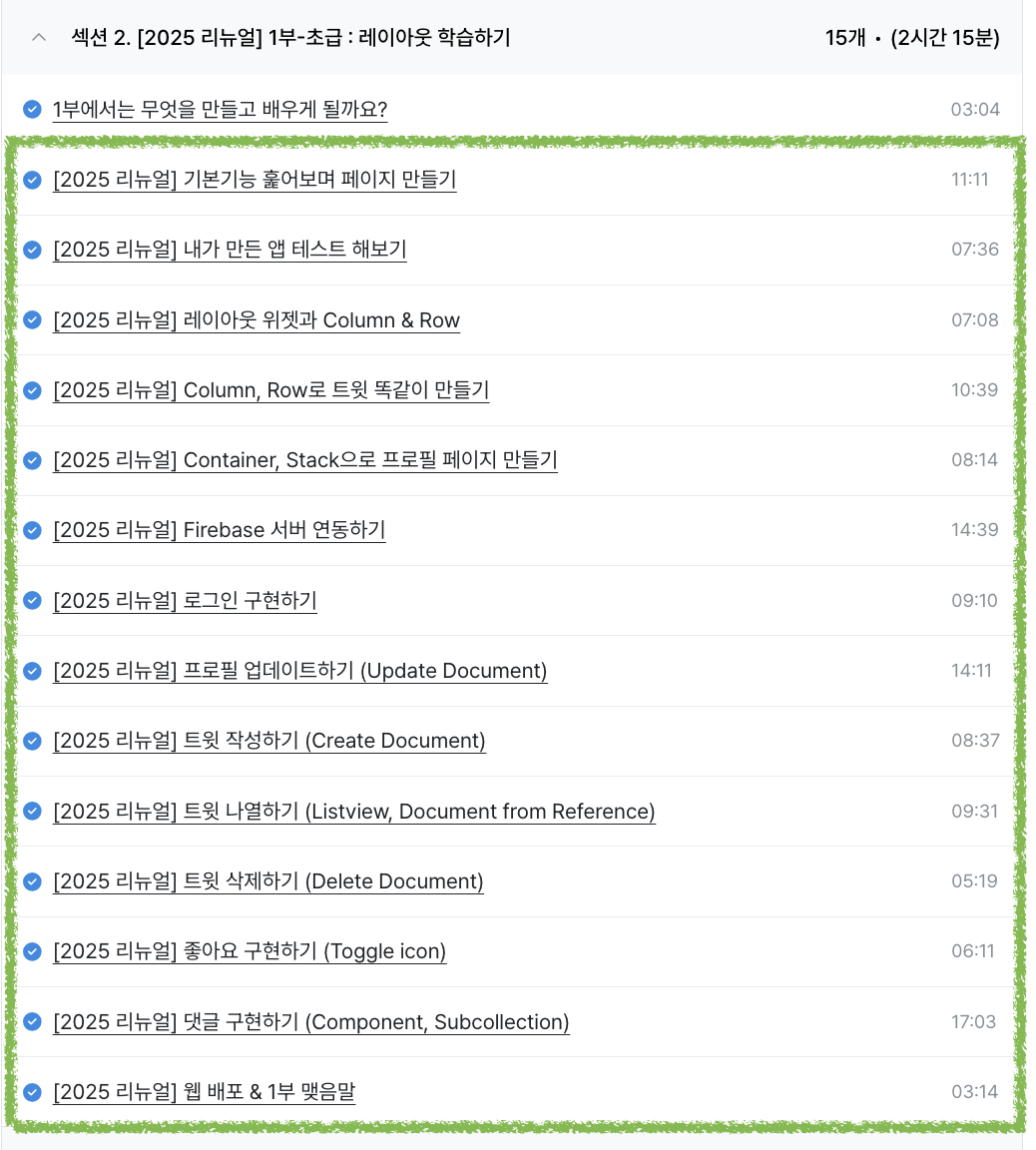
    There are 14 lectures in total.
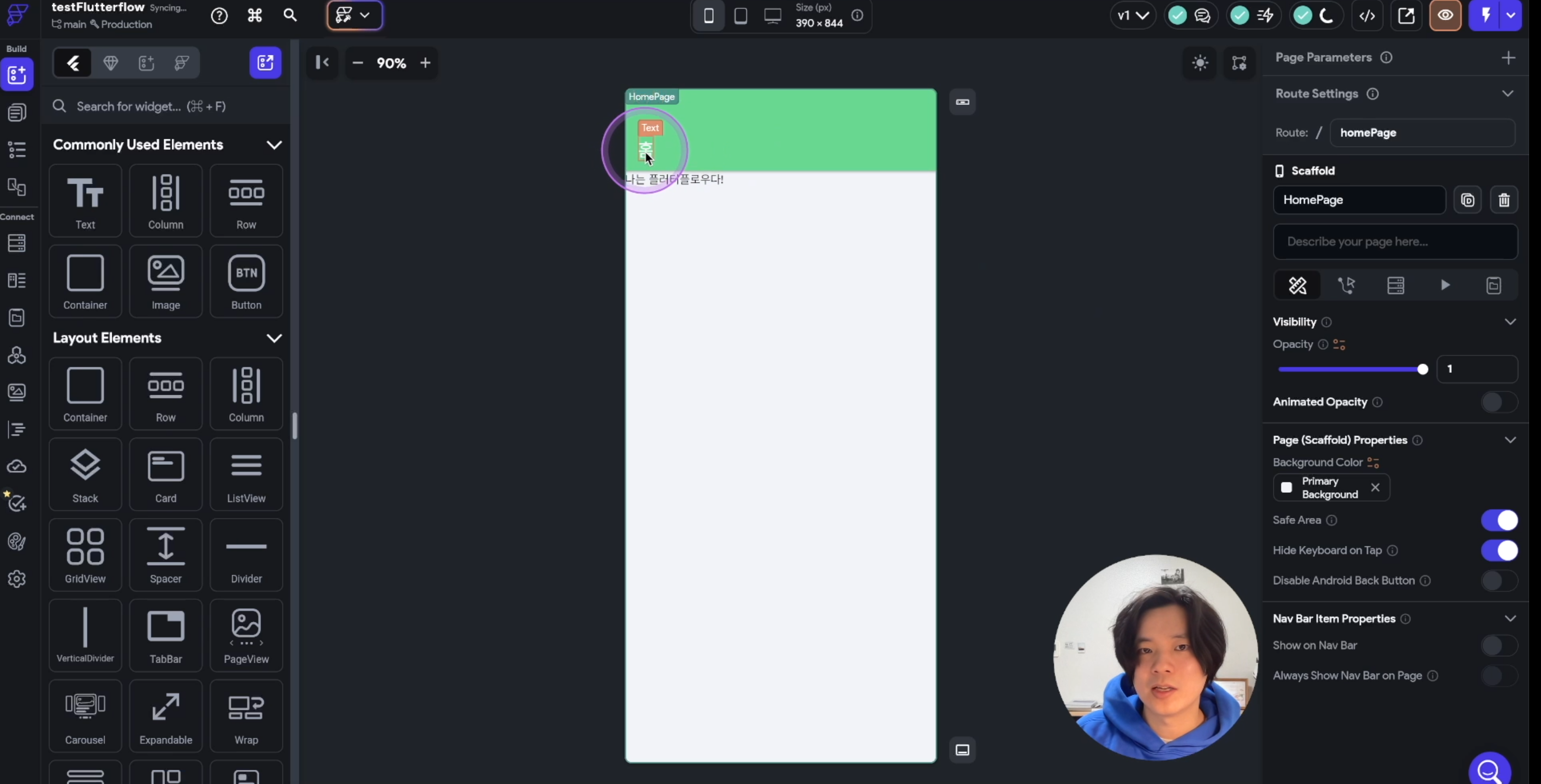
    image.pngimage.png

    Specifically, there are three major parts that have been renewed.

    1. As the Flutterflow version was updated, there were many things that could not be followed as is, right? I re-filmed it to match the latest Flutterflow version (February 25).

    2. There were many things you didn't understand or the explanations were confusing, right?

      I explained it more systematically.

    3. Are you uncomfortable because the sound is low? I turned up the sound volume. (*I left the sound as is for part 2 because it's not bad, but if it's low, please let me know.)

    Additionally, to celebrate the renewal, we are offering a temporary 25% discount on course prices.

    Please recommend it to your friends.

    Be happy everyone.

    thank you

    Peernot Production Dream

    1
  • ilgyu865859님의 프로필 이미지

    Edited

    Hello, this is Piernot Production.

    Recently, a bug has appeared in FlutterFlow that is making it difficult to proceed with the lecture.

    This is a bug where the users collection is not recognized when creating a posts collection via template.

    It appears that the recent FlutterFlow major update has introduced a bug.
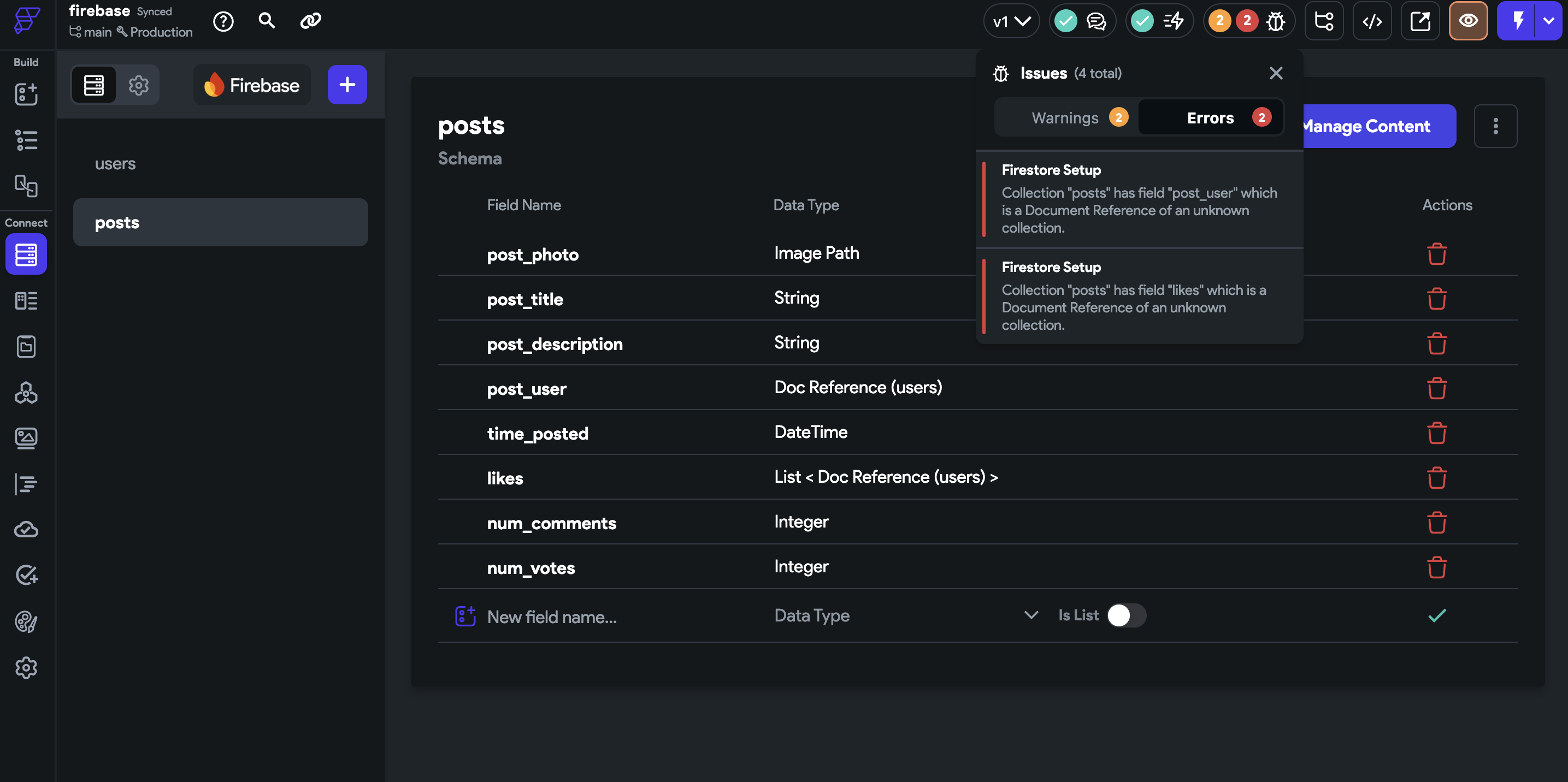
    image.png

    Here's how to fix it:

    After deleting all automatically generated collections, please manually create all fields following the lecture contents.

    (I've updated the tutorial, and now it walks you through how to create it manually!!)

    This bug has been reported to Flutterflow headquarters as a hotfix, and they are currently working on a fix.

    We will update you as soon as the bug is fixed.

    happy new year.

    thank you

    Peernot Production Dream

    0
  • ilgyu865859님의 프로필 이미지

    Hello~ How is everyone doing?


    The advanced FlutterFlow course that many of you have been asking about is finally open!

    (As you know, the content corresponding to the intermediate course was added to the introductory course!)
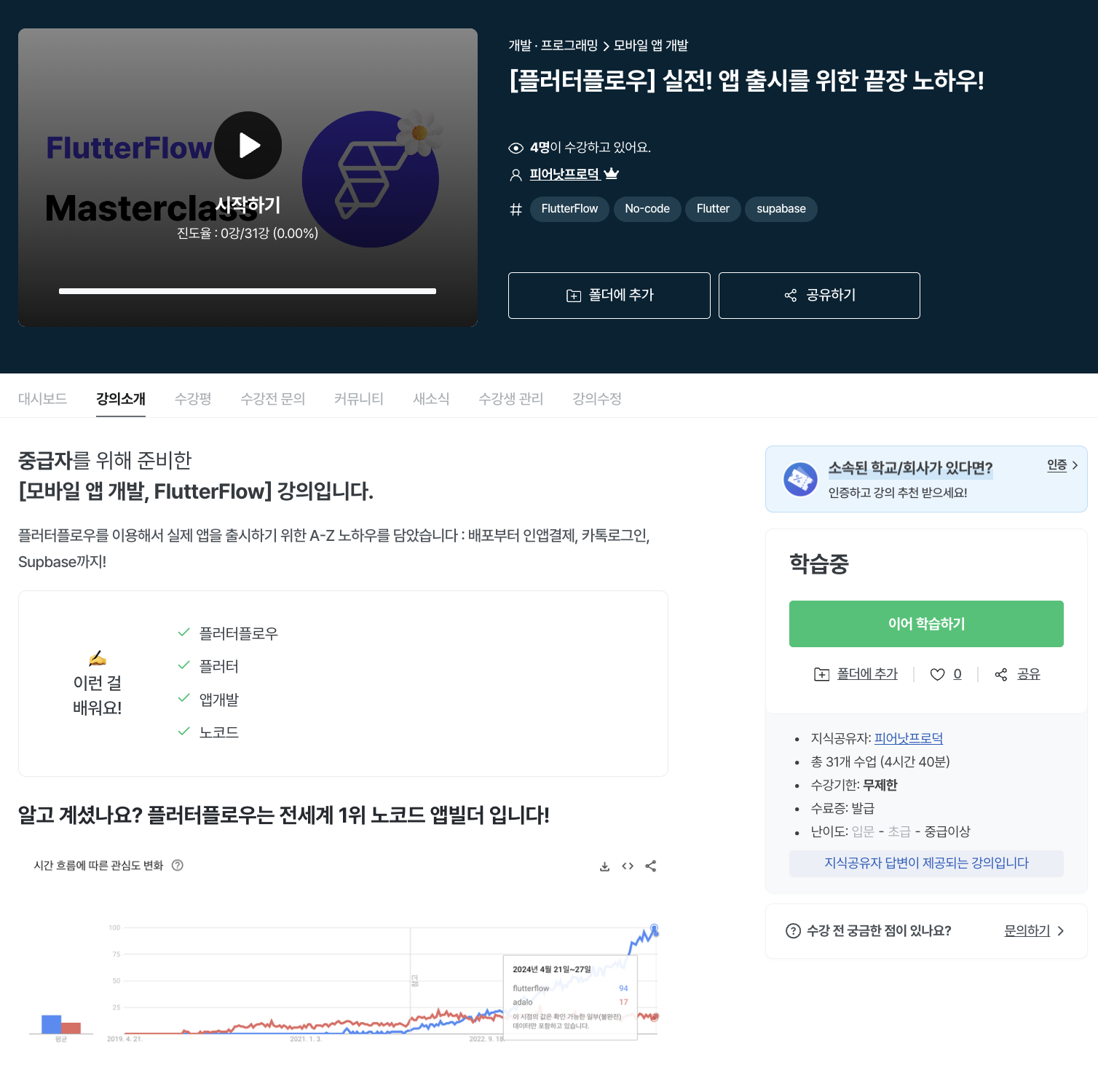
    image - Lecture link https://inf.run/BgoXQ


    Contents: It includes all the contents such as Custom Code, Supabase, which many people find difficult to understand, as well as Kakao Login, in-app payment, and PG payment used in the Korean environment.

    The lecture was very long, so three other people, including me, participated in producing it, making a total of four people.

    It took a lot of effort. Haha

    (Still, there will be many shortcomings!!)


    I hope this lecture will be helpful to those who will be creating apps with FlutterFlow in the future. 🙏


    By the way, there is a 30% discount for the next 2 weeks, so if you want to buy it at a slightly cheaper price, hurry up 🔥


    0
  • ilgyu865859님의 프로필 이미지

    Hello everyone, how are you?

    I'm happy to announce that I've added two more lectures 🙂


    1. Section 1 - Meaning of X and Y


    In the Stack lecture, you may have noticed that when you adjust the position of a widget by simply dragging the mouse, the X and Y values change.

    Since there was no explanation for this, I filmed a lecture that just glossed over it.
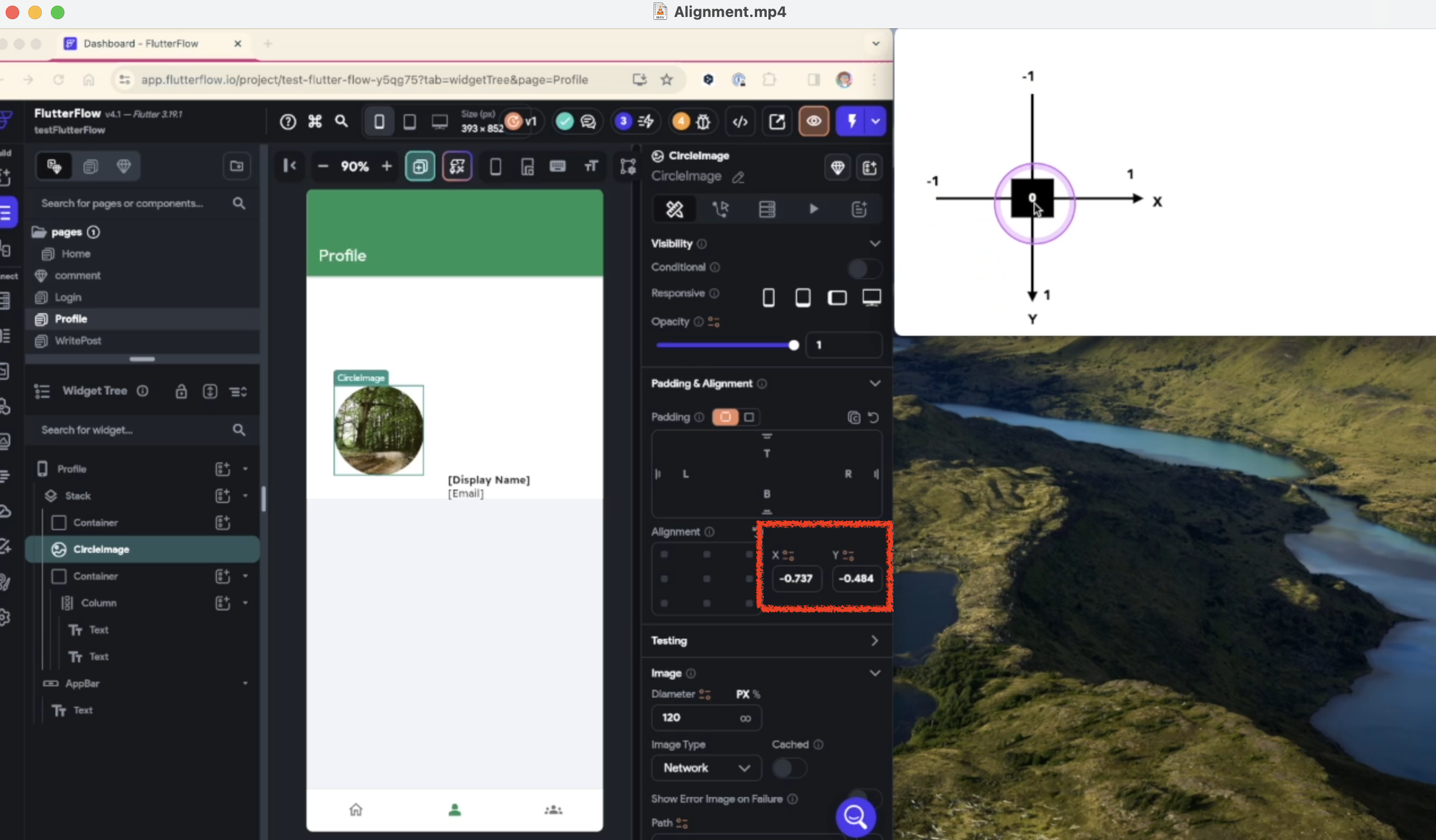
    image


    1. Section 2 - Data Type


    Those who are new to programming may not know what String, Integer, etc. are.

    The lecture proceeded with the assumption that this was known, but I thought that some people might be confused by this.

    So I filmed a lecture that briefly covers Data Types.
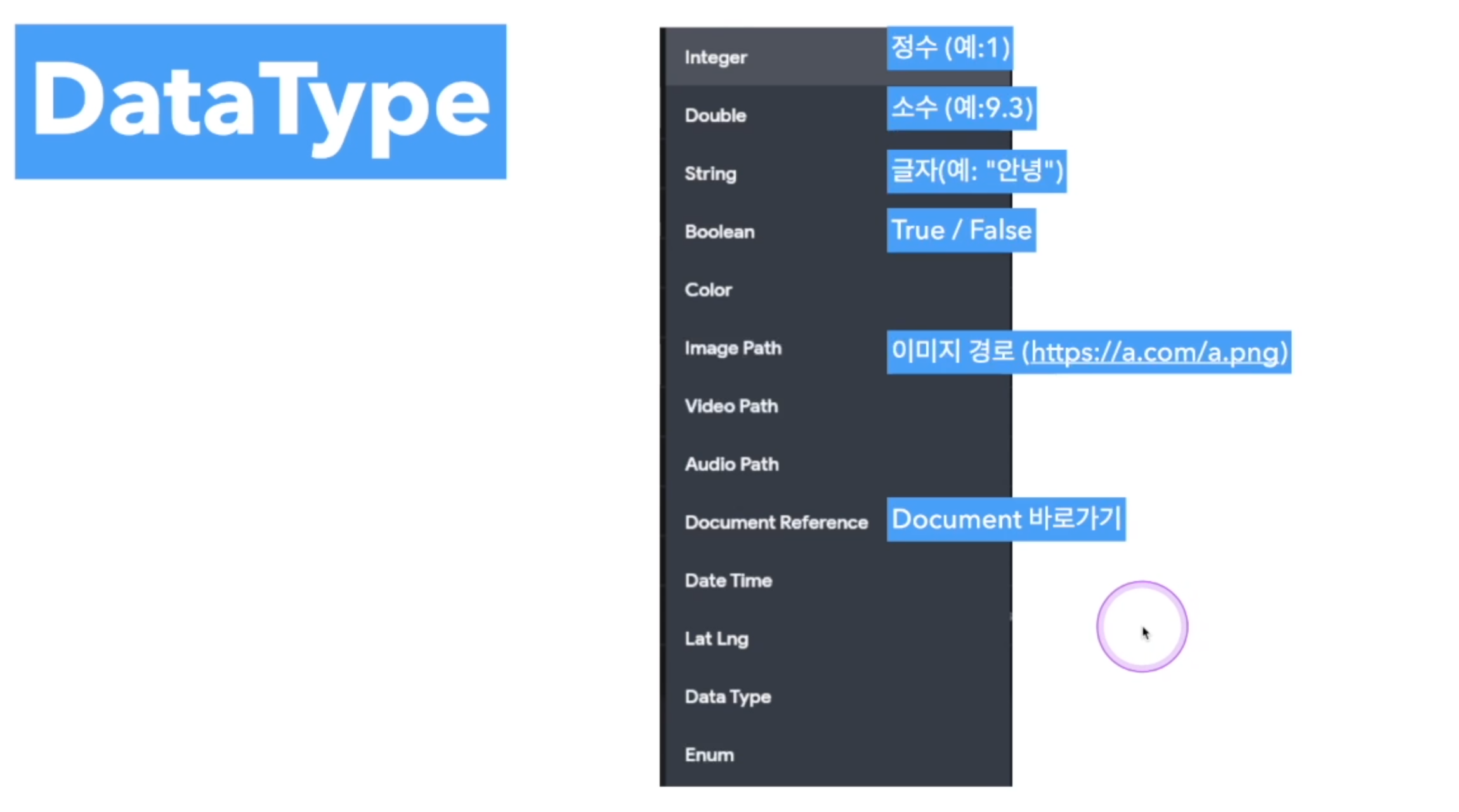
    image

    I hope this helps you all.

    Be happy. Thank you!


    Peernot Production Dream

     

    0
  • ilgyu865859님의 프로필 이미지

    Hello everyone!

    This is Piernot Production (Seo Hyeong-il).


    This time, we have significantly updated the FlutterFlow introductory course.

    A total of 11 new videos have been uploaded (2 revised, 9 new).

    • Part 1

      • [UPDATE] What You'll Make and Learn: With the addition of Part 2, we've re-filmed the lecture.

      • [Update] Connecting to Firebase Server : I recently re-filmed the lecture to add a button that allows you to set it up with one click.

    • Part 2

      • [New Addition] Editor Tip : Learn how to work with pages and widgets on one screen without having to go back and forth.

      • [NEW] ANIMATION : Learn how to set up animations.

      • [New Addition] Variables : Learn how to set and use app variables and page variables.

      • [New Addition] Drawe r: Learn how to create a hamburger button.

      • [New Addition] Reduce Duplicate Development : Learn how to reduce duplicate development through Theme Widget Style, Template, and Component.

      • [New Addition] Component In-Depth : Learn how to better utilize components through an example of converting an entire tweet into a component.

      • [New Addition] Chat : Learn how to easily add 1:1 and group chat functions.

      • [New Addition] Search : Learn how to add the Simple Search feature.

      • [New Addition] Google Login : Learn how to set up Google Login.


    In addition, I added subtitles and my face to all the lectures in Part 2 to increase understanding.

    (Thanks to that, it took a lot of time haha)


    In fact, I had planned to produce and sell the second part of the lecture as a separate intermediate course, but there is a reason why I decided to supplement the first part of the lecture.

    At first, I filmed and uploaded the FlutterFlow lecture with a very light heart, but more people listened to it than I expected.

    But I felt guilty about leaving the lectures that were poorly filmed and making sales with new lectures... haha

    So, I wanted to make up for my lacking lectures and give a small reward to the students who trusted me.

    I hope this will be a small but meaningful New Year's gift to our current students.


    And there are also many newly filmed lectures that are lacking.

    If there are any shortcomings, please give me feedback so I can continue to update.


    Thank you always!


    0
  • ilgyu865859님의 프로필 이미지

    Edited

    Hello! This is Seo Hyeong-il from Piernot Production.

    Based on feedback on the lectures, I have added three additional lectures:

    1. Honest Cons of FlutterFlow : I feel like I've focused too much on the pros, so I'll go into the cons a bit more specifically.

    2. Lesson Objectives : We added a step early in the curriculum to outline what the lesson will cover, what students will be able to do when they finish, and what will not be covered.

    3. Why I didn't start with a template : I started with a blank project, but I added a tutorial that covers why I didn't start with a template, because it's harder to do so.


    If you have any other suggestions for improving the course, please email me at one@fearnotproduct.com !

    And intermediate/advanced classes are also being prepared, so please look forward to them.


    thank you


    0

$40.70