

inflearn logo
Challenge
Ended

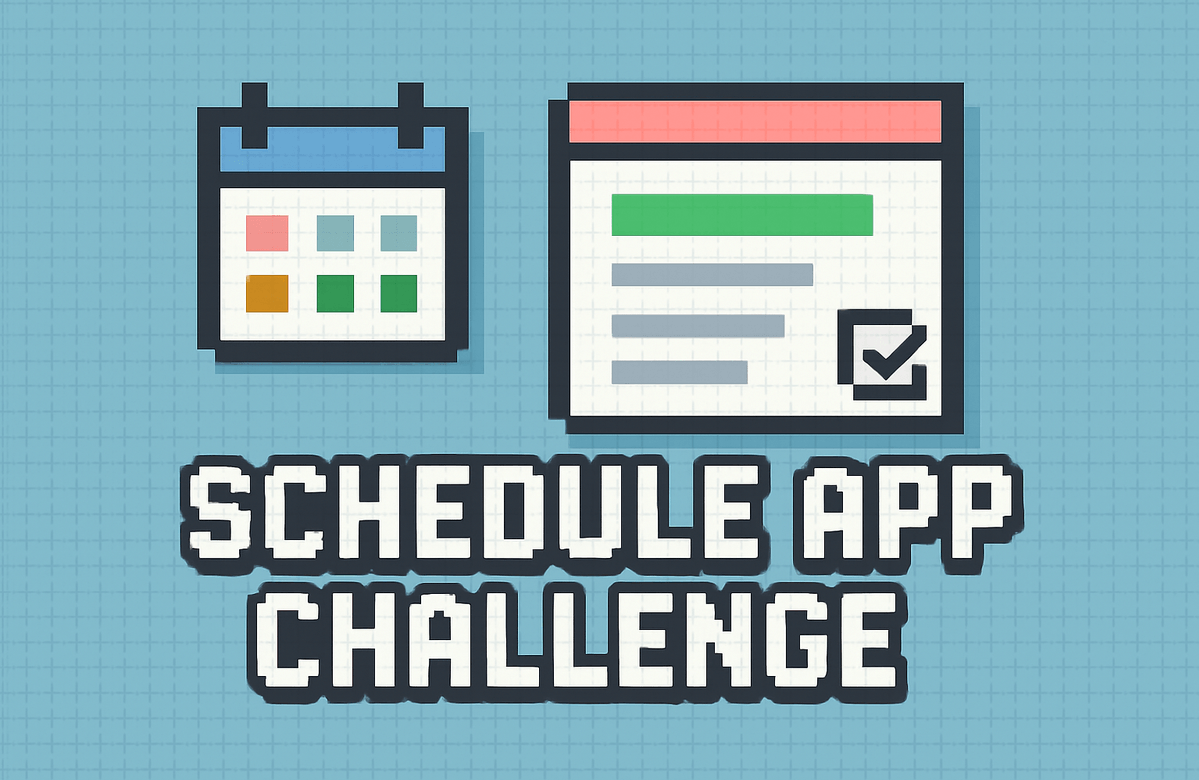
Schedule Management App Development Challenge - Season 2

Even if you know absolutely nothing about coding, you can create your own scheduling app in just 4 weeks. Simply tell the AI, "Make an app like this," and paste the code you receive into Swift Playgrounds. Over 12 sessions—3 times a week for 30 minutes a day—you will complete a real app featuring task adding/deleting/editing, categories and notifications, filters and search, and even a calendar view. Don't worry if errors occur; just ask the AI, and it will fix them for you. Start the challenge now to learn how to collaborate with AI, rather than just studying coding!

oop
Algorithm
data-structure

13개 수업 학습

12회 미션 수행

무제한 복습, 내 것으로 만들어요.

같은 기수와 교류하고 함께 성장해요.

지식공유자와 멘토링 혜택!

leeo님과 함께해요!

8,839

Learners

248

Reviews

7

Answers

4.9

Rating

30

Courses

Hello, I'm Leeio, a developer fishing for code in Pohang.

Co-instructor

📅 Schedule Management App Challenge: Building with AI


Complete your own app in just 4 weeks, even if you know nothing about coding!

"Just talk to the AI and paste it. It becomes a real app."


✨ Recommended for people like this

🙋 I want to try coding, but I don't know where to start.

🙋 I gave up because I ran into errors while watching YouTube tutorials

🙋 I'm debating whether I should learn coding in the age of AI.

🙋 I have an idea and want to build it without a developer

🙋 I have an iPad and I want to do something productive with it.


🎯 Why this challenge is special

🚫 This challenge is not a coding lecture

Typical coding courses are...

  • Learning grammar first

  • Feeling stuck when an error occurs

  • 10% completion rate

  • Theory-oriented

  • Struggling alone

This challenge is...

  • Start making the app right away

  • Ask AI and it's solved

  • 30 minutes, 3 times a week, completion is possible

  • 100% Hands-on Practice

  • AI helps you 24 hours a day

✅ Learn how to collaborate with AI

1. Explain the desired features to the AI 2. Receive and paste the code 3. If an error occurs, ask the AI again 4. Repeat → App complete!

💡 This is coding in 2024. You don't need to memorize everything. You just need to learn how to explain things well to AI.


📱 We're making an app like this

Preview of the Finished Product

Add/Edit/Delete Schedule — Manage your own schedule directly

🏷️ Category — Distinguish work/personal/appointments by color

🔔 Notification Settings — Select options like 5 minutes before, 1 hour before, etc.

🔍 Search & Filter — Quickly find only the schedules you want

📆 Calendar View — Check your schedule on the calendar

💾 Auto-save — Data is preserved even if the app is closed

This is a fully functional app.

  • Runs directly in Swift Playgrounds

  • Available on my iPad/Mac

  • You can even release it on the App Store if you want!


📚 Curriculum

4 Weeks | 3 times a week | 30 minutes per session | 12 sessions in total

Week 1: Getting Started

Day 1 — Giving orders to AI: Sign up for Claude, write prompts, and receive code

Day 2 — Running My App Using Swift Playgrounds, executing code

Day 3 — Creating the Detail Screen Navigation, Data Display

Week 2: Core Features

Day 4 — Adding a New Schedule: Input Form, Data Storage

Day 5 — Deletion and Modification Swipe to delete, modification screen

Day 6 — Categories and Notifications: Selection options, color display

Week 3: Advanced Features

Day 7 — Category Filter: View only desired categories

Day 8 — Period Filter and Sorting Today/This Week, Sorting Options

Day 9 — Search and Grouping Search bar, grouping by date

Week 4: Completion

Day 10 — Creating a Tab View: Bottom tab bar, multiple screens

Day 11 — Calendar and Saving: Calendar view, permanent data storage

Day 12 — Finished! Polishing the UI: Empty states, styling, and final touches


🛠️ Requirements

Required

  • [ ] iPad or Mac (for running Swift Playgrounds)

  • [ ] Swift Playgrounds app (Free, download from the App Store)

  • [ ] Claude account (Free, we'll create it together on Day 1)

Recommended

  • [ ] Internet connection

  • [ ] 30 minutes of your time a day

  • [ ] A "can-do" mindset 💪

💡 No coding experience required! As long as you can turn on a computer and use the internet, that's enough.


🎁 Challenge Participation Benefits

📦 What’s provided

📹 12 Video Lectures — 10-minute learning videos for each session

📝 Practice Guide — Easy-to-follow step-by-step instructions

💬 Copy-paste prompts — Prompts you can use with AI right away

Mission Checklist — Clear daily tasks

🆘 FAQ — Troubleshooting common issues

🏆 Upon Completion

  • One actual working app of your own

  • Learning how to collaborate with AI

  • Understanding basic SwiftUI concepts

  • The confidence to build your next app!


❓ Frequently Asked Questions

Q. Do I really not need to know a single thing about coding?

Yes! This challenge isn't about "knowing" how to code, but about learning how to "get to know" it with AI. As long as you know how to copy and paste, you're good to go.


Q. What if an error occurs?

If you show the error message to the AI, it will fix it for you. You can just ask, "How do I solve this error?" + error message + code. Most issues are resolved within 2-3 tries.


Q. Is it not possible without an iPad?

If you have a Mac, you can also run Swift Playgrounds on it. Unfortunately, it is difficult if you only have an iPhone 😢


Q. Is 30 minutes a day really enough?

Yes! 10 minutes for the video + 20 minutes for practice is plenty. Of course, you'll need more time if you want to dive deeper, but the basic missions are designed to be completed within 30 minutes.


Q. Can I upload the completed app to the App Store?

That's a bit difficult... but if you'd like, I can provide separate guidance for you.


Q. Is the free version of Claude sufficient?

Yes, the free version is sufficient! However, there is a daily usage limit, so if you hit the limit, you can continue the next day or use ChatGPT instead.


💬 Student Reviews

"To be honest, I was skeptical, but an actual app was created. Every time an error occurred, I asked the AI and everything got resolved. This actually works?"

— Office Worker A, 0 coding experience


"I gave up on YouTube coding lectures three times, but I finished this one. There was no pressure because I just had to follow along for 30 minutes every day."

— University Student B


"I was worried about how to approach coding in the AI era, but now I get it. I don't need to know everything; I just need to know how to direct the AI effectively."

— Planner C


📌 At a Glance

  • Challenge Name: Creating a Schedule Management App with AI

  • Duration: 4 weeks (3 times a week)

  • Time: 30 minutes per session, 6 hours in total

  • Requirements: iPad or Mac, Swift Playgrounds (Free)

  • Difficulty: OK even without coding experience

  • Outcome: A fully functional task management app


🚀 Get started now!

💡 You are not just learning to code. You are learning how to collaborate with AI.

In 4 weeks, you'll be able to say, "I've built an app."


If you have any questions, please feel free to contact us at any time!

3월

15일

챌린지 시작일

2026년 3월 15일 PM 03:00

챌린지 종료일

2026년 4월 11일 PM 03:00

챌린지 커리큘럼

All

25 lectures ∙ (2hr 54min)

Course Materials:

챌린지 전용 수업

챌린지에서 배워요

  • A self-made schedule management app that I can actually use every day

  • My app with 20 features implemented

  • Code that can be directly modified and extended

  • Can implement data addition/deletion/modification

  • You can accurately request AI to "add this feature."

Recommended for
these people

Who is this course right for?

  • For those who want to just start building something instead of focusing on theory

  • People who say they need tangible results to stay motivated

  • For those who want to try making an app but feel overwhelmed doing it alone

  • For those of you who are curious about how coding with AI actually works in practice.

  • Completed the "Coding Experience Challenge with AI" or have similar experience.

Need to know before starting?

  • I need to go finish the AI coding experience challenge.

Reviews

All

4 reviews

5.0

4 reviews

  • hyosim2ya9738님의 프로필 이미지
    hyosim2ya9738

    Reviews 2

    Average Rating 5.0

    5

    31% enrolled

    Even though I don't know much about coding, the teacher explains everything at my level, so I feel like I understand it well! They always explain things calmly, making it very easy to follow :D

    • tnn025648님의 프로필 이미지
      tnn025648

      Reviews 1

      Average Rating 5.0

      Edited

      5

      100% enrolled

      It's easy and fun! It is easy to follow even for non-majors who don't know much about coding. It was very helpful because they didn't just teach how to use AI, but also explained the code used in each lecture!

      • theshining6262님의 프로필 이미지
        theshining6262

        Reviews 2

        Average Rating 5.0

        5

        31% enrolled

        Your kind explanation was very helpful. I don't know much about coding, so I really appreciate that you explained the components within the code rather than just saying, "If you tell the AI this, it will make it for you." Thank you.

        • insub2004님의 프로필 이미지
          insub2004

          Reviews 7

          Average Rating 5.0

          5

          62% enrolled

          이 강의의 지난 수강평

          FAQs

          취소 및 환불 규정
          챌린지는 지식공유자가 설정한 수업 최소 정원이 충족되지 않을 경우, 폐강 안내가 고지되며 결제 내역이 자동취소됩니다.

          leeo's other courses

          Check out other courses by the instructor!

          Free