

inflearn logo

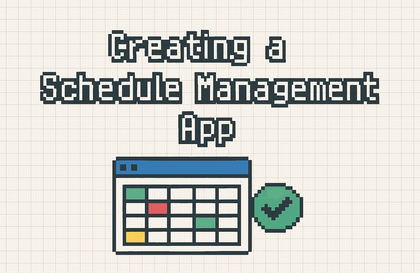
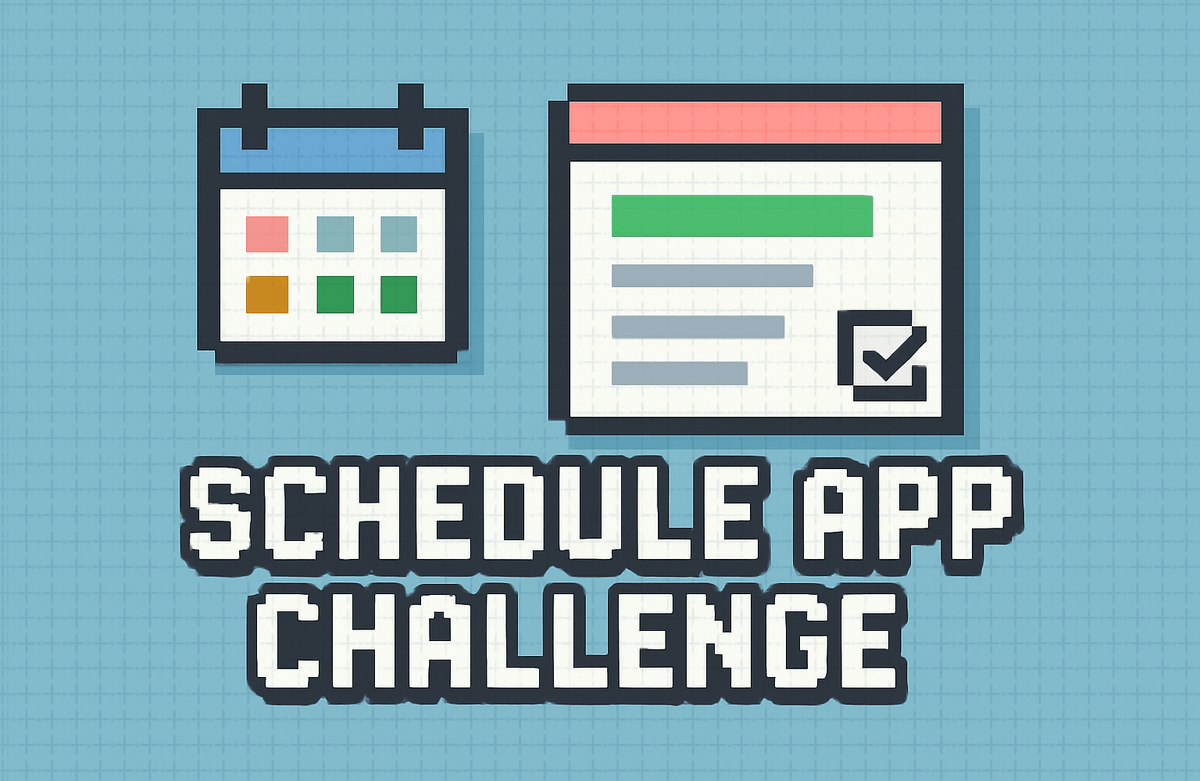
Schedule Management App Development Challenge - Batch 1

In just 4 weeks, here's what you'll get

  • A daily schedule app I built that I can actually use every day.

  • My app with 20 implemented features

  • Code that you can directly modify and extend

  • I can implement adding, deleting, and modifying data.

  • You can accurately ask the AI to "add this feature."

Starts Feb 16

28 days

Finish Mar 15

leeo님과 함께해요!

9,073

Learners

274

Reviews

7

Answers

4.9

Rating

30

Courses

Hello, I'm Leeio, a developer fishing for code in Pohang.

Co-instructor

📅 Schedule Management App Challenge: Creating with AI


Complete your own app in just 4 weeks, even if you know nothing about coding!

"Just talk to the AI and paste it. It becomes a real app."


✨ Recommended for people like this

🙋 I want to try coding, but I don't know where to start.

🙋 I gave up because I ran into errors while watching YouTube tutorials

🙋 I'm wondering if I should learn coding in the age of AI

🙋 I have an idea and want to build it without a developer

🙋 I have an iPad and I want to do something productive with it.


🎯 Why this challenge is special

🚫 This challenge is not a coding lecture

Typical coding courses are...

  • Learning grammar first

  • Feeling stuck when an error occurs

  • 10% completion rate

  • Theory-oriented

  • Worrying alone

This challenge is...

  • Start making the app right away

  • Ask AI to solve it

  • 30 minutes, 3 times a week, completion is possible

  • 100% Hands-on Practice

  • AI helps you 24 hours a day

✅ Learn how to collaborate with AI

1. Explain the desired features to the AI 2. Receive the code and paste it 3. If an error occurs, ask the AI again 4. Repeat → App complete!

💡 This is coding in 2024. You don't need to memorize everything. You just need to learn how to explain things well to AI.


📱 We're making an app like this

Preview of the Finished Product

✅ Add/Edit/Delete Schedule — Manage your own schedule directly

🏷️ Category — Distinguish work/personal/appointments by color

🔔 Notification Settings — Select options such as 5 minutes before, 1 hour before, etc.

🔍 Search & Filter — Quickly find only the schedules you want

📆 Calendar View — Check your schedule on the calendar

💾 Auto-save — Data is preserved even if the app is closed

This is a real, functioning app.

  • Runs directly in Swift Playgrounds

  • Available on my iPad/Mac

  • You can even release it on the App Store if you want!


📚 Curriculum

⏰ 4 weeks | 3 times a week | 30 minutes per session | 12 sessions in total

Week 1: Getting Started

Day 1 — Giving orders to AI: Sign up for Claude, write prompts, and receive code

Day 2 — Running My App Using Swift Playgrounds, executing code

Day 3 — Creating the Detail Screen Navigation, Data Display

Week 2: Core Features

Day 4 — Adding a New Schedule: Input Form, Data Storage

Day 5 — Deletion and Editing Swipe to delete, edit screen

Day 6 — Categories and Notifications: Selection Options, Color Display

Week 3: Advanced Features

Day 7 — Category Filter: View only the desired categories

Day 8 — Period Filter and Sorting: Today/This Week, Sorting Options

Day 9 — Search and Grouping Search bar, grouping by date

Week 4: Completion

Day 10 — Creating a Tab View: Bottom tab bar, multiple screens

Day 11 — Calendar and Saving: Calendar view, permanent data storage

Day 12 — Finished! Polishing the UI: Empty states, styling, and final touches


🛠️ Requirements

Required

  • [ ] iPad or Mac (for running Swift Playgrounds)

  • [ ] Swift Playgrounds app (Free, download from the App Store)

  • [ ] Claude account (Free, we'll create it together on Day 1)

Recommended

  • [ ] Internet connection

  • [ ] 30 minutes of time per day

  • [ ] A "I can do it" mindset 💪

💡 No coding experience required! As long as you can turn on a computer and use the internet, that's enough.


🎁 Benefits of Participating in the Challenge

📦 What’s provided

📹 12 Video Lectures — 10-minute learning videos for each session

📝 Practice Guide — Easy-to-follow step-by-step instructions

💬 Copy-paste prompts — Prompts you can use with AI immediately

✅ Mission Checklist — Clear daily tasks

🆘 FAQ — Solutions for common issues

🏆 Upon completion

  • One actual working app of your own

  • Learning how to collaborate with AI

  • Understanding basic SwiftUI concepts

  • The confidence to build your next app!


❓ Frequently Asked Questions

Q. Do I really not need to know anything about coding?

Yes! This challenge isn't about 'knowing' how to code, but rather learning how to 'get to know' it with AI. As long as you know how to copy and paste, you're good to go.


Q. What if an error occurs?

If you show the error message to the AI, it will fix it for you. You can just ask, "How do I solve this error?" + error message + code. Most issues are resolved in 2–3 tries.


Q. Is it not possible without an iPad?

If you have a Mac, you can also run Swift Playgrounds on it. Unfortunately, it is difficult if you only have an iPhone 😢


Q. Is 30 minutes a day really enough?

Yes! 10 minutes for the video + 20 minutes for practice is plenty. Of course, you'll need more time if you want to dive deeper, but the basic missions are designed to be completed within 30 minutes.


Q. Can I upload the completed app to the App Store?

That's a bit difficult... but if you'd like, I can provide you with separate guidance.


Q. Is the free version of Claude sufficient?

Yes, the free version is sufficient! However, there is a daily usage limit, so if you hit the limit, you can continue the next day or use ChatGPT instead.


💬 Student Reviews

"Honestly, I was skeptical, but an actual app was made. Every time an error occurred, I asked the AI and everything got resolved. It actually works?"

— Office worker A, with 0 coding experience


"I gave up on YouTube coding lectures three times, but I actually finished this one. There was no pressure because all I had to do was follow along for 30 minutes every day."

— University student B


"I was worried about how to approach coding in the AI era, but now I get it. I don't need to know everything; I just need to know how to direct the AI well."

— Planner C


📌 At a Glance

  • Challenge Name: Creating a Schedule Management App with AI

  • Duration: 4 weeks (3 times a week)

  • Time: 30 minutes per session, 6 hours in total

  • Requirements: iPad or Mac, Swift Playgrounds (Free)

  • Difficulty: OK even without coding experience

  • Outcome: A fully functional task management app


🚀 Get started now!

💡 You are not learning to code. You are learning how to collaborate with AI.

In 4 weeks, you will be able to say, "I built an app."


If you have any questions, please feel free to contact us at any time!

2월

16일

챌린지 시작일

2026년 2월 16일 오전 09:00

챌린지 종료일

2026년 3월 15일 오후 11:30

챌린지 커리큘럼

All

25 lectures ∙ (2hr 54min)

Course Materials:

Recommended for
these people

Who is this course right for?

  • For those of you who want to dive right in and build something instead of just studying theory

  • For those of you who say you need to see results to stay motivated

  • For those of you who want to build an app but feel overwhelmed doing it alone

  • For those of you who hear about coding with AI and wonder how it's actually done

  • Completed the "Coding Experience Challenge with AI" or have similar experience.

Need to know before starting?

  • I need to complete the AI coding experience challenge and come back.

Reviews

All

4 reviews

4.8

4 reviews

  • gahye0408님의 프로필 이미지
    gahye0408

    Reviews 1

    ∙

    Average Rating 5.0

    5

    62% enrolled

    It's really great to follow along easily without overthinking.

    • suyeon185711307님의 프로필 이미지
      suyeon185711307

      Reviews 1

      ∙

      Average Rating 4.0

      4

      0% enrolled

      To think I need an iPhone or a Mac-based device...

      • nang님의 프로필 이미지
        nang

        Reviews 2

        ∙

        Average Rating 5.0

        5

        31% enrolled

        • payback94888025님의 프로필 이미지
          payback94888025

          Reviews 2

          ∙

          Average Rating 5.0

          5

          31% enrolled

          FAQs

          취소 및 환불 규정
          챌린지는 지식공유자가 설정한 수업 최소 정원이 충족되지 않을 경우, 폐강 안내가 고지되며 결제 내역이 자동취소됩니다.

          leeo's other courses

          Check out other courses by the instructor!

          Free