


핵심만 골라 배우는 Vue.js
수코딩

프론트엔드 입문자들은 필수적으로 익혀야하는 Vue.JS!! 기초부터 시작해서 고급에 이르기까지 Vue.JS를 샅샅히 파헤쳐봅니다!

초급
Vue.js, Vue 3, pinia






이 강의는 Vue.js 공식문서를 기반으로 알기 쉽게 만들어진 강의입니다.
✅ 오로지 필요한 내용만 깔끔하고 빠르게 알려드리도록 할거에요!
✅ 불필요하게 질질 끄는 시간 (코드 쓰는 시간, 틀린 코드 다시 쓰는 시간)이 없어요!
✅ 간단하게 요약되어있어서 대부분 강의가 10분 미만! 하지만 세세하게 알려드릴 수 있도록 압축되어있습니다!
✅ 화면은 그대로인채 말만하는 시간? 거의 없습니다! 집중하셔야해요!
이 강의는 Section 2부터 강의마다 과제가 있습니다.
Section 4까지는 연습이며, Section 5부터 꾸준히 과제를 잘 수행하신다면 이런 사이트를 만들 수 있어요.

자잘한 설명보다 어떤 것들을 배우는지 궁금하시죠?
아래에서 바로 알아볼게요!
시작하기에 앞서 컴퓨터에 설치하고 설정할 것들을 다룹니다.

개발에 필요한 Chrome과 Vue.js Devtools, VSCode, Node.js를 설치합니다.
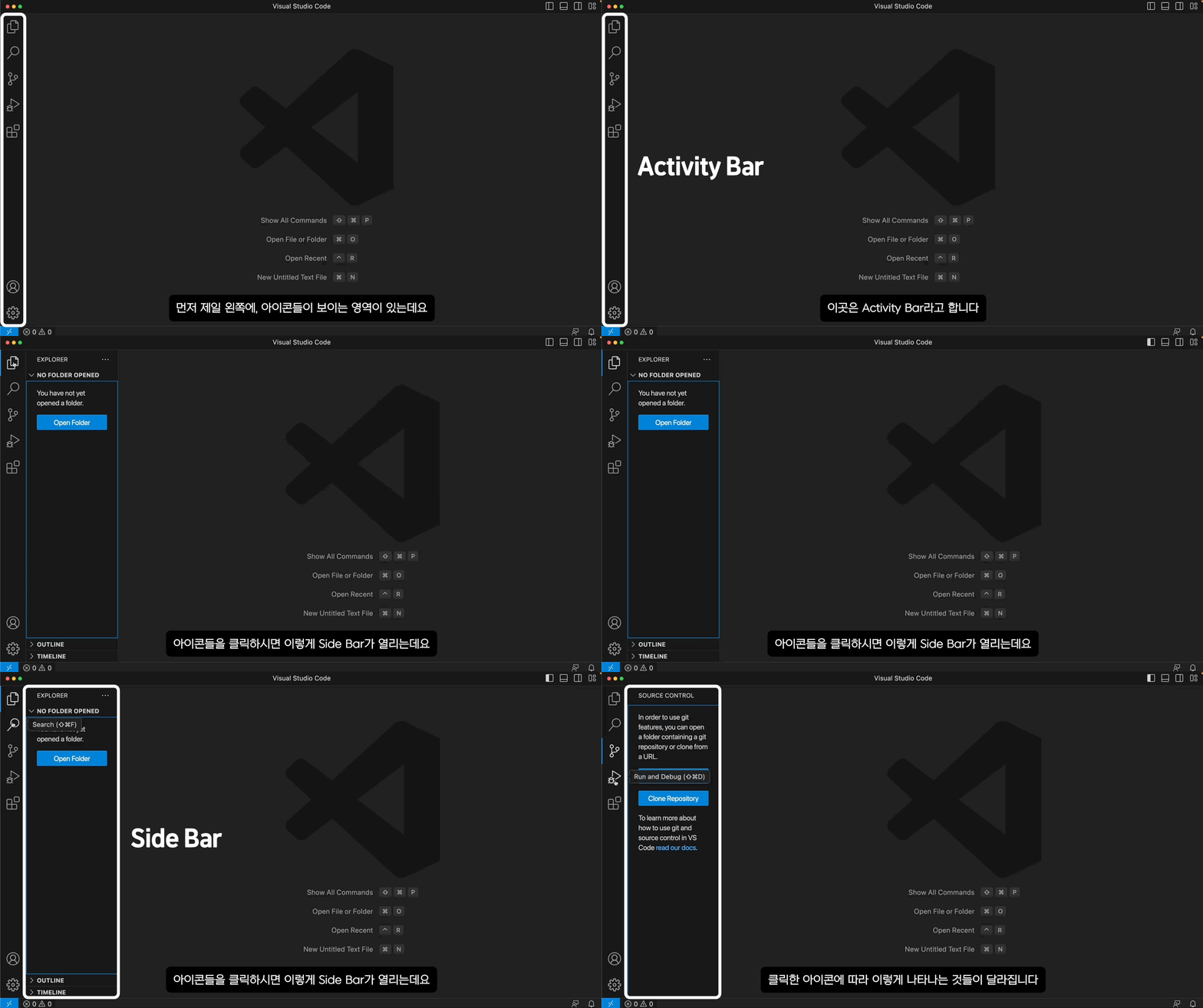
Visual Studio Code를 모르시는 분들 위해서 간단한 사용방법을 설명합니다.
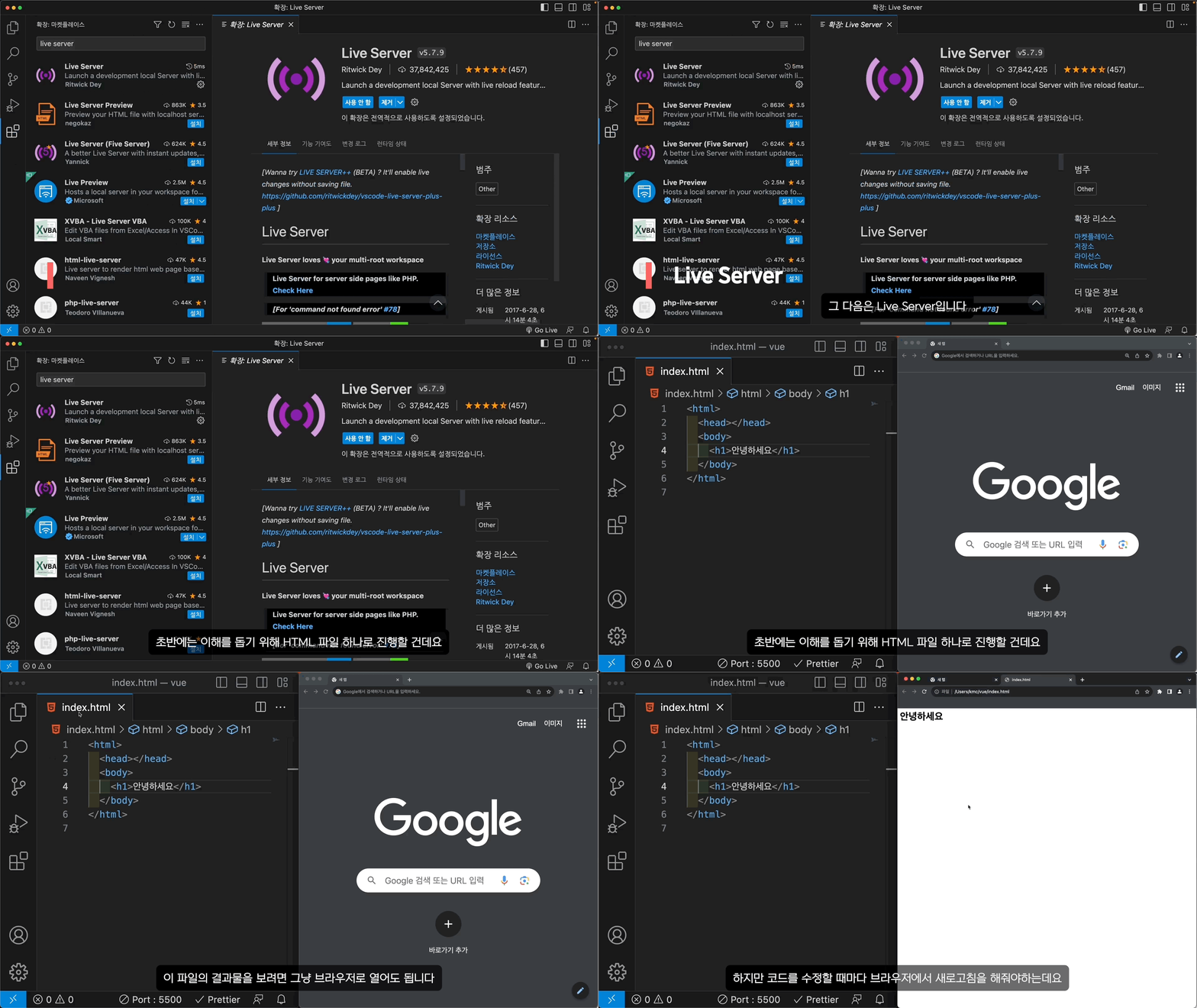
VSCode를 사용하면서 같이 쓰면 좋을 확장프로그램들을 설치합니다.
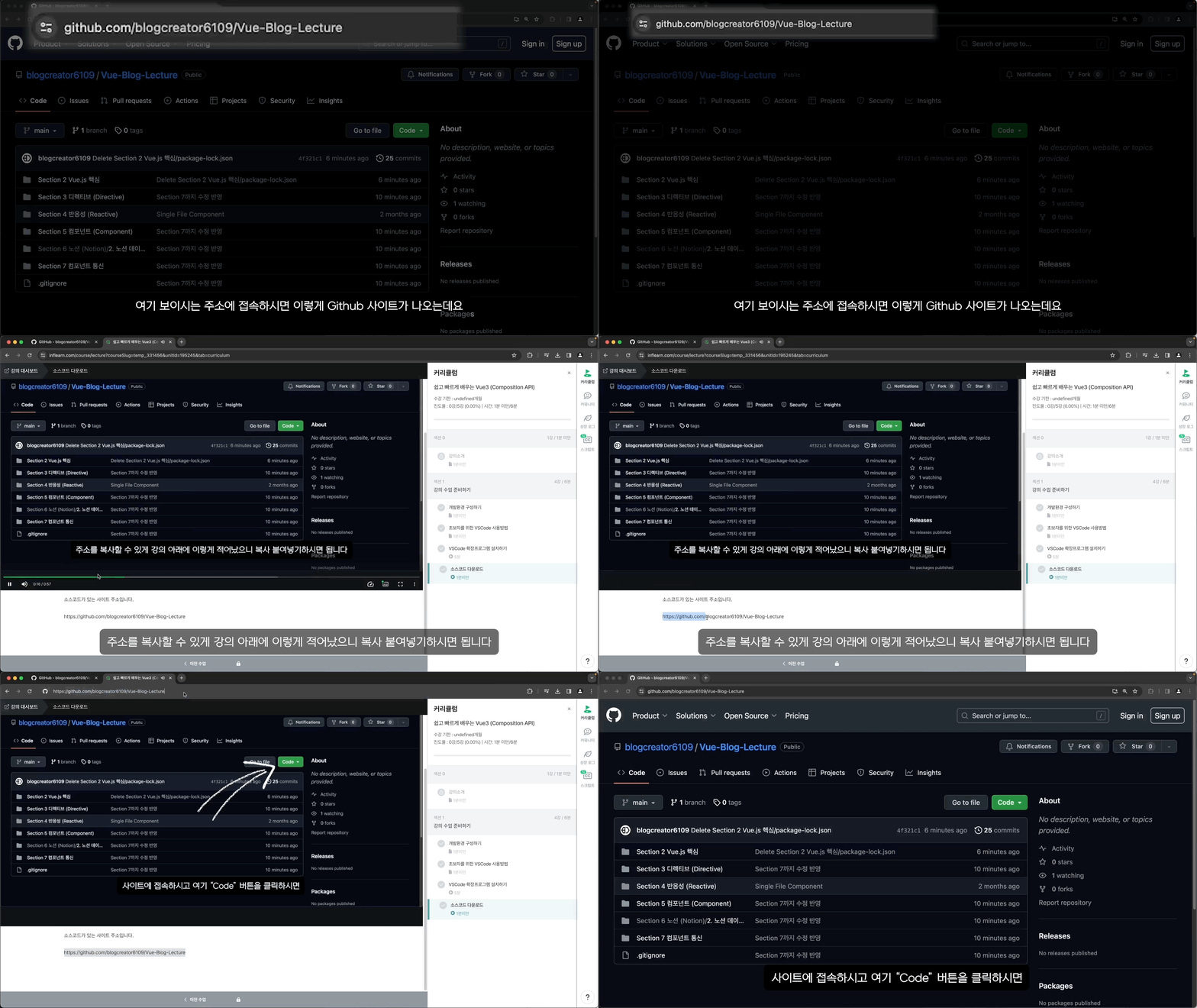
예제 코드들이 들어있는 파일들을 다운로드하는 방법에 대해서 다룹니다
Vue.js 문법을 본격적으로 다루기 시작합니다.
이해를 돕기 위해 HTML 파일 하나만으로 진행합니다.
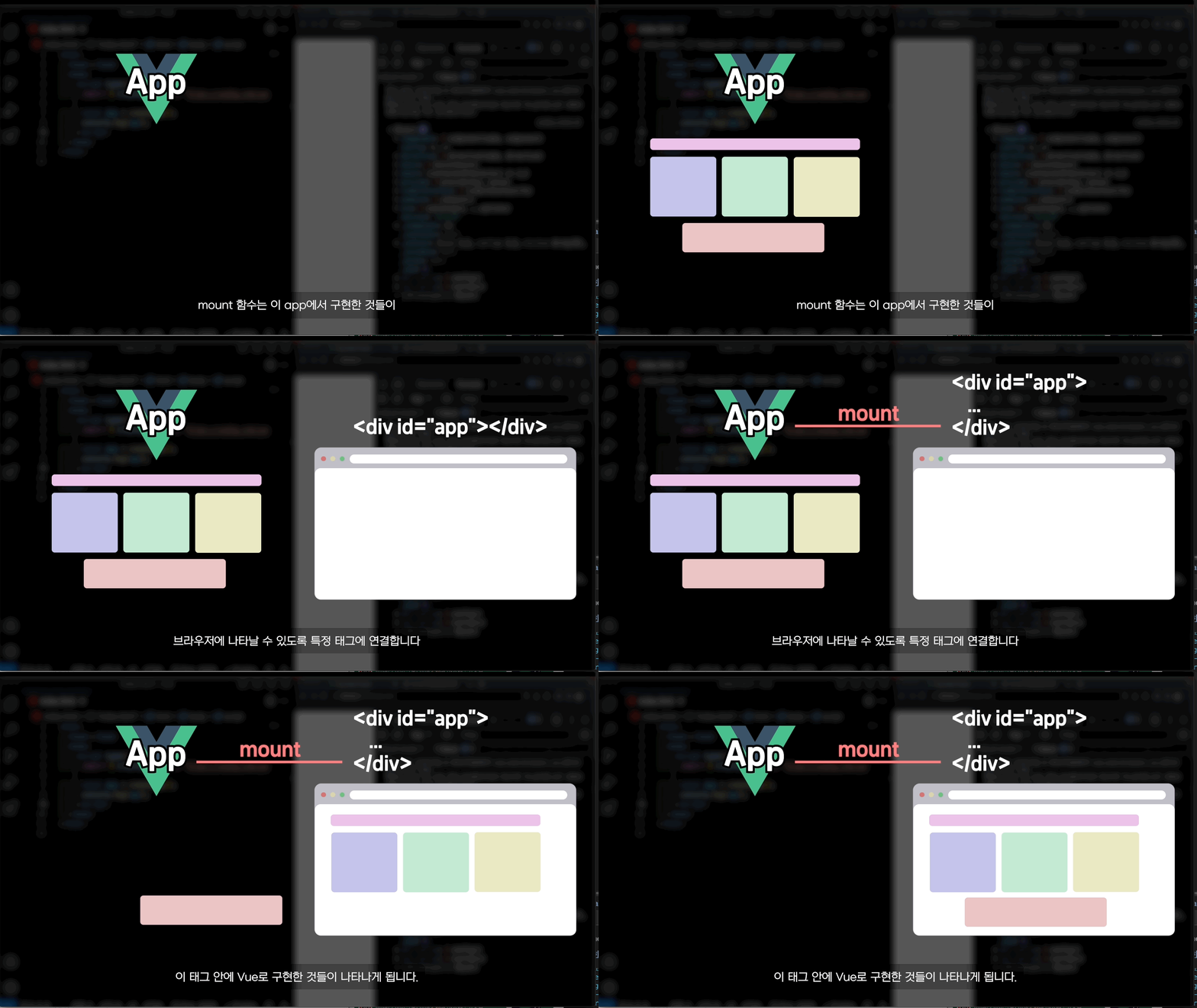
Vue를 시작하기 위해 createApp 함수를 불러오고 app을 만드는 법을 배웁니다.
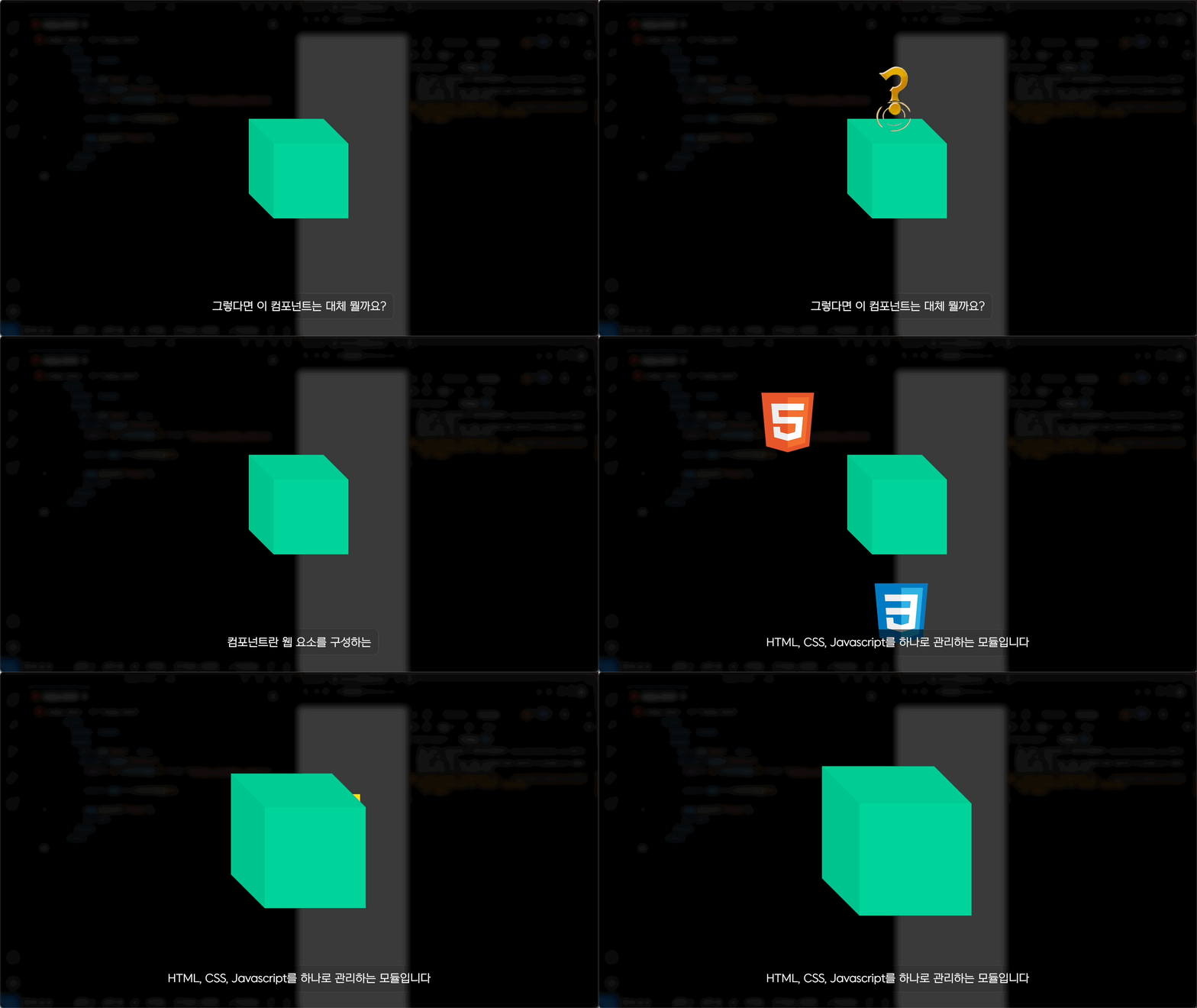
Vue.js에서 핵심 개념이라 할 수 있는 컴포넌트(Component)에 대해서 다룹니다.
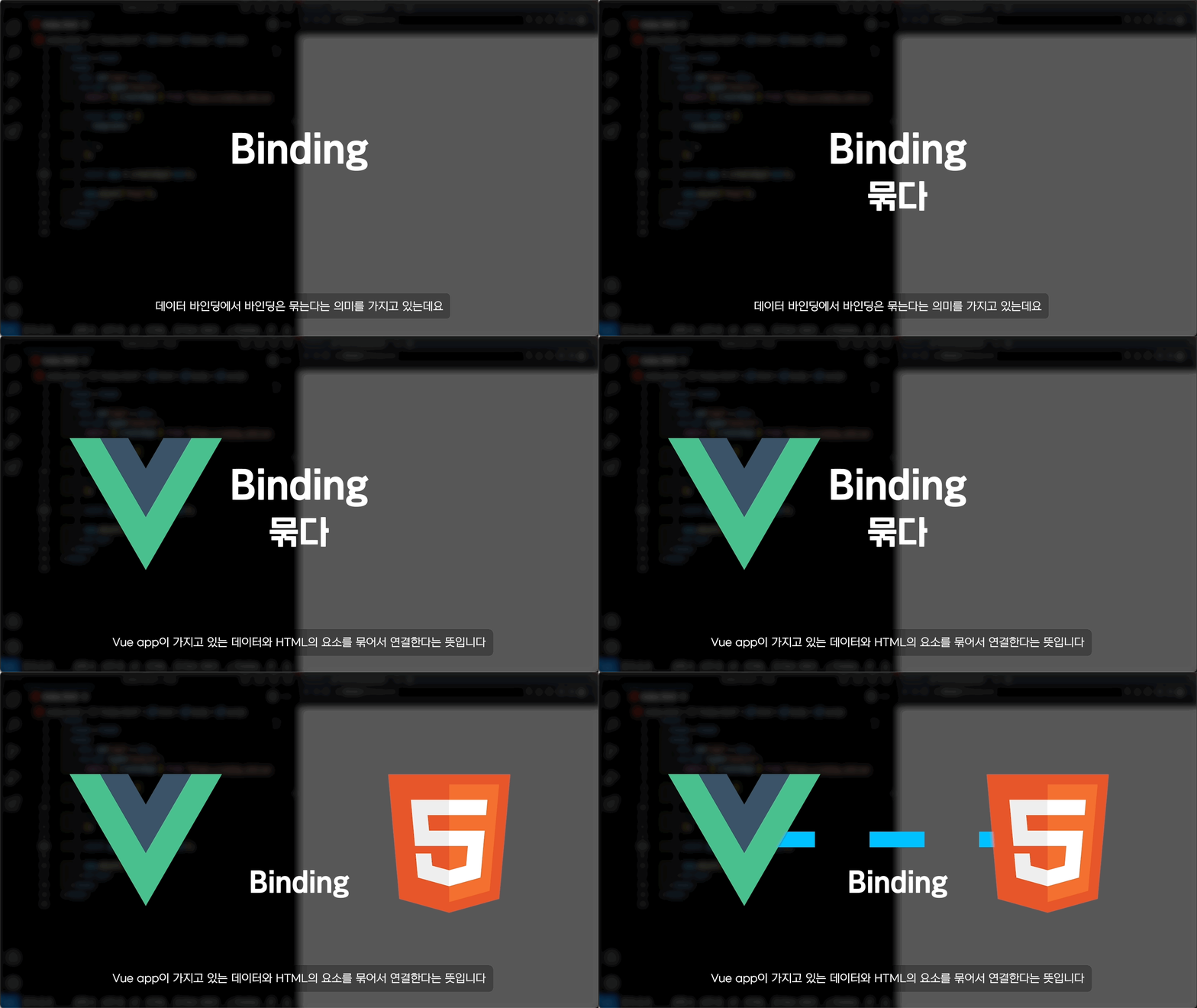
컴포넌트 안에서 HTML을 좀 더 효율적으로 그리기 위한 데이터 바인딩(Data Binding)을 배웁니다.
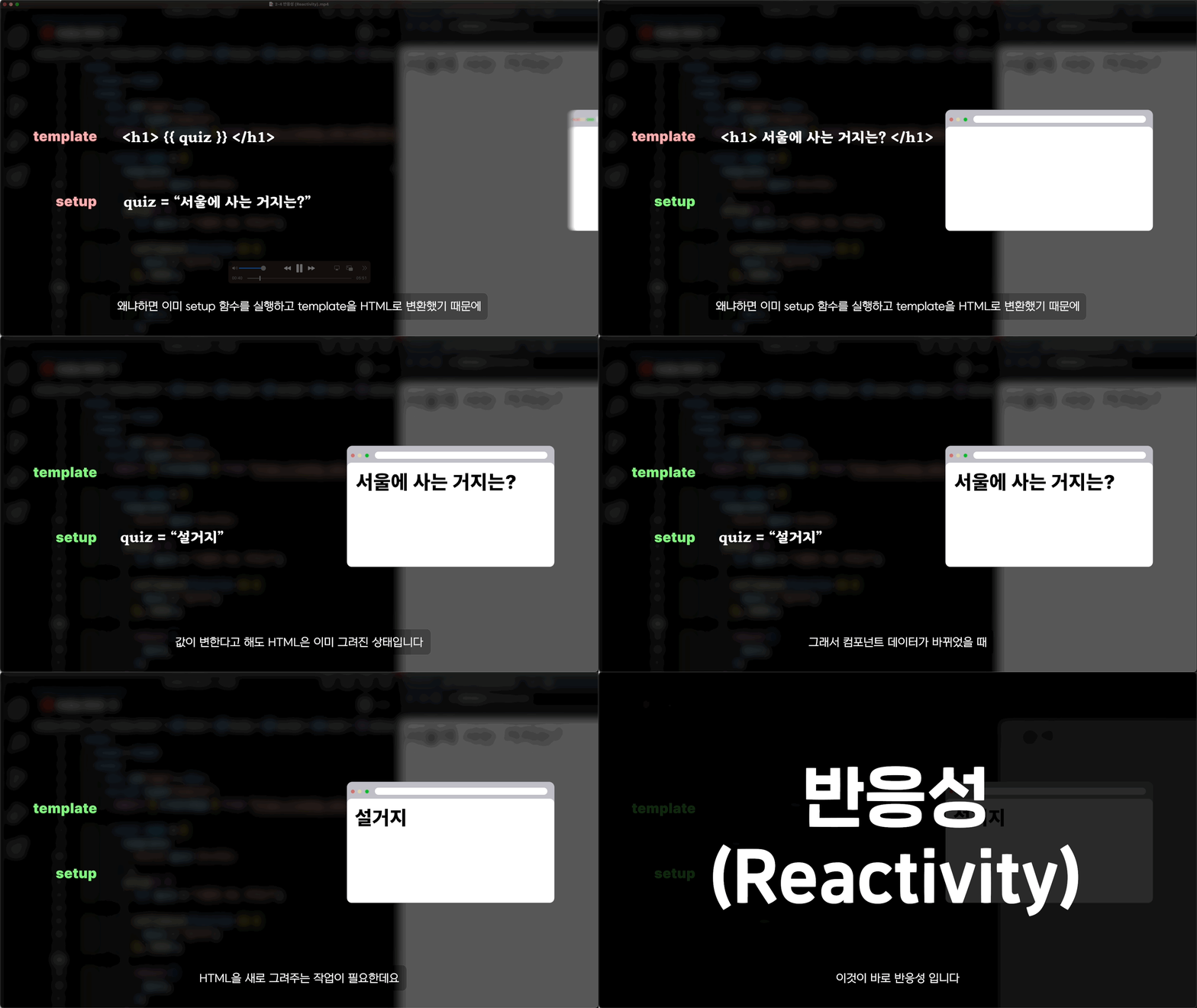
상호작용을 통해 좀 더 동적인 웹을 만들기 위해 필요한 반응성(Reactivity)의 개념을 다룹니다.
컴포넌트에서 HTML 요소를 다양하게 작업할 수 있는 디렉티브에 대해 다룹니다.
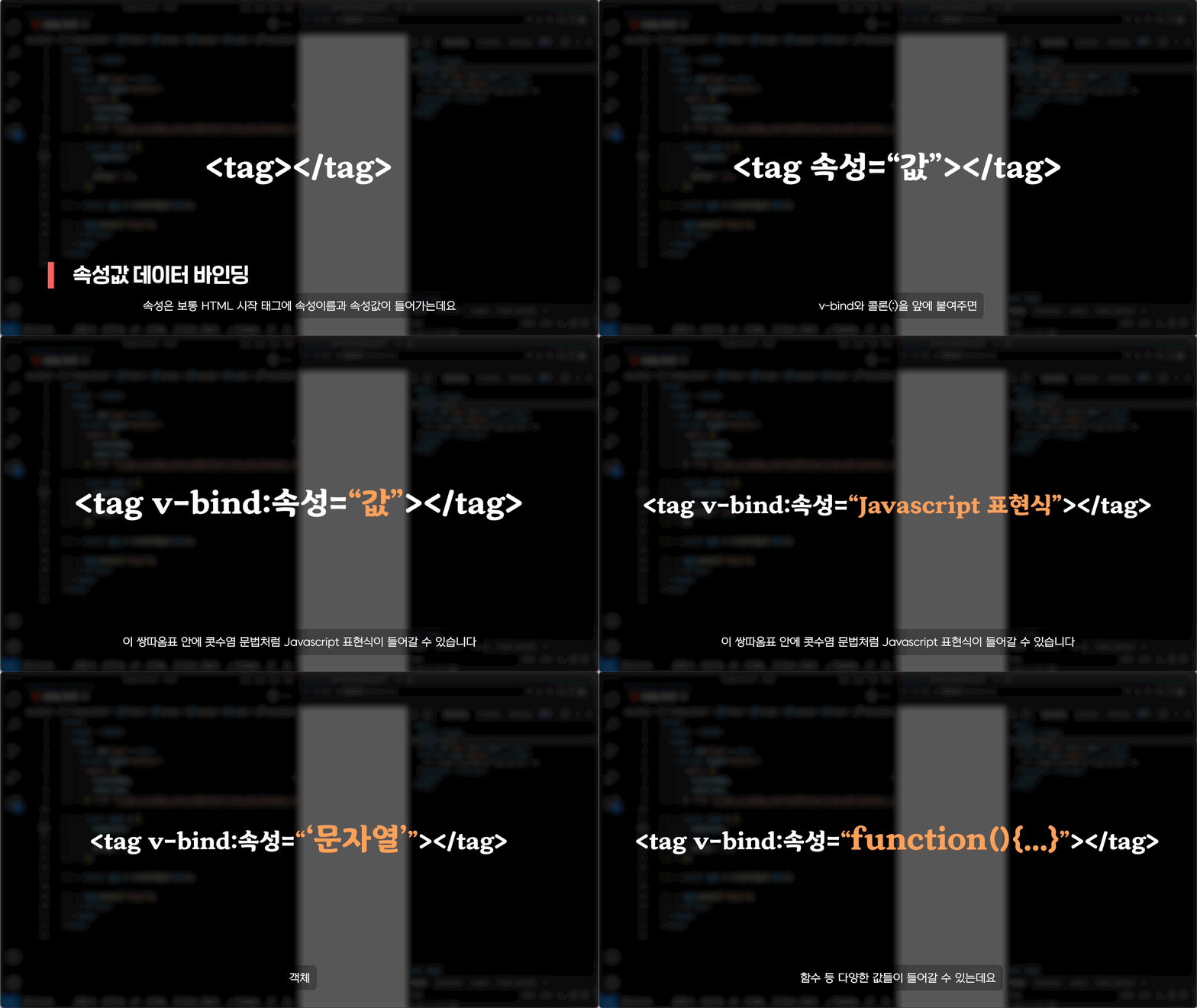
속성에 데이터바인딩할 수 있는 v-bind에 대해 알아볼겁니다!
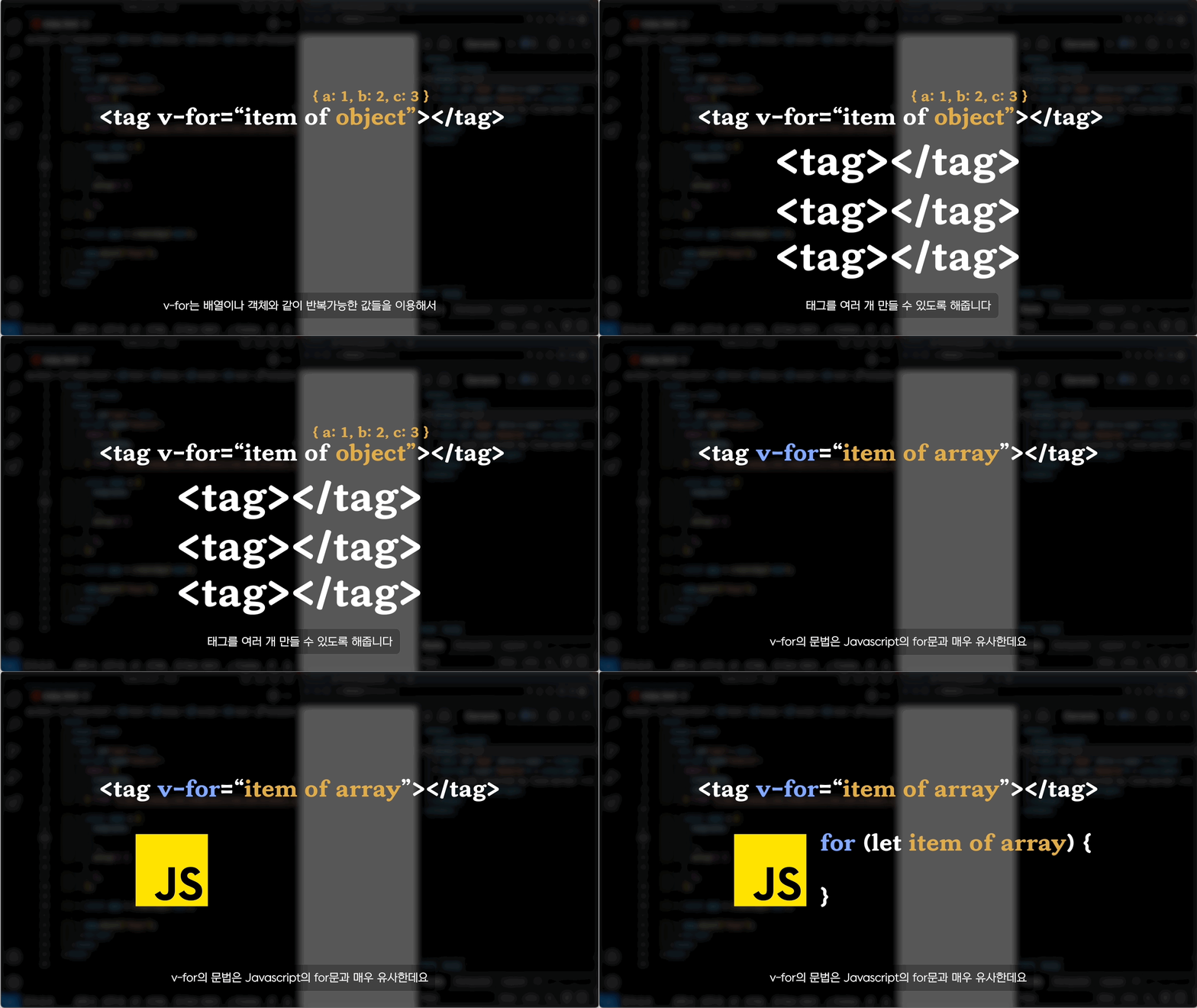
v-for를 통해서 반복적으로 태그를 만드는 방법에 대해서 다루어보겠습니다.
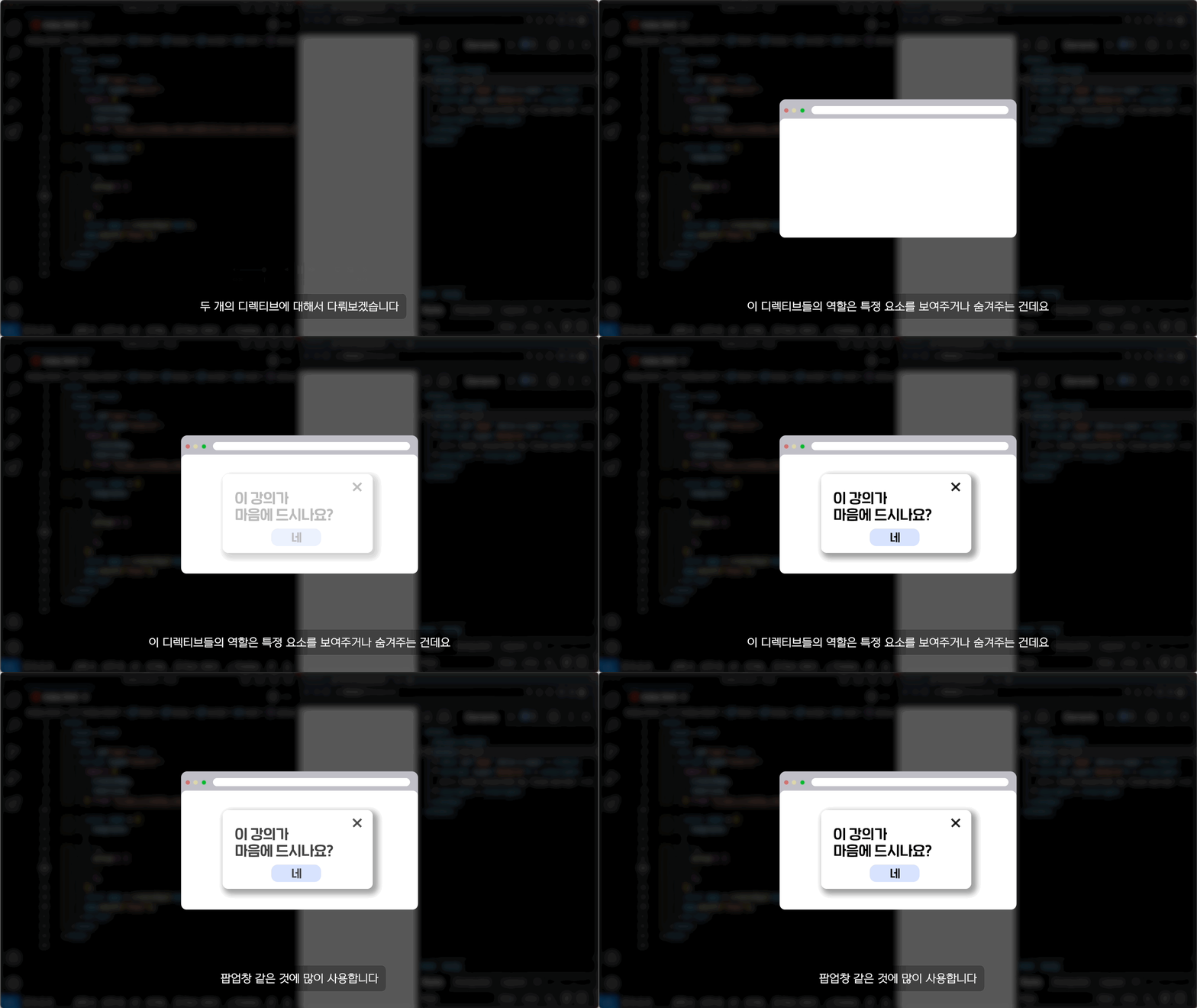
v-if나 v-show를 통해서 조건에 따라 태그를 나타나거나 사라지게 할 수 있습니다.
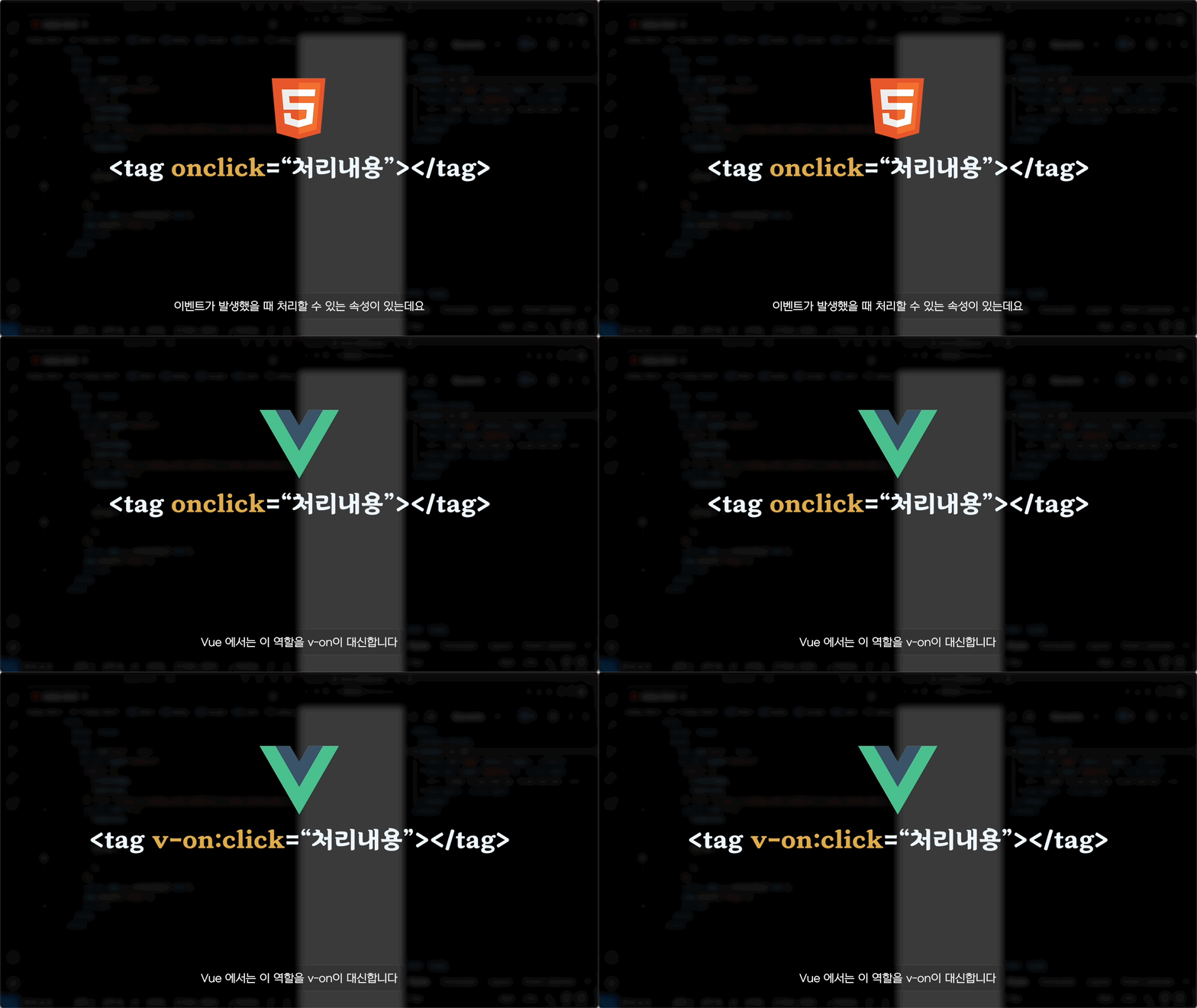
태그에서 이벤트 처리를 할 수 있게 도와주는 v-on에 대해서 다룹니다.
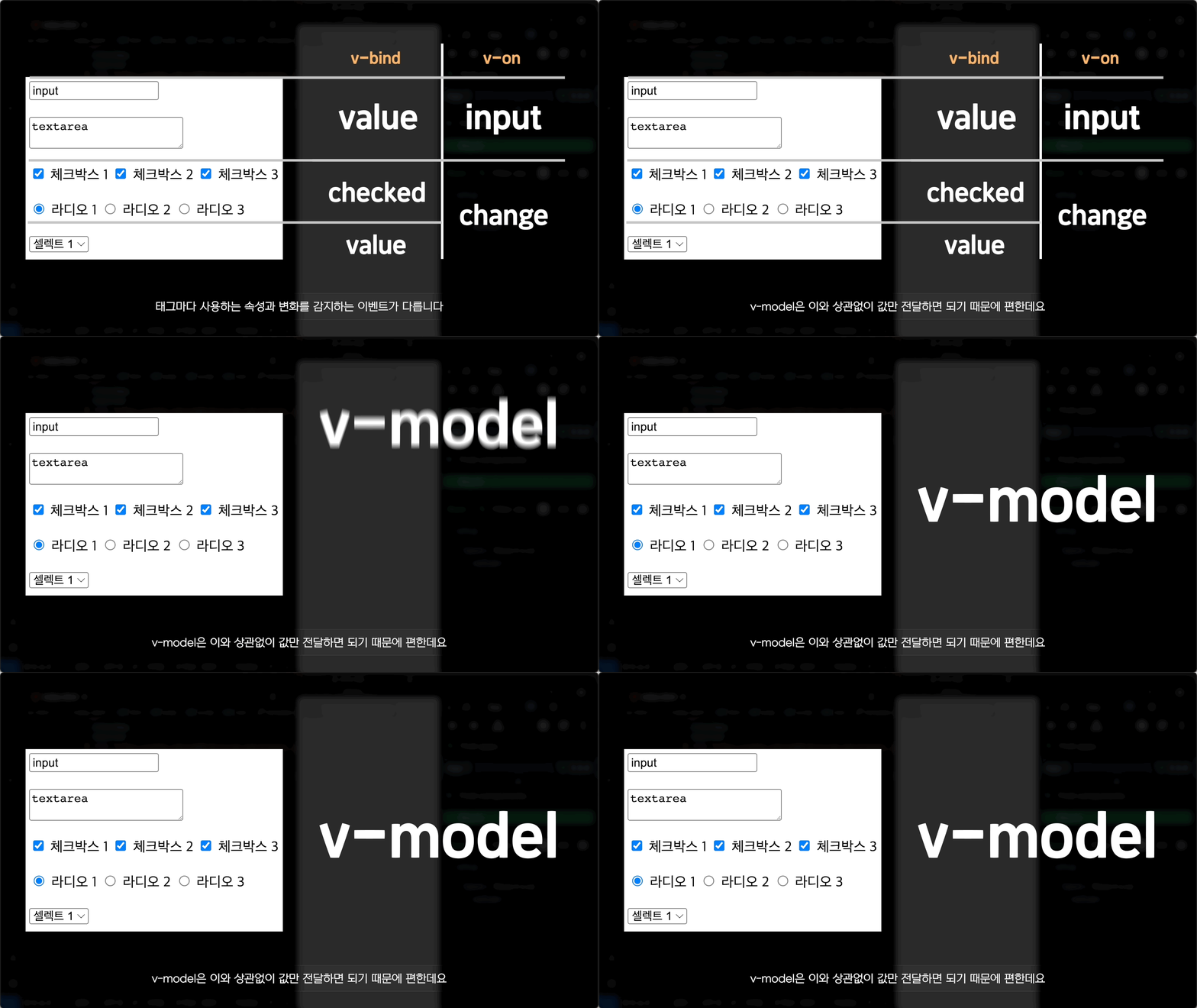
사용자가 상호작용을 통해 변화시킬 수 있는 입력폼에서 데이터바인딩 할 수 있는 v-model에 대해 다룹니다.
반응성을 이용할 수 있는 ref와 reactive, 그리고 이를 이용해서 추가적인 작업을 할 수 있는 computed와 watcher를 다룹니다.
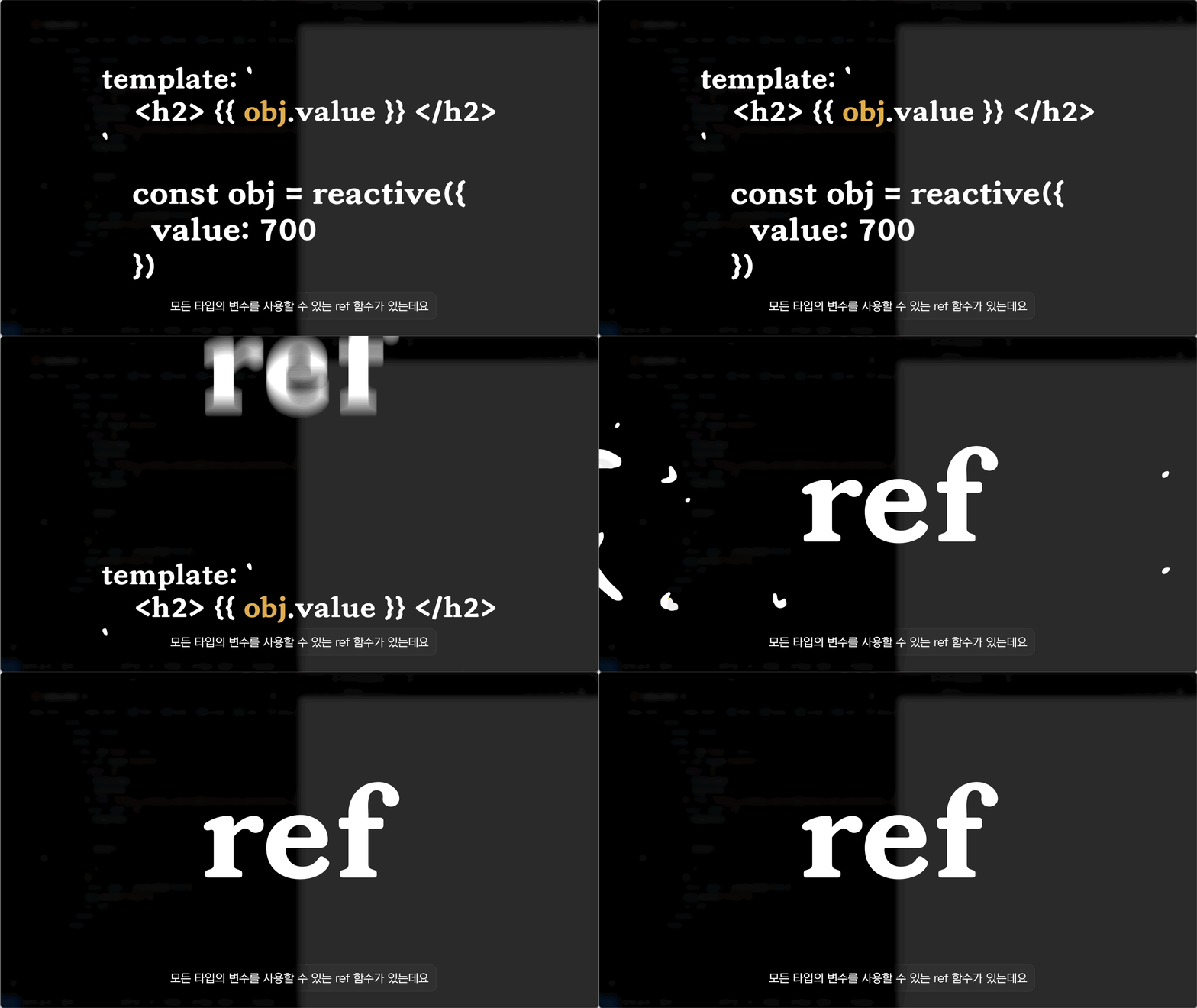
반응형 객체인 reactive와 ref 를 비교해서 어떻게 다른지 다룹니다.
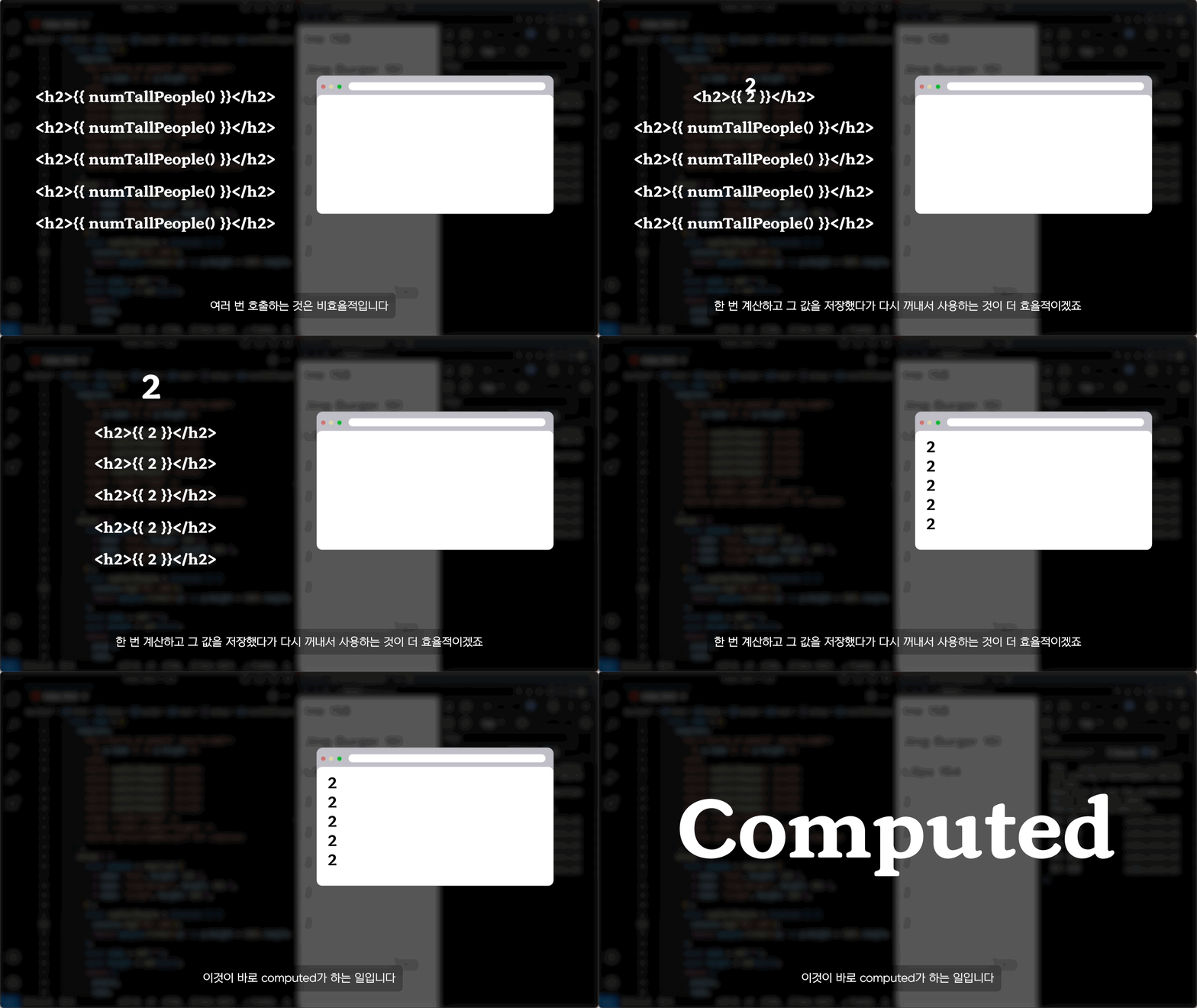
반응형 객체를 이용해서 또다른 값을 만드는 computed에 대해서 다룹니다.
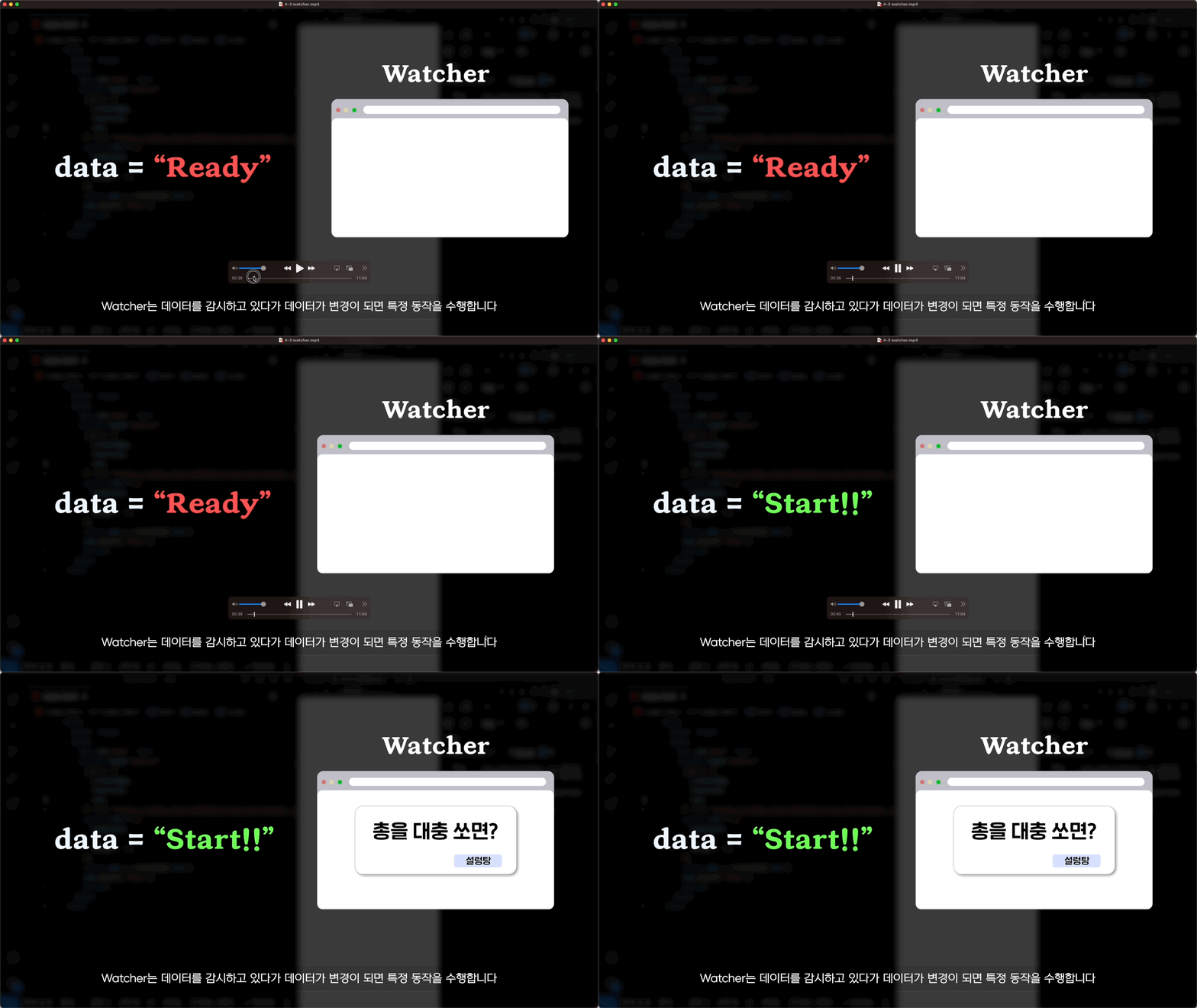
반응형 객체의 변화에 따라 추가적인 작업을 할 수 있는 Watcher에 대해서 다룹니다.
컴포넌트 파일(.vue)을 만들어서 컴포넌트를 좀 더 심화적으로 다루어봅니다.
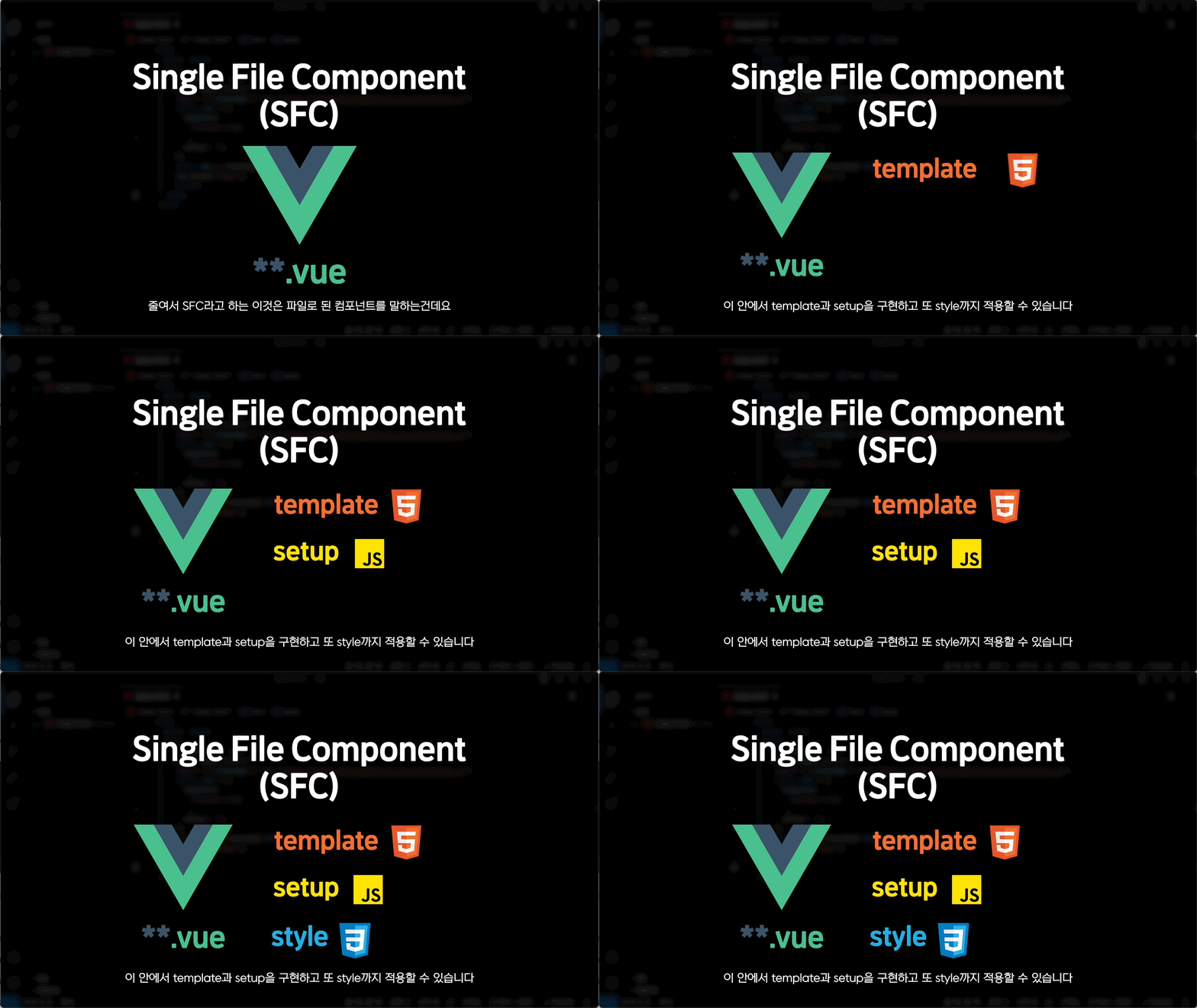
컴포넌트를 좀 더 활용할 수 있는 vue 파일, Single File Component!!
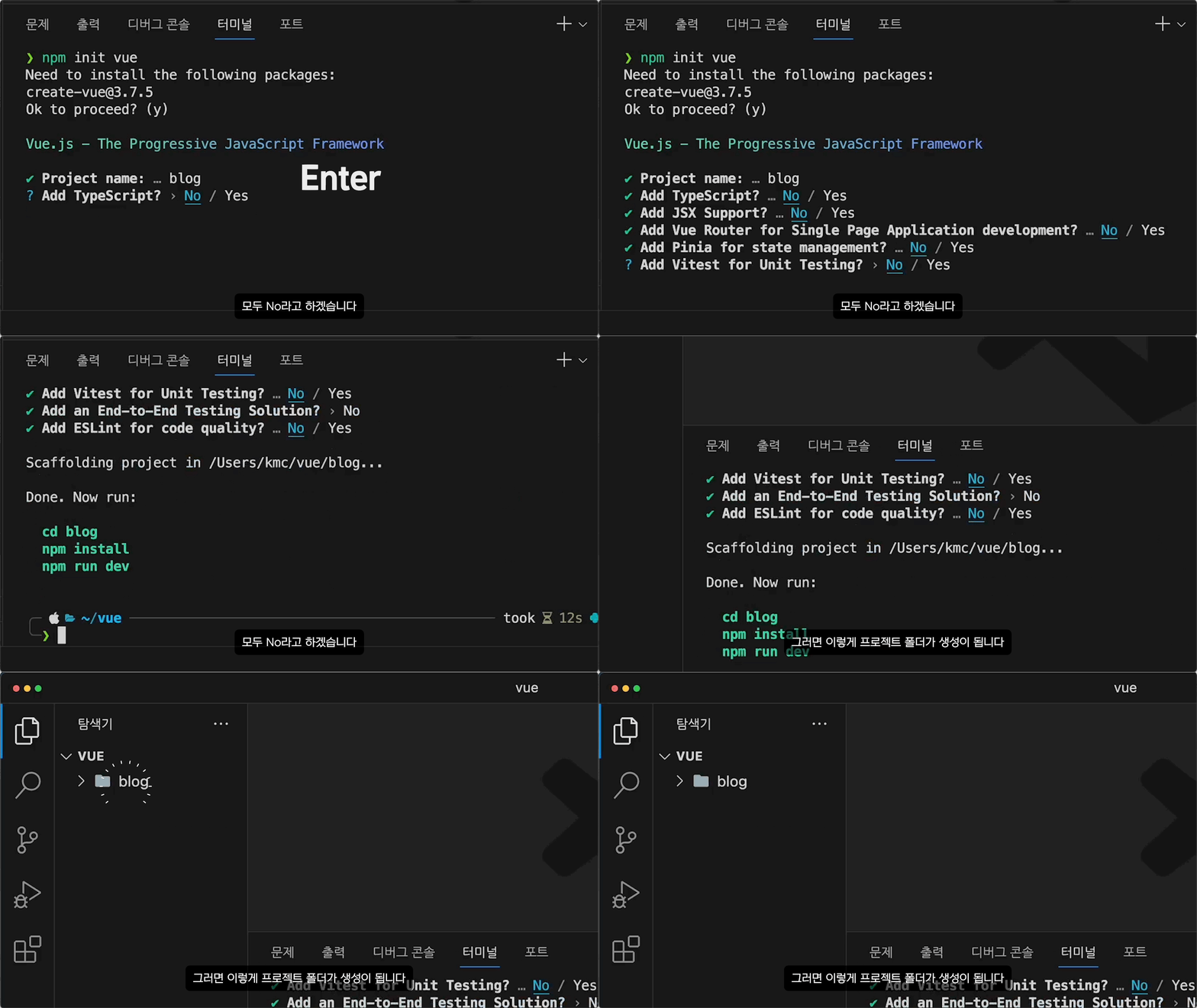
npm을 통해 Vue 개발을 하기에 최적인 프로젝트를 만드는 방법에 대해서 배웁니다.
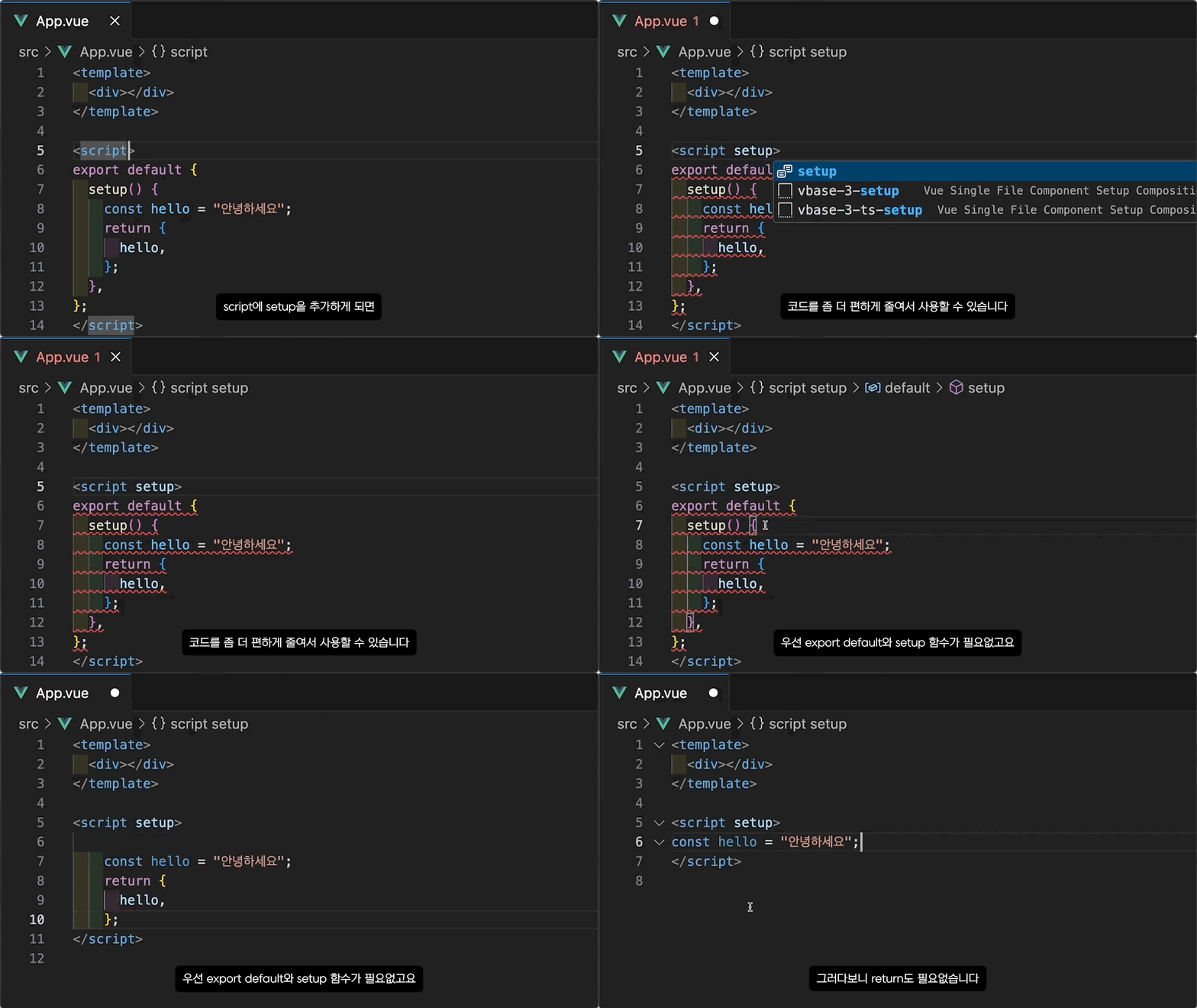
script를 좀 더 효율적이게 활용할 수 있는 script setup
style을 컴포넌트 안에서만 적용하는 style scoped
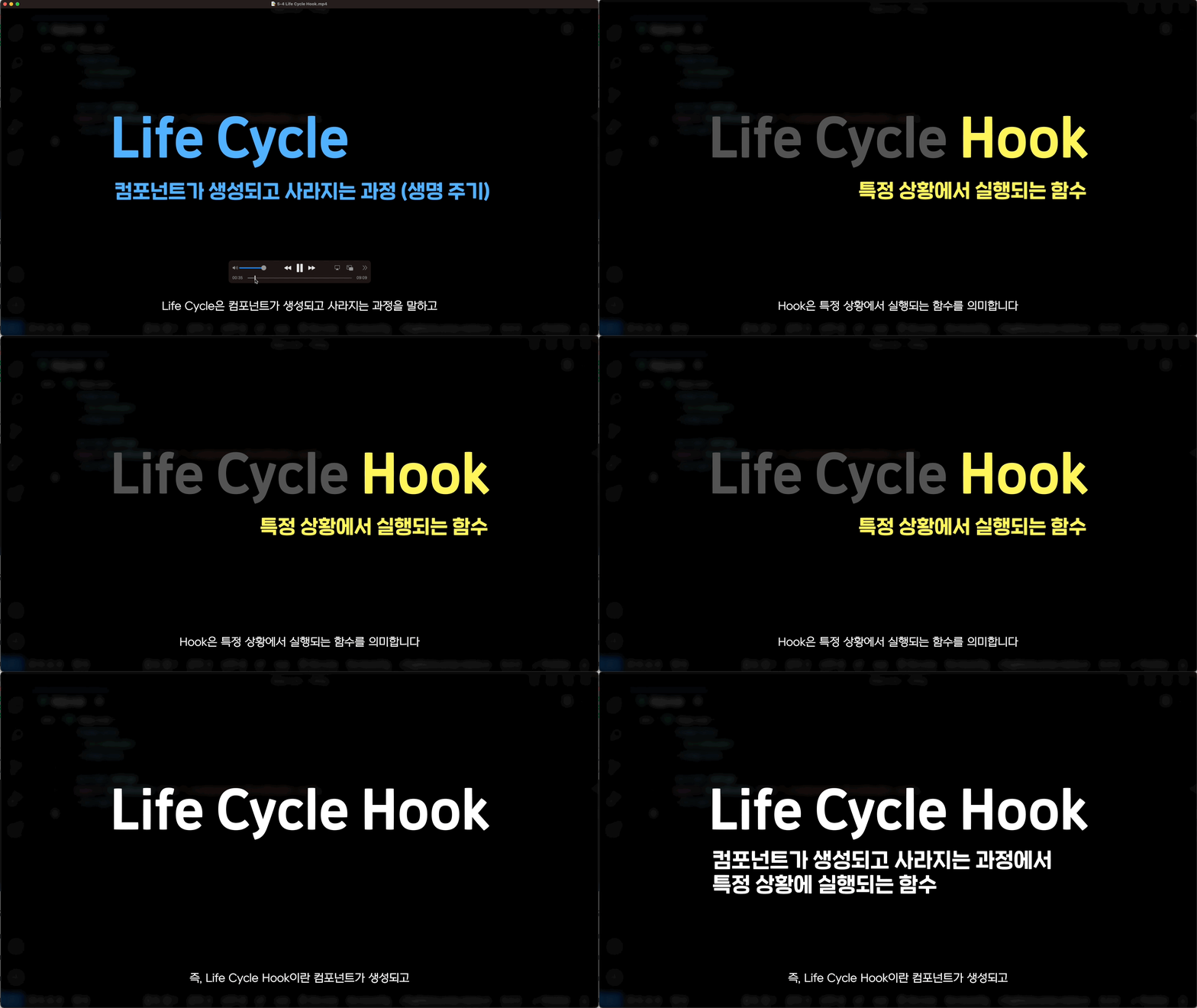
컴포넌트가 생성되고 사라지는 과정에서 특정 작업을 수행할 수 있는 Life Cycle Hook에 대해 배웁니다.
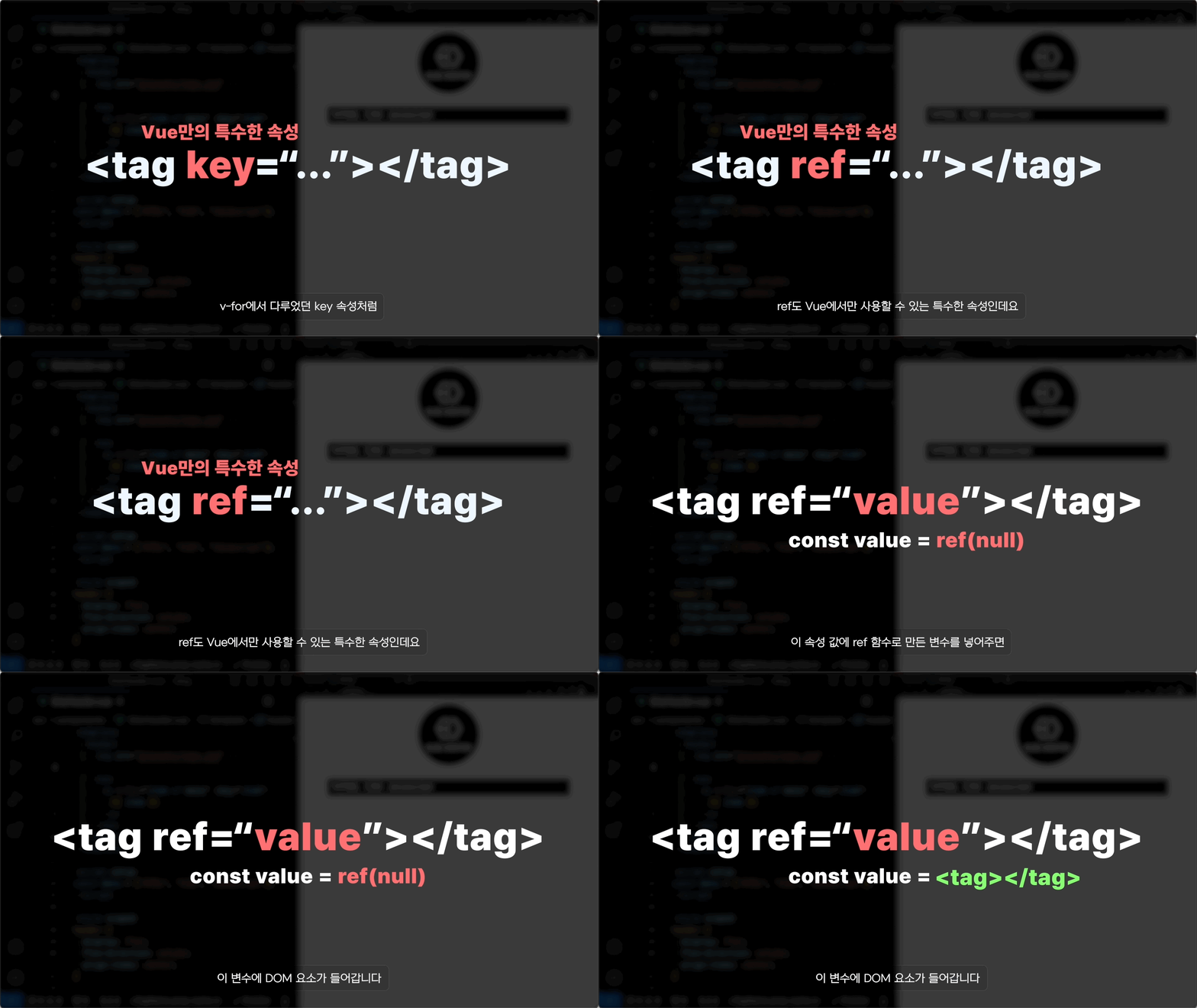
template에서 ref를 사용해 DOM을 조작해보아요!
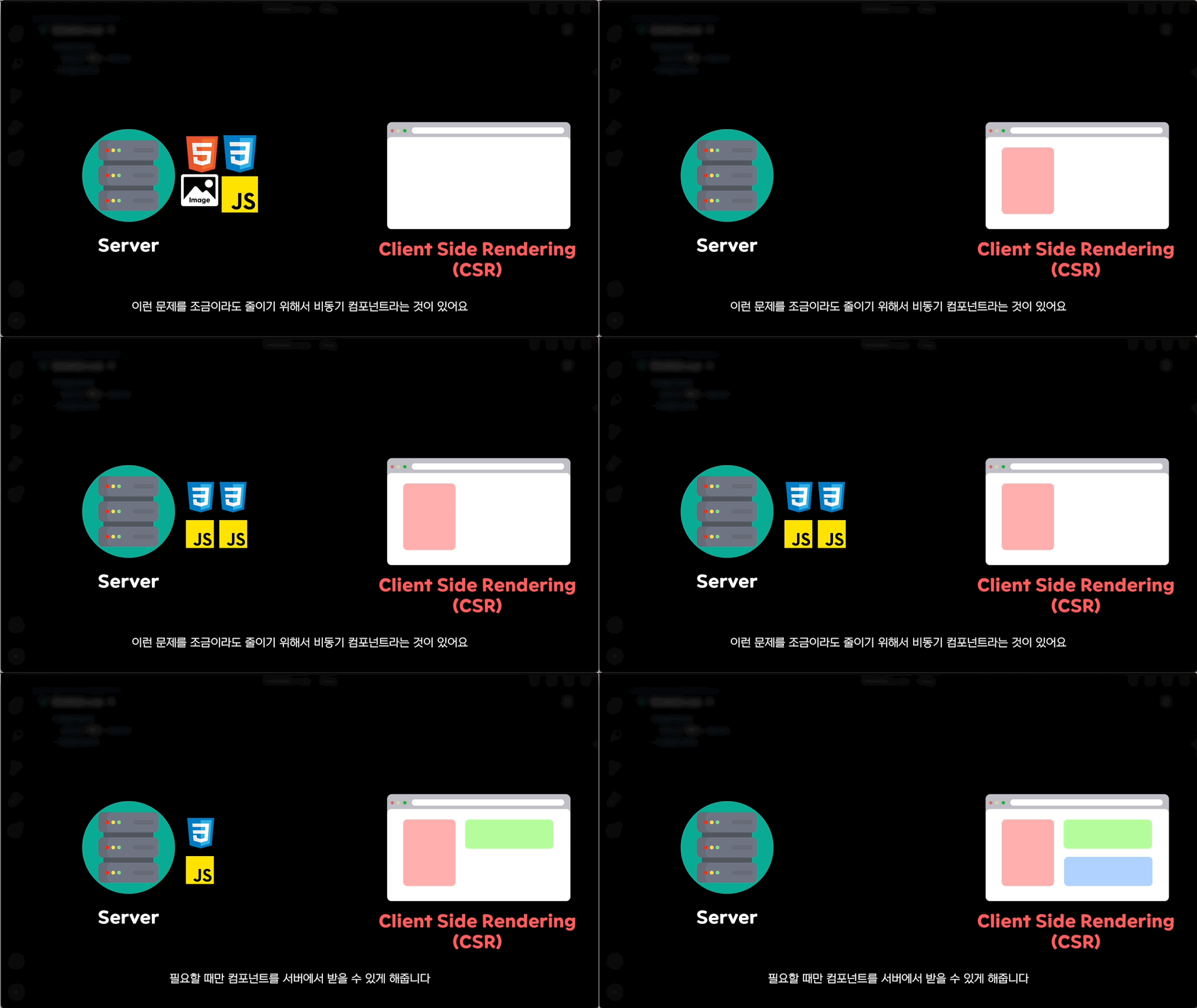
비동기적으로 서버에서 필요한 컴포넌트를 부르는 비동기 컴포넌트와
동적으로 컴포넌트를 그릴 수 있는 동적 컴포넌트에 대해 배웁니다.
블로그처럼 노션(Notion)을 에디터로 활용하는 방법에 대해 배웁니다.
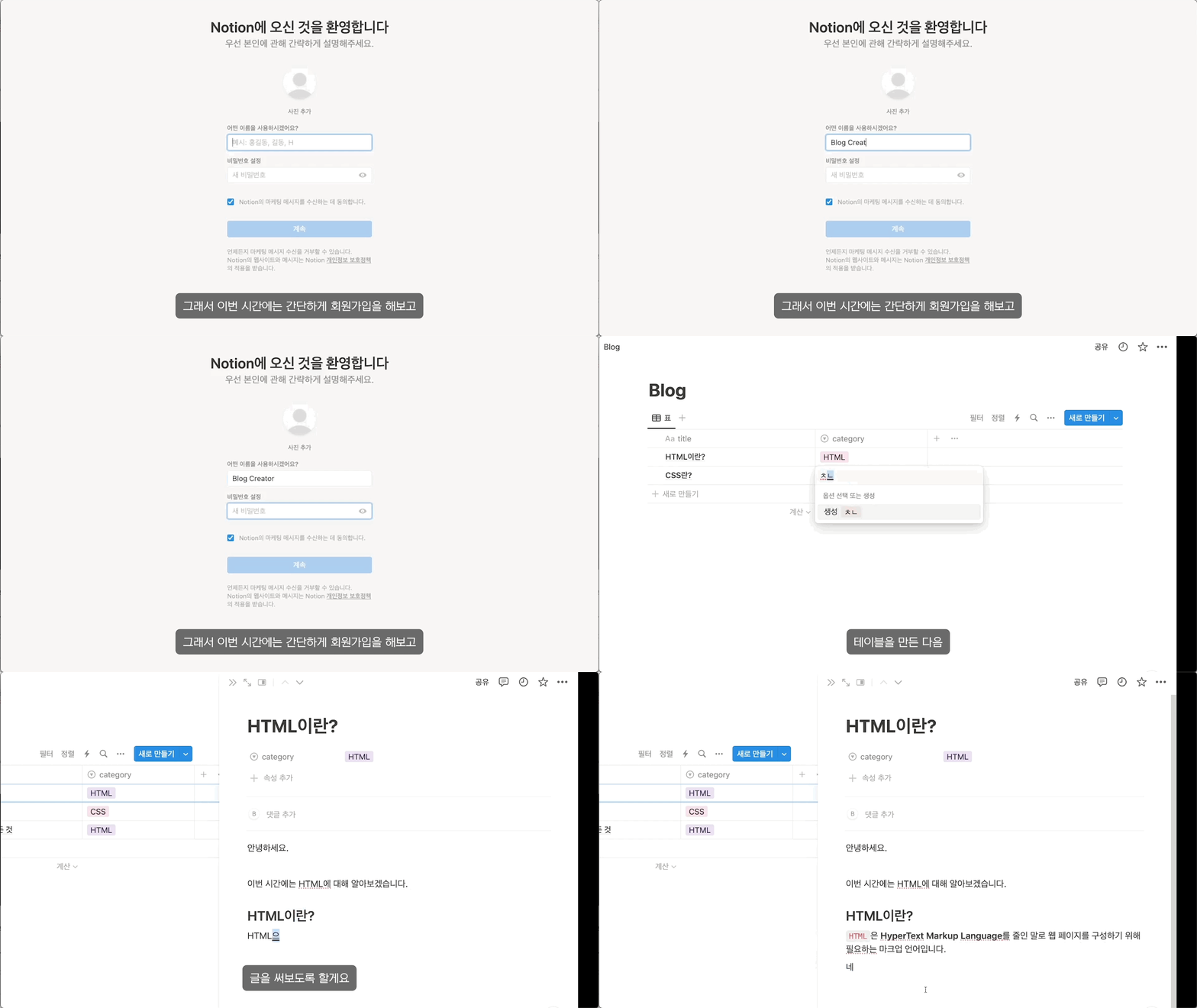
Notion을 모르시는 분들을 위해 회원가입부터 간단한 사용법까지 다룹니다!
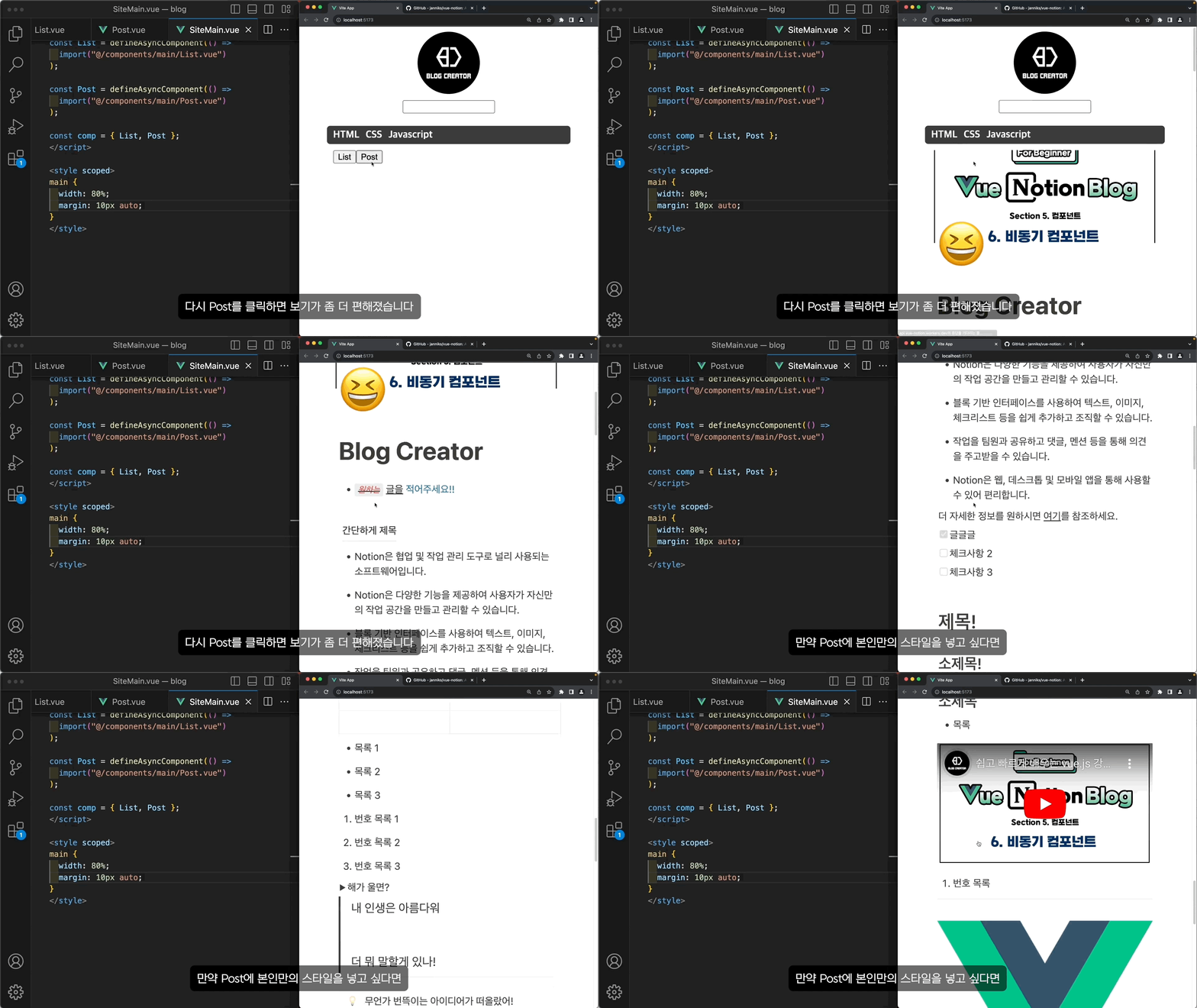
vue-notion 패키지를 통해 Notion 데이터를 가져오는 방법에 대해서 배웁니다.
컴포넌트 간에 데이터를 주고받는 다양한 방법에 대해서 다룹니다
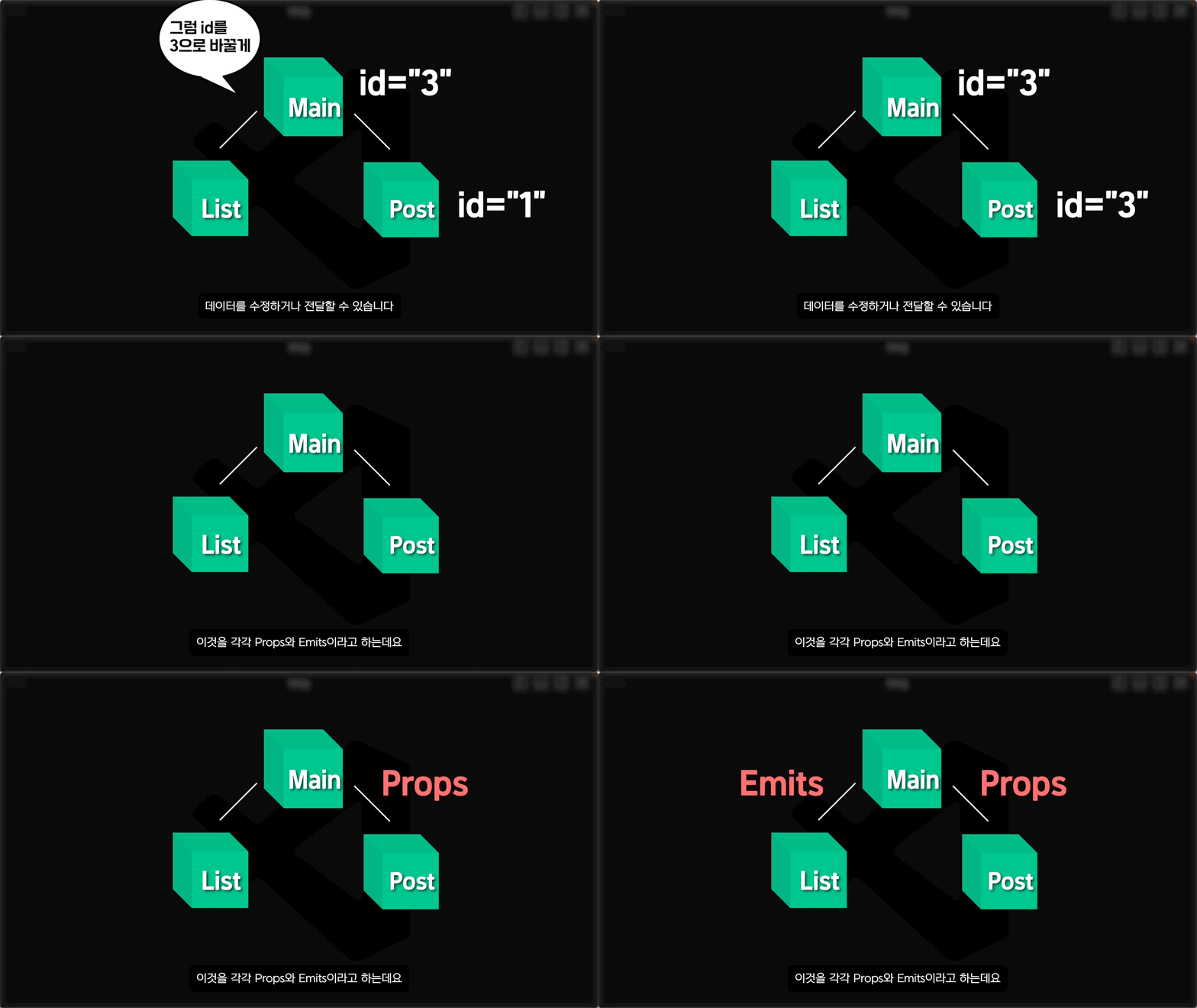
상위 컴포넌트에서 하위 컴포넌트로 데이터를 전달하는 Props에 대해서 알아봅니다.
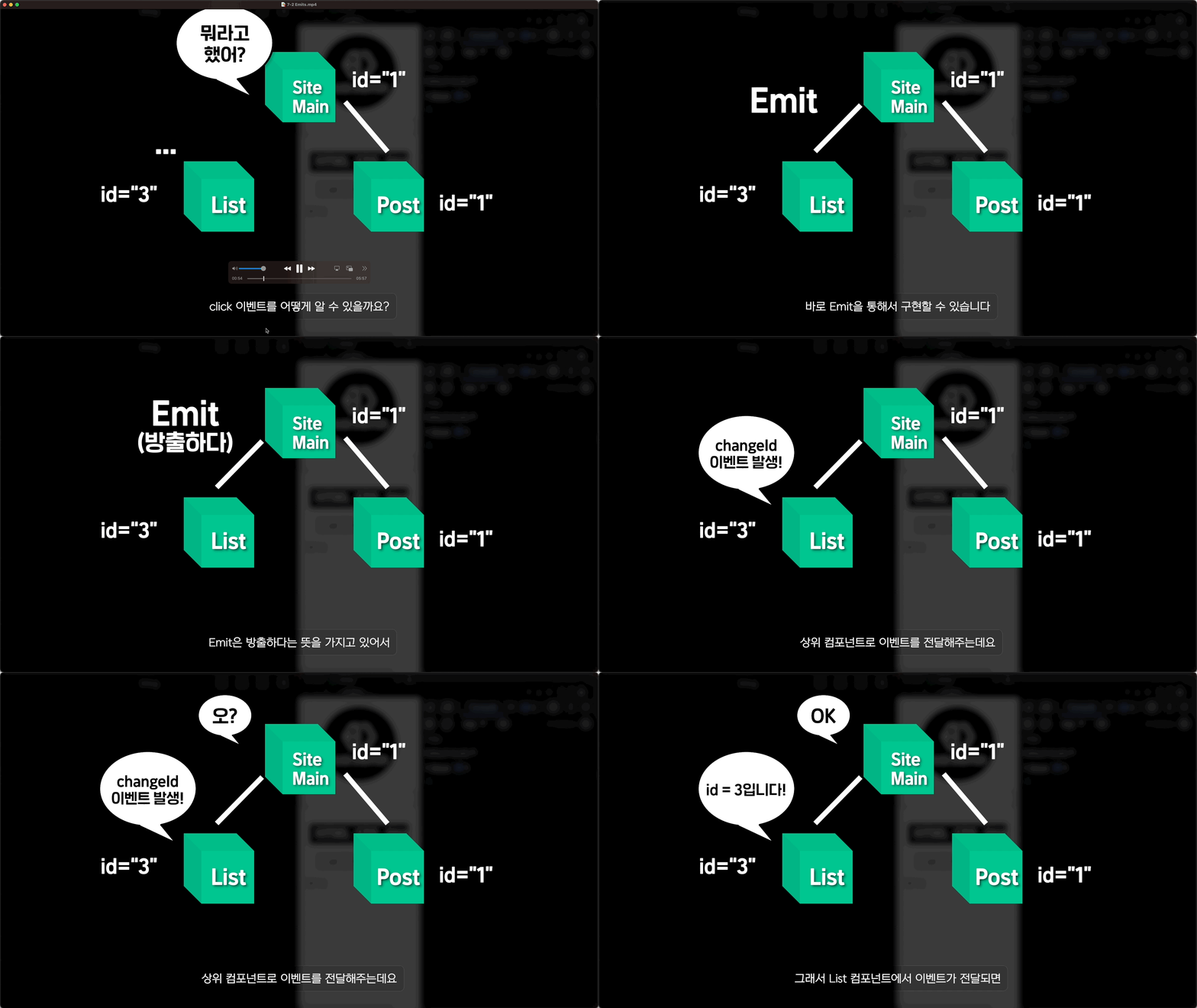
하위 컴포넌트에서 상위 컴포넌트로 이벤트를 전달하는 Emits에 대해서 알아봅니다.
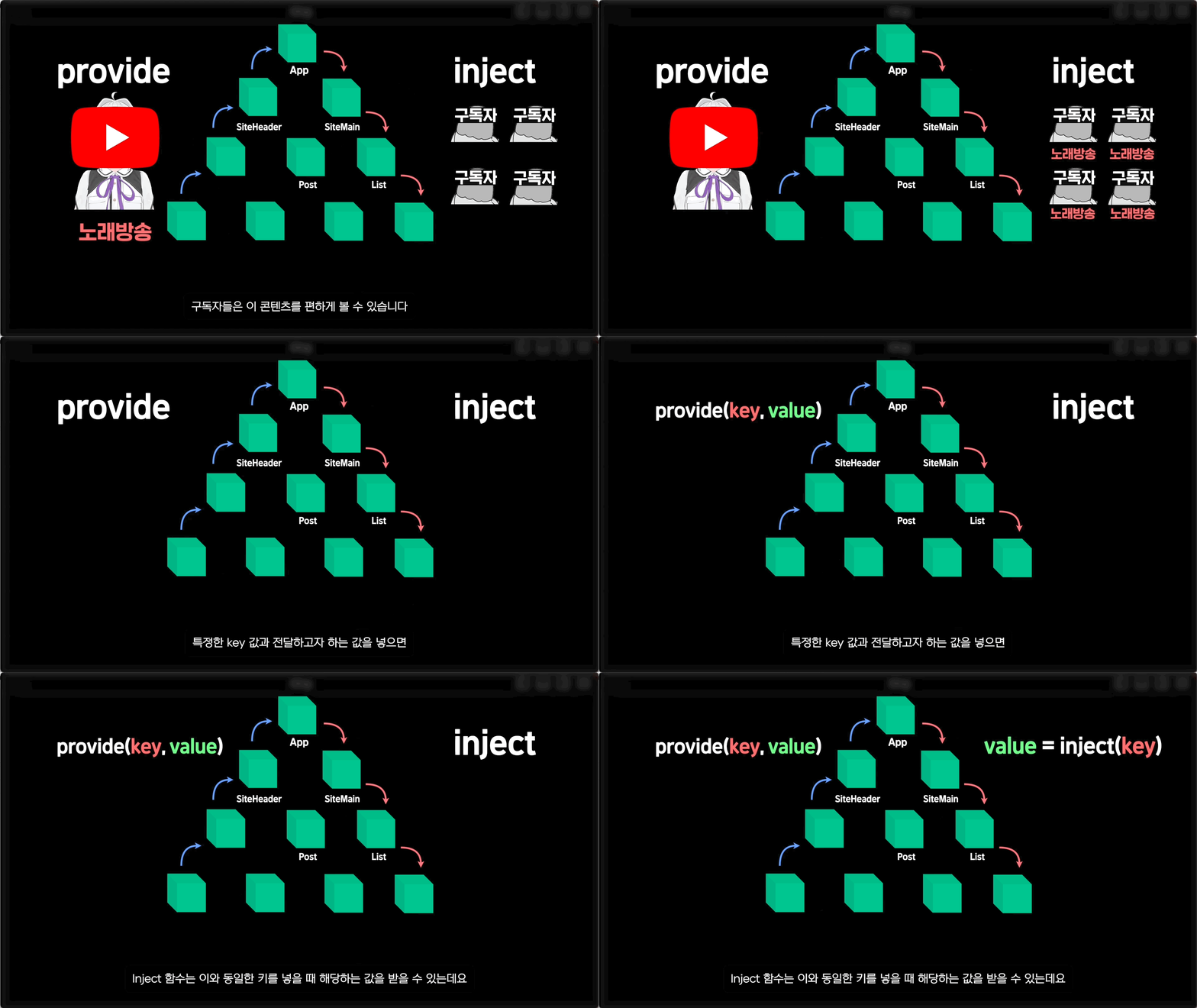
상위 컴포넌트에서 깊은 하위 컴포넌트로 데이터를 전달할 수 있는 Provide와 Inject에 대해서 다룹니다.
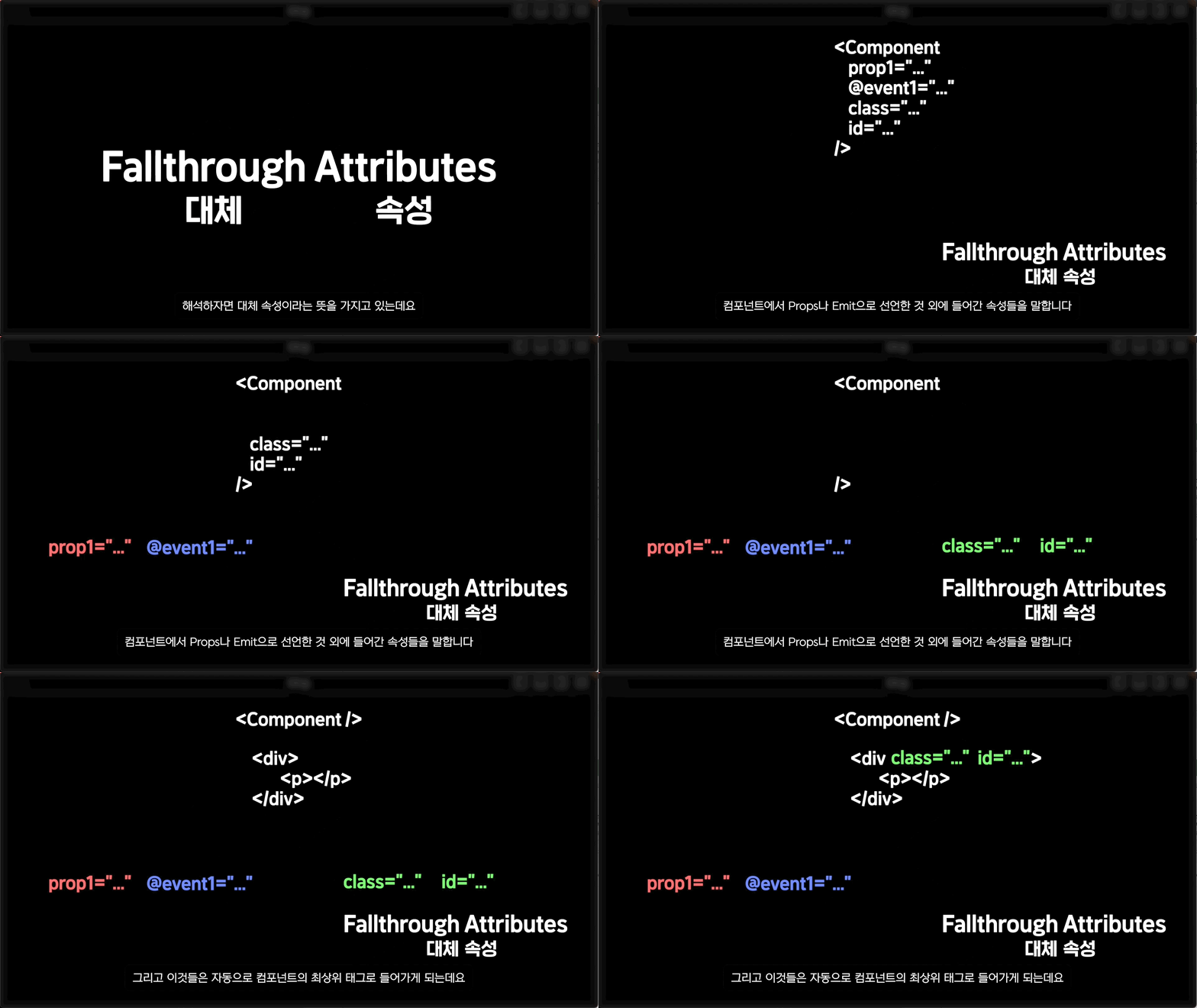
컴포넌트에 넣은 속성을 어떻게 다룰 수 있는 지 attrs를 통해 알아봅니다.
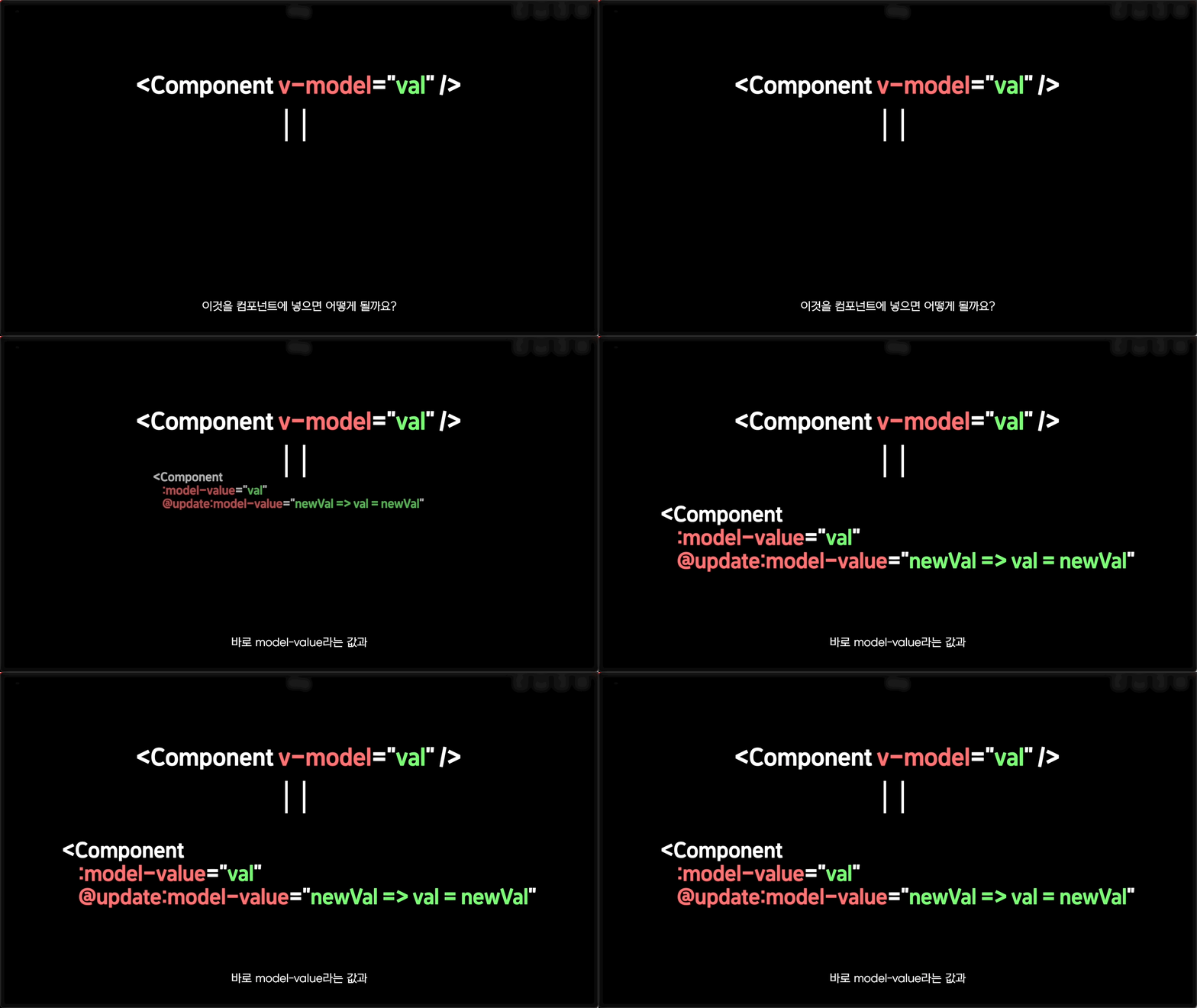
컴포넌트에 v-model을 써야할 때 어떻게 해야하는 지 알아봅니다.
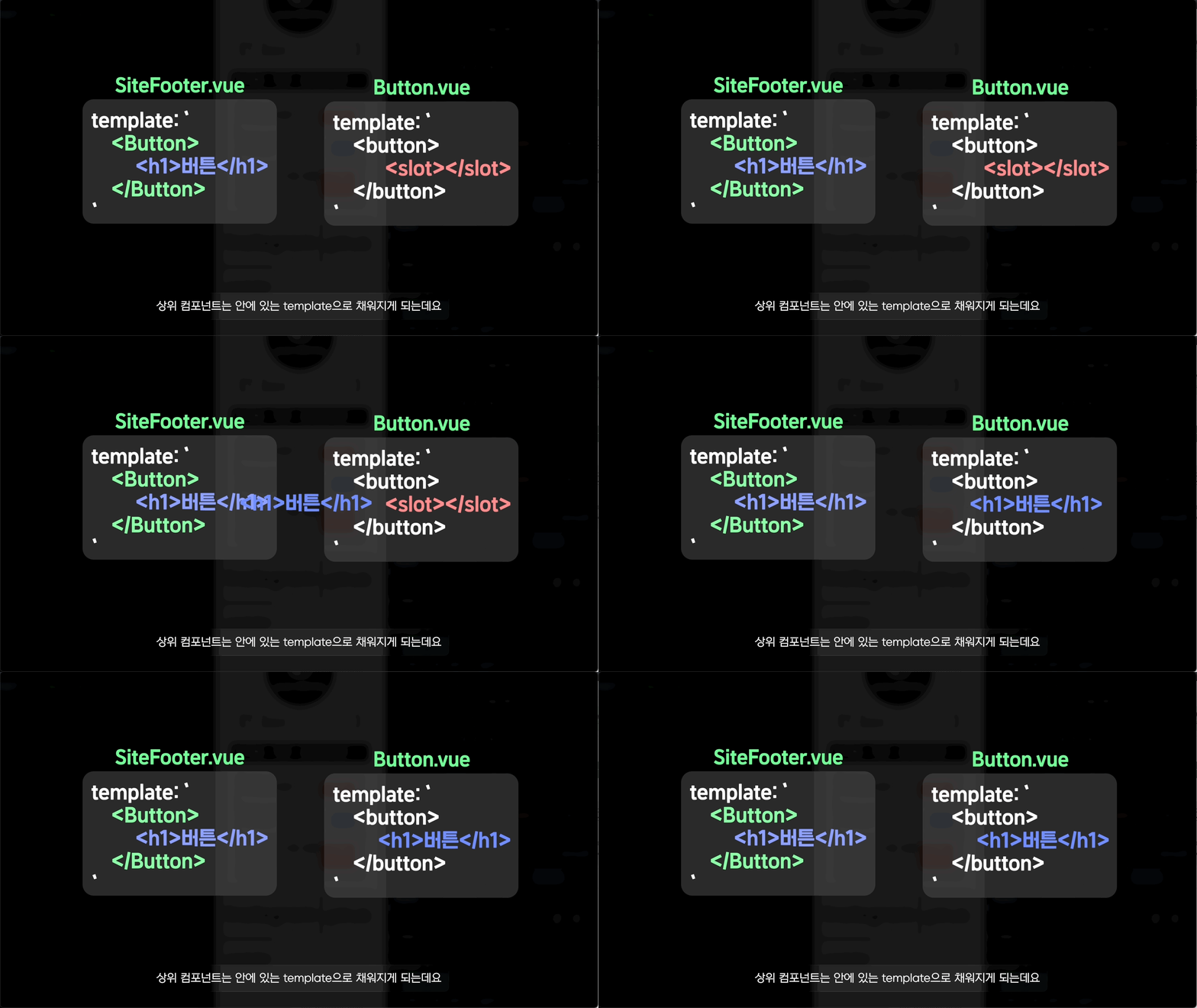
컴포넌트의 template을 상위 컴포넌트에서 다룰 수 있는 slot에 대해 다룹니다.
이렇게 봐도 잘 모르시겠다면 무료강의를 몇 개 보시길 바랍니다!
어떤 느낌인지 확❗️아실거에요
추천합니다. 초보자가 이해하기 쉽게 설명이 잘되어 있습니다.
비전공자에게는 정말 어려운 코딩 관련 용어 및 내용을 정말 알아듣기 쉽게 알려주셔서 감사합니다! 요즘같이 취업준비가 어려운 시기에 개발쪽 공부가 필요했는데 정말 딱 맞는 강의였어요 ㅠㅠ 다음 강의도 나오면 들어볼까합니다(목소리 좋으신듯)
강의 기획부터 실행까지 잘 짜여진 커리큘럼대로 진행이 되어 너무 좋습니다. 단순히 자신이 아는 지식 자랑하듯 실수하면 강의가 끊어지는 강의가 아니고, 소소한 애니메이션 효과까지 빼놓을 것 없이 좋은 강의였습니다. 특히 npm 패키지로 설치만 진행하지 않고 기초 원리와 npm 방식까지 나누어서 설명해줘서 너무 좋았습이다. 이 분 강의는 다른정보가 올라와도 또 들어보고 싶은 내용입니다.
- 편집: ★★★★★ 5.0 예술적임. 말할 필요가 없는 뛰어난 수준 - 설명: ★★★★☆ 4.5 뛰어남. 개념 설명의 질 면에서 부족하거나 급하게 넘어가는 부분이 없지는 않지만, 개념 자체를 짚고넘어가는 걸 빼먹지는 않으며, 부족한 부분은 편집으로 커버하고 있음. - 자기주도성: ★★★★☆ 4.5 뛰어남. 매 강의 끝마다 과제를 내고, 바로 다음 강의에서 정답을 보여주는 걸로 복습까지 할 수 있음. 블로그를 만든다는 하나의 목적에 맞게 잘 구성되어 있음. - 강의 대상 선정: ★★★★_ 4.0 어딘가 미묘하게 아쉬움. 대상을 초급자로 생각하고 있는 거 같은데 그런 것 치고는 미묘하게 개념 설명이 부족한 부분이 간혹 있음. 이미 유사한 개념들을 알고 있다면 스무스하게 넘어갈 수 있음. - 추천 수강자: JavaScript를 현업에서 사용한 경험이 있으나 Vue.js는 써본적이 없는 사람, 다른 UI 프레임워크를 써봤는데 Vue.js를 배우고 싶은 사람, 직접 따라하며 잘 이해가 되지 않는 개념은 검색하거나 강의자에게 질문해가며 익혀갈 자신이 있는 초보 학습자, 실무에 빨리 써야 하는데 공식 문서는 너무 길어서 하나하나 읽기에는 곤란한 인프런 비즈니스 회원사의 직원
새롭게 배우고 있는데, 디테일하게 배울 수 있어서 좋아요!! 화면도 깔끔하게 정리되어 보기 편하게 되어 있고, 쉽게 따라할 수 있게 구성되어 있어요. 새롭게 배우거나 헷갈리는 부분을 참고해서 보기에 용이하게 구성되어있어요!!


![기획자님 이 정도 웹 개발은 배워보면 어떨까요? [이론+실습]강의 썸네일](https://cdn.inflearn.com/public/courses/333579/cover/5bfdb903-721c-4e32-803b-ed0d4cfc28b7/333579.png?f=avif&w=420)

