Easy Windows Development Environment Setup Without Any Hassle
kenuheo
How to easily set up git, VS Code, Node.js, Python, Java dev environments on Windows within 2 hours without struggling.
입문
Git, VSCode, Microsoft Windows

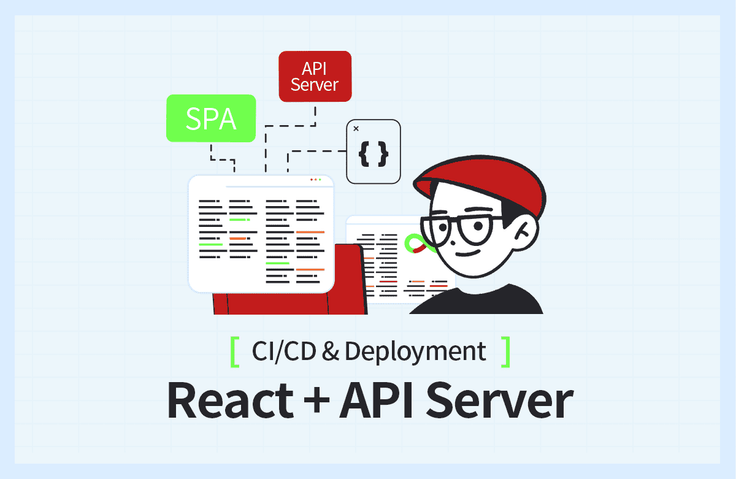
SPA의 대명사인 React 개발 환경을 만들고, Node.js 기반의 API Server와 Swagger를 통한 API 문서를 자동 생성합니다. 로컬 개발환경과 개발서버의 차이를 이해하고, AWS를 쉽게 따라서 이용할 수 있습니다. 강의자료: https://bit.ly/okreactapi

React 개발 환경과 서버 구성
Vite 기반의 React 개발환경 만들기
Node.js 기반의 API Server
Swagger를 통한 API 문서 자동화
로컬 개발환경과 개발서버 차이
CORS 이슈 해결
AWS EC2 서버 구축 기본
Nginx(웹서버) 기본 사용법
Nginx와 Node.js 연결
무료 HTTPS 인증서 발급
GitHub Actions를 이용한 CI/CD 자동화
SPA 프로젝트 로컬 개발환경 구축부터
서버 배포 자동화까지 직접 도전해보세요! ✌
📢 수강 전 확인해주세요!
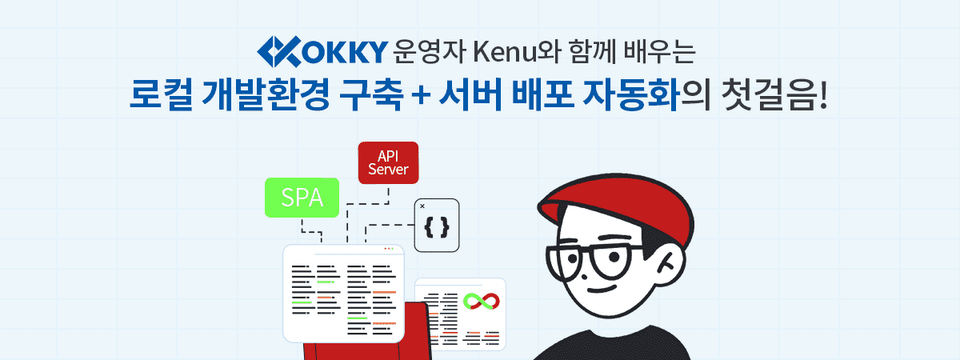
프론트엔드 환경과 API 서버를 개발했지만 막상 어떻게 배포를 해야 할지 막막하신가요? 생소한 개발 환경 세팅과 배포 CI/CD를 위한 흐름을 익히고 싶으신가요
이 강의에서는 리액트 프로젝트의 로컬 개발환경 구축 및 서버 배포 자동화 과정을 직접 경험해봅니다. 기존 웹 개발 방식과 달라진 리액트를 이용한 싱글 페이지 애플리케이션(SPA) 개발 환경을 다루며, 이를 서버에 배포해서 서비스하는 방법에 대해 소개합니다. 또한 Swagger를 이용한 API 문서 자동화를 함께 다루며, 로컬 개발 환경과 배포되는 서버 환경과의 차이를 배울 수 있습니다.
윈도우 기준으로 영상을 만들었지만, 맥과 리눅스에서도 거의 대부분 동일하게 따라할 수 있습니다. 개발 환경 세팅부터 배포, 자동화가 어떻게 이루어지는지 강의에서 직접 확인해 보세요!
VSCode

Node.js

Git

GitHub

GitHub Actions

AWS EC2

AWS Route53

Nginx + HTTPS
(SSL 인증서)
01. 준비하기
꼭 필요한 개발 플랫폼과 개발 도구, 관련된 계정 등록 소개
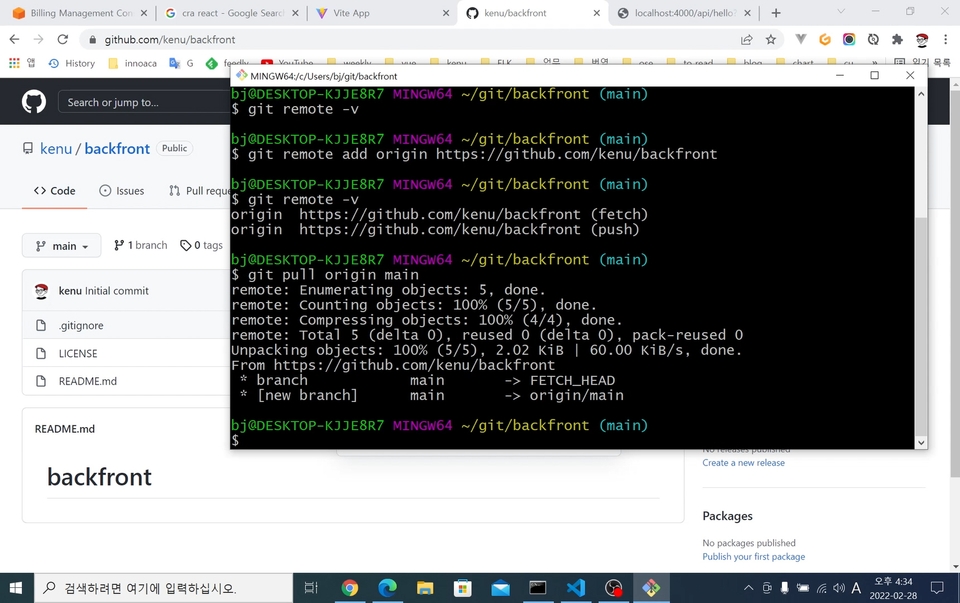
02. SPA 개발 환경 구성
로컬 컴퓨터에서 작업하기 위한 프론트엔드와 백엔드의 기본적인 프로젝트 환경 구성
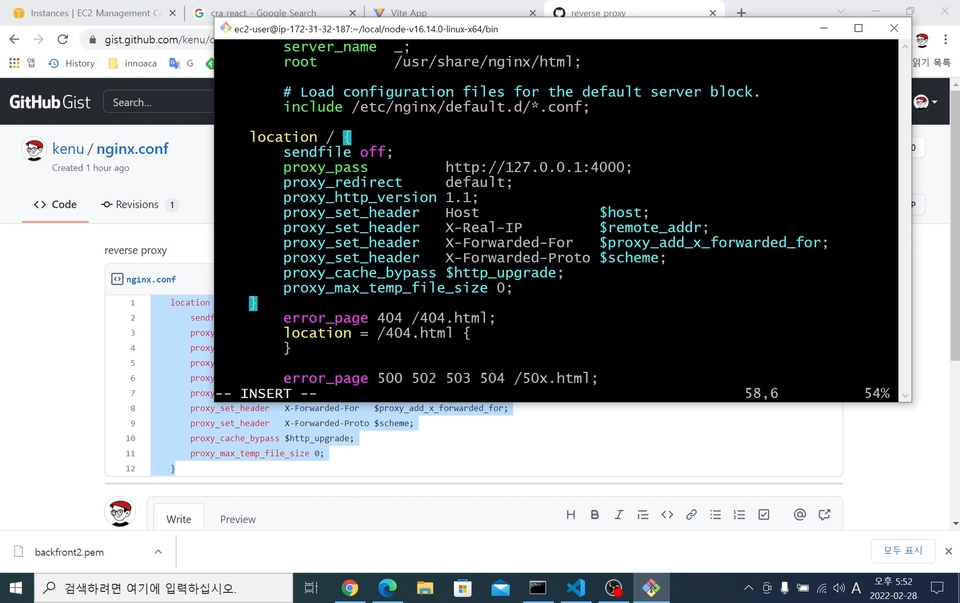
03. 배포 프로세스
서비스를 위해 서버에 배포하는 절차, 방법 소개
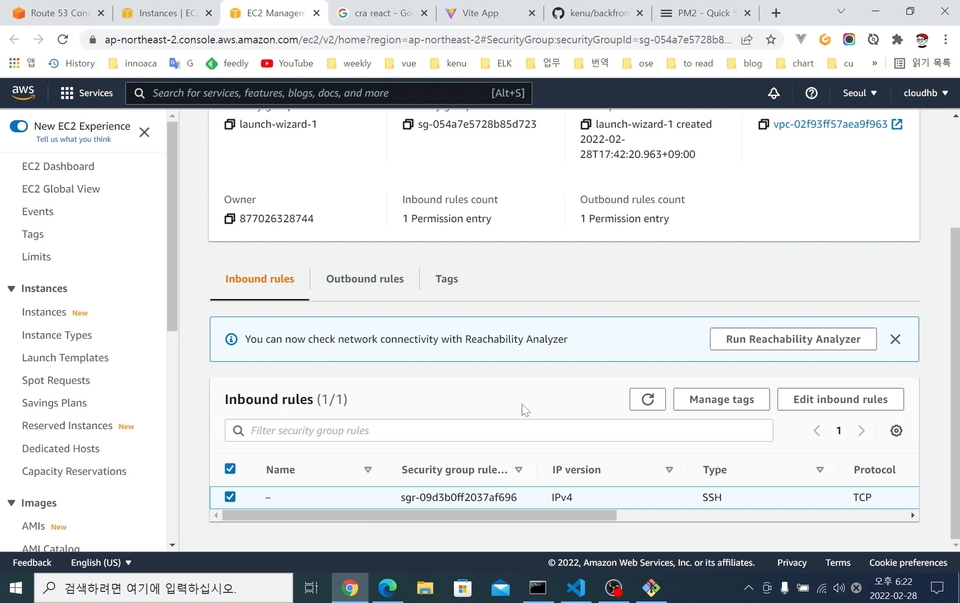
04. 도메인 등록과 HTTPS 설정
도메인과 서버를 연결하고, HTTPS 연결을 위한 방법 소개
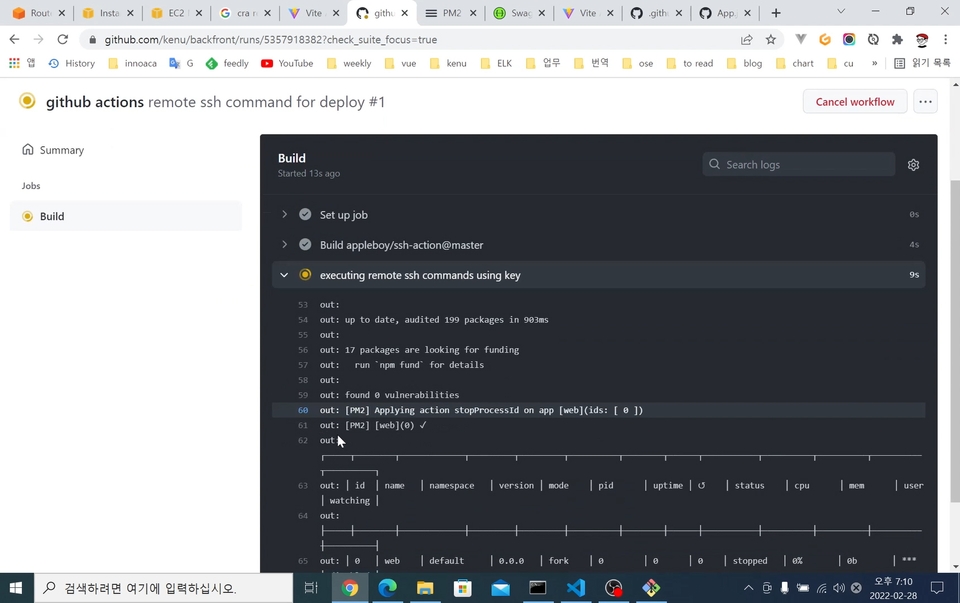
05. 배포 자동화하기
코드가 변경되면 자동으로 개발 서버에 배포되는 작업 설명
06. CORS 설정
로컬 개발 환경에서 발생하는 CORS 이슈와 빌드 환경 변수 구성

종종 유튜브에서 프로그래밍 방송을 하고 있습니다.
Hello World를 찍으면 개발 준비는 끝났습니다! 단순히 코드를 짜본 경험이 있다는 수준에서 그치는 것이 아니라, 내가 만든 애플리케이션을 사람들이 사용할 수 있도록 서버에 자신이 만든 코드를 올려서 서비스할 수 있는 자신감이 생깁니다.
Q. 비전공자도 들을 수 있는 강의인가요?
네, 비전공자도 충분히 들을 수 있습니다. 관련 프로그램 설치부터 촘촘하게 설명해드려요!
(선수 지식으로 JavaScript를 알고 계셔야 합니다!)
Q. 수업 내용을 어느 수준까지 다루나요?
React와 Node.js의 문법은 다루지 않고, 개발환경 구축과 배포 및 자동화에 대하여 설명합니다.
Q. 강의에 사용되는 기술들의 버전이 올라가면, 강의 업데이트가 이루어지나요?
강의 진행이 어려울 정도로 메이저 버전이 올라갈 경우 강의 내용 업데이트는 필요합니다. 따라서 2025년까지는 업데이트를 염두에 두고 있습니다.

학습 대상은
누구일까요?
스타트업 개발자로 입사했는데 사수 없는 분
SPA 개발환경과 서버 배포가 처음이신 분
AWS 사용이 처음이신 분
HTTPS 서버 구성을 배우고 싶은 분
CI/CD 입문자
선수 지식,
필요할까요?
JavaScript
767
명
수강생
51
개
수강평
43
개
답변
4.6
점
강의 평점
3
개
강의
https://okky.kr 창립자이며, https://github.com/kenu/okdevtv 에서 배운 것을 공유하고 있습니다.
https://mp4.okdevtv.com 에 개발관련 채널의 최신 영상을 모으고 있습니다.
KenuHeo 유튜브에서 프로그래밍 방송을 500회 이상 진행하고 있습니다.
전체
8개 ∙ (1시간 48분)
해당 강의에서 제공:
1. 00. 강의 소개
02:17
2. 01. 준비하기
10:46
5. 03. 배포 프로세스
23:09
전체
46개
4.6
46개의 수강평
수강평 9
∙
평균 평점 4.4
5
As mentioned in the lecture, this is not a lecture about React or Node.js. This lecture focuses on processes such as deployment, domain registration, and CI/CD settings. Junior developers tend to neglect elements such as CI/CD compared to development, but CI/CD is an essential process for the continuous development of a program. Through this lecture, I was able to easily learn how CI/CD is actually performed. I enjoyed the lecture :)
Thank you for the good review. Be happy. 😊
수강평 4
∙
평균 평점 5.0
5
I'm new to programming and have just started developing locally and can easily create projects, but I was unfamiliar with the development environment settings and deployment CI/CD, and it was difficult to understand them. In particular, I had a hard time understanding what to do on the server, but it explained everything from the installation page guide to the environment settings, and covered the entire creation - setting - simple error resolution - deployment, so I was able to go through a cycle. The most difficult part when learning is that you have no choice but to move on to an abstract understanding because you have no experience, but after going through a cycle like this and looking at the lecture materials again, I think I gained more based on my experience, thinking, "Oh, that's what I did earlier!" Rather than those who want to get a detailed explanation of the projects (React, etc.) used from the development environment settings to deployment, it would be very helpful for those who are curious about "How on earth do I create, set up, deploy, and automate a project?" I don't know how much I can use the knowledge I learned in the lecture because I haven't worked in the field yet, but I'm sure that when I work on a project or in the field later, I'll be able to recall the experience I gained from the lecture and lay the foundation for learning. I hope this lecture will be widely known to beginners like me! Thank you for the great lecture.
Thank you for your course review. I am glad that it was helpful. Establishing a development + deployment environment is basic. Creating the service you want here requires more effort. I hope you create a good service. I support you!
수강평 4
∙
평균 평점 5.0
수강평 1
∙
평균 평점 5.0
5
for students who are worried about payment - I have only tried local operation and have never set up an initial development environment considering CI/CD, but this lecture was good because I was able to learn how the entire process should proceed, although it is simple. - So, I think you should keep in mind that the code written for environment setup or the explanation of the installed package/framework was omitted. - There are probably many beginners who took the lecture thinking, “CI/CD is essential these days, so I should just take it.” Those people will learn this lecture and there will come a time when they need to customize CI/CD for the project they will be working on later. At that time, if you refer to the meaning of the code attached to the lecture and research the basic framework learned in this lecture, I think you will be able to properly understand CI/CD. Conclusion - Recommended for developers who want to learn the basics of CI/CD - When you need to customize in depth, it is expected that it will be of great help in improving your skills if you analyze the code of this lecture and learn the necessary parts additionally - Thank you for opening a great lecture!
Thank you for your review. As you mentioned, there are many better features, so I hope you use them well. Be a happy programmer.
수강평 4
∙
평균 평점 4.5
5
Thank you for the great lecture! It was very helpful because I was able to learn in detail not only about distribution automation but also how to use basic tools. I have only been working with PHP, so I have not been able to properly separate the front and back, but after watching the great lecture, I was able to separate them for the first time and even deploy them myself. In addition, I had the opportunity to learn how to use github, which was very helpful. Thank you.
Thanks for the great review. SPA has one more thing to deal with, the frontend, so I focused on that part. Be a happy programmer.
₩44,000
지식공유자님의 다른 강의를 만나보세요!
같은 분야의 다른 강의를 만나보세요!