


변신하면서 싸우게 해봤습니다.
394
1
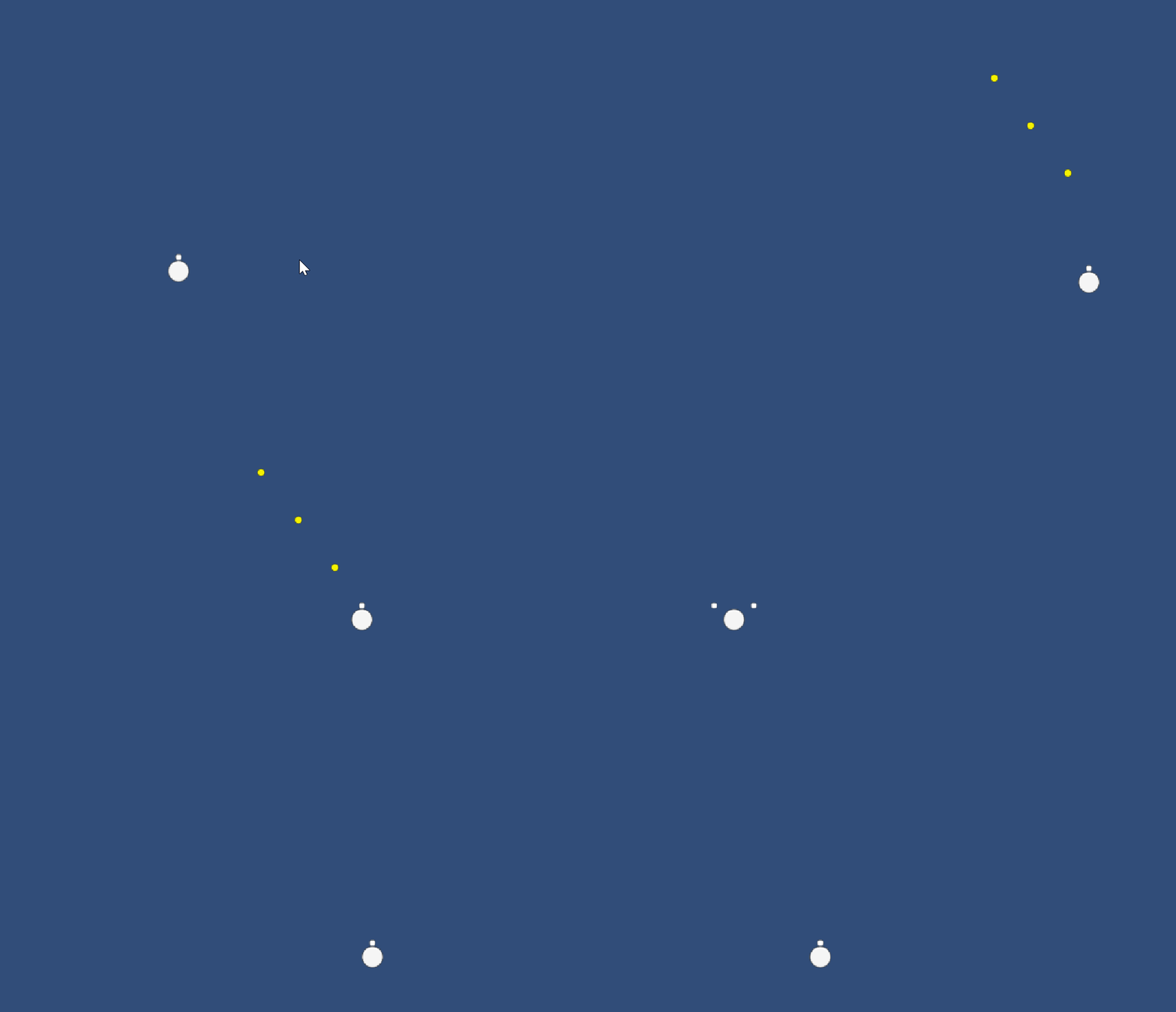
E 키를 누르면 변신합니다.
변신하면 속도가 느려지는 대신 공격범위가 넓어집니다!
using UnityEngine;
public class playerController : MonoBehaviour
{
void Start()
{
}
public float speed = 0.01f;
public int bulletspeed = 600;
//총알속도를 제어.
//퍼블릭을 통해 BulletPrefab이라는 변수를 유니티내에서 쓸 수 있게 만든다.
public GameObject BulletPrefab;
public GameObject Gun;
public GameObject Gun2;
bool Shoot = true;
bool trans = false;
void Update()
{
//변신 키
if (Input.GetKeyDown(KeyCode.E))
{
if (trans == false){
trans = true;
speed = 0.005f;
Gun.transform.Translate(-0.5f,0,0);
Gun2.transform.Translate(0.5f,0,0);
}
else if (trans == true){
trans = false;
speed = 0.01f;
Gun.transform.Translate(0.5f,0,0);
Gun2.transform.Translate(-0.5f,0,0);
}
}
//주인공의 행동을 제어하는 키
if (Input.GetKey(KeyCode.A))
{
transform.Translate(-speed,0,0);
}
if (Input.GetKey(KeyCode.D))
{
transform.Translate(speed,0,0);
}
if (Input.GetKey(KeyCode.W))
{
transform.Translate(0,speed,0);
}
if (Input.GetKey(KeyCode.S))
{
transform.Translate(0,-speed,0);
}
// 미사일 발사를 제어하는 키
if (Input.GetKey(KeyCode.Space) && Shoot == true)
{
Shoot = false;
//미사일 발사 텀.
Invoke("BulletReroad" , 1);
// 연속발사를 위해 for문을 작성했다.
for (int i = 0 ; i < 3 ; i++)
{
Invoke("Bulletshoot" , i * 0.1f);
Invoke("Bulletshoot2" , i * 0.1f);
}
}
}
void Bulletshoot()
{
// bullet 변수를 만든 후 생성된 총알을 해당 변수에 대입시킨다.
GameObject bullet = Instantiate(BulletPrefab);
//총알의 포지션을 총의 포지션으로 했다.
bullet.transform.position = Gun.transform.position;
//Rigidbody2D를 제어할 수 있도록 GetComponent를 사용한다.
//Rigidbody내의 Addforce메서드로 접근해 벡터값을 up으로 변경하자.
//위에서 선언한 bulletspeed(100)을 곱해준다.
bullet.GetComponent<Rigidbody2D>().AddForce(Vector2.up * bulletspeed);
}
void Bulletshoot2()
{
GameObject bullet = Instantiate(BulletPrefab);
bullet.transform.position = Gun2.transform.position;
bullet.GetComponent<Rigidbody2D>().AddForce(Vector2.up * bulletspeed);
}
// 총알 나가는 텀을 위해 함수 하나 생성.
void BulletReroad()
{
Shoot = true;
}
}
답변 0