[Code Factory] [Beginner] Flutter 3.0 App Development - Escape Beginner Status Today with 10 Projects!
Build both iOS and Android apps with just one code! Flutter beginner course by Code Factory! Build a solid foundation with detailed theory and exciting projects!
I am a developer with 17 years of experience. I recommend this course to those who are new to Flutter, and it is also very useful for practical projects.
There is no better course than this one.
In my case, I studied for about 3 years through books, YouTube, and lectures given by other instructors, but this is the real deal.
Those who have some basic knowledge of Flutter can start with the last part, the fine dust app. It is explained so clearly that you won't regret the tuition, and it feels like it satisfies the basic knowledge and development tools that a developer needs. I am a developer with 17 years of experience, but I still have a lot of shortcomings, and this course has really helped me a lot. I look forward to the sequel. Please don't rush it and keep the quality as it is now^^
5.0
한정욱
87% enrolled
In most online lectures, the instructor talks on the screen and the students are busy following along, but in this lecture, the instructor directly helps with error corrections and corrects lecture errors through the online community. In that sense, I was able to learn as effectively as in offline lectures. And if I'm lucky, I can hear the instructor sing live. It's really the best!
5.0
hooow
100% enrolled
Finally, I've heard it all. I just listened to it without any knowledge of Flutter, but I got the feel of screen layout and drawing.
I still don't know what widgets are needed to create a screen, and I don't know the names of the widgets, but if I know the names of the widgets, I think I can draw them using documents or Googling.
In additional lectures or intermediate lectures, I hope there will be examples of actual apps that structure functions that are often used in real apps, such as splash screens, onboarding screens, logins, and http communications, in one app??
What you will gain after the course
Mastering the Dart Language
Creating beautiful UIs with Flutter
Utilizing SQLite Databases
Creating a video player app
Creating a video call app
Using Google Maps
Using Location Services
10 projects in my hands! 💁♀️💁♂️ Learn based on theory and learn how to implement various functions.
Kyobo Bookstore 2023 first half best-selling lecture taught directly by the author
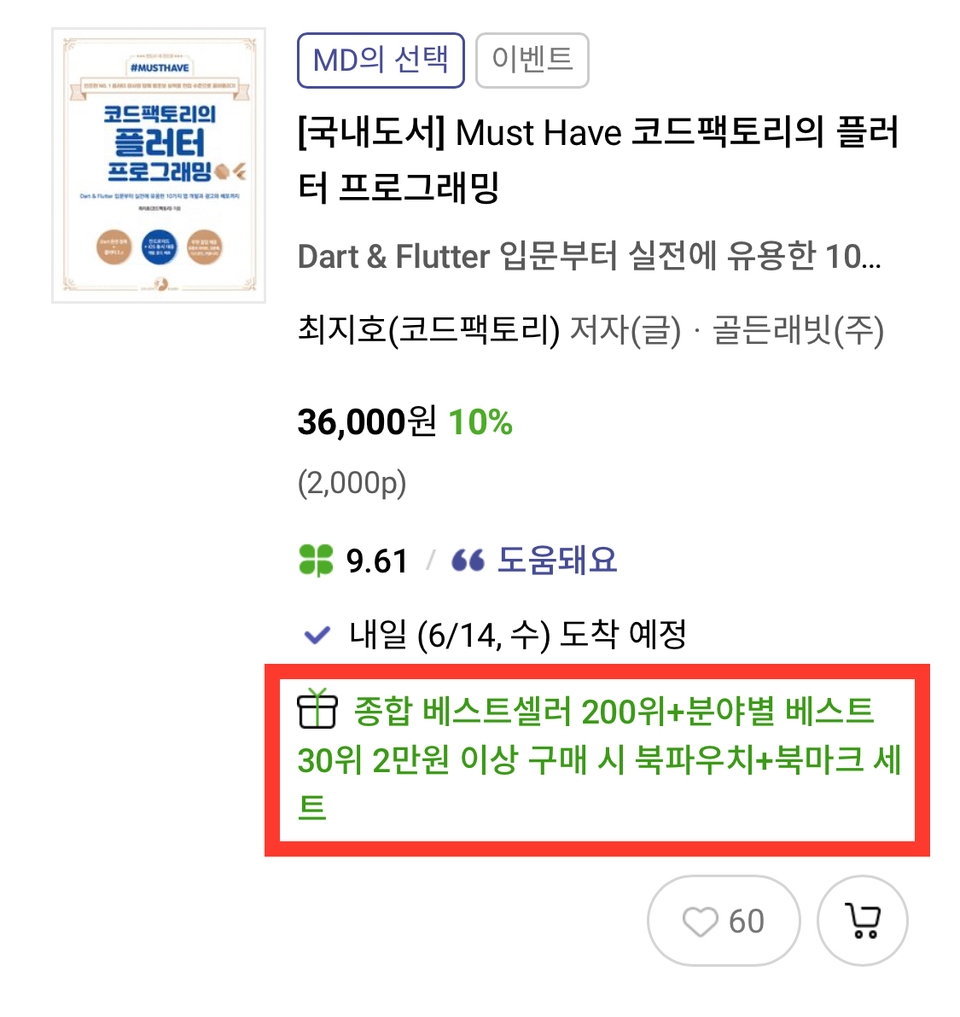
The only app development book in the TOP30, ranked 23rd in the Computer/IT category
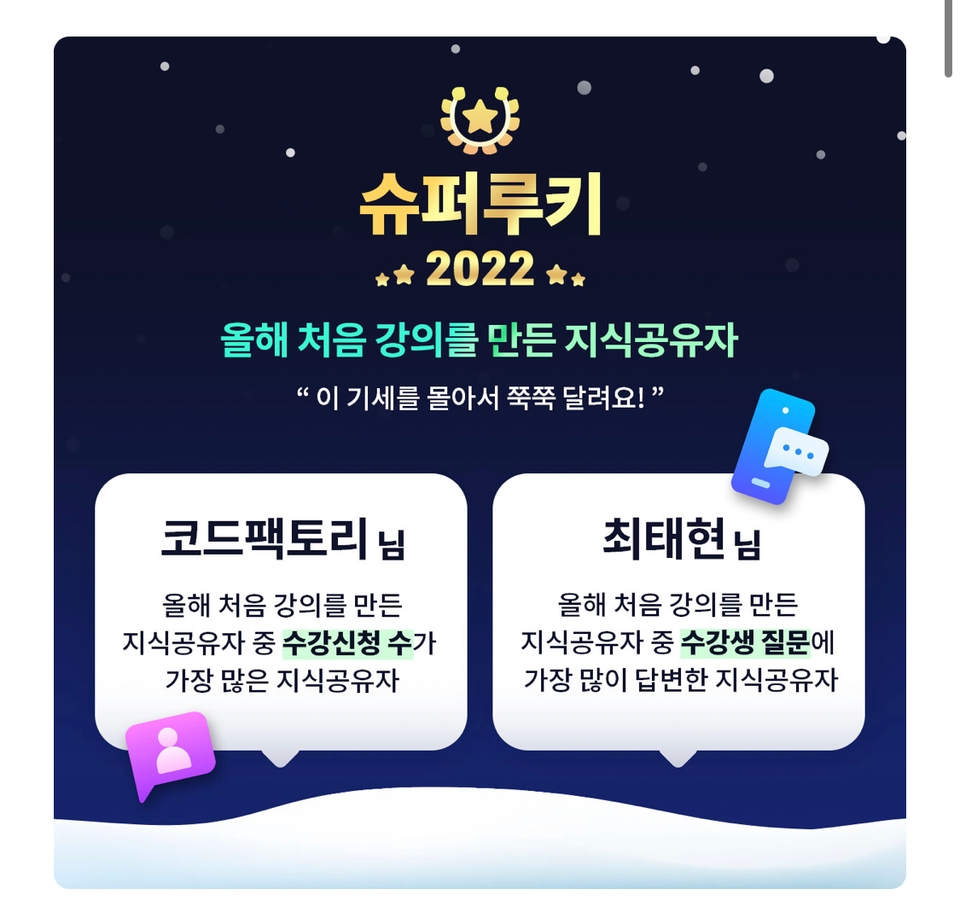
Achieve Super Rookie in 2022 with Flutter alone!
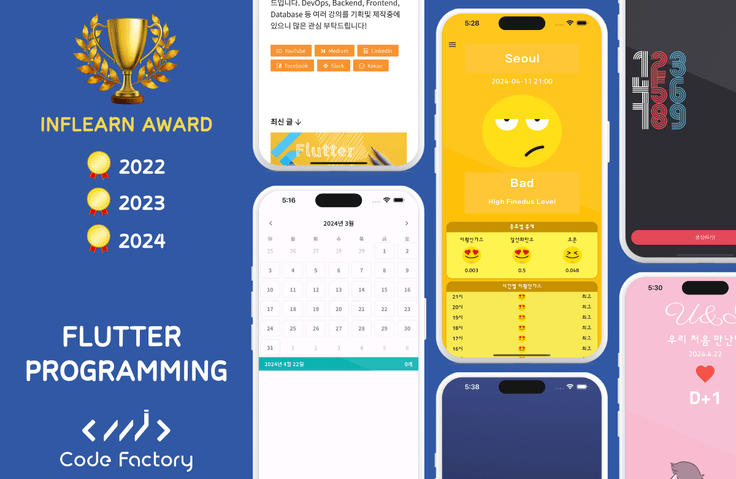
Inflearn Bestseller of 2023!
A course sought after by large corporations! We guarantee the best course as proven by reviews!
⏰ Flutter Beginner's Course's Timeline
July 18, 2022: 100% support for Flutter 3.0 version
May 10, 2023: 100% support for Flutter 3.10 version
December 4, 2023: Completed re-filming of the environment setup lecture to match the latest environment.
April 22, 2024: This lecture will be completely re-filmed based on the latest Flutter and plugin versions (old versions will be deleted on August 31, 2024)
Introducing 10 projects 🚩
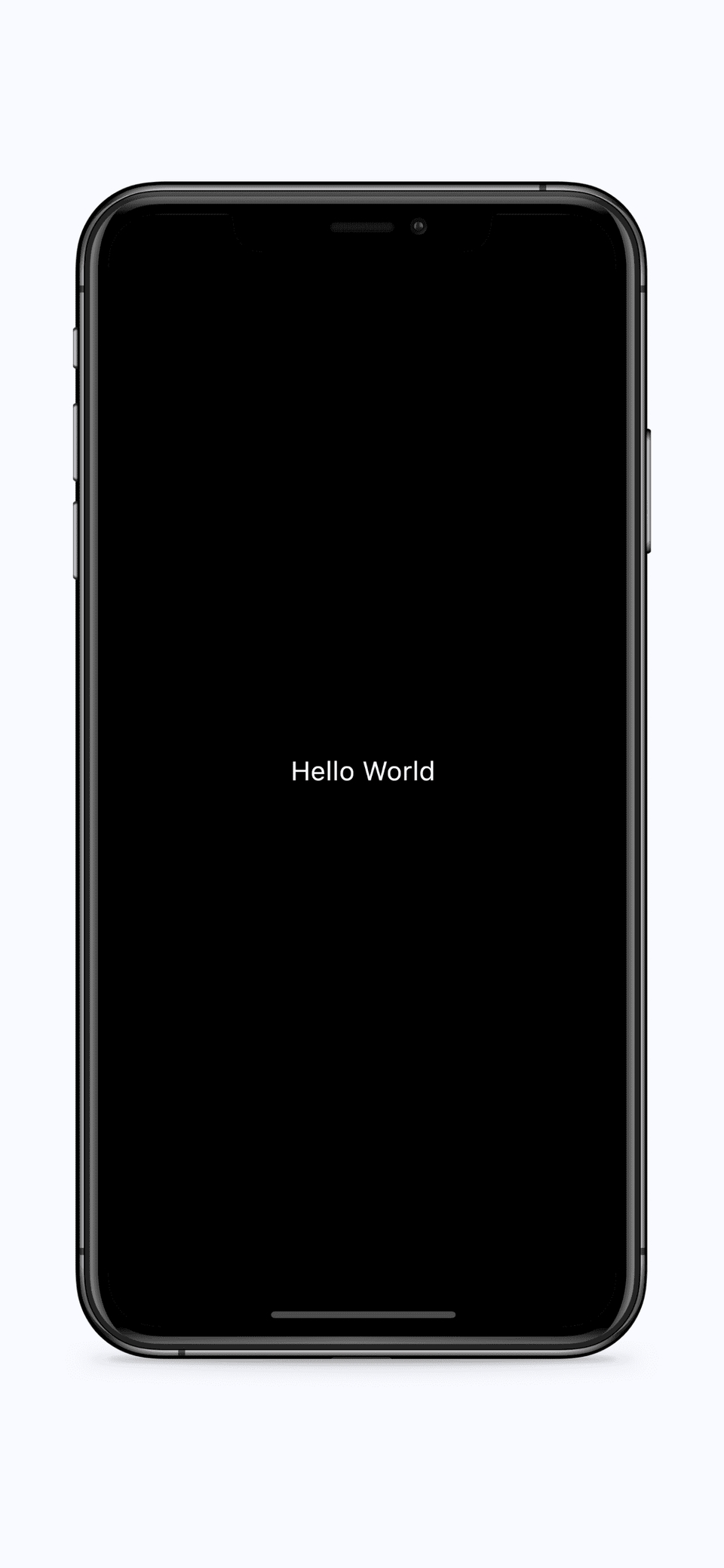
#1 Hello World
Get familiar with Android Studio and learn how to draw your app's UI using Flutter.
Try the Text Widget
Try changing the background color
Try changing the text color
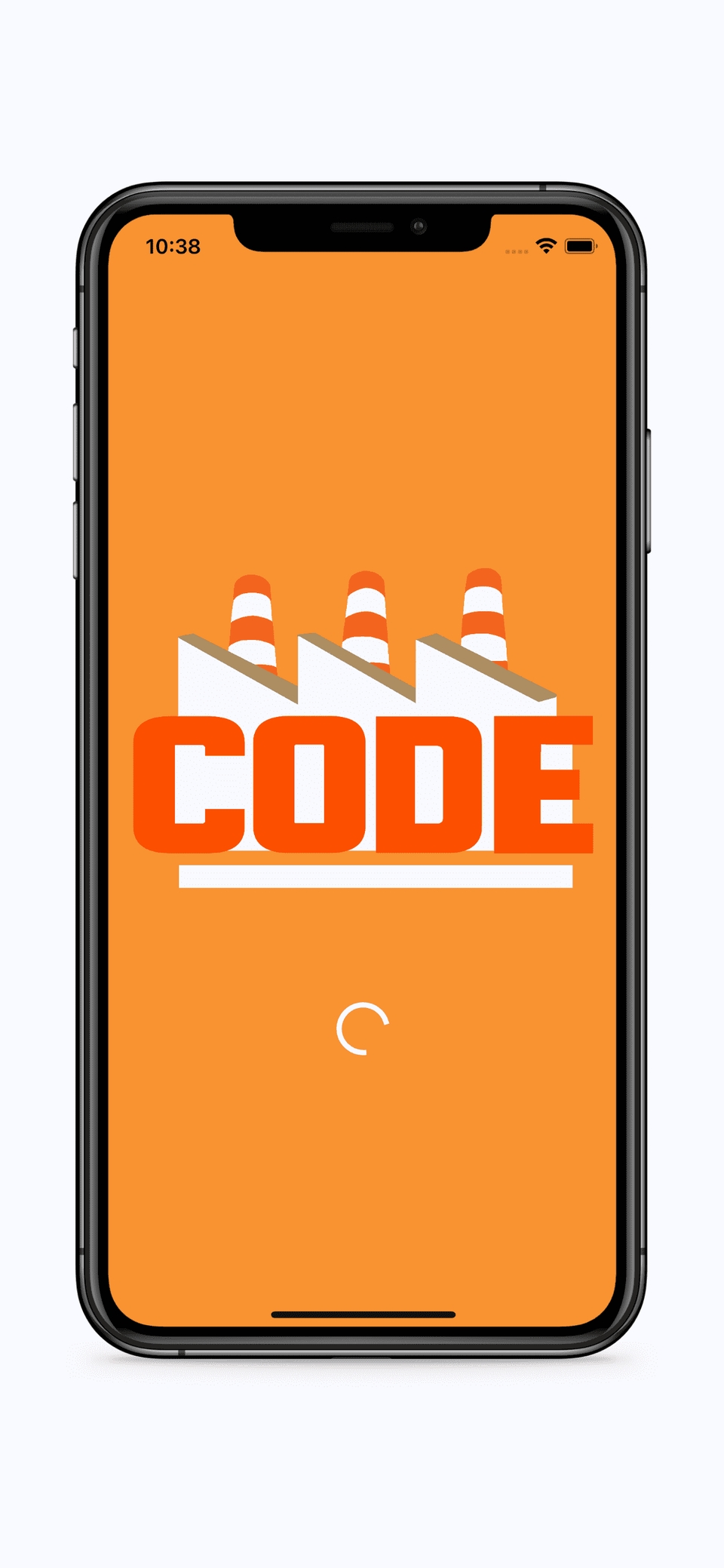
#2 Splash Screen
Create a simple Splash Screen that acts as the first page of any app
Using Asset Images
Using the Circular Progress Indicator Widget
Learn how to arrange widgets using the Column widget.
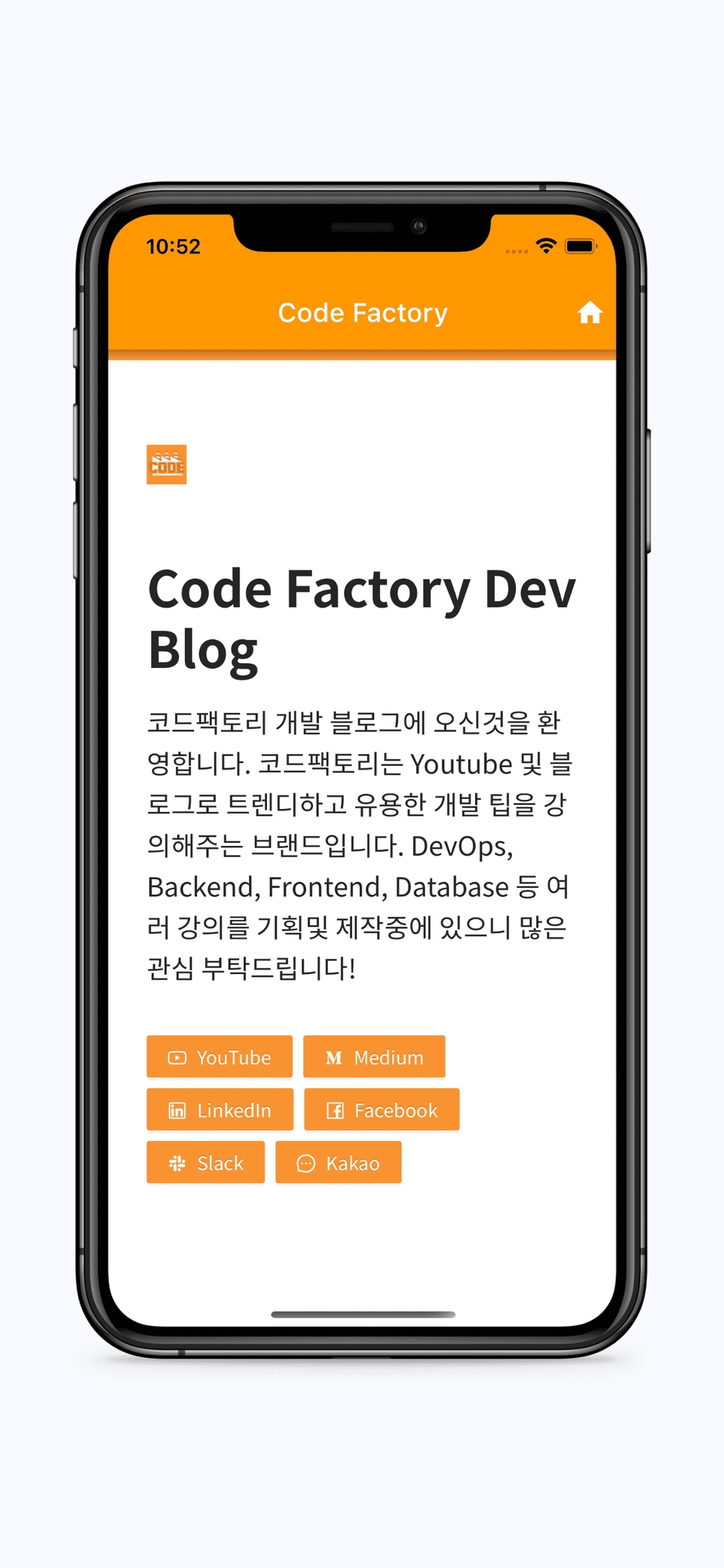
#3 Blog Web App
Packaging existing websites into apps using Web View technology
Using open source packages
Change Native Settings by Platform
Using the WebView widget
Open Javascript Permissions
Open the HTTP protocol
#4 Electronic Photo Frame
Making an electronic photo frame that automatically rolls when left alone and can be swiped directly
Using the Page View Widget
Executing a function periodically with the Timer class
Stateful Widget in action
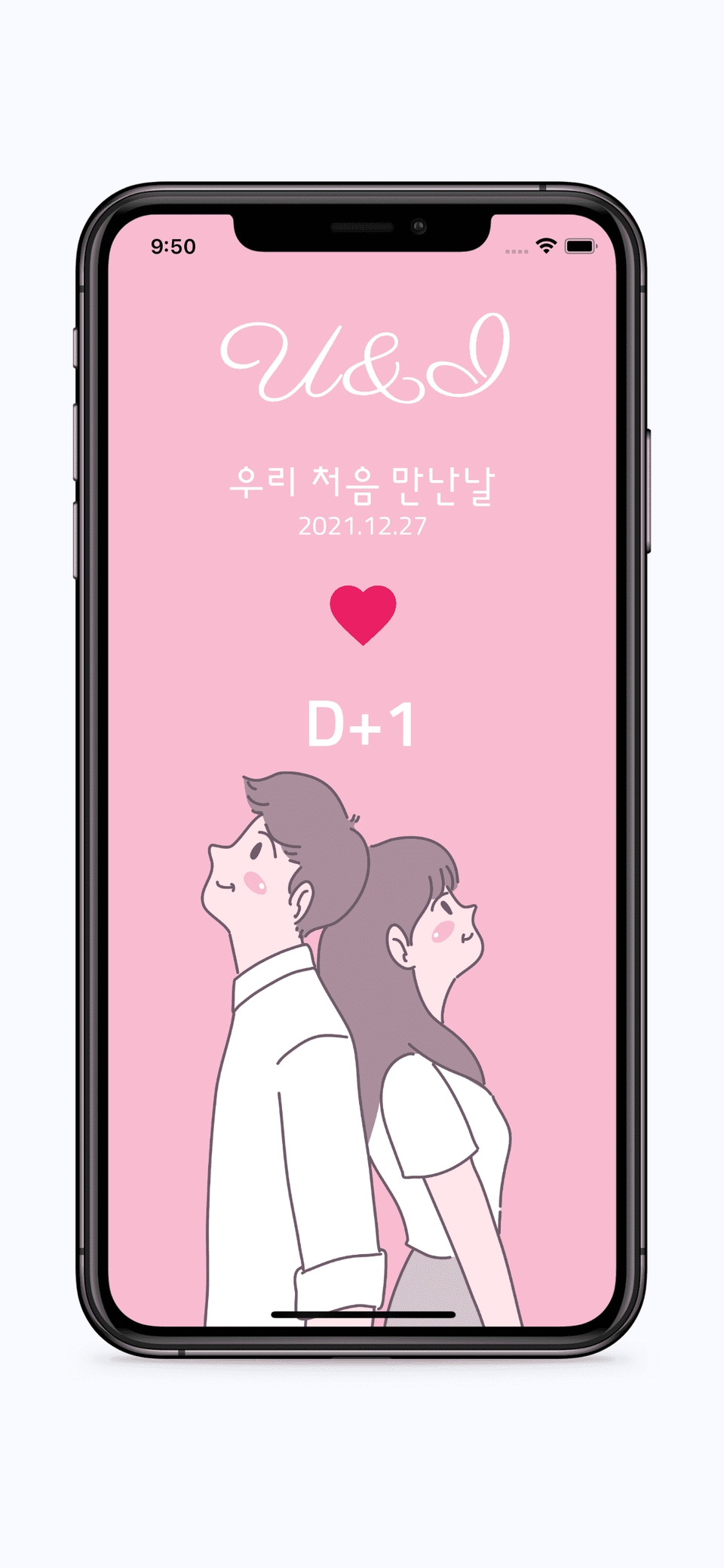
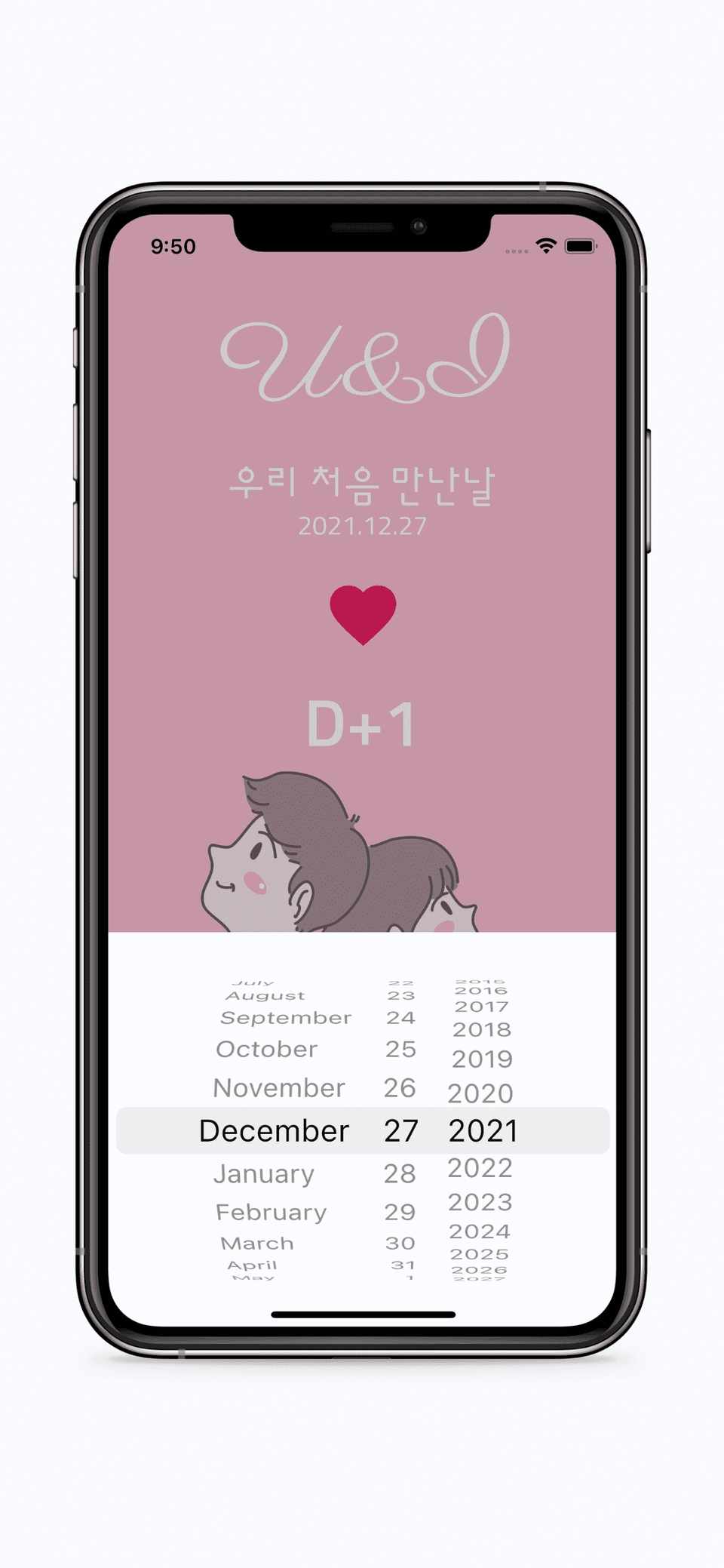
#5 The day we first met U&I
Creating a D-Day app that can be used with a lover
Apply Font
Using the Date Picker
Date Time class practical use
How to use themes in Flutter
Using Cupertino Dialog
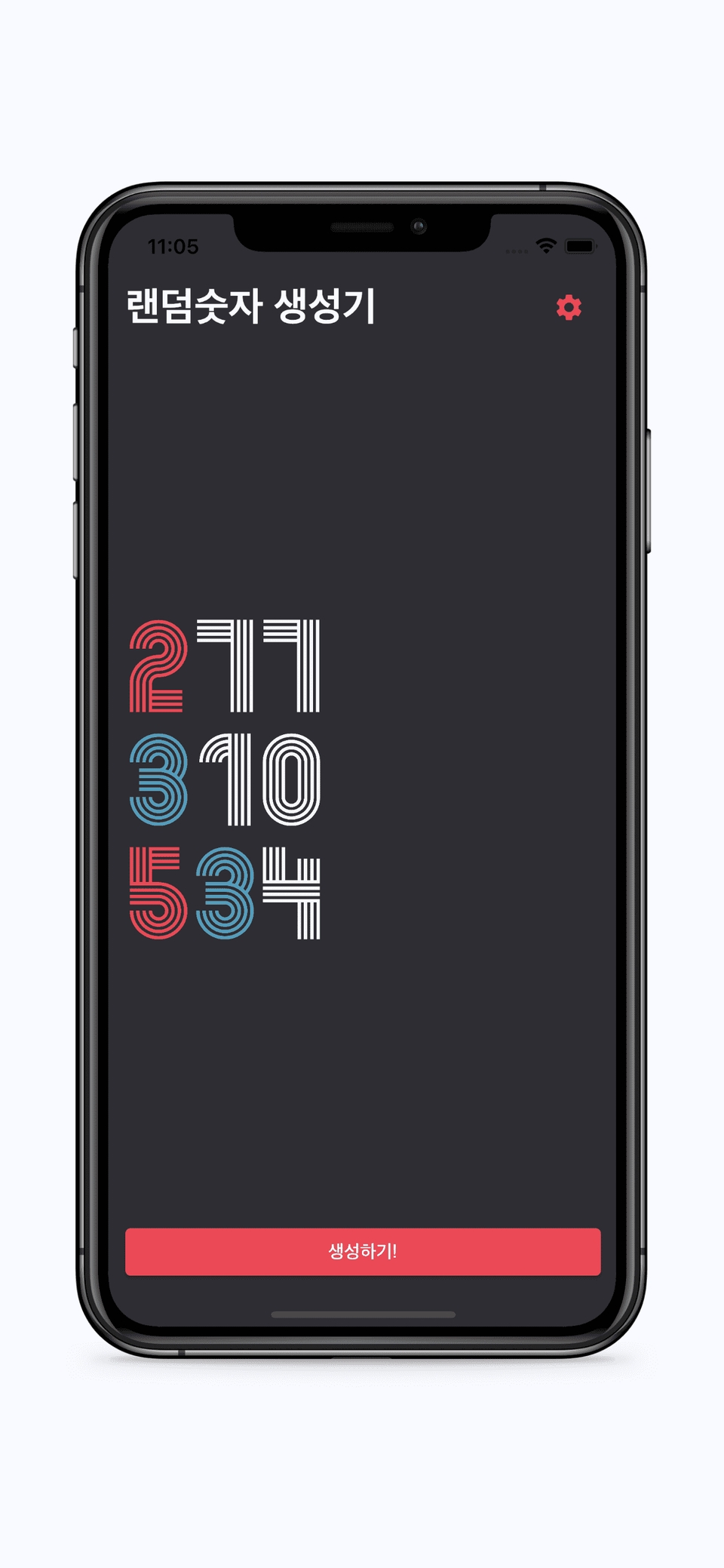
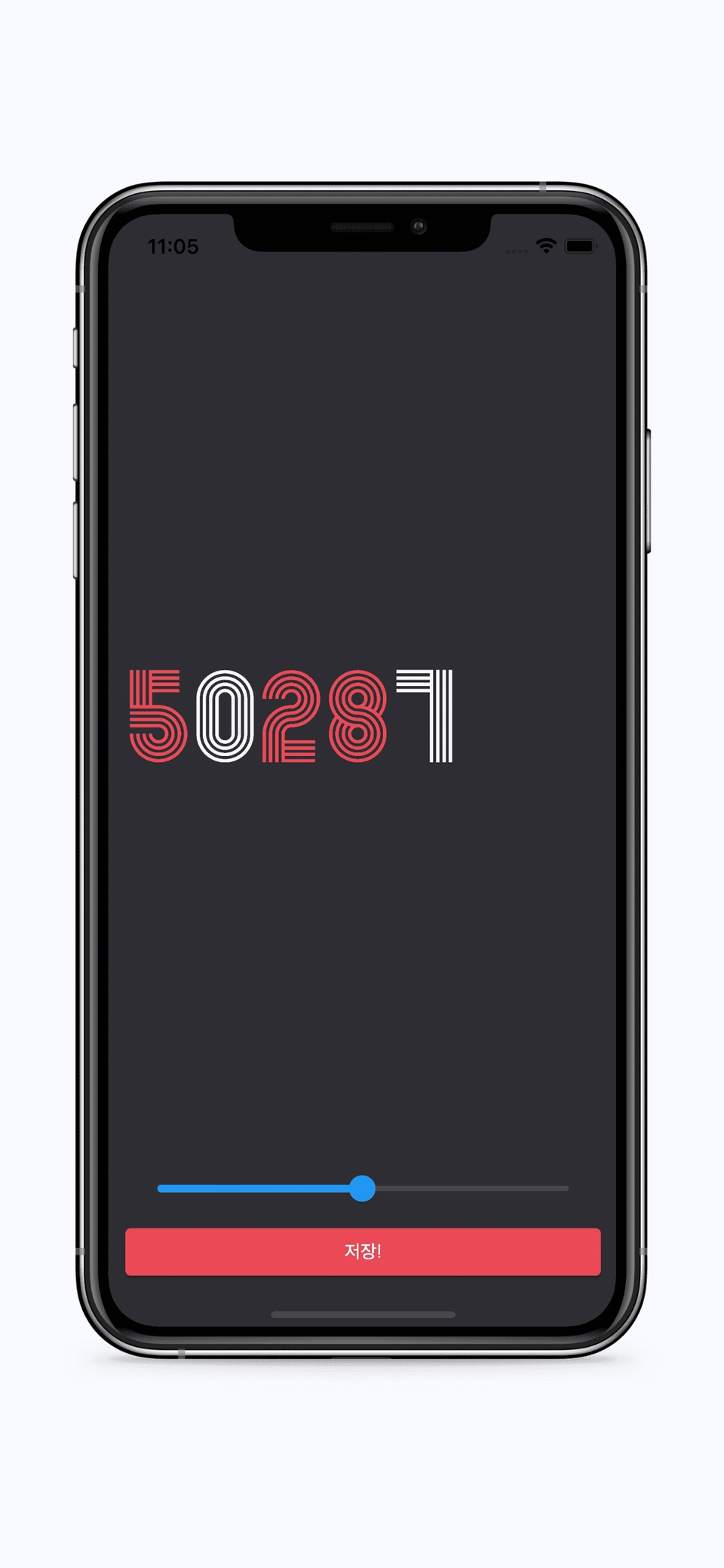
#6 Random Number Generator
Create an app that generates 3 random numbers below a specified number each time you press a button
Random number generation
Simple Navigation and Data Transmission
Using the Slider Widget
Widget rendering and code organization using functional programming
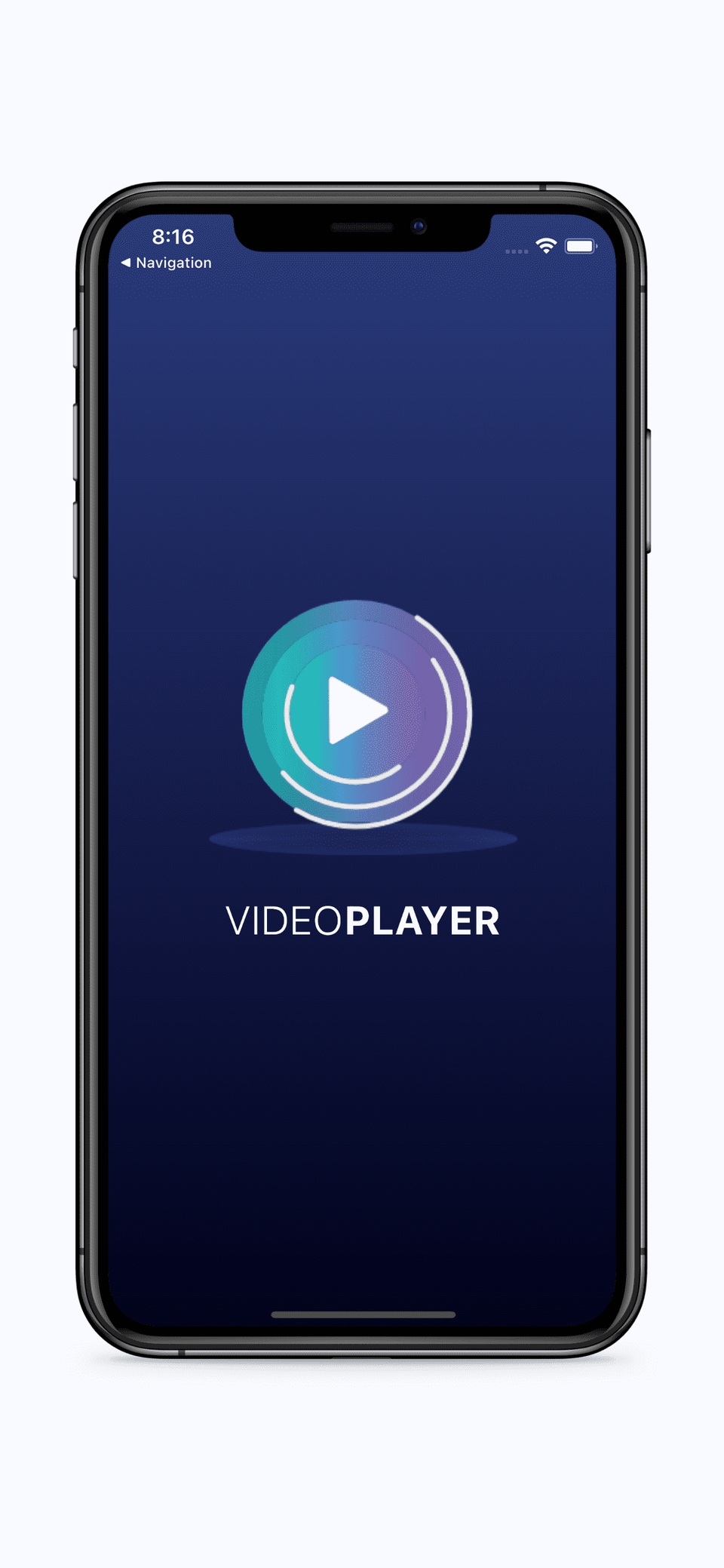
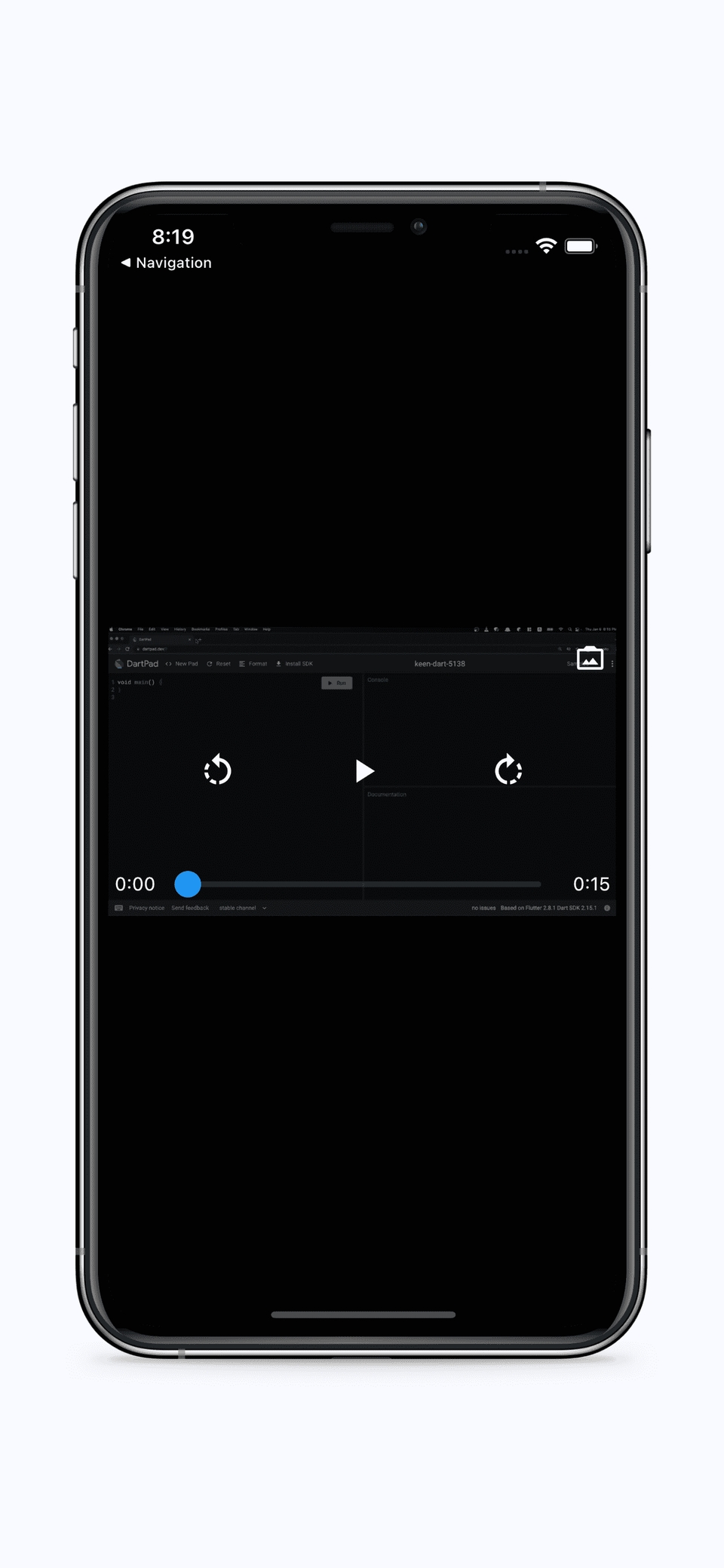
#7 Video Player
Creating an app that plays videos
Using the Stack Widget
Using the Image Picker Library
Using the Video Player Library
Create video controls to play, stop, rewind 3 seconds, and advance 3 seconds
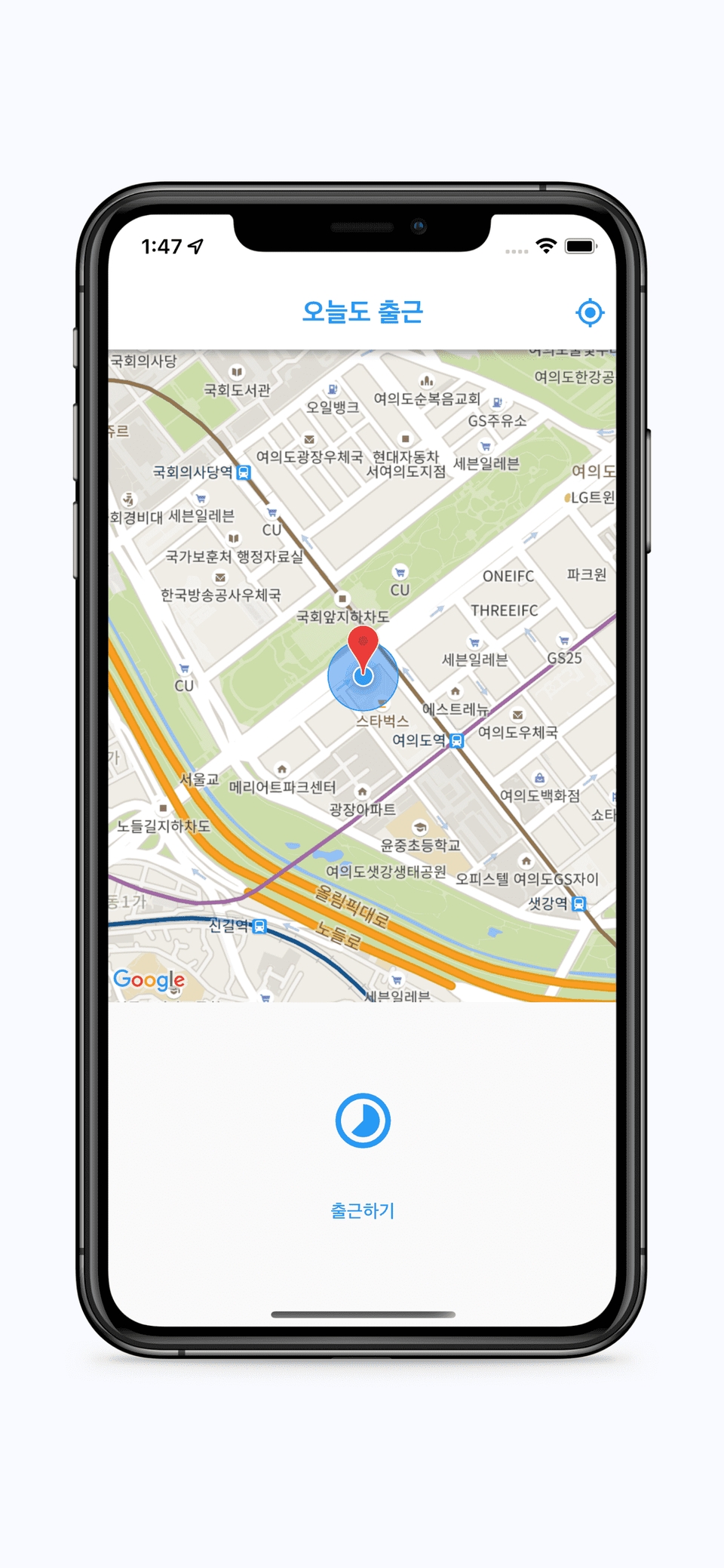
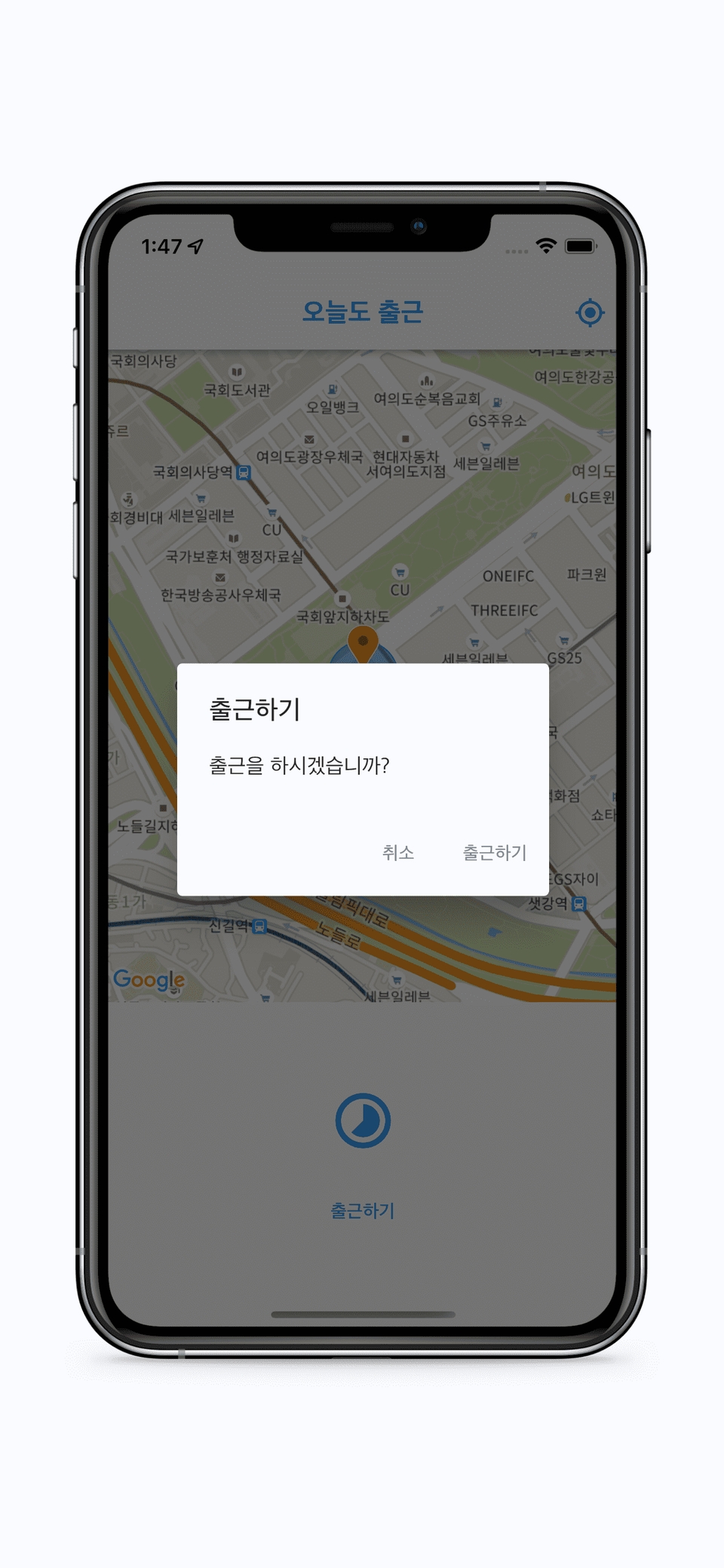
#8 Going to work today too
Creating a simple location-based serviceusing Google Maps
Setting up and using Google Maps
Show my location on a map using location services
Finding the distance between specific locations
Show markers on the map
Mark a circle on the map
Move the camera to a specific location
Using Material Dialog
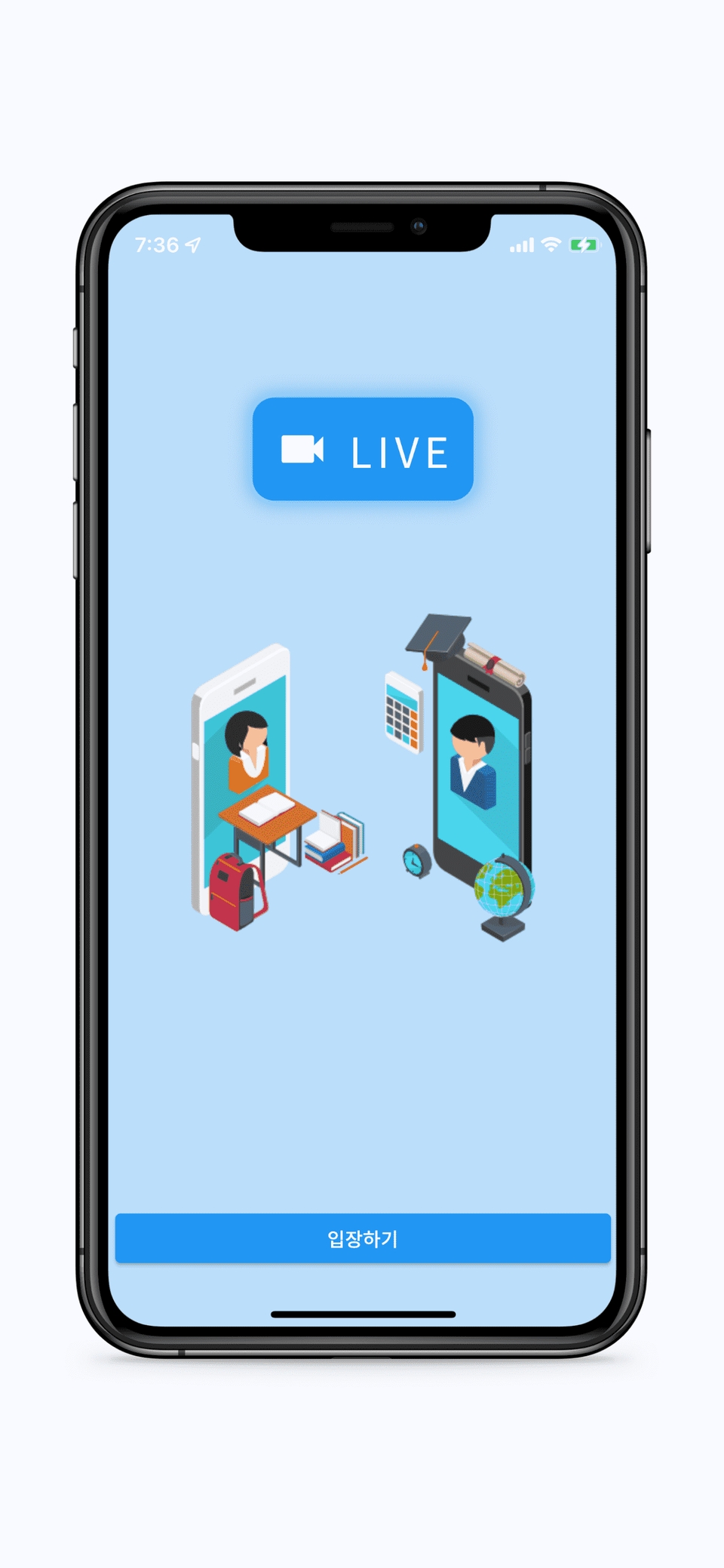
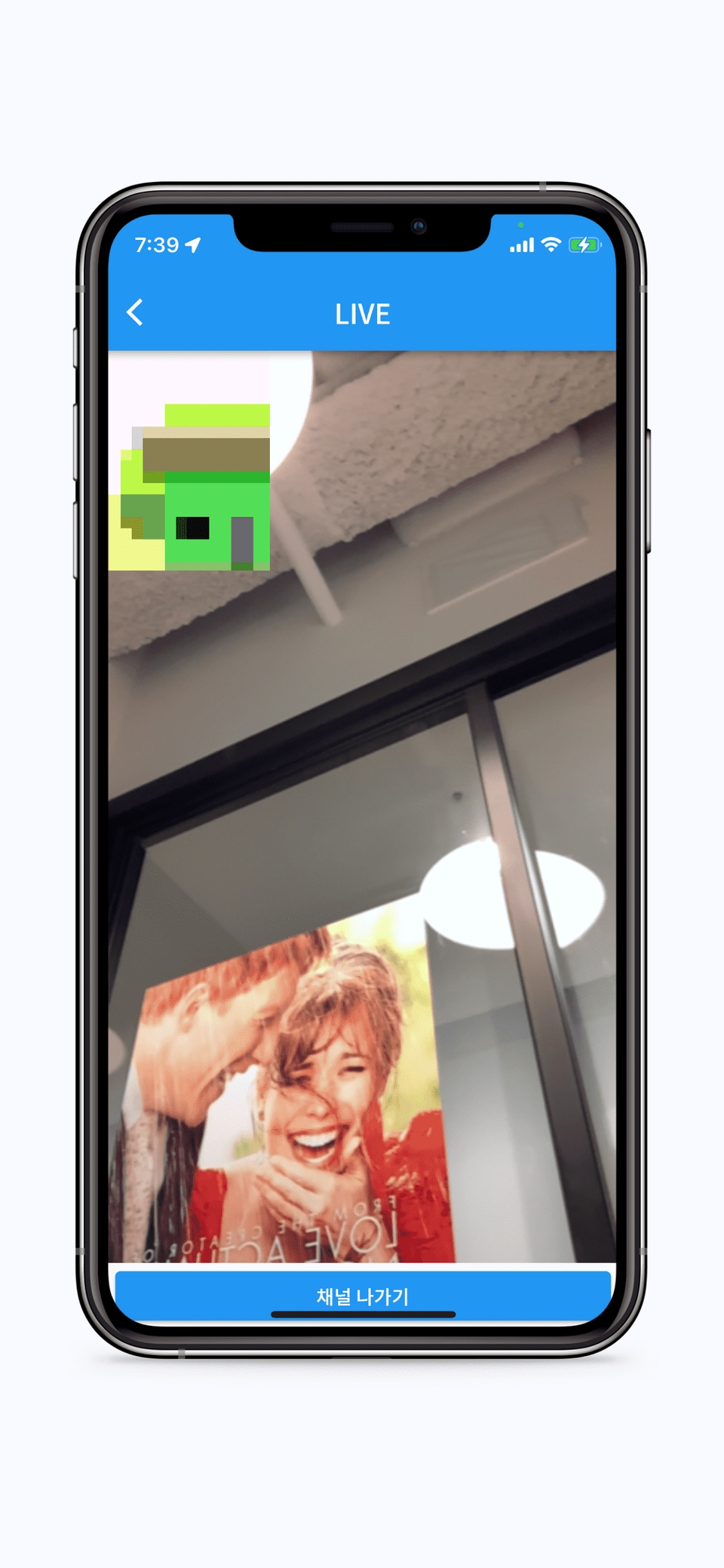
#9 LIVE- Video call
Creating a video calling app using Agora API
Creating a video call feature using the Agora API
Try Box Shadow
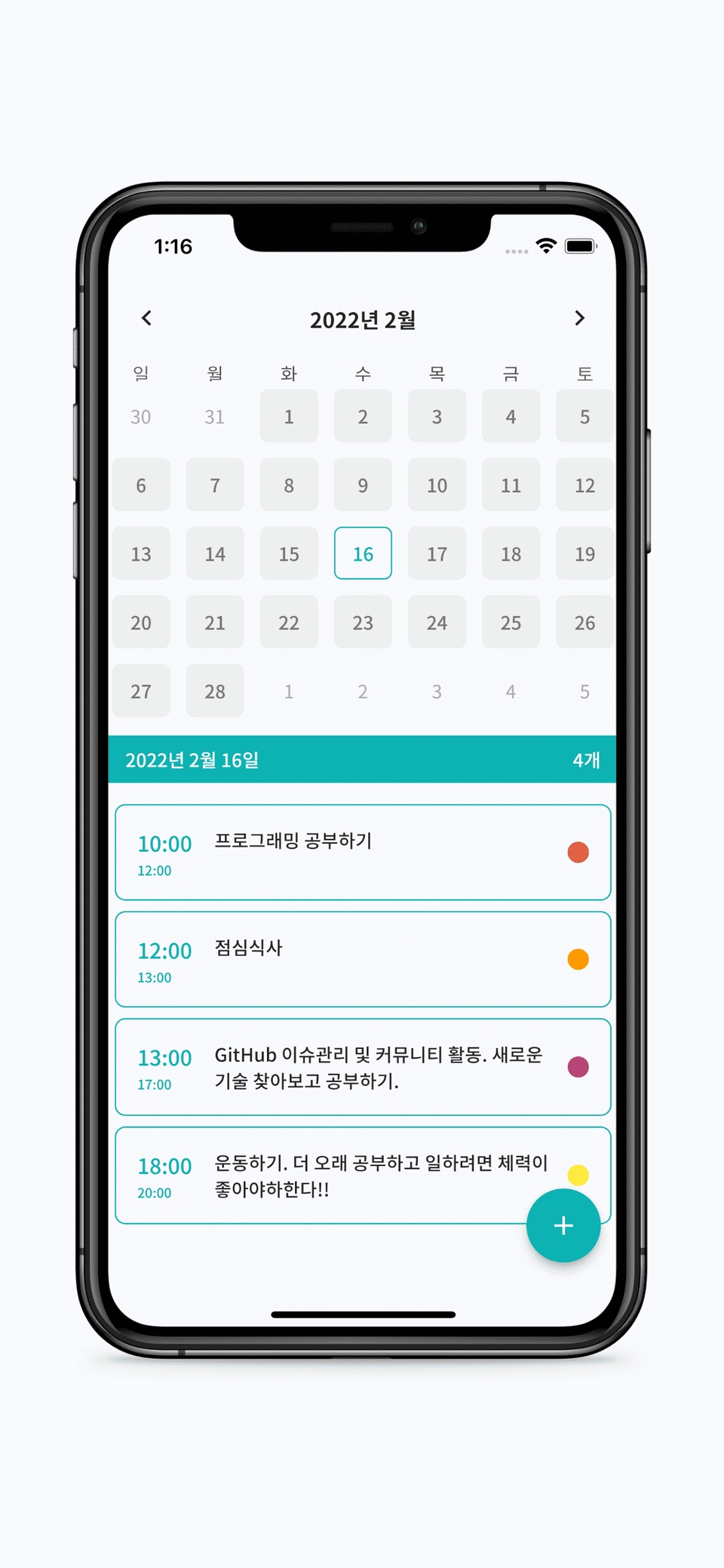
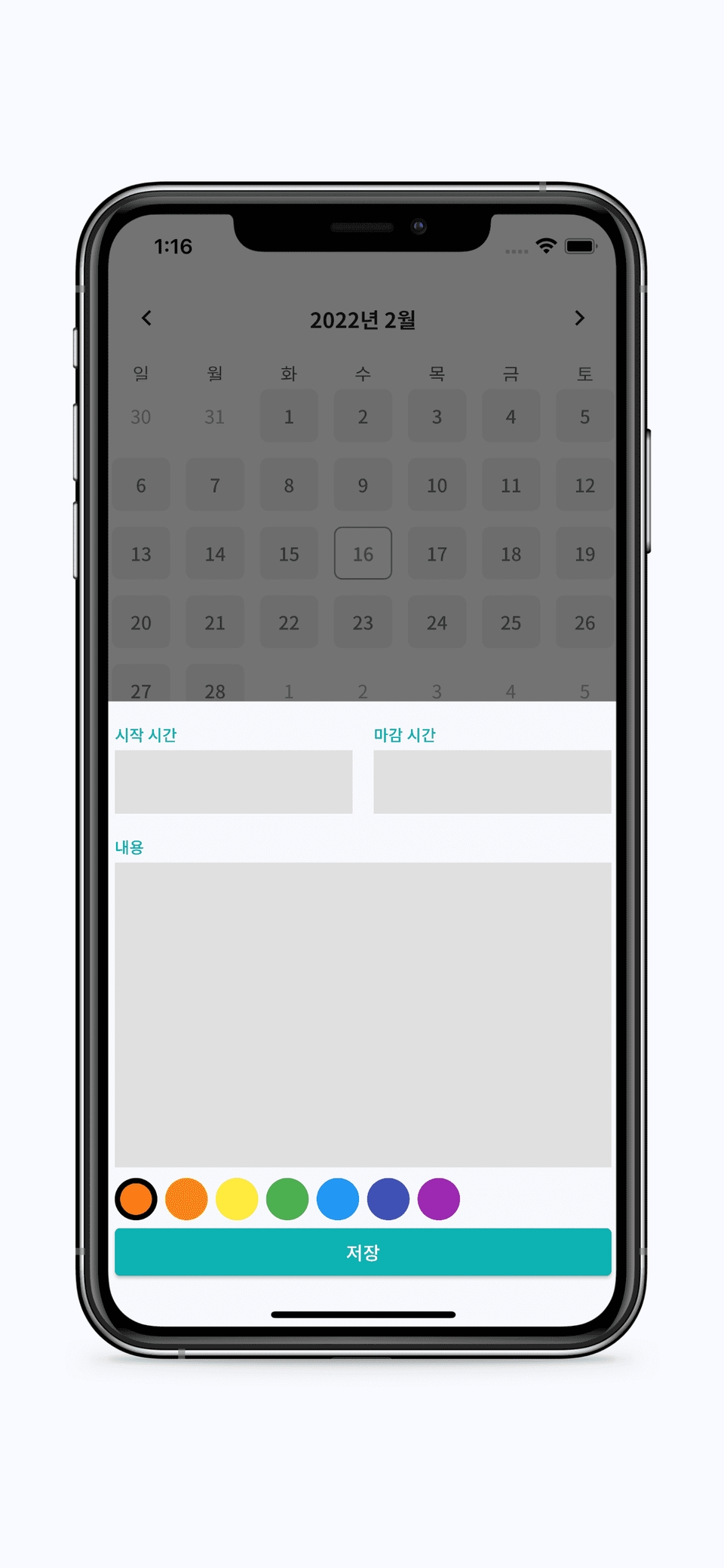
#10 Calendar Scheduler
Creating a calendar scheduler app that can store data long term
Implementing a delete animation with the Dismissible widget
Automatically detect changes in data through streams
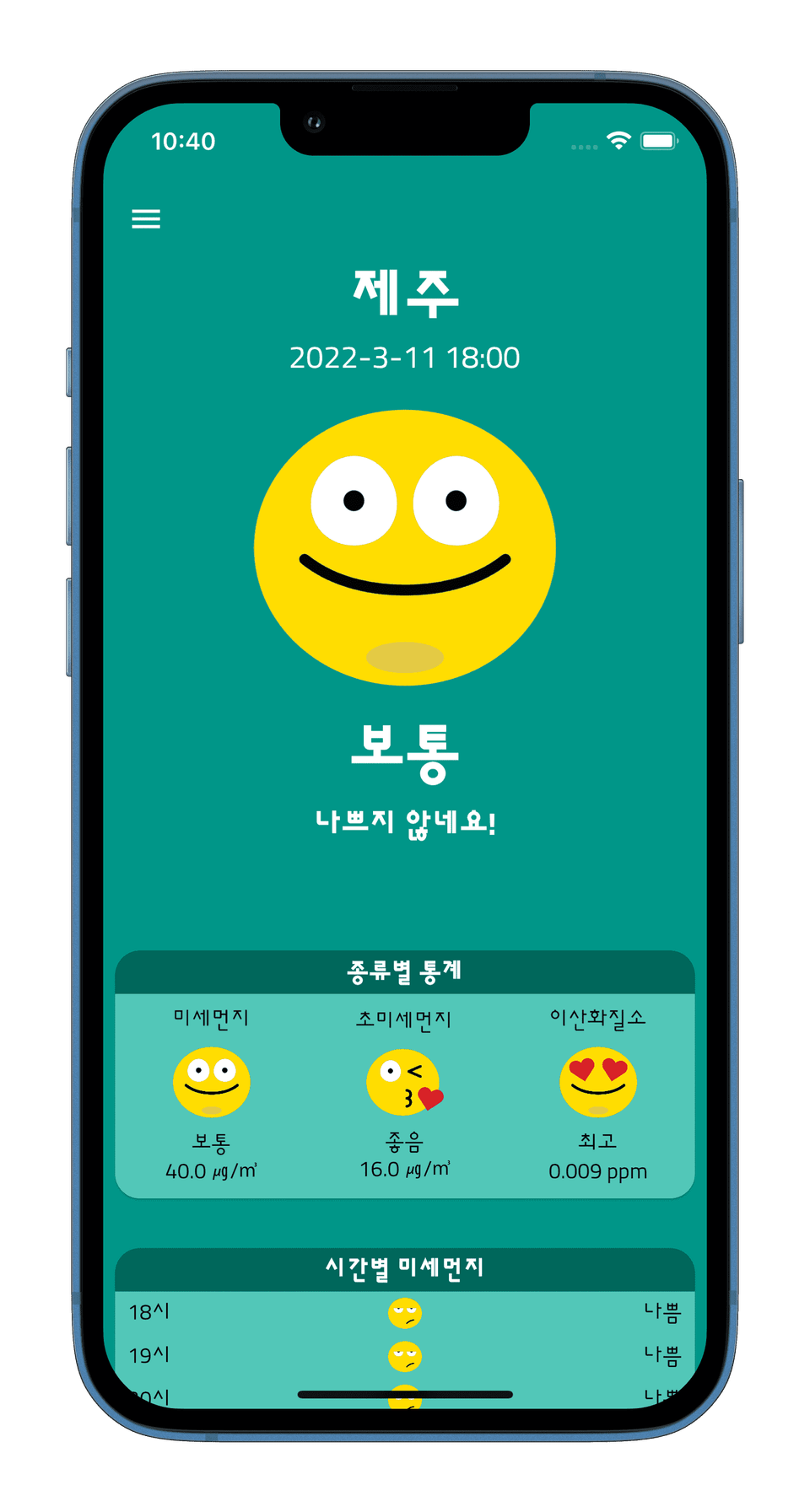
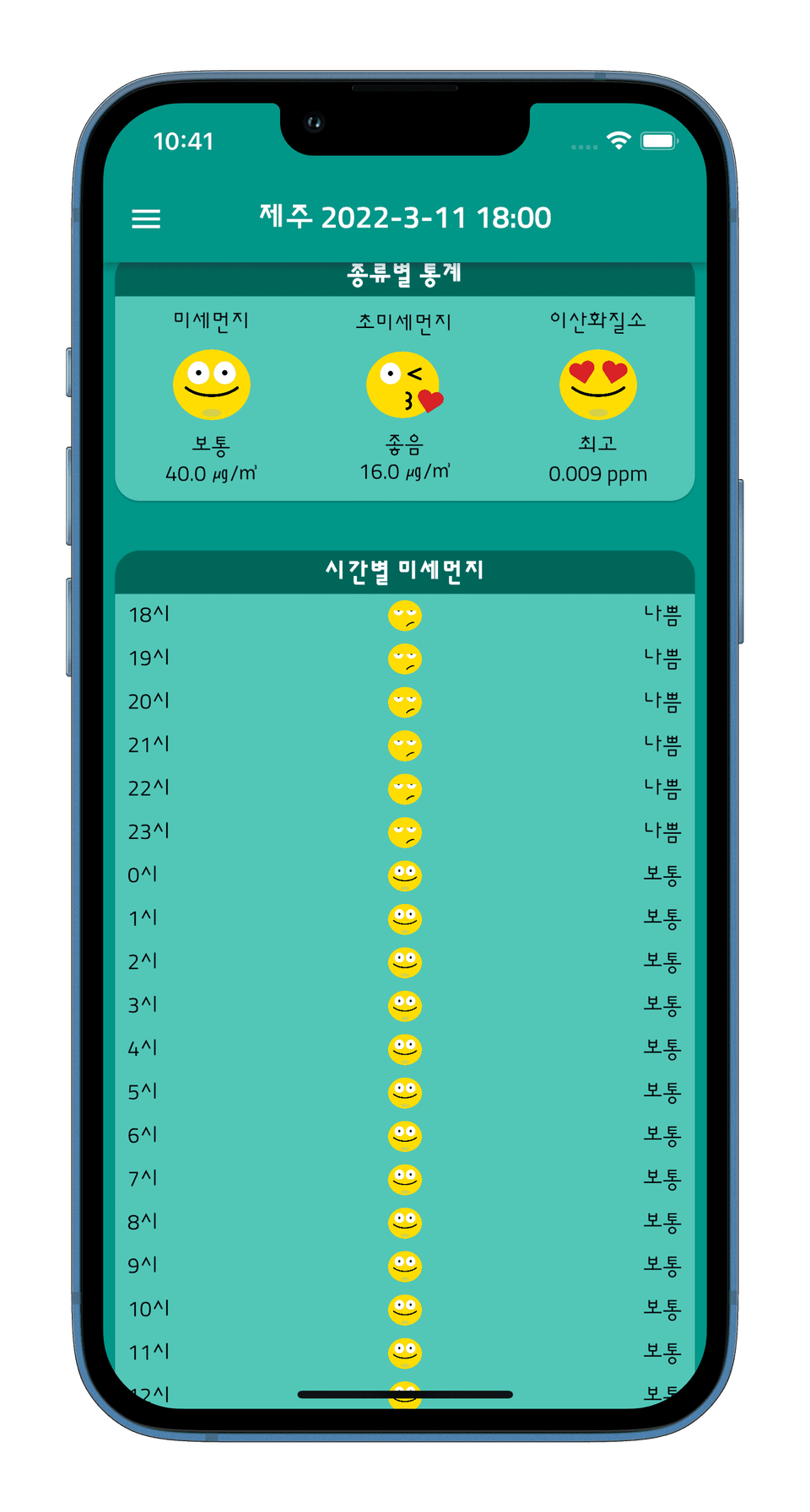
#11 Fine dust app
Learn how to make network requests using HTTP communication!
HTTP requests using the Dio package
Try using government Open API
Using the Hive NoSQL Database
Offline support and caching preview
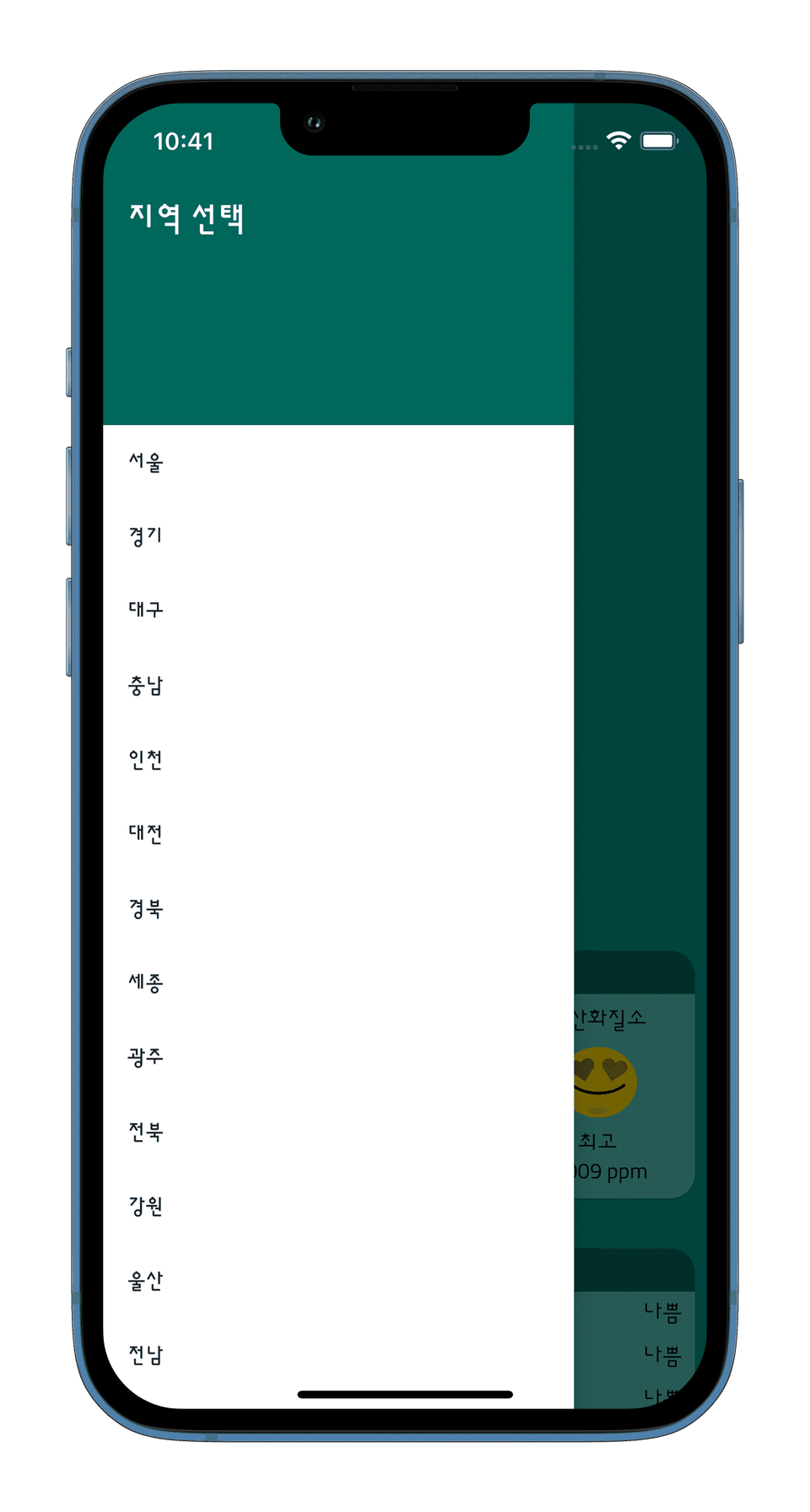
Using the Drawer Widget
CustomScrollView in practice
You can't miss the theory either! ✍
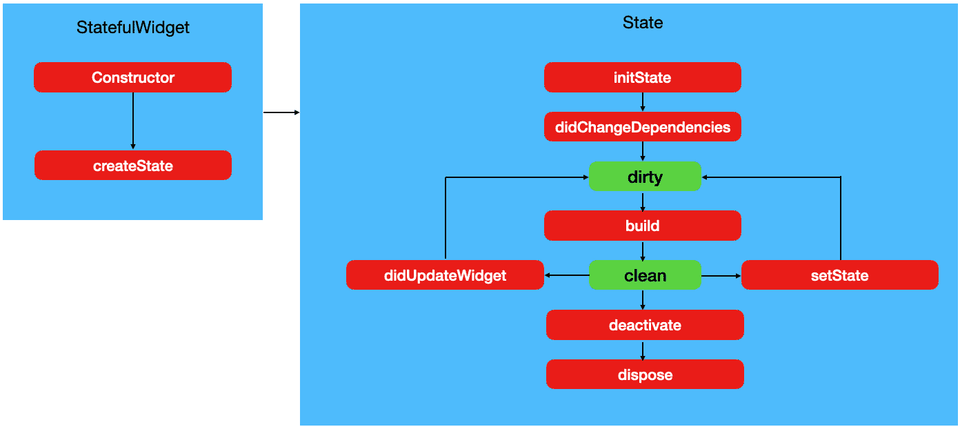
Stateful Widget
You can learn about the life cycle of a Stateful Widget and directly verify through practice when the functions corresponding to each life cycle are executed.
Row and Column Learn about the parameters of the Row and Column widgets, the most commonly used widgets when placing widgets in Flutter.
Date Time Learn how to work with date and time related data using the Date Time class, and also learn how to manipulate Date Time with Duration.
Const Constructor Get rid of the yellow Warning lines that appear every time you write code using Const Constructor and learn why using Const Constructor is good for Flutter app performance.
Buttons Learn how to use and decorate the Elevated Button, Text Button, and Outlined Button provided by default in Flutter.
Navigation Learn about the various functions of Navigation that allow you to move between screens, and learn how to transfer data between screens.
Stream Builder and Future Builder Learn about Stream Builder and Future Builder, the most effective and easiest way to determine the UI of a screen based on the result of an asynchronous request.
Buy vs Build Learn how to decide whether to build something yourself or pay for it for a specific feature.
Scrollable Widgets Learn about widgets that enable scrolling in Flutter!
Using the Flutter framework Create your own simple app 📖
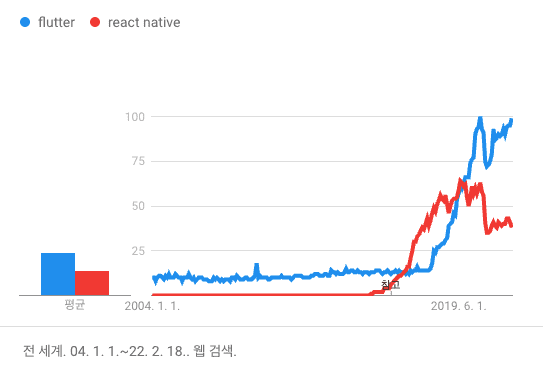
Flutter vs React Native Google Trends
Flutter is already one of the most powerful cross-platform frameworks used by many companies. As you can see from the chart, it is growing rapidly, surpassing React Native, which has been the leader for a long time.
This course is designed to be easy and friendly for beginners, and to mix theories with projects to capture both interest and depth of knowledge. It is designed to be a form where you can dig deeper into theories by designing a real-life situation and proceeding with the project, and why this knowledge should be acquired.
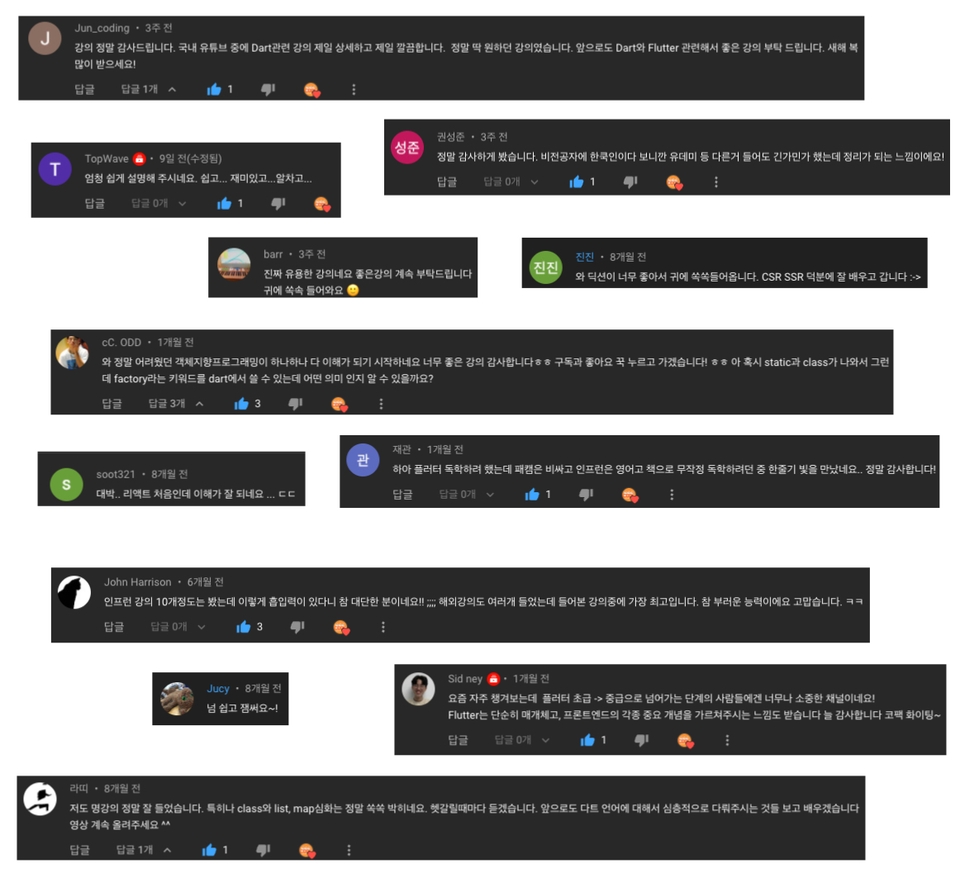
I've collected course reviews 📜
Even if you are a beginner developer or a Flutter beginner, after taking this course you will gain confidence in Flutter and be able to develop simple apps on your own and acquire knowledge beyond the beginner level. 🏭 Code Factory YouTube There is a lot of content in Edo!
Best communication 🧑🏼🏫
I interact with students through Q&A sessions via YouTube Live every week!
If you would like to receive YouTube live push notifications, please subscribe to the Code Factory YouTube channel below!
Must Have Code Factory's Flutter Programming book is a book that I personally wrote after investing a long time in it! There are some contents that overlap with the beginner's lecture, and there are also lectures on Firebase and advertisements that are not in the beginner's lecture! Recommended for those who like eBooks or physical books! The book can be found at major bookstores such as Kyobo Bookstore, Yes24, and Aladdin! Please click on the image below to move!
Other ✔️
We'll answer your questions in advance 💬
Q. Why should I learn Flutter?
Flutter is a cross-platform app development framework. Originally, iOS apps and Android apps had to be developed using different languages and different frameworks, but Flutter can be released on both platforms with a single source code. So you can save a lot of money and time when developing an app. In addition, it is a framework developed by Google, and Google is pushing it a lot these days, so it is a framework with a promising future, so it is good to learn about it.
Q. Is it definitely better to learn Flutter than React Native or Native?
Every frameworkhas its pros and consdepending on the situation and purpose,so the answer to this type of question is always 'NO'. Flutter can release apps on both iOS and Android platforms very quickly with a single source code, but it still lacks many libraries compared to Native and is slightly behind in completeness. React Native has the advantage of using Javascript, one of the most popular languages in the world, and because it has been around for a long time, it is still more popular than Flutter.
Q. I have never learned programming before. Can I still take the course? Is it okay even if I am not a major?
Many people have successfully completed their first programming in their lives through my YouTube videos. Even if it is not Flutter, all programming has a considerable barrier to entry for beginners, but in this lecture, I have tried hard to lower the barrier to entry as much as possible. First, watch the Dart language lecture that is open to the public for free and check the difficulty level. If it is difficult, get help from the official Code Factory community.
If you purchase the Flutter course, you can join the Code Factory Discord server Flutter Premium channel! If you join the Discord server and send me the email you purchased the course with as a message, I will register you in the Premium channel! If you join the Premium channel, all questions will be answered with priority!
Q. Is this a completed lecture?
Currently, the course structure is suitable for the purpose of escaping from the beginner level . Flutter is planned to be divided into three difficulty levels: beginner, intermediate, and advanced, and UI, simple popular library usage, etc. will all be added to the beginner course. There is still a lot of knowledge left to convey to you, so please look forward to it!
Q. Do I need to have an Apple Mac?
You can follow the lectures on a Windows computer, but you can't build iOS apps. That's because Apple designed iOS apps to be built only on Macs, Apple's operating system. Flutter is very consistent across platforms, so if you code while looking at an Android screen on a Windows computer, you can think of the same app as the same code when you build it on iOS later. If you want to distribute it, I recommend buying an old MacBook that's compatible with Flutter.
Q. Do I need to have good computer specs?
Since it is easier to develop if you run a simulator/emulator, if your computer specs are too low, it may run slowly. If your computer specs are low, I recommend coding using an actual device! The required specs may change from time to time, so I will leave a link. Windows Requirements / Mac Requirements / Linux Requirements
Q. Flutter installation fails.
To become a good developer, the ability to isolate and solve problems is also very important, so try hard and if it doesn't work out,💬 Code Factory Kakao Open TalkPlease contact us!
Q. There is a problem with the video.
For questions related to video playback and internet communication, please contact Inflearn. If the order of the video is wrong or if there are parts that are difficult to understand due to poor editing, please contact us directly through Open Talk. I will make improvements as a top priority and upload them again! I also check several times, but there may be mistakes because I manage so many videos.
Q. To what extent does the class cover the content?
I've tried to cover everything you need to know to build a UI in Flutter. Additionally, I plan to include simple front-end database management, network requests, and basic state management.
What's currently planned to be added
Lecture on HTTP requests (using Dio and Retrofit)
Data management and simple caching using Hive
Simple state management using Provider
Popular state management packages other than the Provider package will be covered in the intermediate course! (BloC, GetX, etc.) In addition, if there is any knowledge or technology that you would like me to develop, please share it with me through various channels. I will actively consider it!
Q. Are there any tutorials on how to release apps on the Play Store or App Store?
We will add it to the beginner course. If you want to try it out before the course comes out, please check the guide on the official Flutter website. Release Android App / Release iOS App
Other ✔️
(1) Other channels where you can get help and learn!
The images I provide in the lectures are images that I purchased for a fee. I purchased the rights to create and distribute my works, but you must neverdistribute the images to others or on the Internet! Do not use the images for purposes other than studying, as this may result in legal issues due to copyright infringement.
(3) How to ask questions
One way to really improve your skills quickly while learning programming is to learn how to ask the right questions. Because of the nature of programming, it's hard to look at the entire code. So if you upload the entire code of the widget that's causing the problem and say, "This doesn't work!", it's hard for me to answer. When asking a question, if you organize it well in the three steps below, we can communicate and answer you much faster!
1️⃣ How do I think it should work? 2️⃣ How it works now 3️⃣ Where exactly is the code and what problems are occurring (if there are even examples👏)
(4) Additional confirmed lectures
Fine dust measurement app using government API (complete)
State management using the Provider package (refer to Code Factory Intermediate Course Riverpod [Provider 100% compatible])
Done! Code Factory Integrated Link: https://links.codefactory.ai 🏭 Go to Code Factory YouTube 🔥 Go to Code Factory Discord 💬 Go to Code Factory Kakao Open Chat
💼 CEO of Code Factory Co., Ltd.
🏆 2023 Inflearn Bestseller Award
🏆 <> Ranked 23rd Best Seller in the Computer/IT category at Kyobo Book Centre for the first half of 2023
I am a developer with 17 years of experience. I recommend this course to those who are new to Flutter, and it is also very useful for practical projects.
There is no better course than this one.
In my case, I studied for about 3 years through books, YouTube, and lectures given by other instructors, but this is the real deal.
Those who have some basic knowledge of Flutter can start with the last part, the fine dust app. It is explained so clearly that you won't regret the tuition, and it feels like it satisfies the basic knowledge and development tools that a developer needs. I am a developer with 17 years of experience, but I still have a lot of shortcomings, and this course has really helped me a lot. I look forward to the sequel. Please don't rush it and keep the quality as it is now^^
Hello Code Factory. I am Flutter Nubi who used to live in Canada and asked about the possibility of overseas employment before taking the course. While taking the course, I started working on several side projects and studied iOS separately, so I delayed completing the course, but I finally finished the studies I had put off. I have taken many Flutter courses in Korean or English, but I think Code Factory's approach and method of explaining things are by far the best. I haven't gotten a job yet, but thanks to Code Factory, it has become much easier to develop with Flutter, and I have a better understanding of why and how the code is written and where to look for it. Whenever people around me say they want to learn Flutter, I always recommend this course to Koreans. Thank you for making such a great course. After my busy schedule, I will try to diligently study the intermediate course while preparing for employment! Thank you!!
In most online lectures, the instructor talks on the screen and the students are busy following along, but in this lecture, the instructor directly helps with error corrections and corrects lecture errors through the online community. In that sense, I was able to learn as effectively as in offline lectures. And if I'm lucky, I can hear the instructor sing live. It's really the best!
Finally, I've heard it all. I just listened to it without any knowledge of Flutter, but I got the feel of screen layout and drawing.
I still don't know what widgets are needed to create a screen, and I don't know the names of the widgets, but if I know the names of the widgets, I think I can draw them using documents or Googling.
In additional lectures or intermediate lectures, I hope there will be examples of actual apps that structure functions that are often used in real apps, such as splash screens, onboarding screens, logins, and http communications, in one app??
Hello! I'm working on a project with exactly that structure. It looks like it'll be the intermediate course you're looking for! In addition, if you take one more course on deep state management, caching system management, data modeling, Optimistic Response, Pagination, etc., I'll make sure you can grasp REST API integration.
At first, the term context is used a lot, but even if you have prior knowledge and say you will explain it later, I think it would be better to just briefly touch on it at the beginning. It appears constantly from the beginning to the middle of the lecture, but it is frustrating that you just pass it over saying you will explain it later. Of course, you can Google it and find out for yourself, but I am leaving a few words here for students who cannot.
Hello, I'm sorry for the frustration. Context means context in Korean. You can actually use context to find out the current state of the widget tree. So, if you use Theme.of(context) and MediaQuery.of(context), you can get the Theme or MediaQuery located at the top of the widget tree!





![[Code Factory] [Beginner] NestJS REST API Backend Complete Conquest Master Class - NestJS CoreCourse Thumbnail](https://cdn.inflearn.com/public/courses/331985/cover/f0501069-2139-4112-aafa-a9b3a2932860/331985-eng.png?w=420)


![[Code Factory] [Beginner] Complete Typescript Course from Code Factory in Just 8 HoursCourse Thumbnail](https://cdn.inflearn.com/public/courses/330970/cover/3c24c2b8-9dc1-44ed-af4e-2b58542a6504/330970-eng.png?w=420)
![[Code Factory] [Introduction] Complete Code Factory's Javascript full course in just 9 hoursCourse Thumbnail](https://cdn.inflearn.com/public/courses/330969/cover/410fe1c7-4457-42c9-9710-296e402089db/Javascript Full Course.png?w=420)

![[Code Factory] [Introduction] Completely master the Dart language in 4 hoursCourse Thumbnail](https://cdn.inflearn.com/public/courses/328577/cover/d7cd62c2-db07-45d8-af8d-a3fa728cd8e7/inflearn-logo.jpg?w=420)
![[Code Factory] [Intermediate] Flutter Real Practice! State Management, Cache Management, Code Generation, GoRouter, Authentication Logic, etc. Essential Skills to Become an Intermediate!Course Thumbnail](https://cdn.inflearn.com/public/courses/328615/cover/4abab928-4fd1-442b-b422-3968f9cc393e/thumbnail.png?w=420)

![Developing Flutter Apps Right Now [ToDo List]Course Thumbnail](https://cdn.inflearn.com/public/courses/330301/cover/cd2f28cc-850f-403a-b39e-0163f6637402/330301-eng.png?w=420)
![[CLI] Build Flutter Apps Without Coding with AICourse Thumbnail](https://cdn.inflearn.com/public/files/courses/344365/cover/01m28ccjzp5ecbs85z3warw0r0?w=420)
![[Python beginner] ChatGPT voice translation app made with FlutterCourse Thumbnail](https://cdn.inflearn.com/public/courses/333668/cover/94589a80-ab05-4bd1-ad98-1e42b75a47fc/333668.png?w=420)