This is a lecture for teenagers who want to become Roblox developers, the metaverse space that teenagers around the world love.
Lecture inquiries: Seo Jong-won Roblox Featured Educator 3dkids4u@gmail.com 010-6616-4545
I'm learning a lot about Roblox! Thank you for the great lecture~~
What you will gain after the course
Understanding the basics of Roblox development
Understanding the basics of Lua coding
Easy for everyone, fun for everyone! Create your own metaverse with Roblox 🎮
Roblox?
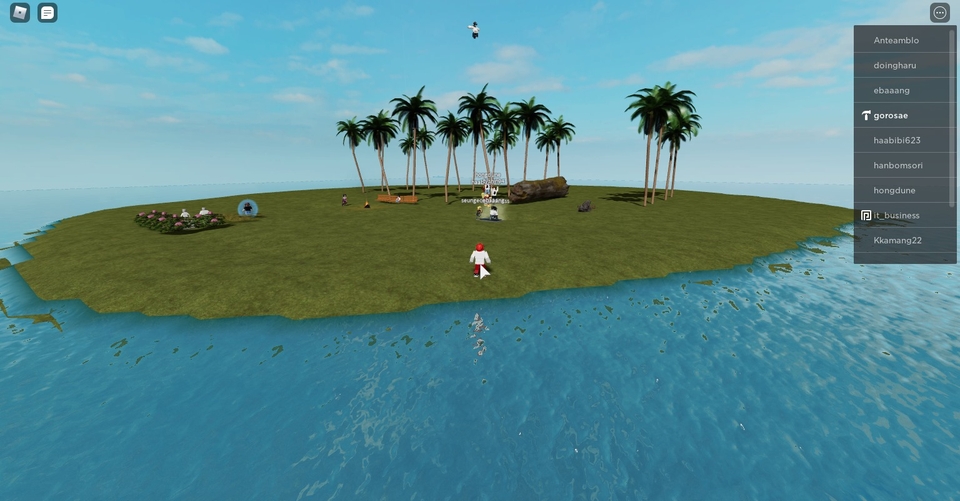
Users can program various games, You can share games with other users. It is an online gaming platform.
For lecture inquiries: Seo Jong-won, Roblox Featured Educator 3dkids4u@gmail.com 010-6616-4545
What about this lecture? 📖
For lecture inquiries: Seo Jong-won, Roblox Featured Educator 3dkids4u@gmail.com 010-6616-4545
Roblox has recently emerged as a tool for programming education. This is because the process of creating games allows users to easily and enjoyably learn development principles and structures. In neighboring China, the giant company Tencent launched its own Roblox, nurturing countless young Chinese developers.
However, many in Korea are still unfamiliar with Roblox. In particular, schools have banned Roblox, making it extremely difficult to use it as a teaching tool. However, I believe that Korean youth will become more proficient developers if they use Roblox. Take the first step toward learning coding in a fun way with Roblox!
Who would benefit from listening? 💁♀️
Recommended for young people who want to learn coding and game development in a fun way.
Although it's geared towards teenagers, it's also helpful for anyone interested in becoming a Roblox developer to build foundational skills.
Please note before taking the class!
Since the basic terminology is in English and coding must be done in English, those unfamiliar with the language may face some difficulties. However, since simple terms appear repeatedly, you can solve the problem by using a translation tool like Papago to organize the terms one by one. 😊 So don't worry too much; it's helpful to think of it as studying English vocabulary at the same time.
What will you learn?📜
Learn about the history of Roblox .
Understand the basic Roblox development studio structure .
Let's manipulate the studio to change the space with basic coding.
Learn the basics of coding using the programming language Lua .
Create your own metaverse space ✨ With Korea's first Roblox book author!
In this course, you'll take the first step toward creating your own Metaverse space using Roblox.
Gilbut "Just Follow the Roblox Game Development" (Click)
For lecture inquiries: Seo Jong-won, Roblox Featured Educator 3dkids4u@gmail.com 010-6616-4545
Create your own game and immerse yourself in the world of the metaverse with the author of Korea's first Roblox book, "For Future Game Programmers - Roblox Game Creation: Just Follow Along" !
Learn in order! 📐
#1. Introduction
Here's a brief introduction to Roblox.
#2. Getting to Know Roblox
After learning about Roblox history and how to sign up, add friends, etc., try out the Roblox Player.
#3. Starting (and Lighting) Roblox Dev Studio
As we start with Roblox Studio, we'll explore some basic properties.
#4. Change part color
Let's change the color of a part element using Lua coding.
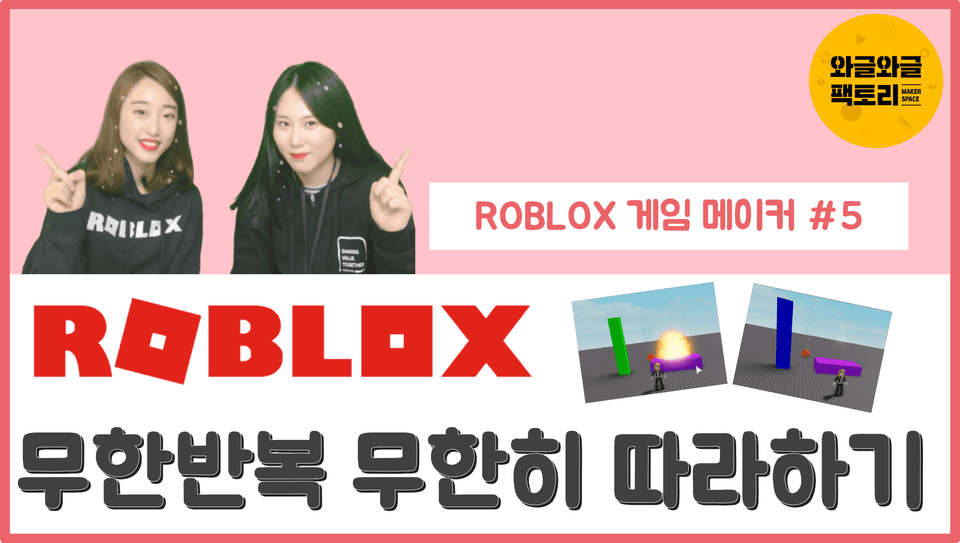
#5. Learn about infinite loops
Learn how to create infinitely changing spaces within Roblox Studio.
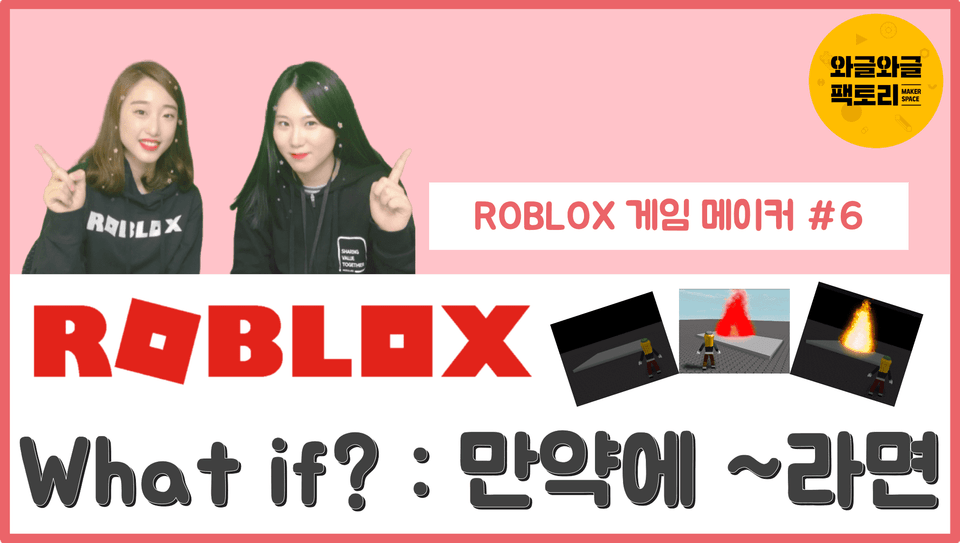
#6. Understanding Conditional Statements
Let's try changing the structure with a basic conditional statement (if statement).
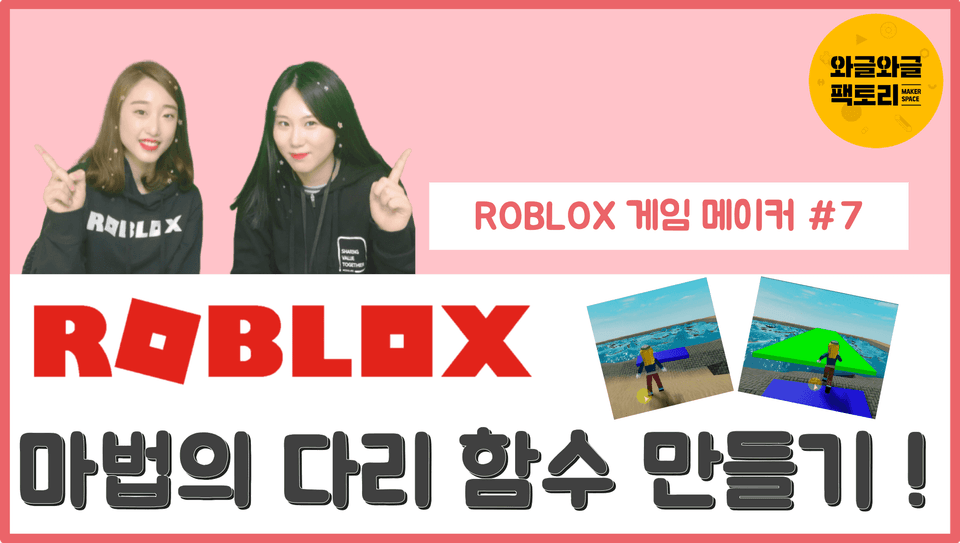
#7. Creating a function
Learn the basic function form and assign functions.
#etc.
Check out the bonus lesson! Earn free avatar accessories and create a function that adjusts your avatar's body size.
I want to have fun communicating with you. Email: 3dkids4u@gmail.com Phone: 010-6616-4545 YouTube: Search for Wagle Wagle Factory https://www.youtube.com/@RobloxEduKR https://www.wgfactory.co.kr
Thank you. This is an old lecture, so it has been discontinued, but I'm curious how you managed to watch it! ^^ ㅎㅎ
I would appreciate it if you could check out my "Useful Roblox Features" course, which is being continuously updated. Although it is a paid course, I am keeping it up to date.












![[MapleStory Worlds] Lv.1 Tutorial Lecture for BeginnersCourse Thumbnail](https://cdn.inflearn.com/public/courses/330389/cover/bb6f8766-6ce8-4791-b797-63b80b3e0d19/330389-eng.png?w=420)