

강의

멘토링

커뮤니티

Design

/

3D Modeling

CAD Inventor Power Transmission Device Technician Exam Practical Exam Complete Summary

Learn the inside scoop from an expert who has won gold medals in high school vocational training and related competitions and has been studying Inventor (Autodesk Inventor) for 8 years! With just one video, you can complete the design of a power transmission device using Inventor.

6 learners are taking this course

Level Basic

Course period Unlimited

  • cadmd
Inventor
Inventor
Inventor
Inventor

What you will gain after the course

  • Mastering the basics of Inventor

  • Inventor skills required for the practical exam of Computer-Aided Mechanical Design Technician

  • Power Transmission Element Design

Master Inventor Basics Perfectly! 📏
Even challenging the qualification of a computerized mechanical engineering design engineer.

This lecture! 📒

Required for obtaining the practical qualification of a computerized mechanical engineering system engineer
Inventor (Autodesk Inventor) Function Basics and
Complete powertrain design in one go.

This course was created to help you master the basic functions of Autodesk Inventor, a 3D modeling/CAD tool required to obtain the Computer-Aided Mechanical Drafting Technician Certification (click).

While I was teaching Inventor-related classes at a high school, I started making video lectures because it became difficult to hold face-to-face classes due to COVID-19. I hope these video lectures can be helpful to more people through Inflearn. 😀


Who would benefit from listening? 🔍

  • High school students who need to obtain a computer application machine design engineer license
  • Job seekers preparing for employment in the mechanical design and CAD fields
  • Anyone who needs Inventor 3D modeling and drawing creation methods
  • Those who had difficulty learning 3D CAD tools due to the difficulty of face-to-face classes due to COVID-19
  • Students who are having a hard time understanding what they have heard once

Anyone can get a technician's license!

  • Stop taking classes that you don't understand after listening to them once! Take them as many times as you can throughout your life and try to follow along yourself.
  • For those who have difficulty attending face-to-face classes due to COVID-19, you can learn in a better environment through online videos.

You can follow along yourself. ✨

Check out the lecture for more examples!

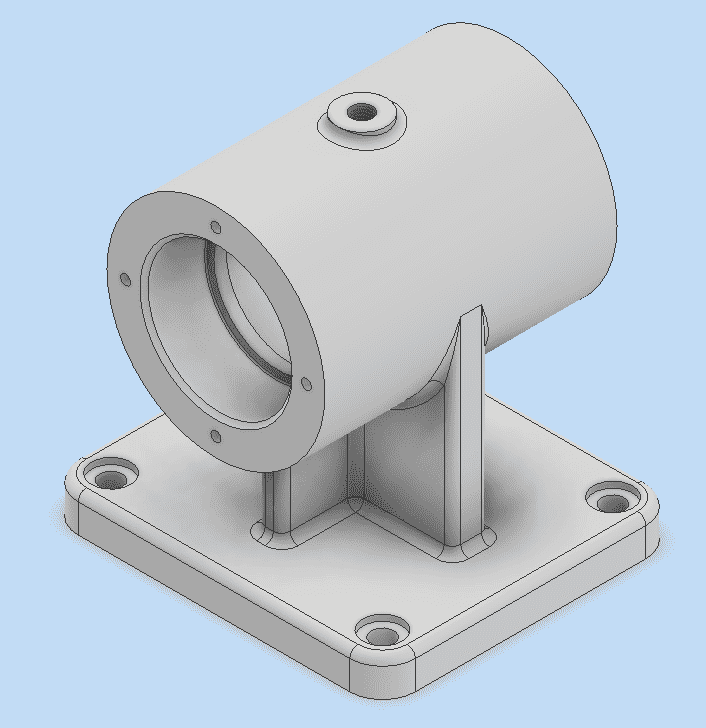
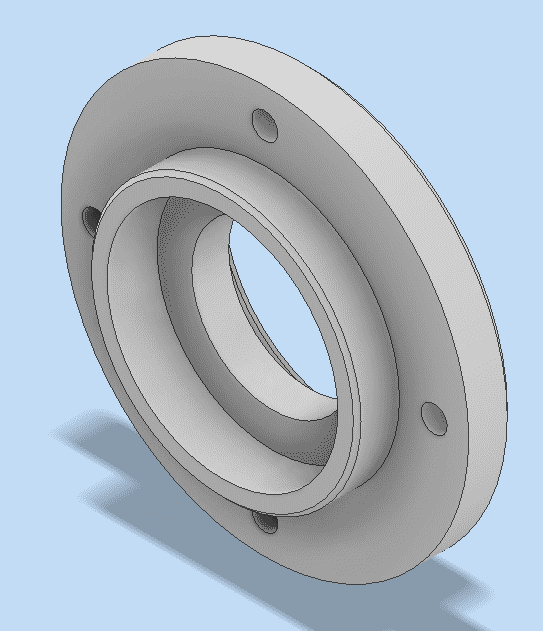
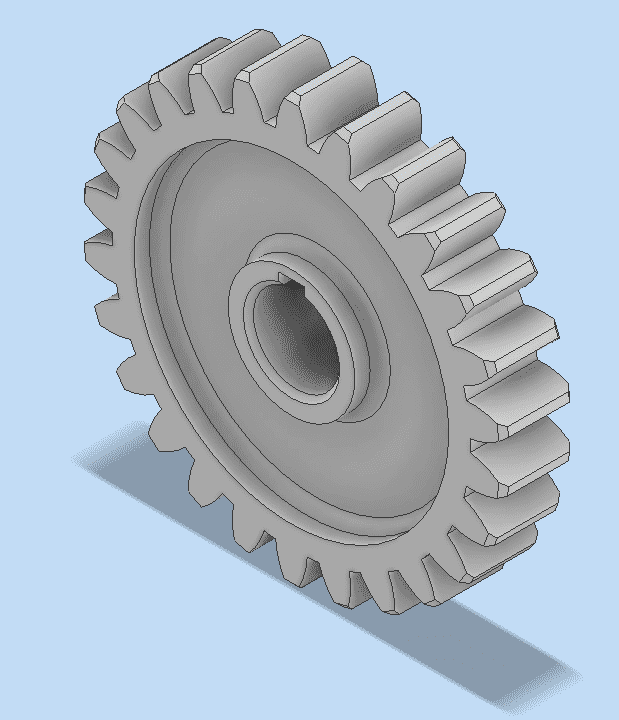
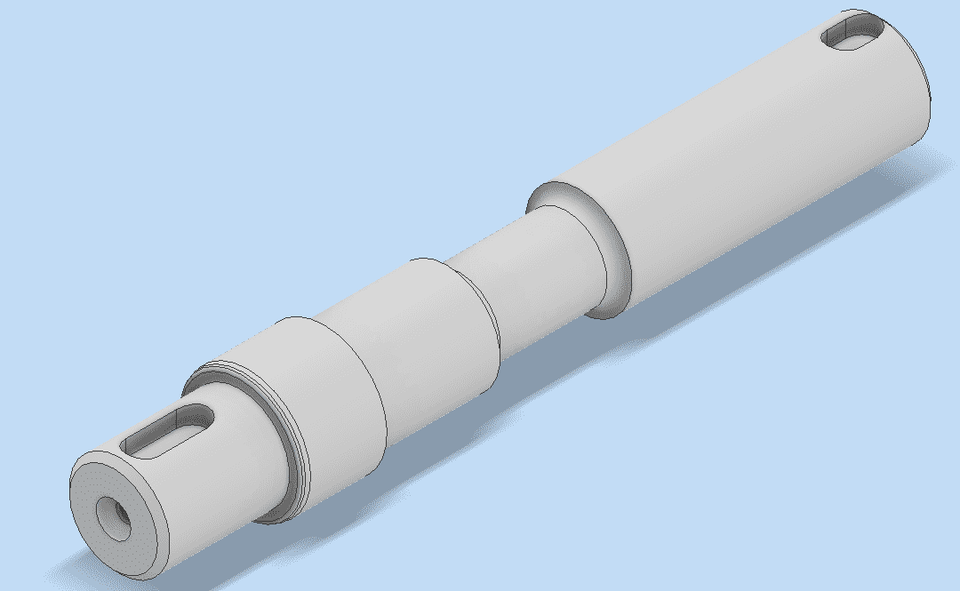
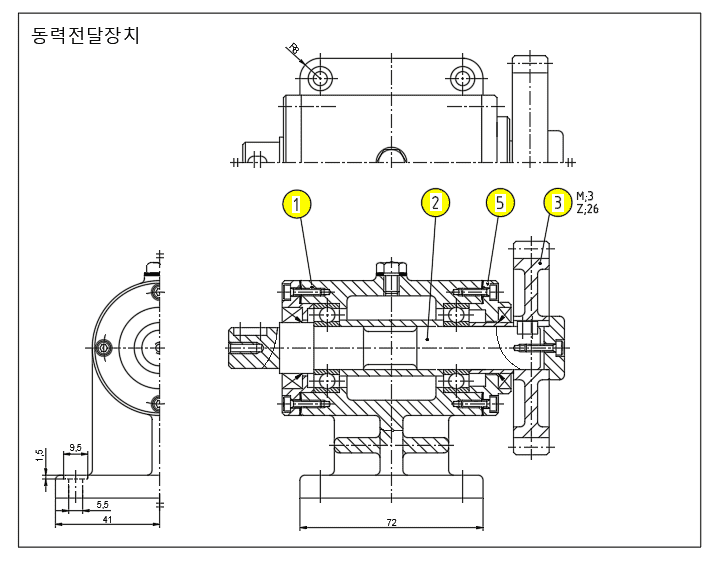
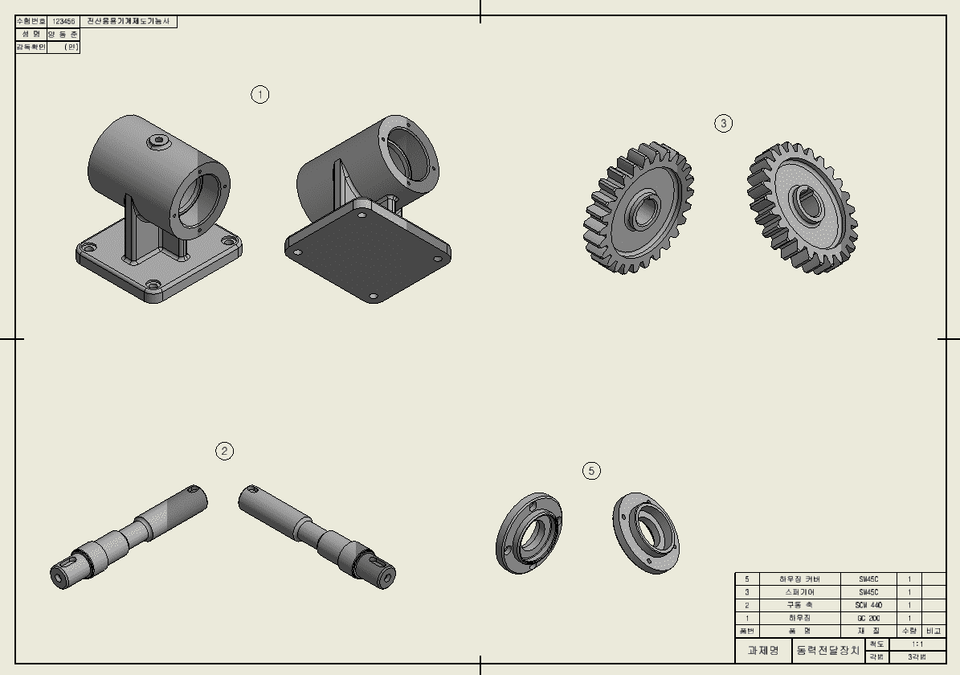
Direct measurement and modeling of powertrains

  • It creates a CAD environment similar to the actual measurement environment, and shows in detail which parts are modeled in stock.

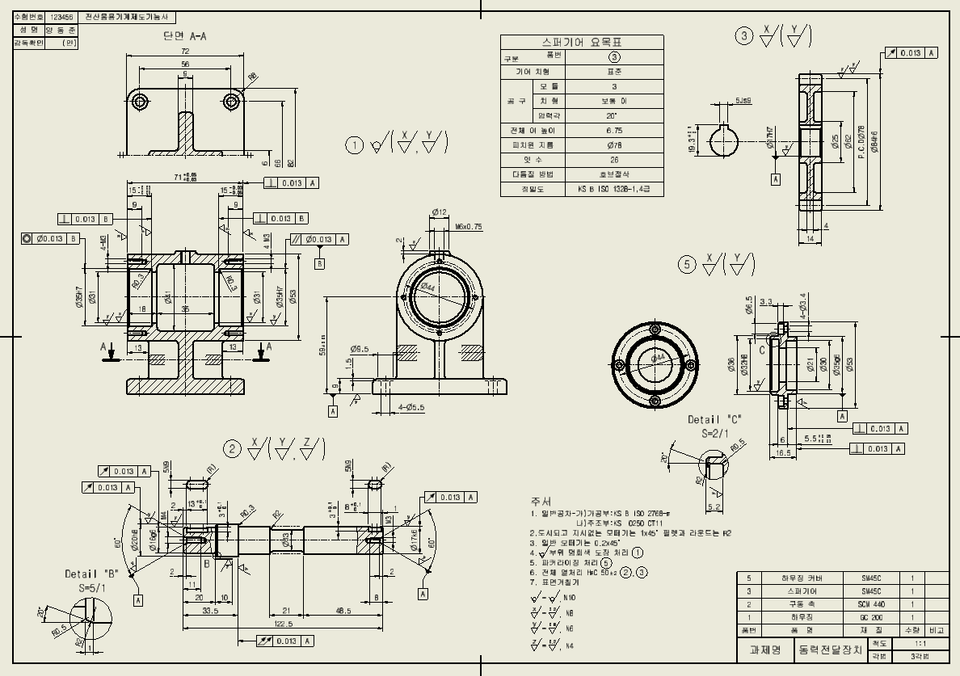
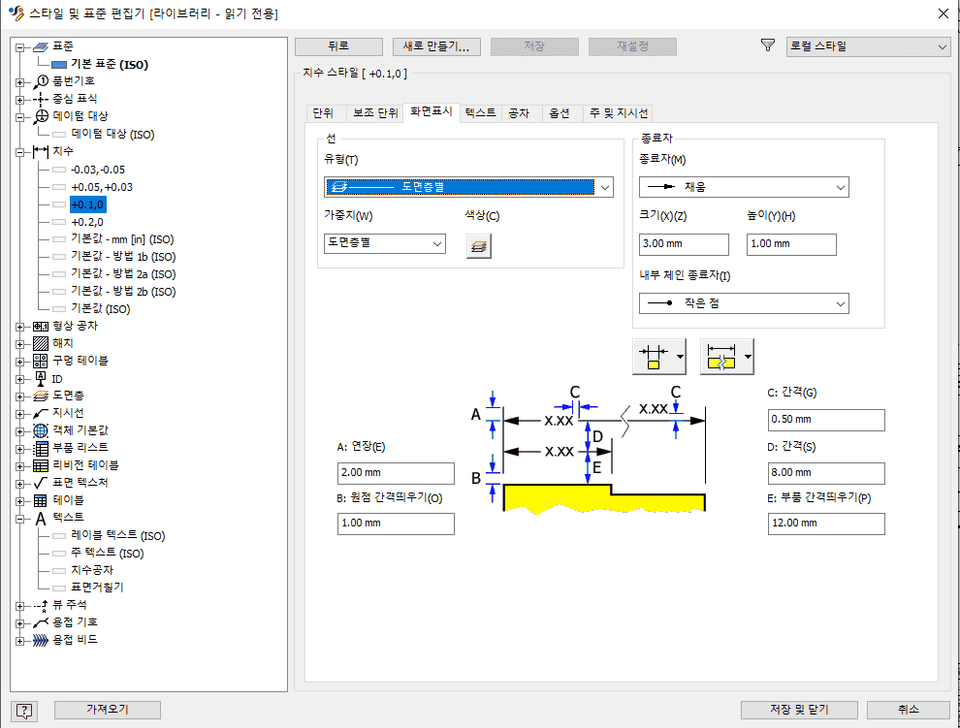
Setting up the powertrain drawing style and working with the drawing

  • You can learn Inventor CAD without trial and error, with the know-how of Inventor experts.

Inventor who finishes with one video! ✨

High school skills training and related competition gold medalist, you can learn refreshing know-how from an expert who has been digging only into Inventor for 8 years! One video will help you understand the Inventor powertrain.

This video is aimed at those who are new to Inventor . Since it already includes my 7 years of know-how, it has the great advantage of being able to learn without much trial and error.


Cadmadang Cadjigi
Introducing ✒️

Certificate

  • Computer-Aided Mechanical Drawing Technician, Computer-Aided Milling Technician
  • Mechanical design industrial engineer, tool design industrial engineer, production automation industrial engineer
  • Gold Medal in Mechanical Design/CAD Skills Competition, Jeonbuk Information Technology Practical Ability OA Plus High School Division
  • Computer Proficiency Level 1, Word Processor Level 1, ITQ A Master Certificate (Excel, Hangul, PowerPoint)

Related experience

  • Worked as a mechanical design/CAD functional specialist in 3 years of high school
  • A total of 3 years of teaching experience in mechanical design/CAD related schools (technical engineer to technical competition level)
  • Currently working as a 5-year design agent specializing in mechanical design/CAD

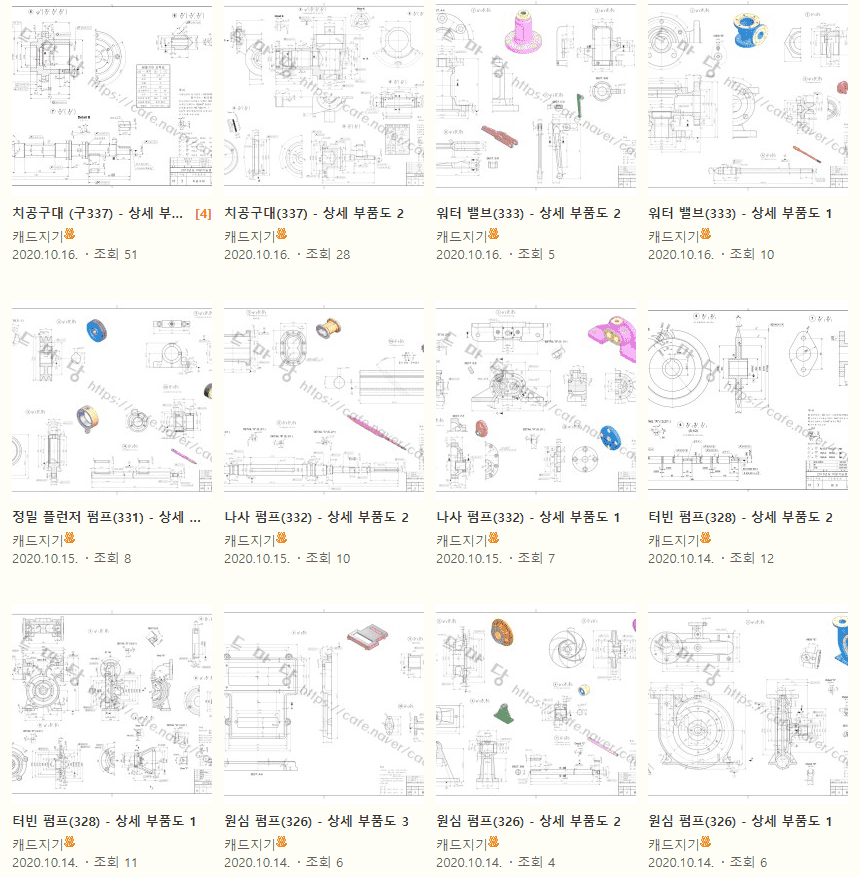
This is a portfolio of drawings I worked on myself.

The drawings above are all my own work, and I am currently working as a cafe manager at “Cadmadang” with the nickname “Cadjigi.”
You can see more of my writings through the link(click)


Expected Questions Q&A 💬

Q. What are the benefits of learning Inventor?

You will also be able to quickly learn other types of 3D tools such as SolidWorks, Catia, etc.

Q. What can I do if I learn Inventor?

It can help you get a job in mechanical design, 3D printing, or related fields.

Q. What level of content is covered in the class?

This course was created with the level of students or the general public in mind when starting out as an inventor!
The lecture proceeded by explaining each function in detail.

Recommended for
these people

Who is this course right for?

  • Inventor Beginner

  • High school students who need to obtain a license

  • People who need Inventor basics

Hello
This is

Hello, I am an office worker with 8 years of design experience and,

I am Teacher Dongjun, an 8-year design professional and the creator of the Inventor YouTube channel "Gi-In-Keul."

Back when I was a student, I was one of those who were the worst at creating drawings.

If you don't know the "why" behind something, it's because your level of understanding has dropped.

That soon led to a meaningless loss of confidence.

But now, I want to boost your confidence through easy-to-understand explanations. Experience the fun of Inventor with just this one lecture from Teacher Dong-jun at Ki-in-cl!

But now, I want to help boost your confidence through easy-to-understand explanations.

Experience the fun of Inventor with just one lecture from Teacher Dong-jun at Gi-in-keul!

Curriculum

All

11 lectures ∙ (3hr 36min)

Published: 
Last updated: 

Reviews

Not enough reviews.
Please write a valuable review that helps everyone!

$110.00

cadmd's other courses

Check out other courses by the instructor!