

Create pretty goods with your own hands, easily and conveniently!
Making goods? Give it a try!
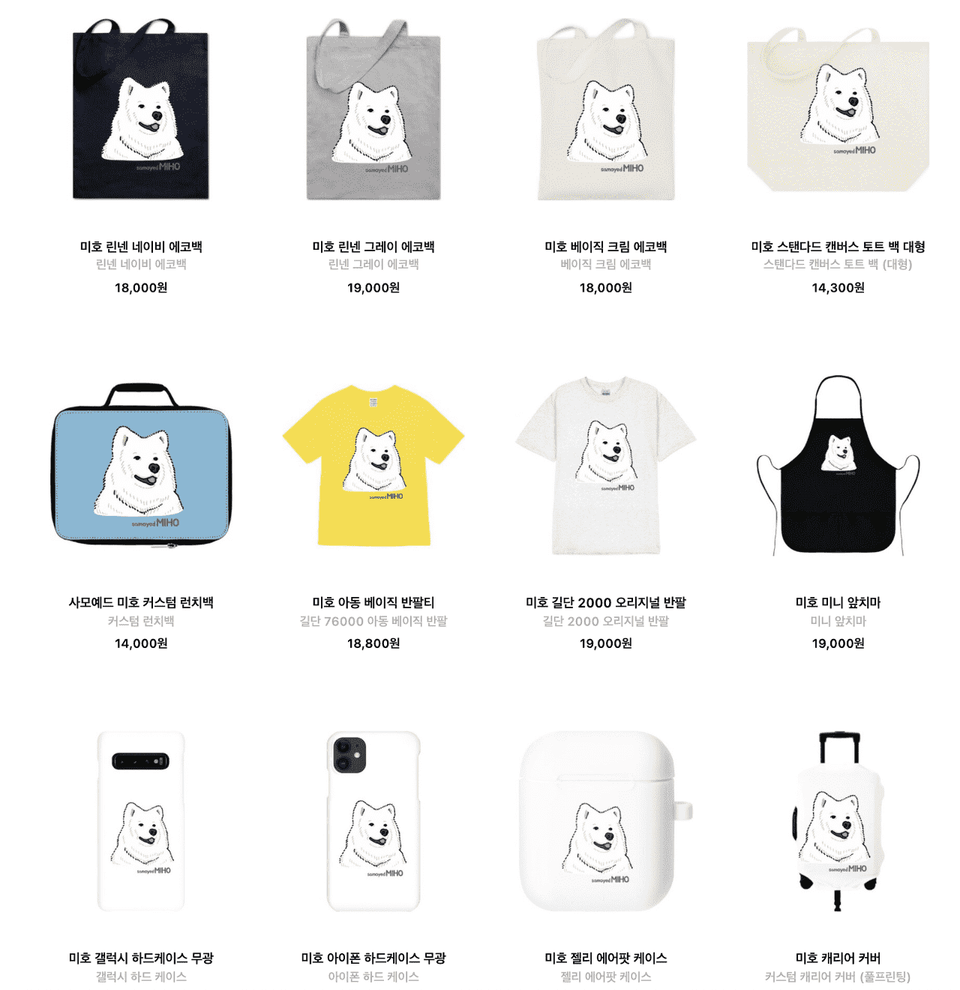
Can't I make my own cool, one-of-a-kind goods?
If you've been worrying about it for a while, now is the time to finally do it.
Create your own goods in the easiest way in the world .
What if I take a goods making class?
You can start your vector drawing using Affinity Designer.
You can create your own unique and wonderful goods that are one of a kind in the world.
You can give them as gifts to your family, friends, and acquaintances, or sell them at a shopping mall.
What you will learn in this course ✏️
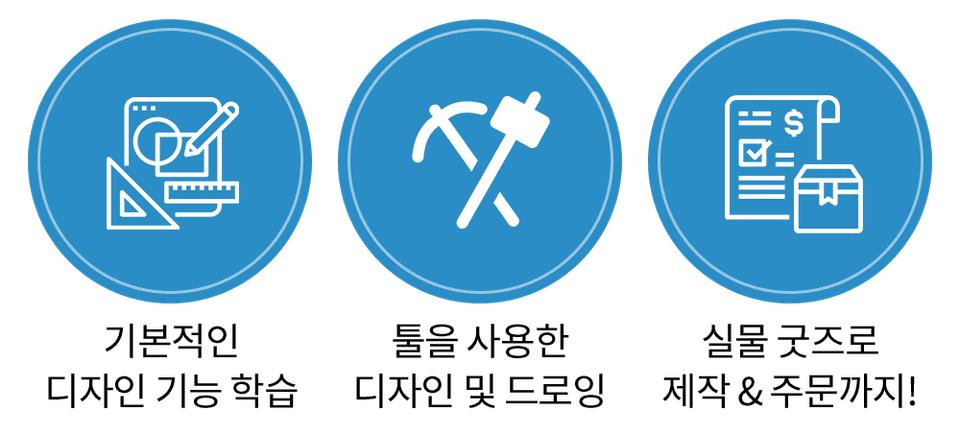
You will learn things like:
In short, it has everything you need to make goods .
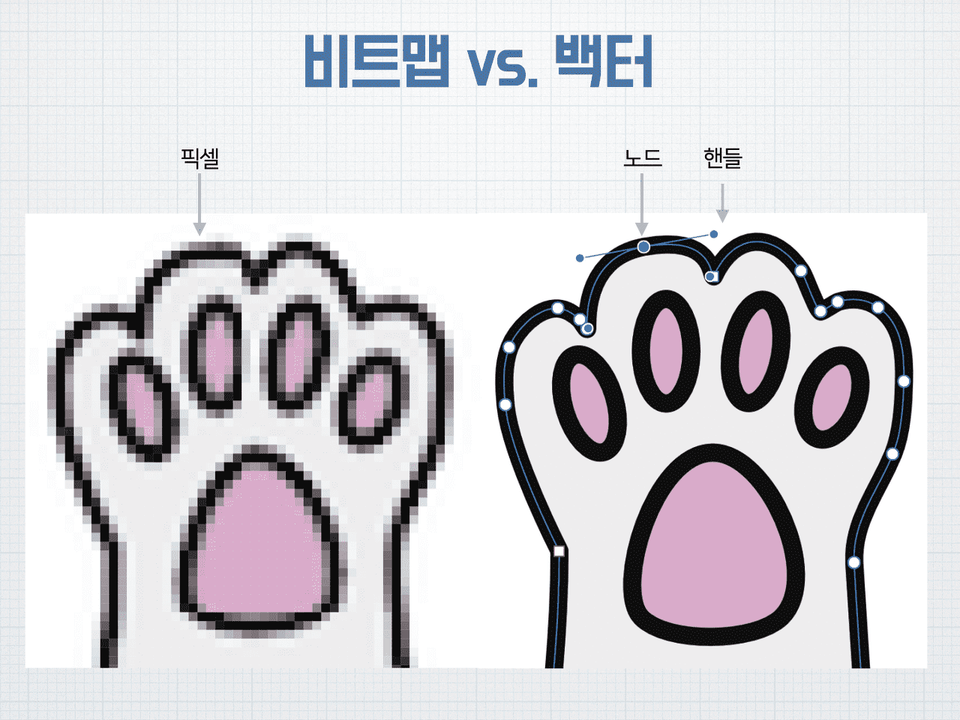
- Bitmap vs. Vector Drawing
- RGB vs. CMYK
- Pen tool/Shape tool/Pencil tool
- Layers and Groups
- Drawing vector characters
- Create round/square frame stickers
- Order Image Shape Single Sheet Stickers
- Order T-shirts/eco bags
- Designing masking tape
- Various production sites
- Economical mass production method
Course Features 💡
Anyone can easily create goods through the entire process
You can follow along slowly and easily , so you can definitely succeed in making goods.
If that doesn't work out, I'll help you until you become a teacher.
Section 1. Basic knowledge of making goods 📖
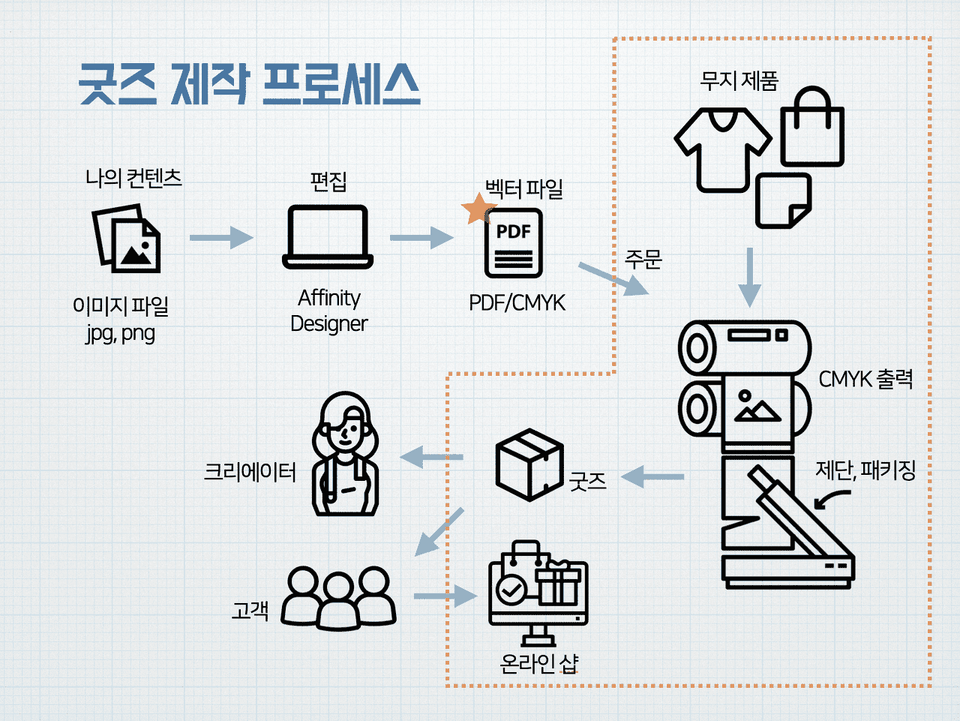
- Goods production process
- Virtues of a Creator
- Affinity Designer Features
- Image conditions for printing
- Bitmap vs. Vector
- Outline view mode
- Output resolution/size
- RGB and CMYK
Section 2. Creating Frame Stickers 📖
- Using the Place feature
- Layers window
- Customizing the Toolbar
- Insert shape
- Layer Mask
- Export Persona Export
Section 3. Ordering Various Stickers 📖
- Order single stickers
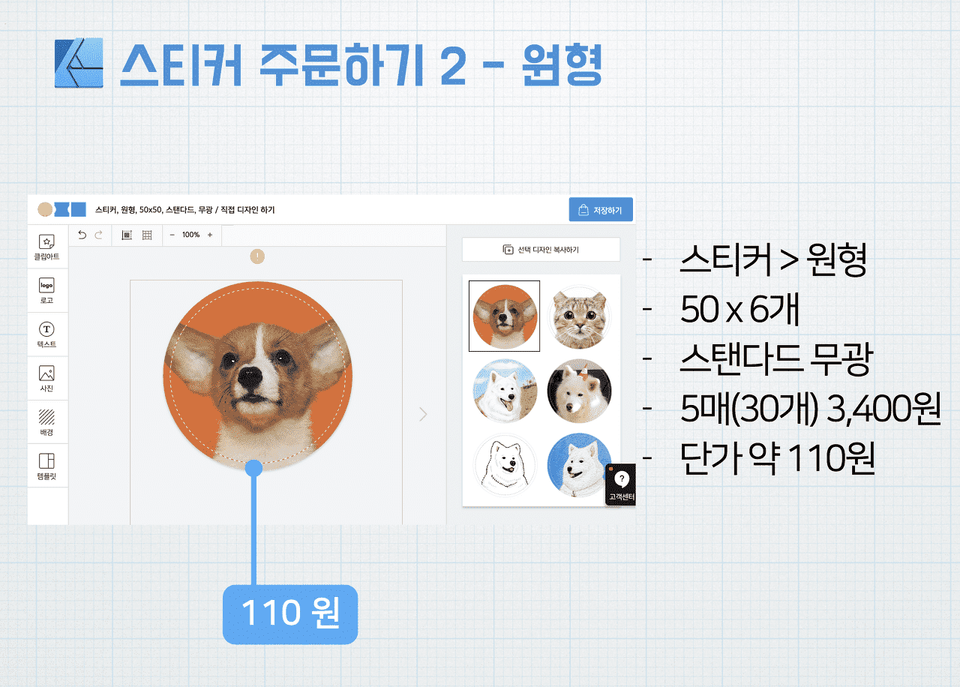
- Order round stickers
- Foundation, quantity price difference
Section 4. Getting Started with Vector Drawing 📖
- Using the Pencil Tool
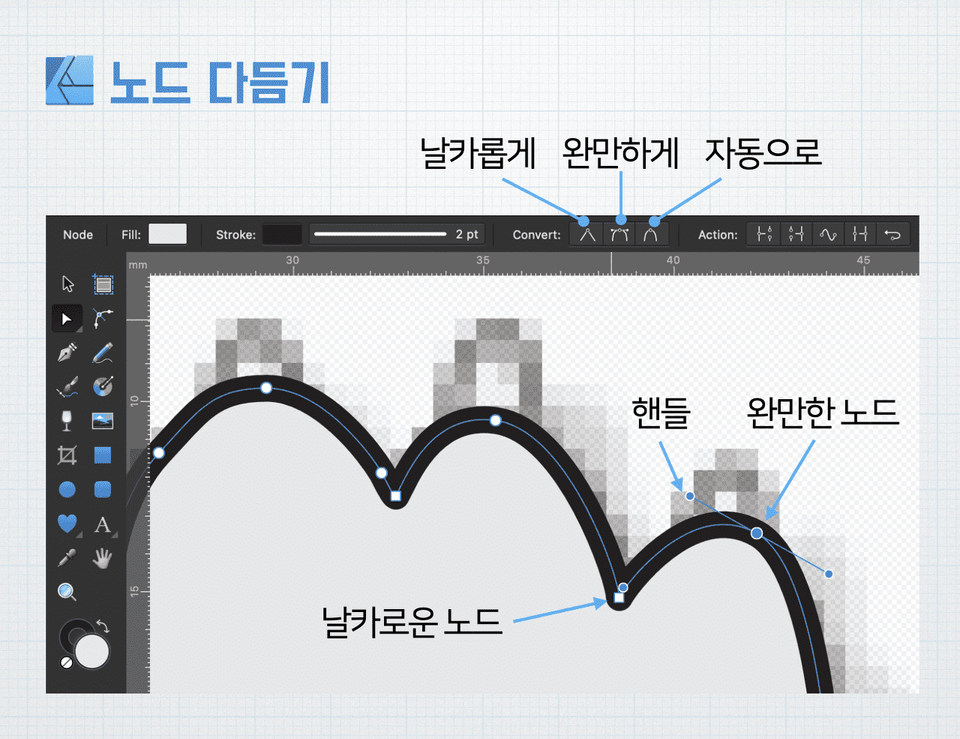
- Using nodes and handles
- What is Convert to Curves?
- Using the corner tool
- Add FX special effects
Section 5. Ordering T-shirts and eco-bags 📖
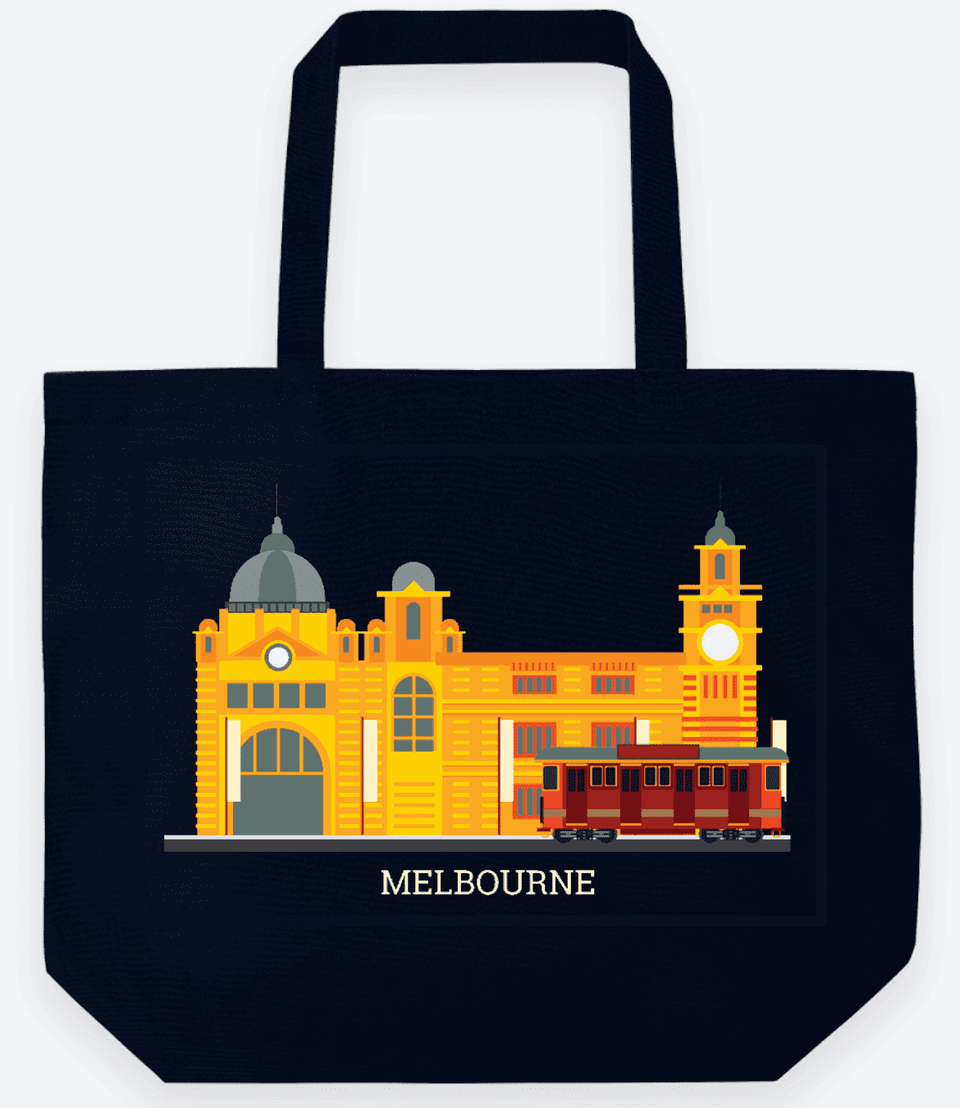
- Use free vector resources
- Add text
- Export
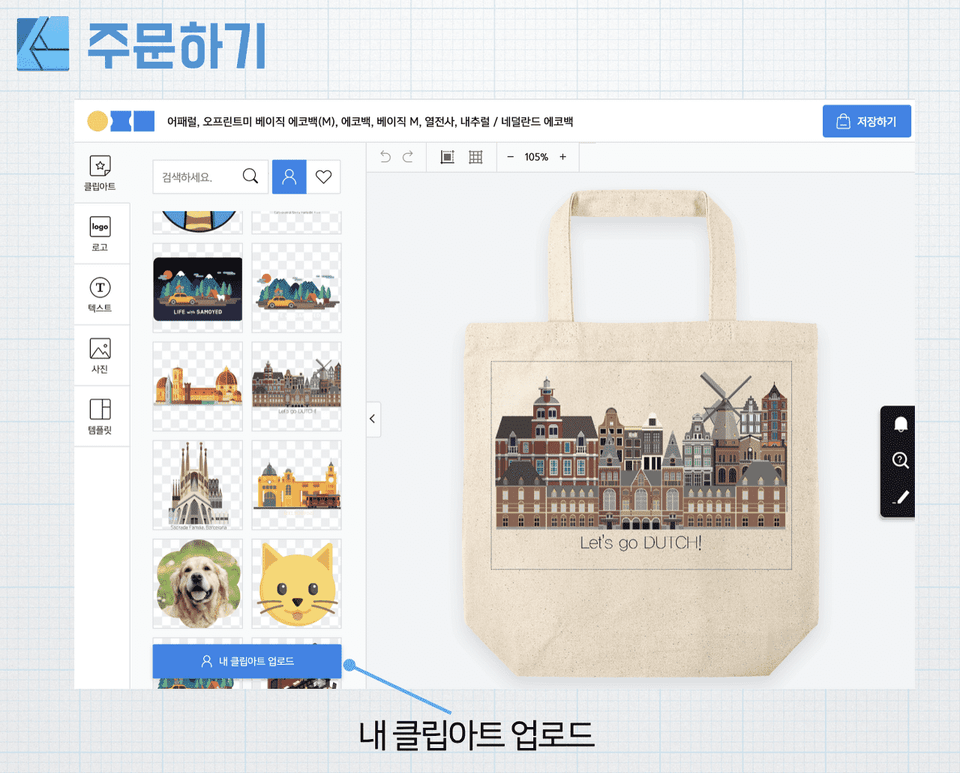
- Order an eco bag
- Thermal Transfer vs. Digital Printing
- Order a T-shirt
Section 6. Making Masking Tape 📖

- Understanding Masking Tape Manufacturing Specifications
- Import vector images
- Using Art Boards
- Utilizing Transform
- Define/Insert Symbol
- Align/Add Background
- Bulk Order Price Comparison
Tools covered here 🧰
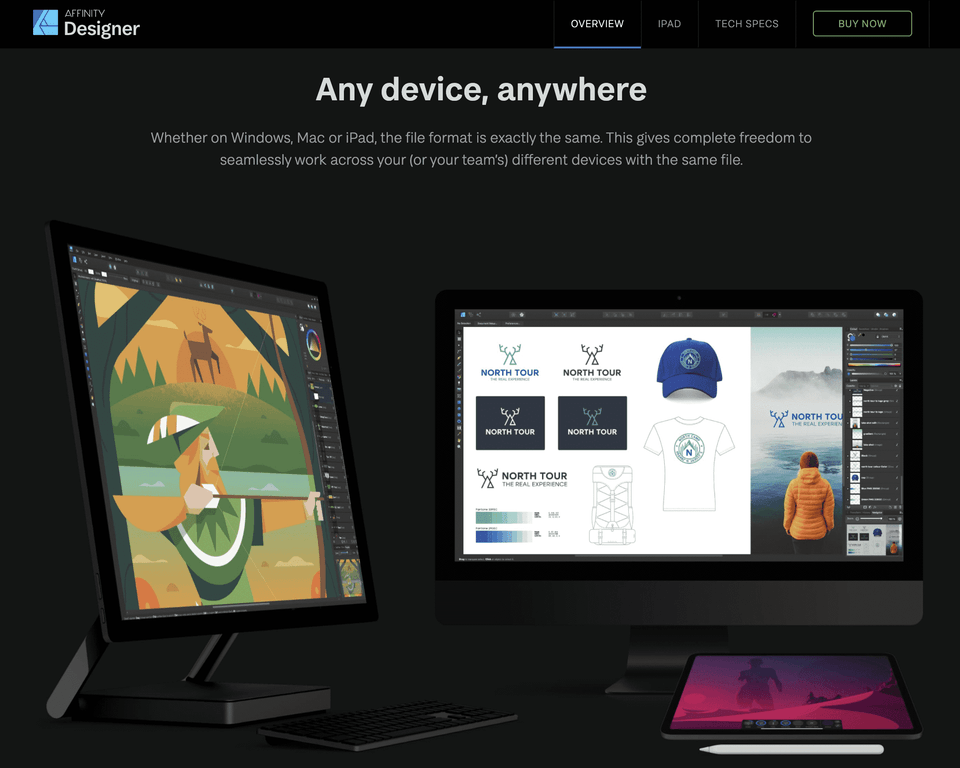
Affinity Designer
We use Designer, a wonderful vector drawing program from Affinity in the UK.
https://affinity.serif.com/en-us/designer/
- It is easy to learn with reasonable price and user-friendly features compared to competing products.
- Available for macOS, Windows, and iOS (iPad).
- We offer a permanent license for 65,000 won, not a monthly subscription. Buy once, get continuous updates!
It is also available as a 30-day free trial.
Expected Questions Q&A 🙋🏻♂️
Q. Please tell us what prompted you to start this course.
A. Yes, at first I tried making eco-bags using watercolors that I had drawn, and the response was good.
So we expanded the types of production to include T-shirts, postcards, masking tape, etc.
We make various products for our dog, our friend's dog, etc.
I think that making goods is an area that anyone can easily challenge themselves with.
I started this course to help others.
Q. What made you interested in this field?
A. Everyone wants to have a product that reflects their own personality.
Advances in printing technology in recent years have made it possible to print high-quality prints on a wide variety of products.
I really enjoyed being able to easily create the goods I wanted using my own images and give them as gifts to people around me.
Q. What are your future goals?
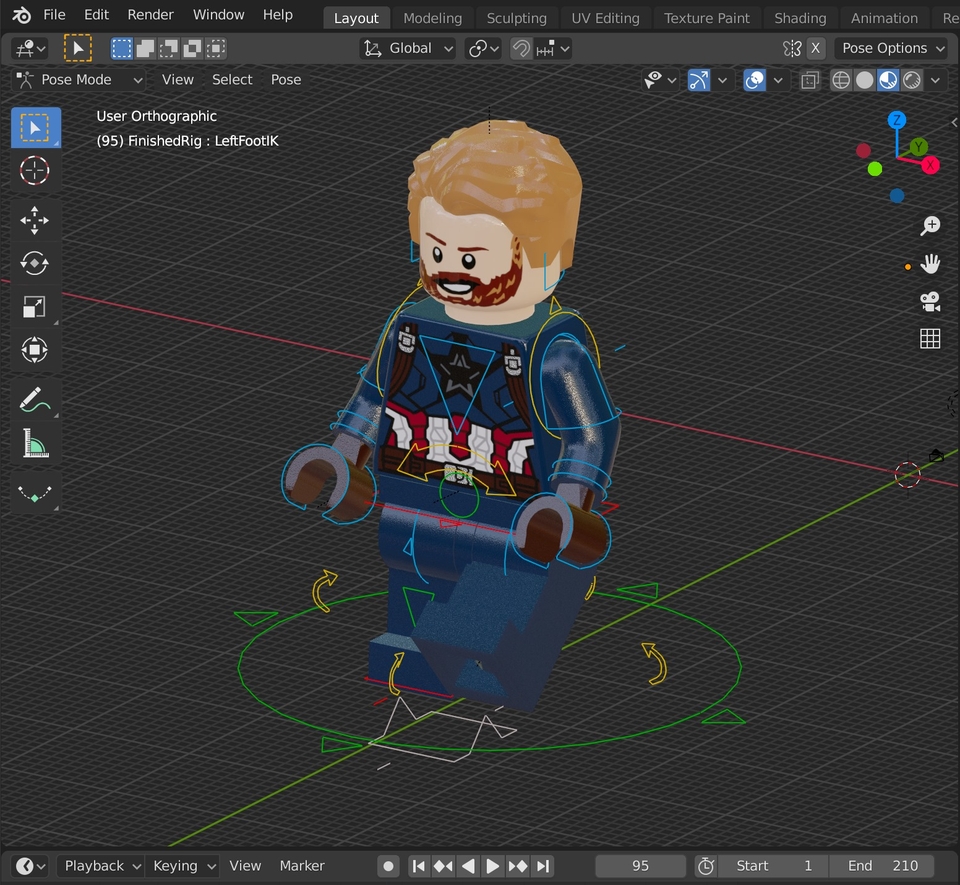
A. Affinity Designer is a really great vector drawing program.
But as I worked, I found it difficult to create a three-dimensional image.
So recently I've been interested in 3D modeling and have been studying hard on an open source program called Blender.
Our goal is to open a course on 3D modeling and animation using Blender at Inflearn in the near future.

I have to try making it myself!!
After purchasing the Affinity Designer program, I was at a loss, but I was really happy to find a place that taught in Korean.
It was a short and powerful lecture that protected our precious time. Other lectures focus on functional lectures, so the proportion of really necessary skills and unnecessary skills is similar, which makes learners tired. This lecture alone will be enough to ignite your confidence in using tools.
It was easy to understand because you explained it slowly and calmly. Now I have the courage to make my own goods. Thank you.^^.
It was good that you explained it well. But the lecture was too short.
