


"국내최다승인 임티작가"가 알려주는 속성 이모티콘 만들기
씨엠제이
국내 최다 이모티콘 승인작가가 알려주는 이모티콘 제작방법에 대한 강의

Beginner
이모티콘, 캐릭터 디자인, Photoshop
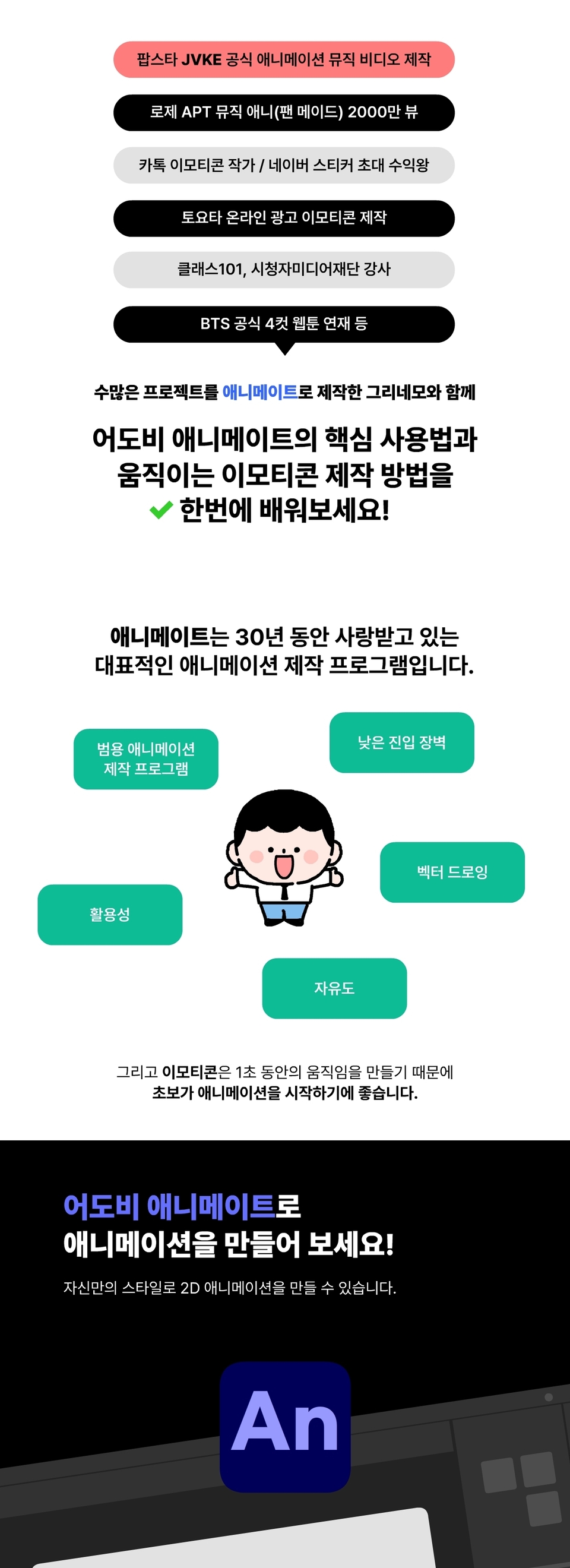
You can learn the core usage of Adobe Animate from a KakaoTalk emoticon artist who created official music videos for collaborations between pop star JVKE and K-pop idols, and recorded 20 million YouTube views with animations.

Animate Basic Usage
2D Character Animation Production Method
How to make animated emoticons
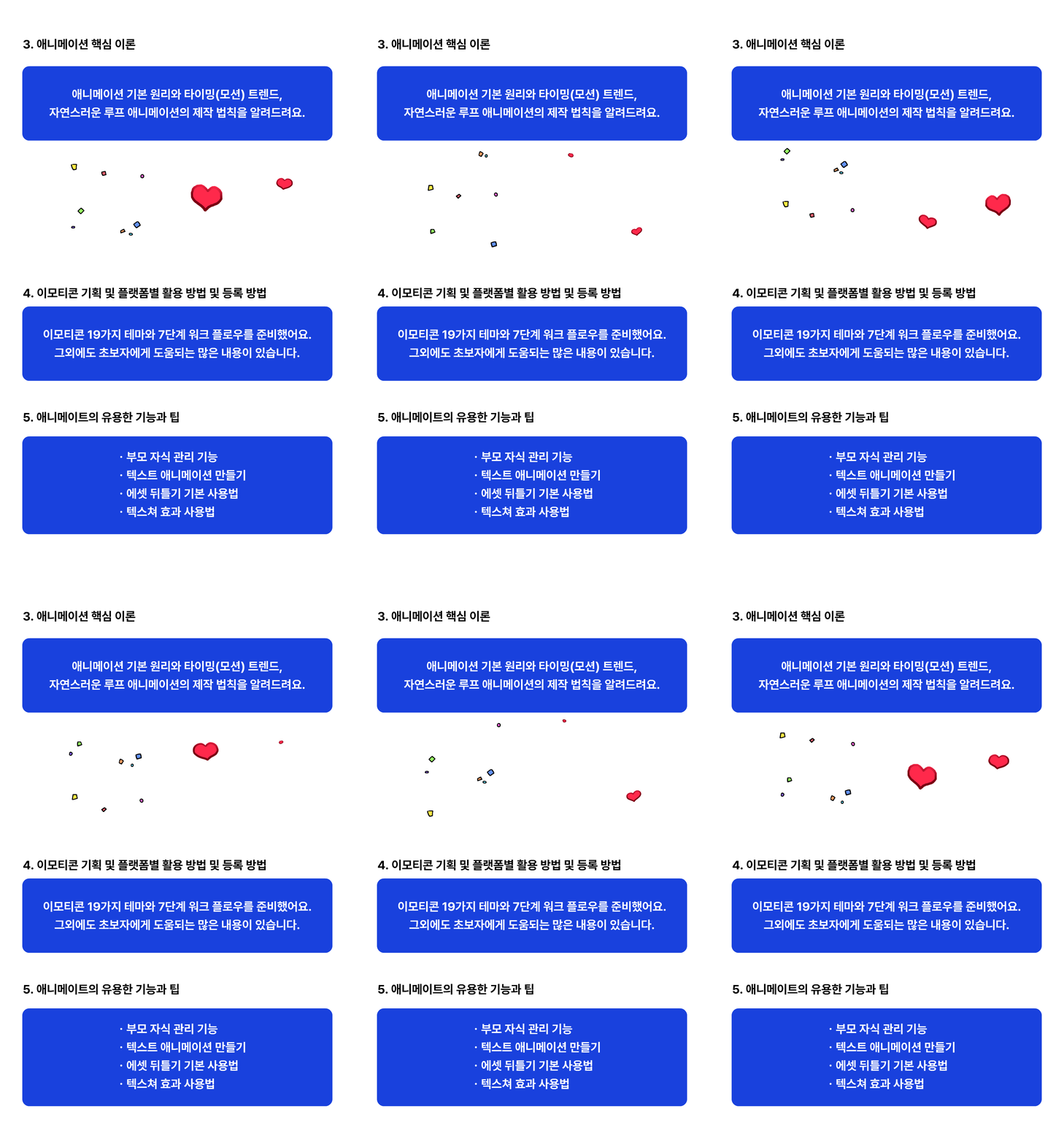
Emoticon Planning and Other Useful Tips
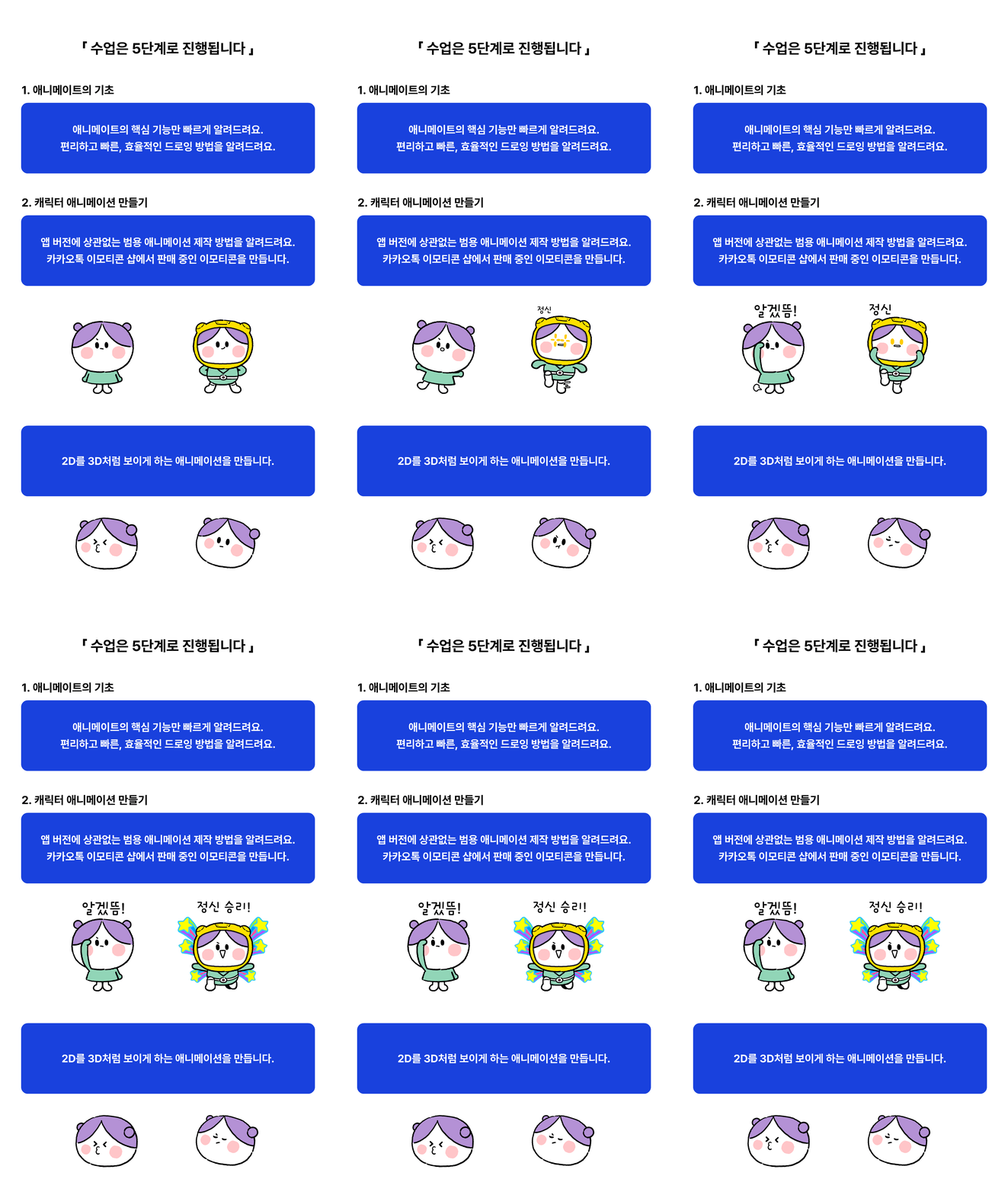
📣 Animation created with Animate
🚩 Materials needed for the course
🚩Reference Notes
• The useful features and tips chapter for Animate is a bonus lesson and is not related to emoticon creation.
•Please note that some lessons in this chapter do not have AI recording or voice recording.
•ActionScript (programming language) and rigging (bone tool)content will not be covered.
•Since each individual has different computer skills, the lessons are structured based on a general level.
•Please refrain from asking basic computer usage questions.
•For general information about Animate, please refer to Help > Online and Hands-ontutorials within the app or refer to the following link. >Adobe Animate User Guide
Animate is a versatile animation production program used by everyone from amateurs to professionals.
This means that the entry barrier is low and it's professional, and overseas animation studios are still using Animate extensively for producing *cartoon-style TV show animations. (Watch related video)
Therefore, it can be used effectively for both individual work and collaborative work.
*What is cartoon-style animation? An animation style that airs on American cartoon channels.
[List of international animations using Animate link (click to navigate/new window)]
First, since both frame by frame and cut out methods can be produced, you can express everything from unique styles to popular styles. For reference, beginners should start with the cut out method. This course proceeds with a mix of both methods (frame by frame 10%, cut out 90%).
Second, since you can work from drawing to animation all in one app, you can work quickly and efficiently.
Third, since it's based on vector drawing, you don't need to deliberately work at large sizes, and you can quickly save images and animations of various sizes.
*Frame by Frame: A traditional production method that creates animation by drawing pictures one by one.
*Cut Out: A production method that creates animation by moving a single drawing.
A. This course focuses on cartoon-style animation using tablets and emoticon creation and planning.
The Class101 course covers comprehensive usage of Animate, including how to create character animation drawn with a mouse and background animation, sound editing, and more.For any class, if there's something you don't understand, feel free to leave a question anytime and I'll help you as much as possible!
Who is this course right for?
For those who want to quickly learn Animate
Those wishing to create versatile, cartoon 2D animation without bone rigging.
Anyone who wants to make emoticons with Animate
Need to know before starting?
None

836
Learners
54
Reviews
164
Answers
4.7
Rating
2
Courses
안녕하세요 프리랜서 크리에이터 및 애니메이트 강사 그리네모입니다.
저는 현재 클래스101, 인프런에서 동영상 강의를 운영 중이며, 시청자미디어 재단을 통해 특성화 고등학교 영상과 학생들에게 한달 간 애니메이트 온라인 강의를 하였습니다. 그 외에도 여러 강의 플랫폼, 지자체, 공기업 등에서 강의 요청을 받았고 애니메이트 전자책을 펀딩하여 온라인 서점에 판매 중입니다.
많은 애니메이트(플래시) 사용자들이 간단한 교육용 차시 애니메이션으로 커리어를 쌓습니다. 하지만 저는 교육, 게임, 캐릭터 에이전시, 출판사 등에서 스토리와 애니메이션 모두 직접 제작하여 내러티브가 있는 창작 애니메이션만 제작하였습니다.
프리랜서 전향 후에는, BST 정식 웹툰 연재, 핑크퐁(아기 상어 제작사) 외주 애니메이션 다수 제작, 토요타 온라인 프로모션 이모티콘 제작, 네이버 스티커 초대 수익왕, 카카오톡 이모티콘 작가 등 여러 프로젝트를 애니메이트 앱 하나로 완수하였습니다.
현재는 프리랜서 크리에이터로 개인 유튜브 채널에서 꾸준히 창작 애니메이션을 제작 중이며, 애니메이트 강사로 활동 영역을 넓히고 있습니다.
새로운 도전과 성장을 통해 쌓은 경험은 저에게 큰 자산이 되었고, 이제는 애니메이션 분야에 도전하고 싶은 분들에게 노하우를 공유하고 있습니다.
유튜브 로제 APT. 뮤직 애니메이션 2000만 뷰
카카오톡 이모티콘 작가, 라인, 밴드 등 이모티콘 200여 개 판매 중
더 핑크퐁 컴퍼니(아기 상어 제작사) 외주 애니메이션 다수 제작
토요타 온라인 프로모션 이모티콘 제작(인터트렌드, 캘리포니아)
네이버 그라폴리오 마켓(現 OGQ) 스티커(이모티콘)부분 초대 수익왕
BTS 공식 4컷 웹툰 연재(재담 미디어) 및 단행본(서울 문화사) 출간
한국 가스공사 브랜드 웹툰 연재(재담 미디어)
클래스1O1 온라인 강의 운영
시청자 미디어 재단, 광주 센터 청소년 미디어 교육 강사(애니메이트 / 단기)
텀블벅 - 애니메이트 전자책 펀딩 성공 214% (24년 4월)
전자책 출간 - 알라딘, 교보문고 등 온라인 판매 중
All
33 lectures ∙ (5hr 25min)
Course Materials:
1. What is Animate?
04:54
All
54 reviews
4.7
54 reviews

Reviews 1
∙
Average Rating 5.0
5
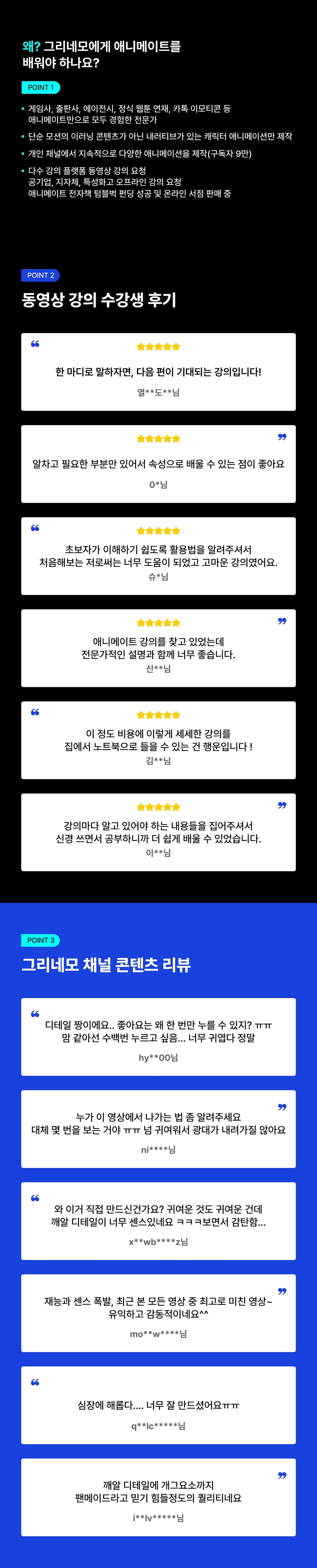
한 마디로 말하자면, 다음 편이 기대되는 강의입니다! 처음에는 애니메이트라는 생소한 툴과 사용방법 때문에 손이 가질 않더라고요. 하지만 선생님이 말씀하신대로 '처음부터 완벽히 이해하려 하지 않고, 천천히 반복적으로' 해 봤습니다. 그랬더니 중후반부에는 단축키를 척척 누르면서 작업을 해 나가는 제가 있었습니다! 얼마나 뿌듯하던지 ^-^b 또한 수강을 하며 선생님께서 수업에 필요한 부분들을 다양하게, 또 깊게 알고 계신다는 느낌을 받았습니다. 모르는 부분이 있으면 언제든 말해달라 하셔서 정말 시도때도 없이 질문하고 메일을 드렸는데 굉장히 빠르고 정확하게 알려주시더라고요. 미안하면서도 감사했네요 ㅎㅎ 덕분에 궁금증이 그때그때 풀렸고, 다음 수업을 진행하는 데도 무리가 없었습니다. 개인적으로는 중급자 수준의 강의도 들어보고 싶습니다. 강의를 초급자 수준에 맞춰서 제작하셨겠지만 수업을 듣고, 따라해 볼 수록 애니메이트가 굉장히 효율적이면서도 매력적인 툴이라는 생각이 들어서요. 다음 강의가 나오려면 아무래도 수강생들이 많아야 할텐데... 뭔가 추천해주고 싶으면서도 나만 알고싶다는 생각이 드는 복잡한 마음이네요... 여러분 치킨 두 마리 정도의 가격만 쓰시면 유용한 강의를 평생 소장 할 수 있습니다. 꼬옥 기억해 주면 되...!
수강평 감사합니다! 애니메이트를 많이 사용했으면 좋겠다는 마음으로 무작정 시작한 첫 강의여서 부족한 게 많았는데, 수강생분들의 질문과 피드백을 참고해서 그동안 몇몇 강의는 조금씩 수정, 보완을 하기도 했습니다. 여러분과 저는, 애니 + 메이트(친구) 이니까 부담 갖지 마시고 궁금한 건 질문 주세요~.😄
$38.50
Explore other courses in the same field!

![한방에 끝낸다. AI를 활용한 디지털 콘텐츠 제작 Part.1 AI 콘텐츠 창작 (기초1) [AI 더빙]Course Thumbnail](https://cdn.inflearn.com/public/files/courses/339348/cover/01k87zbzrccxwz1dr66arbbj54?f=avif&w=420)


