Creating a Reading Journal in Notion
dailynotion
Learn Notion systematically. Create your own reading notes.

Beginner
Notion, Business Productivity
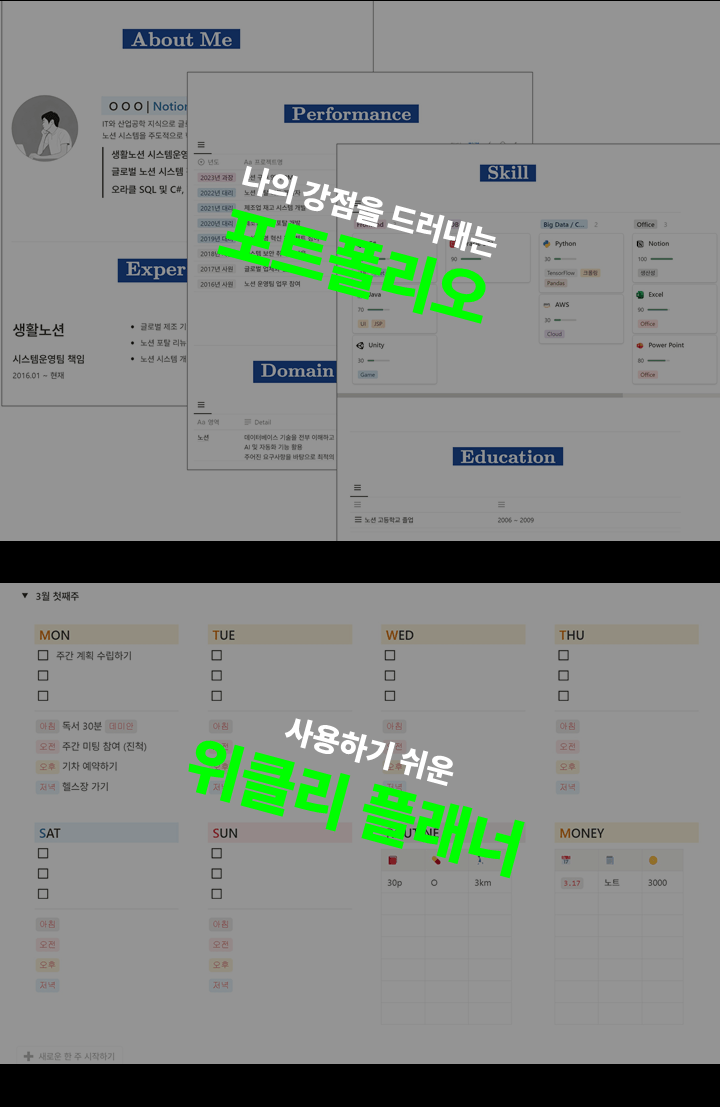
From an official Notion ambassador: From basic to advanced tips for using Notion. Create your own portfolio, planner, budget tracker, meeting minutes, and goal management system.
388 learners
Level Beginner
Course period 4 months
Reviews from Early Learners
5.0
gangsugi
I happened to find out about Notion and I listened to it while searching for lectures. The explanations were very good and I was able to learn various things, so it was great. I still have a few lectures left to listen to, but I want to listen to them all before the period expires. I am still lacking, but I am using Notion little by little and I think it is a really great function....
5.0
권경현
I remember when I first encountered Notion. At that time, I could only write articles, and I couldn't even create a simple dashboard that I wanted to create. If I had watched this lecture first, I wouldn't have wasted so much time. I was a little disappointed in myself for not being able to do something easy. But now, through this lecture, Notion, which I had thought was difficult, is much easier to approach. Thank you very much.
4.0
숲지훈
Since it was my first time, everything was unfamiliar and difficult. However, as I followed the practice, I got the hang of it and now I think I know something. I think it's a class that's not easy for beginners, but if you trust and follow it, you'll end up becoming someone who uses Notion.
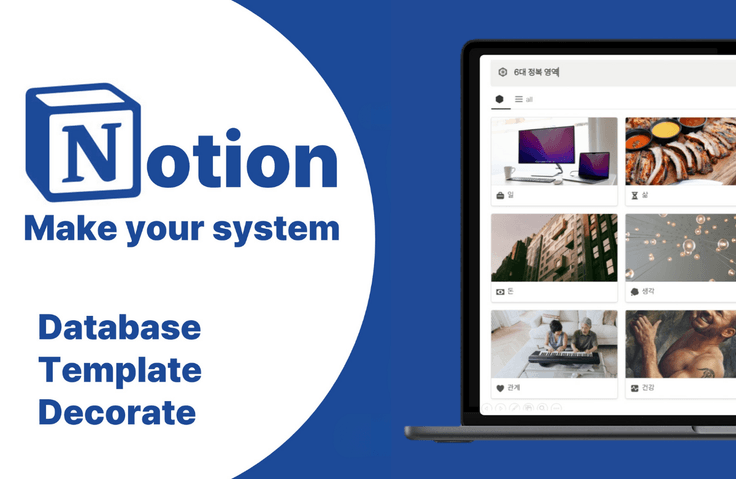
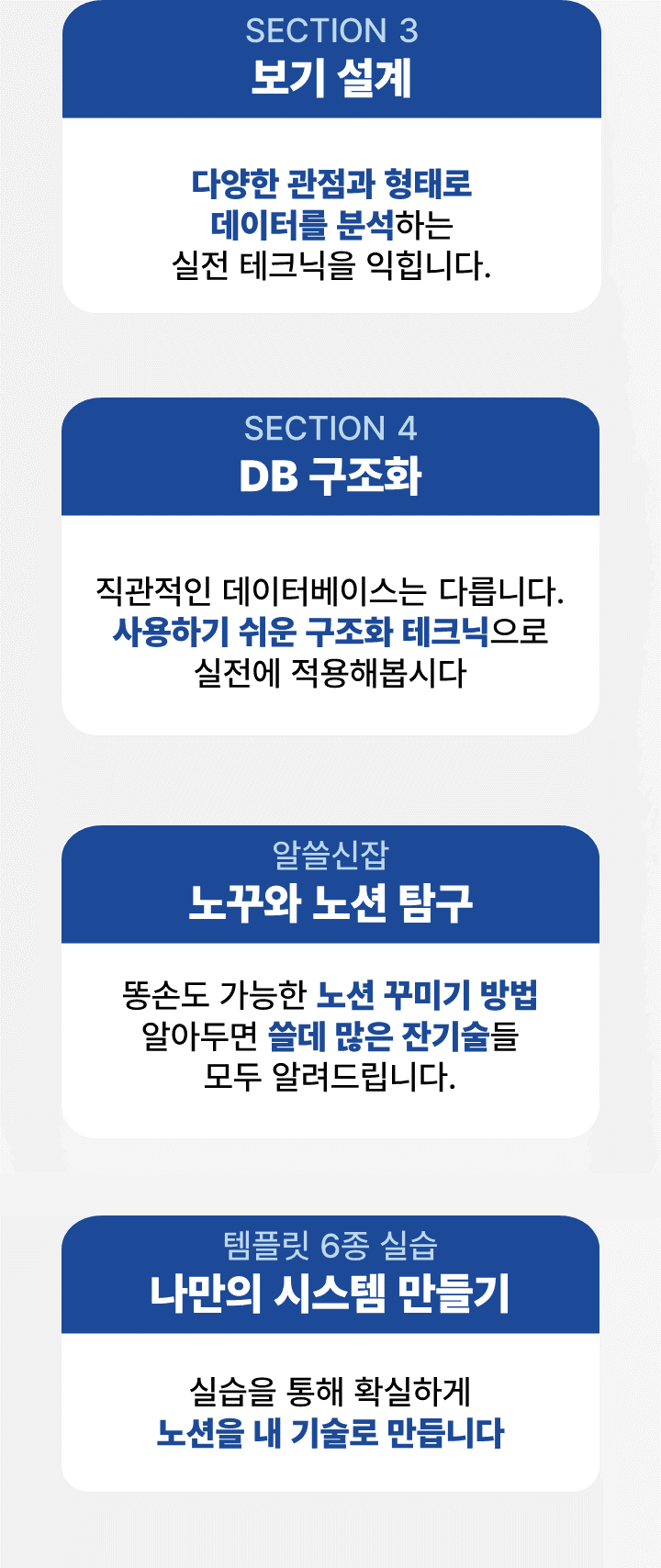
How to effectively structure pages with blocks
How to design perspectives using a database
How to build your own system with relations and rollups
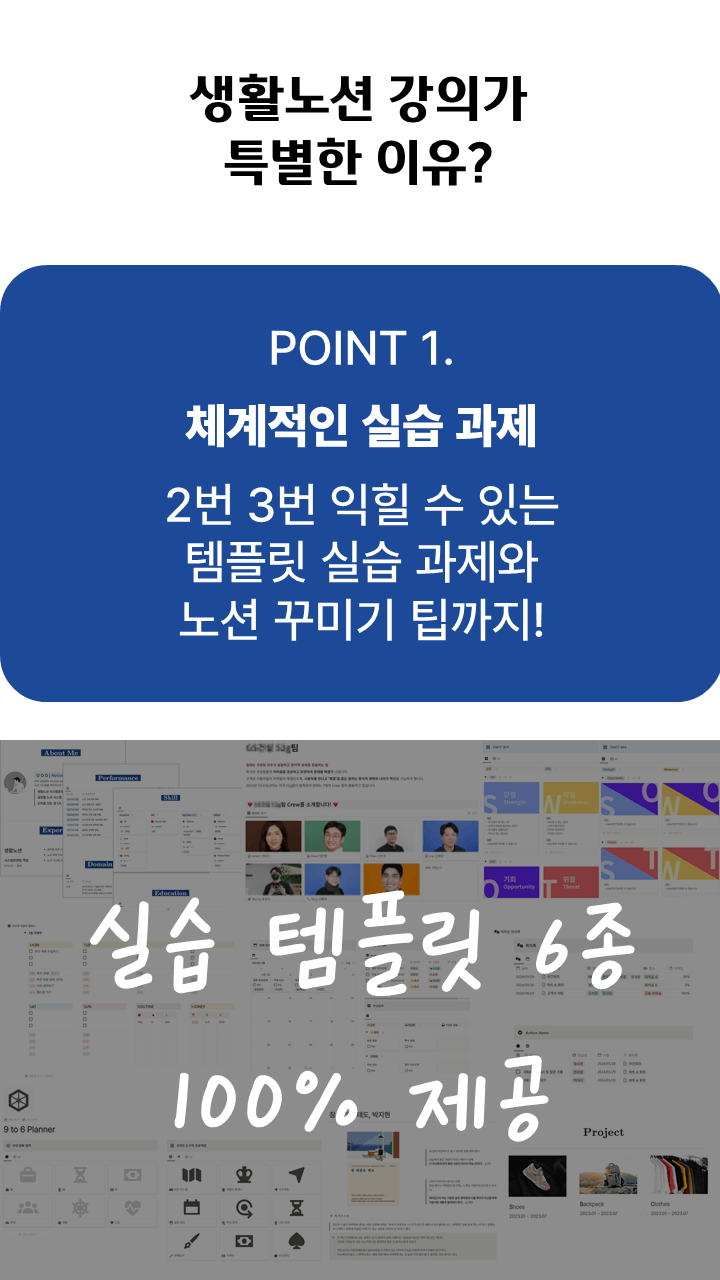
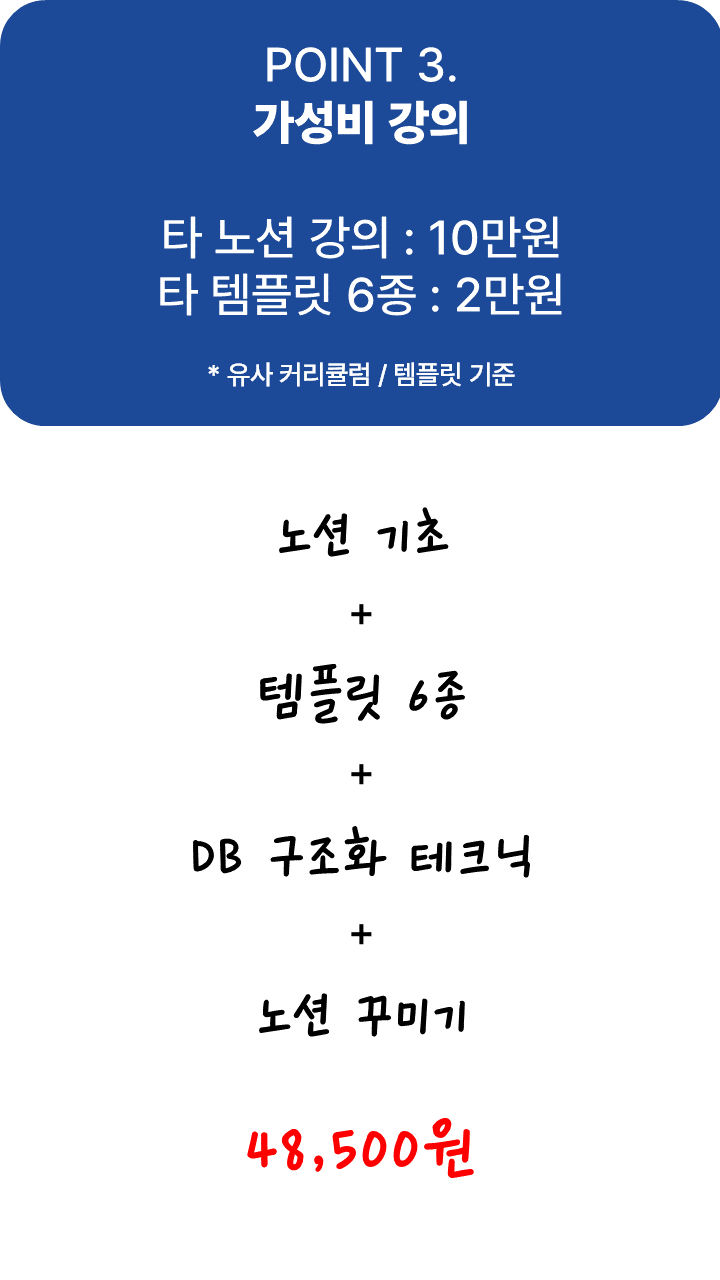
From portfolios to smart meeting minutes: Practicing with 6 types of templates
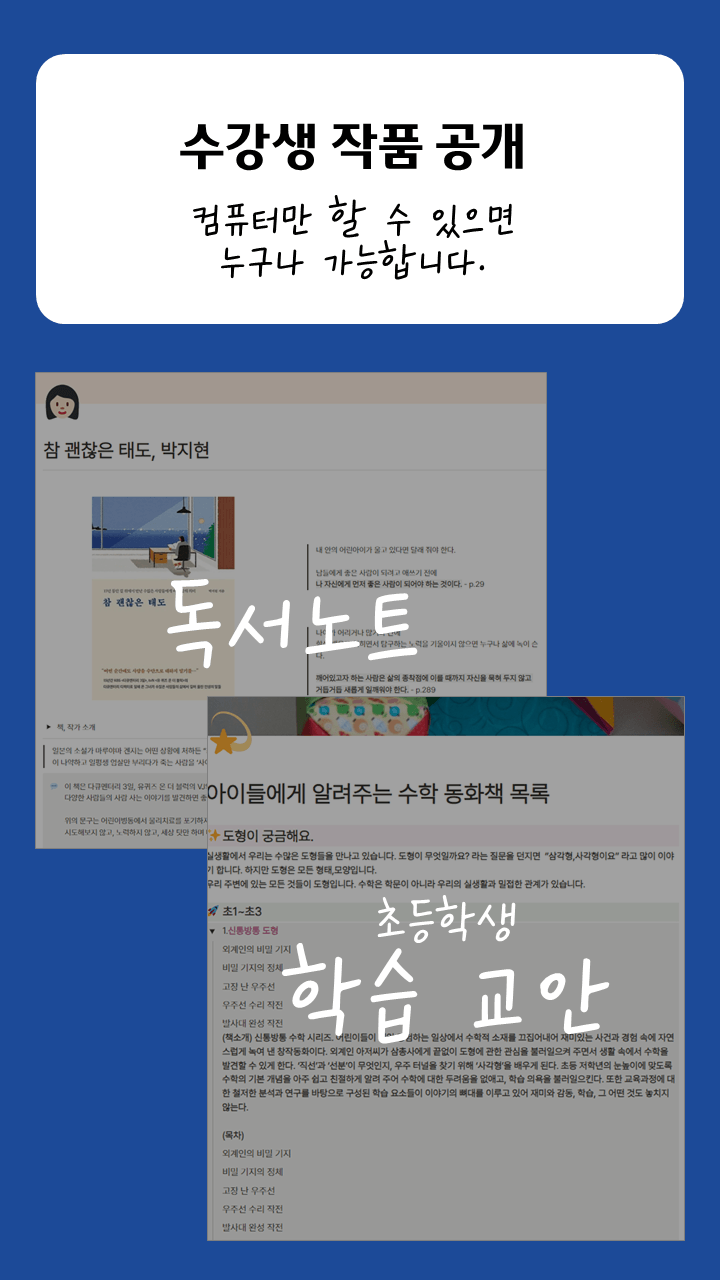
Notion decorating techniques even those with no talent can do

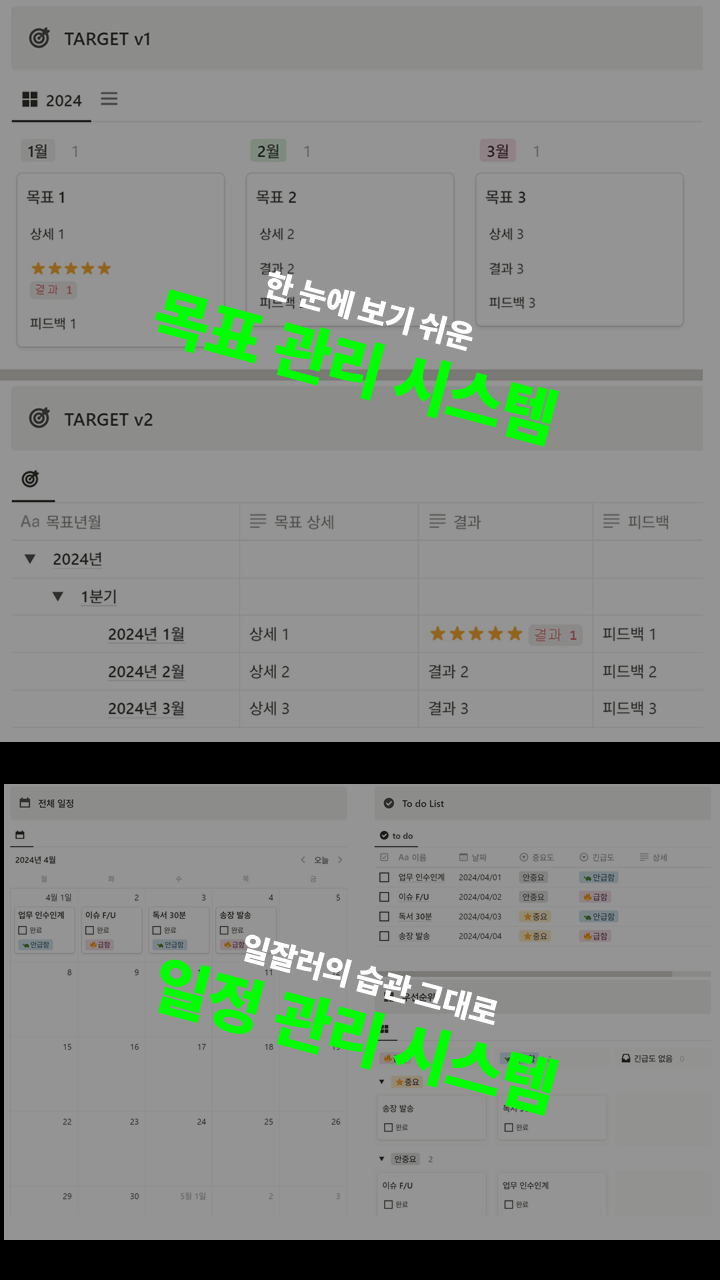
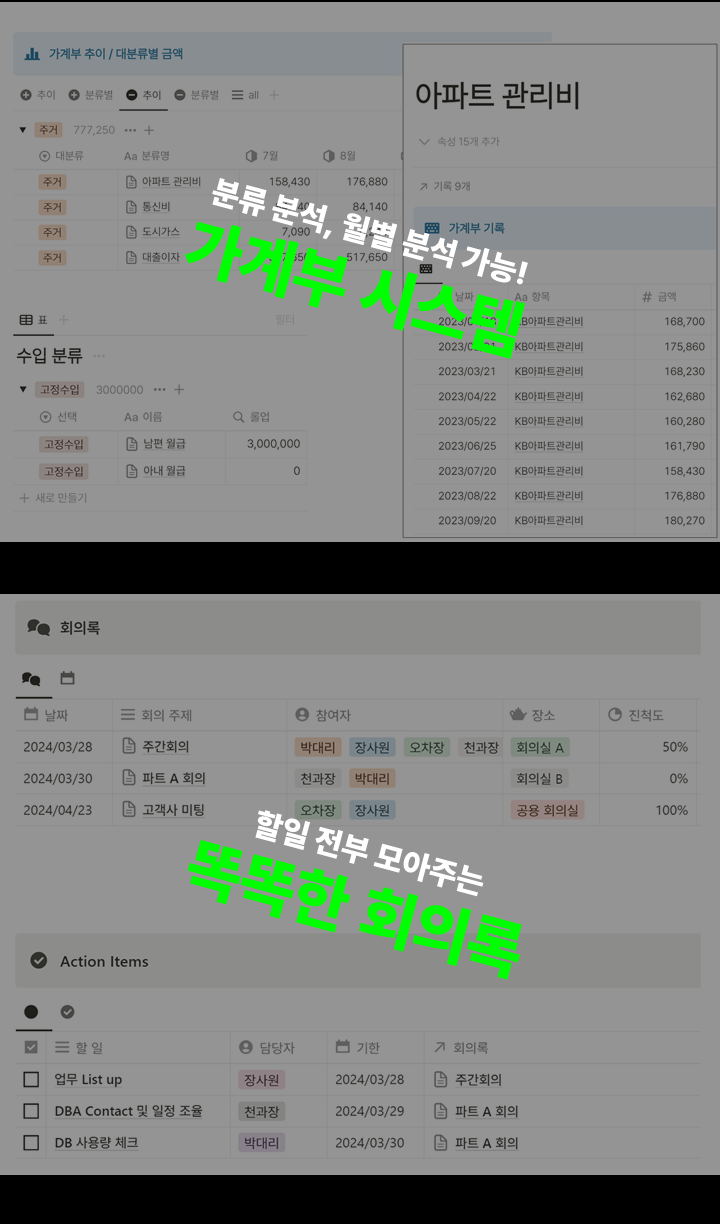
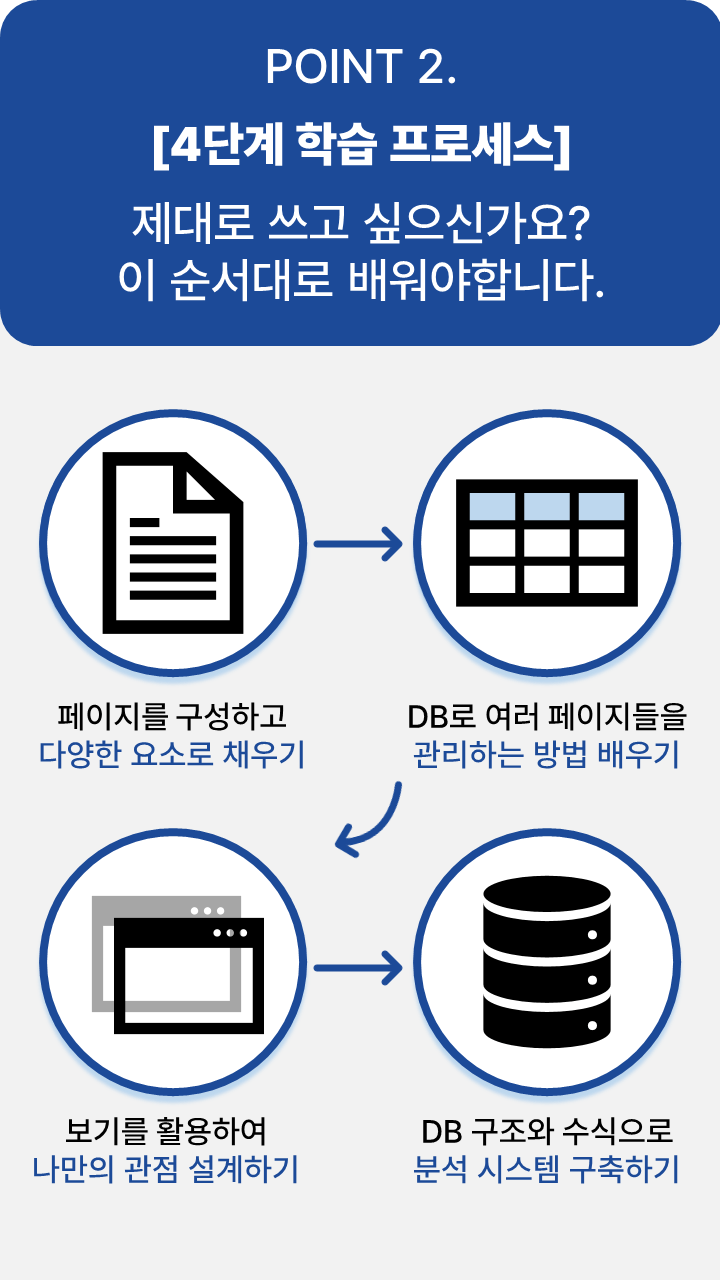
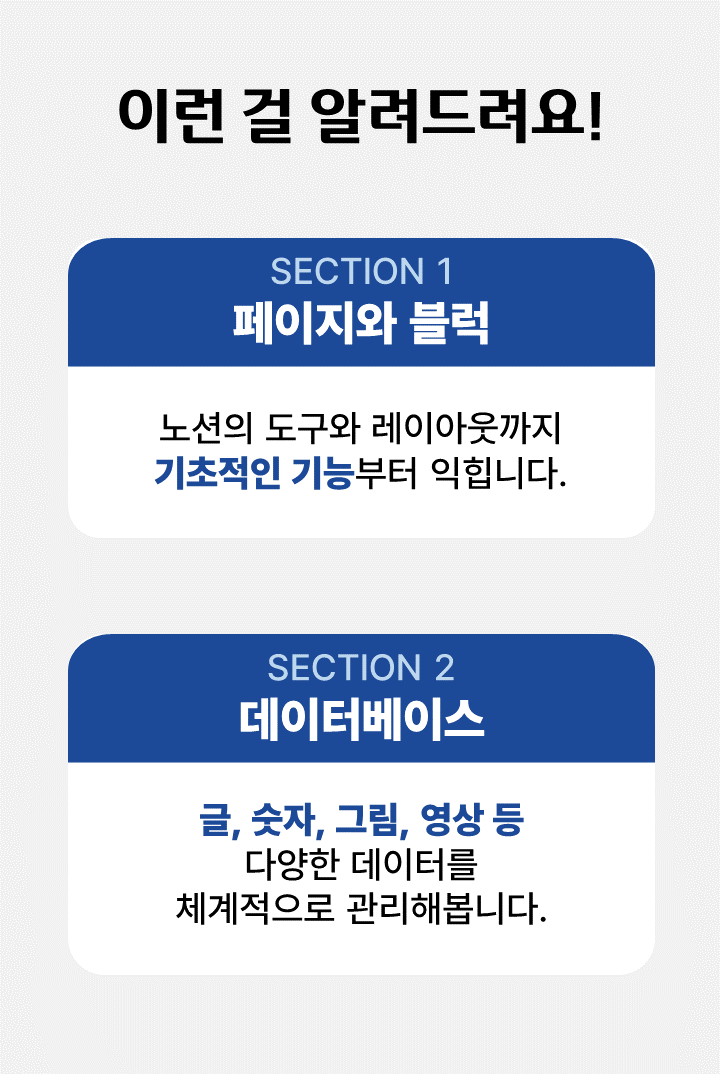
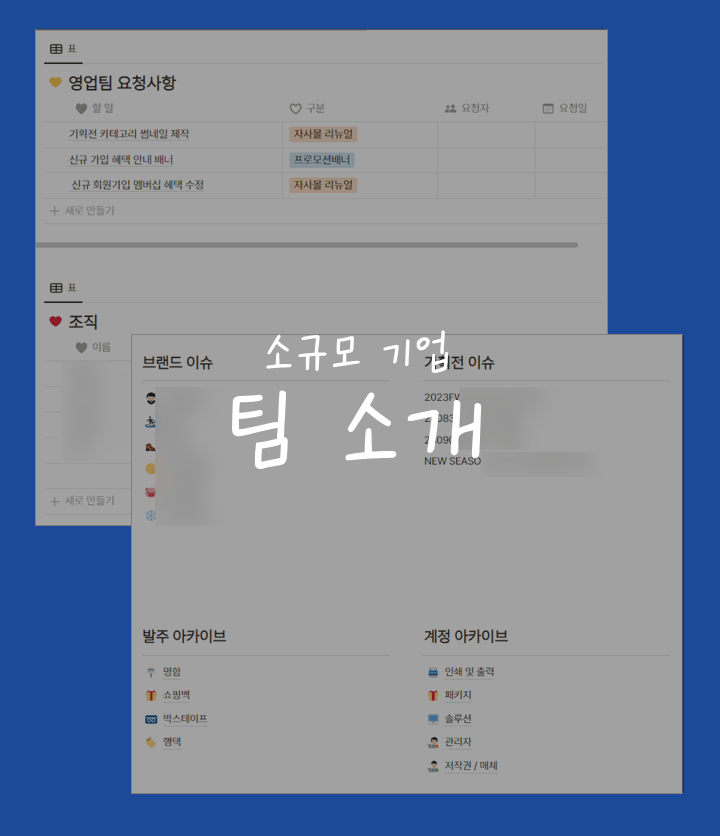
This class will be conducted on a Windows PC.
Computers with the MacBook operating system also have the same Notion UI, so you can follow the content sufficiently.
It's better to practice if you have dual monitors.
An all-in-one workspace tool that stands out for its philosophy of doing all your work in one place.
Anyone can use it for free .
You can use it with just an Internet browser without having to install it separately.
It's 100% Koreanized .
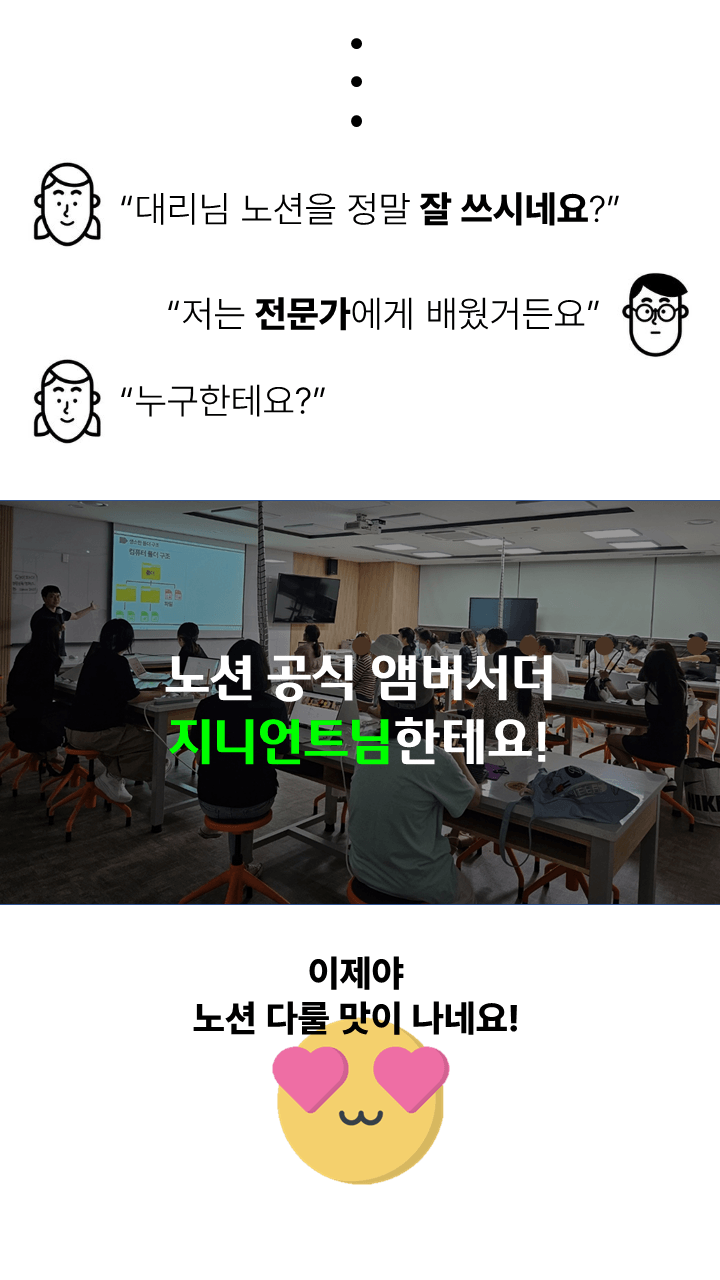
We are offering basic Notion classes at various public institutions and universities! We will teach you in an easy way so that anyone, from those in their 20s to those in their 50s, can learn as long as they have a laptop .
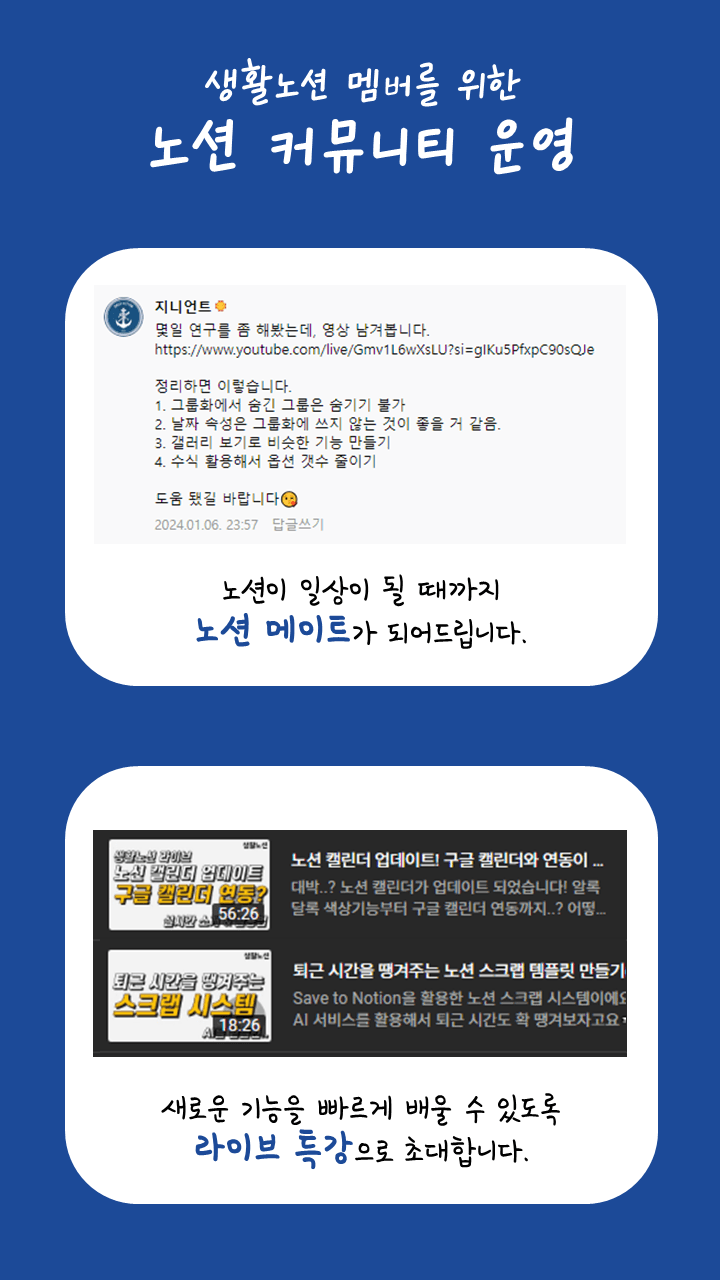
That's enough. Just follow along as shown and you'll be able to master all of Notion's core features. If you still have any questions, feel free to ask. I'll answer quickly!
After the free video, there were a lot of recently updated features . We have supplemented all of them . Not only the basic features This is an all-in-one Notion course where you will learn advanced usage techniques and practice using various templates .
Notion is a difficult tool if you don't learn it properly from the basics. Those who tried to do it on their own but gave up because it was difficult will be able to learn it in this course.
From simple diaries to schedule management and money management tips.
You can create your own systematic system that can be used for everything from work to daily life .
100% provided. All templates covered in the course are provided not only with instructions on how to create them, but also with samples so that you can use them yourself.
If I just use Notion, it might be incredibly difficult?
Don't worry. If you learn the basics properly, you can use it freely.
Running time 4 hours, we will teach you everything about Notion in one day.
You can insert various types of data into Notion, including numbers, text, photos, videos, and files.
Build your own record system to use anytime, anywhere and increase your work productivity.
Views allow you to leverage and analyze your data from different perspectives.
Create intuitive forms to record easily.
How can I organize my database systematically?
A 9-year IT systems engineer will teach you how to design a DB that is good for group analysis and monthly time series analysis.
Increase productivity by reducing repetitive tasks through relationships and automation.
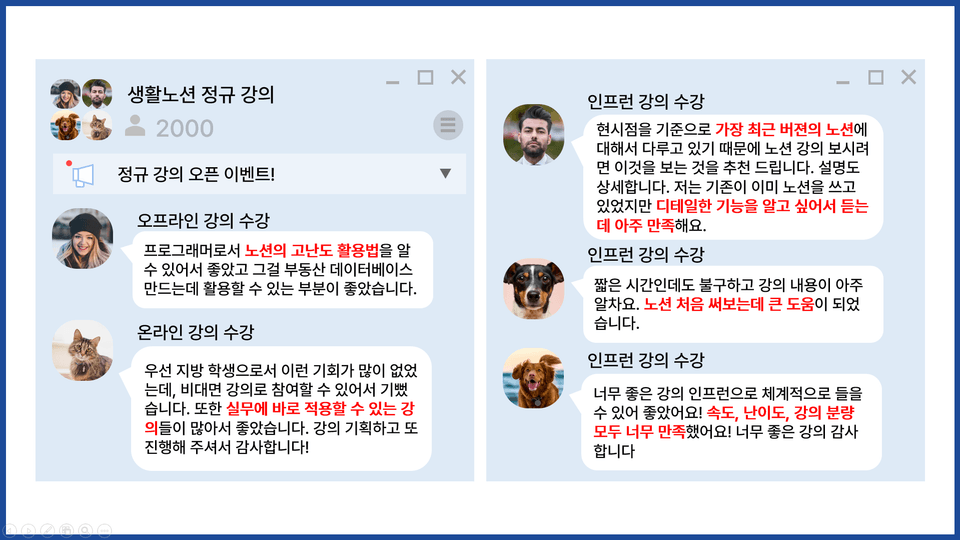
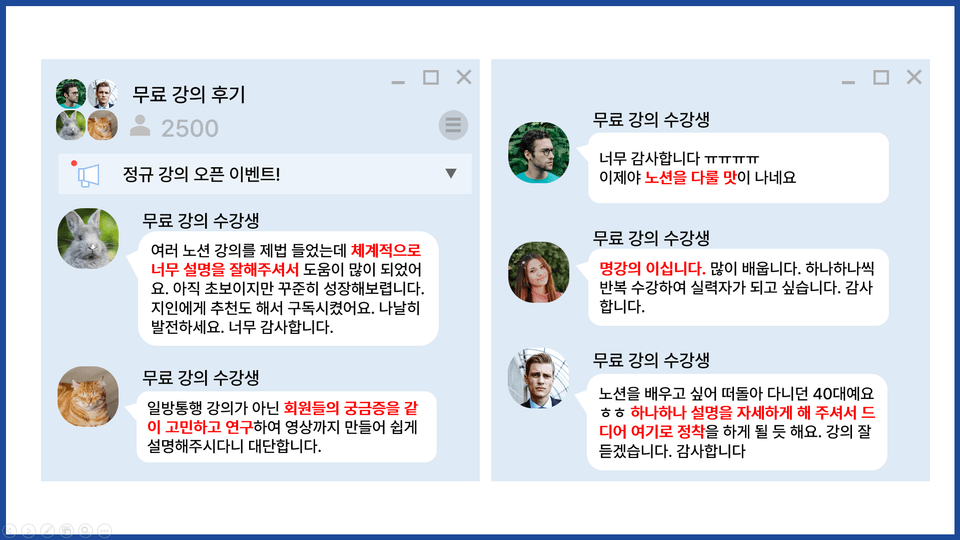

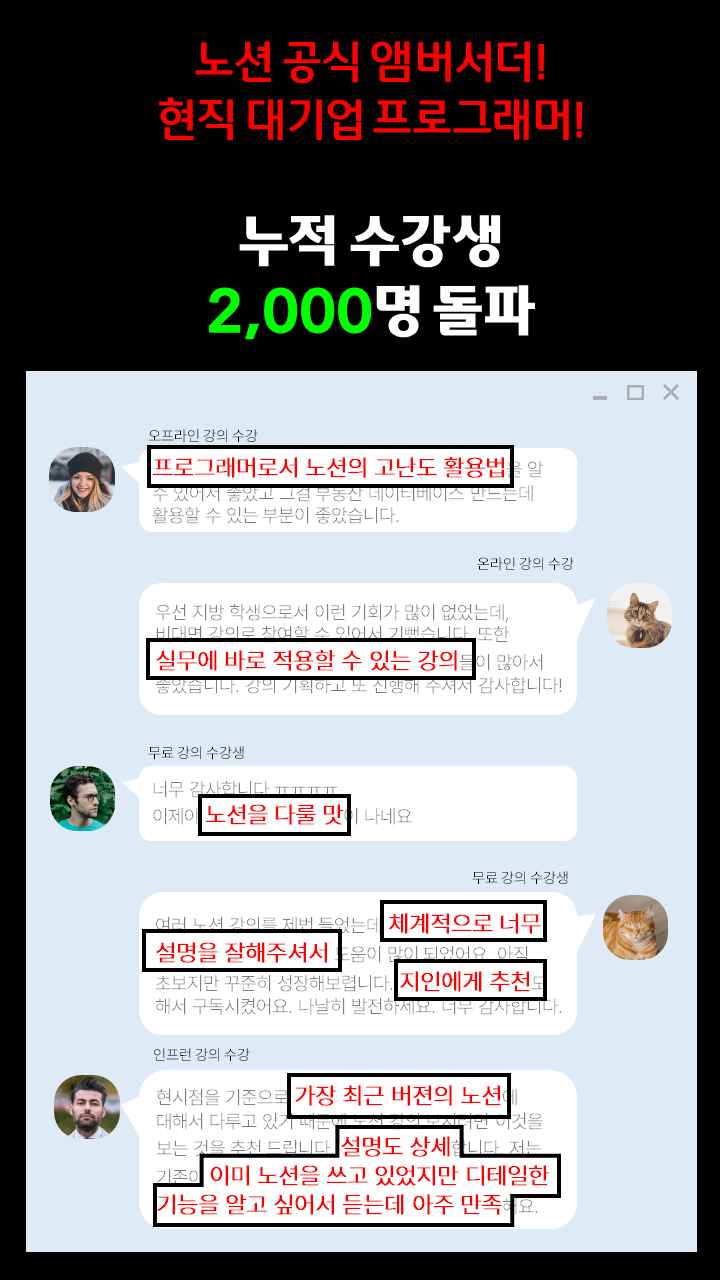
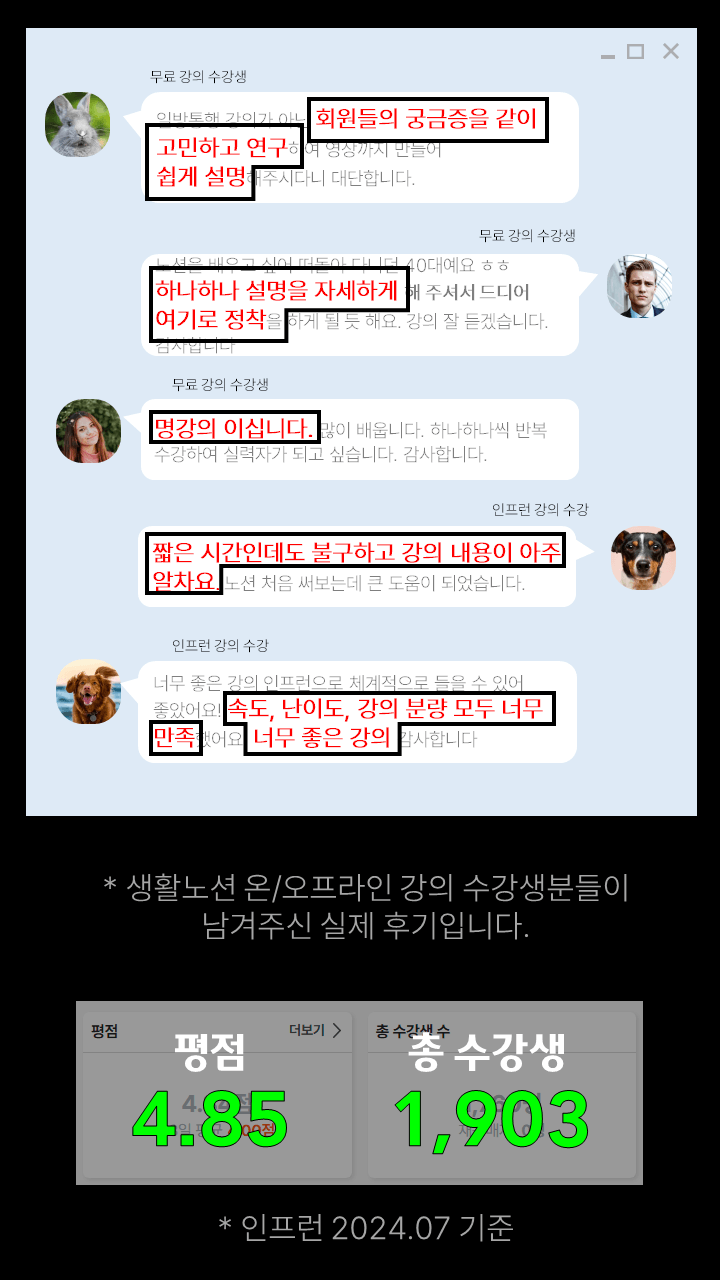
Total rating 4.86 points / Total number of students 1700 ↑
Inflearn, 2024년 4월

hello.
This is Genie.
Notion came to my unplanned life. I started to see results only after I created a system with Notion.
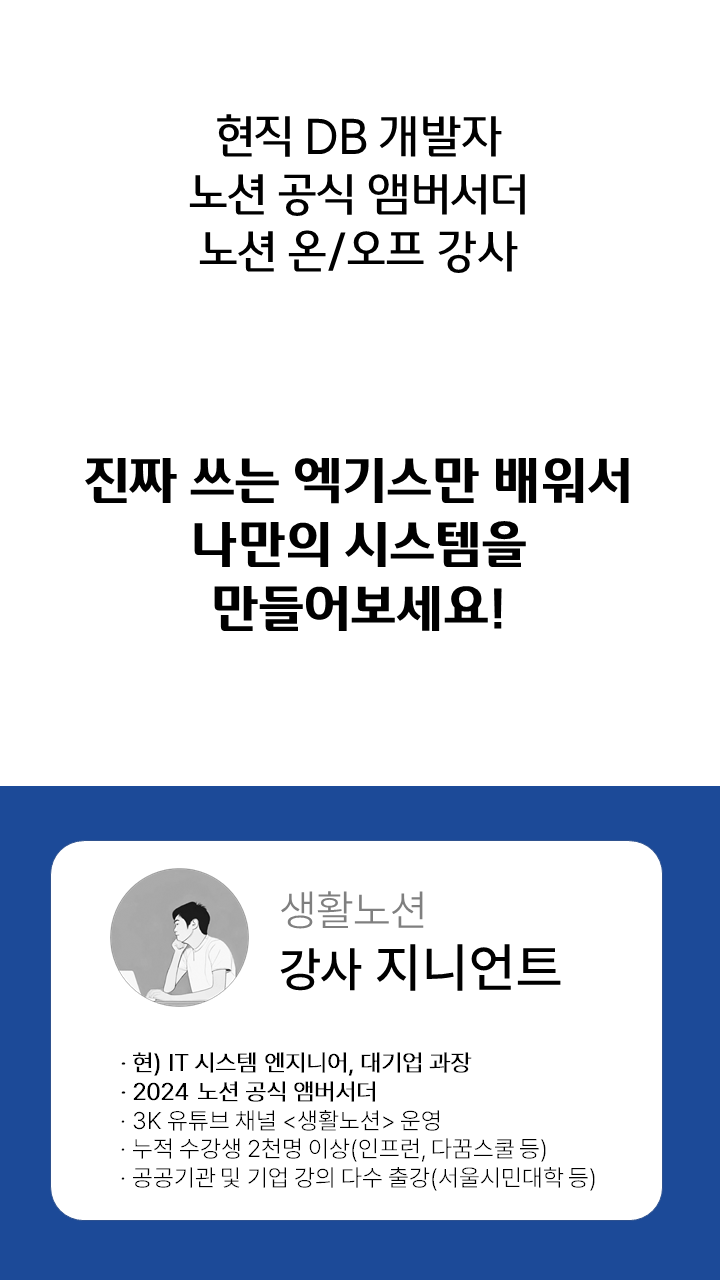
Based on my 10 years of system development experience and practical application know- how, I would like to introduce this amazing Notion to you.
- 10 years of experience working for a large IT company | Manager
- Oracle SQL / Java / C# Developer
- Operation and development of demand/inventory system for global manufacturing
- Lecture at Seoul Citizens University
- Lecture at Jungnang-gu Library
- Lecture at Hanam City Youth Training Center
- Geumcheon-gu Youth Building Lecture
- Dakkum School Notion Study Lecture
- Online special lecture at Cheonggang Cultural Industry University
- Serial Partner Instructor
- Notion Essential Authenticator
- Supply Route Notion Lecture
- SNA-DDI Ordering System Consulting
- Durable Customer Management System Consulting



Who is this course right for?
A college student new to Notion
A working professional curious about how to utilize databases.
Solo entrepreneurs who want to quickly build their own system

4,518
Learners
233
Reviews
9
Answers
4.8
Rating
2
Courses
Until Notion becomes a part of your daily life!
This is Life Notion.
Until Notion becomes a part of your daily life! This is Life Notion. Life Notion Channel Life Notion Study Cafe Life Notion YouTube Consulting Inquiries Life Notion Templates

Until Notion becomes a part of your daily life! This is Life Notion. Life Notion Channel Life Notion Study Cafe Life Notion YouTube Consulting Inquiries Life Notion Templates
- Currently in 10th year at a major IT corporation | Manager
- Operation and development of global manufacturing SCM systems
Notion Instructor (over 3,000 students) - Lecturer at Seoul Citizens University - Lecturer at Jungnang-gu Library - Lecturer at Hanam City Youth Training Center - Lecturer at Cheongchun Bbuilding - Lecturer for Dagguum School Notion Study -
- Guest Lecturer at Seoul Citizens University
- Guest lecturer at Jungnang-gu Library
- Guest Lecturer at Hanam Youth Center
- Guest lecturer at Youth Building
- Dagguum School Notion Study Lecture
- Inflearn online lectures
- Chungkang College of Cultural Industries Lecture
- Si-real Partner Instructor
- Notion Essentials Certified
All
36 lectures ∙ (3hr 45min)
All
71 reviews
4.8
71 reviews

Reviews 45
∙
Average Rating 4.8
5
I thought I was already good at using Notion, but after seeing paid templates, I wanted to learn more about database functions, so I took this course. Hearing about Notion's features that I only knew intuitively through actual lessons makes me feel like I'll be able to use Notion more freely and skillfully.
Reviews 2
∙
Average Rating 5.0
Edited
5
I tried to use Notion two years ago but it was too overwhelming so I gave up, but after listening to this lecture I'm going to try again. I'm filling it in one by one as I watch the lecture, so it's like I've already started. I'm a person who doesn't like to keep a diary and is a no-plan, no-record person through and through, but I'm going to try to change that now. I'm leaving with a lot of help.
Reviews 2
∙
Average Rating 5.0
Reviews 19
∙
Average Rating 5.0
5
I haven't finished listening to all the lectures yet. Would it be possible to extend the period? ^^;
Extended it for you~
Reviews 44
∙
Average Rating 4.1
Check out other courses by the instructor!
Explore other courses in the same field!









![[Certification Preparation] Certified Information Systems Auditor (CISA)Course Thumbnail](https://cdn.inflearn.com/public/files/courses/339670/cover/01keeg5bqg5g0cket192f1c40x?w=420)
![[First in Korea] ChatGPT × Word Practical Applications: Document Automation for EveryoneCourse Thumbnail](https://cdn.inflearn.com/public/files/courses/338227/cover/01k0rxg0k0xk9q6vefywa4qnbn?w=420)