강의

멘토링

커뮤니티

Programming

/

Front-end

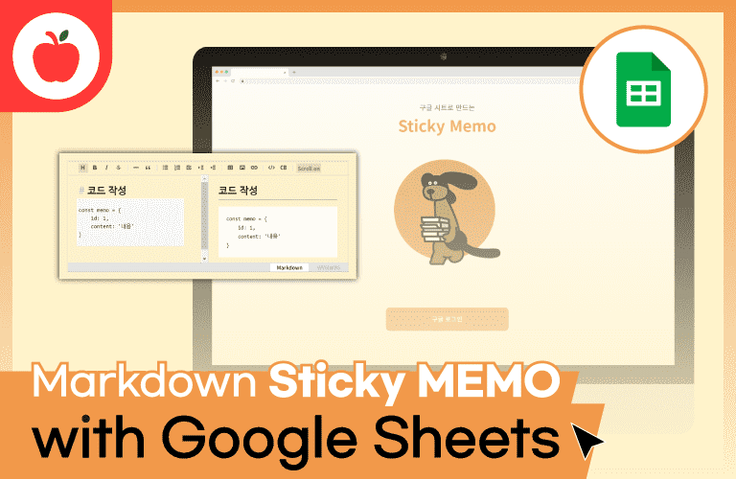
Markdown sticky notes made with Google Sheets

Let's create a simple Markdown memo web application. It's a sticky note that can use Markdown like Notion!

(3.3) 3 reviews

104 learners

3시간 만에 완강할 수 있는 강의 ⏰
Web Application
JavaScript
ES6
Google Sheets

What you will gain after the course

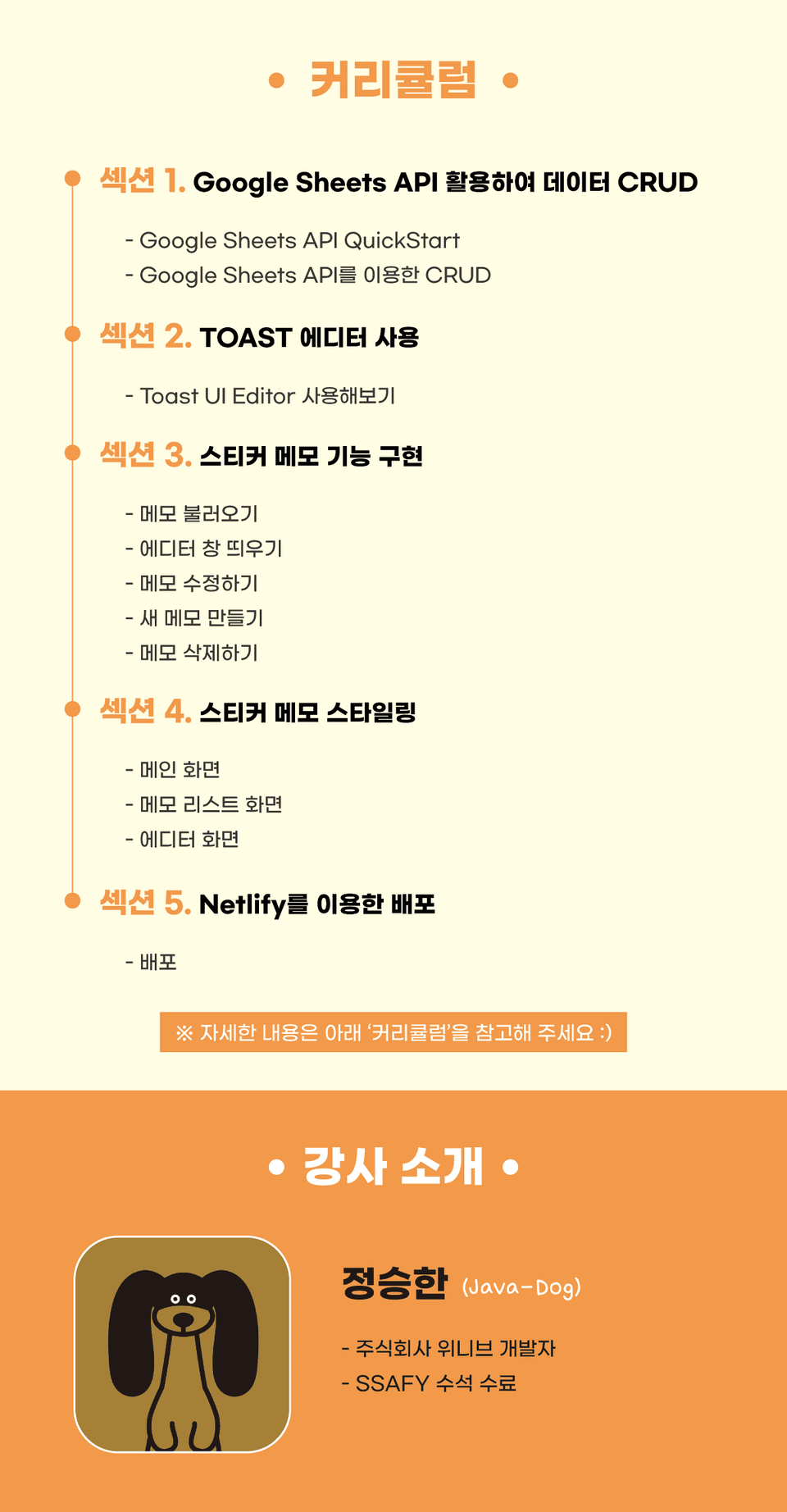
  • Google Sheets API

  • Google login

  • Deploying static web pages using Netlify

  • window.open() API

✔ Easy Google login

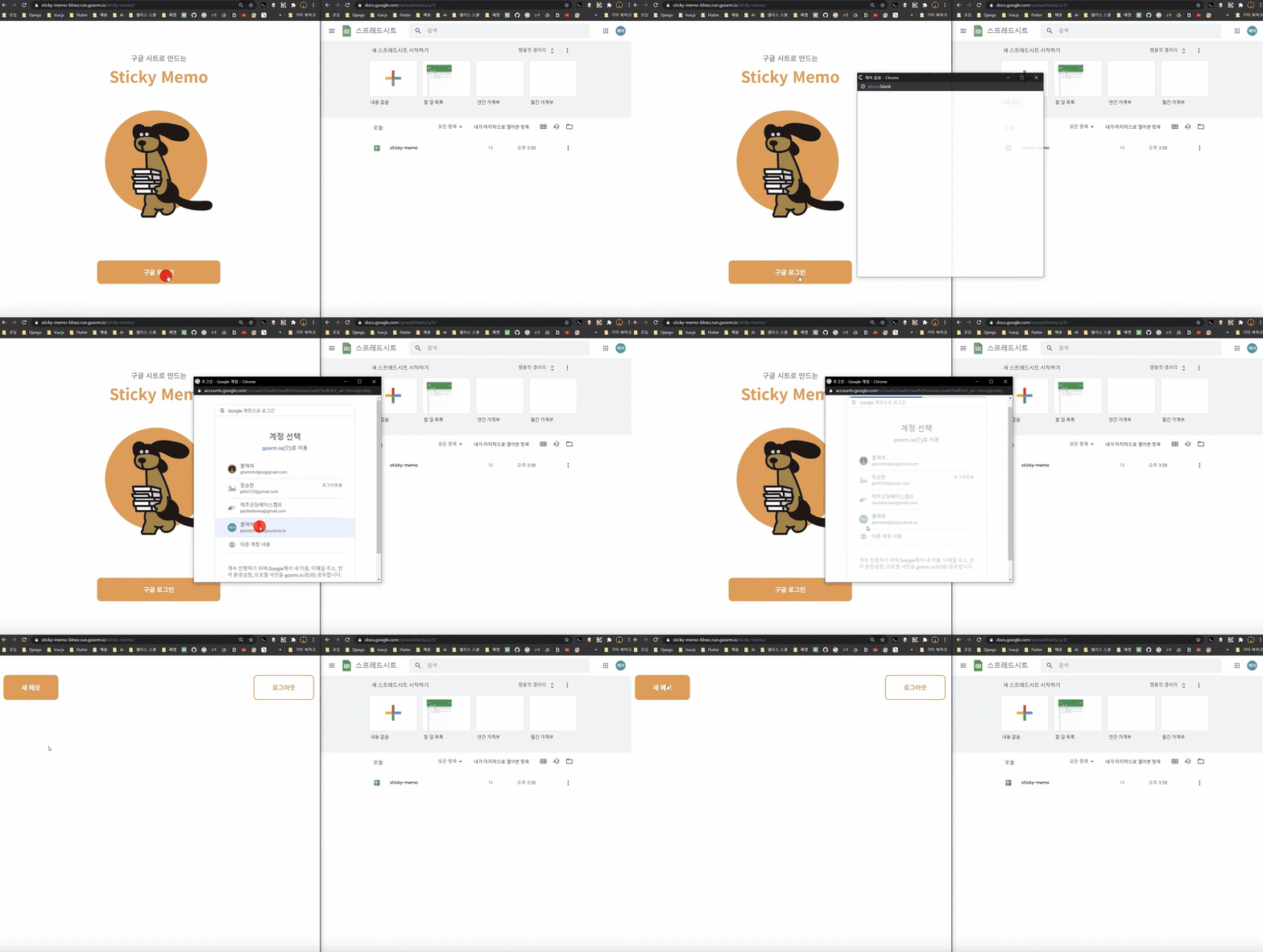
✔ My own sticky note that connects to Google Sheets

[This text is for search engine optimization.]

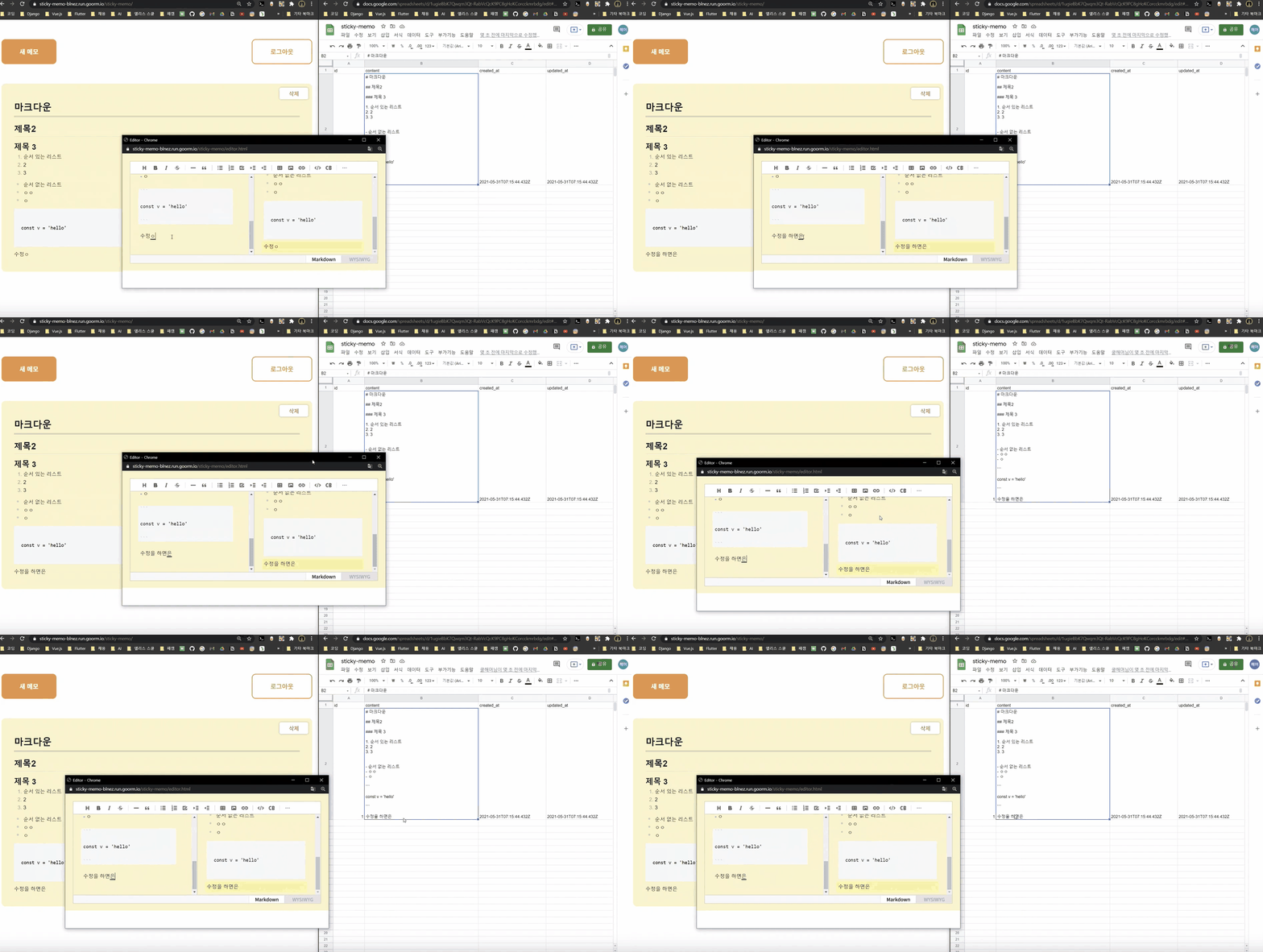
While using Markdown like Notion,
Lightweight and easy to use like Windows Sticky Notes
Let's create Markdown sticky notes together!

✔ Have you only learned HTML, CSS, and JS grammar and never created anything?
Need a developer portfolio?
Want to create a working web quickly?
Need a project that's easy to get started with?
Need your own notepad with Markdown support?

1. Lecture Topic 🥊

Using HTML, CSS, JavaScript, and Google sheets
Let's create a note-taking web application that supports Markdown.

2. Player Knowledge 🐱‍🏍

HTML, CSS, JavaScript ES6 syntax (onst, let keyword, promise, destructuring assignment, template string)

2. Lecture Features 🎊

  • You can create results using only JavaScript code , without the need for server code .
    (Not using Node.js.)
  • Use Google Excel files as DB without needing a separate DB .
  • Leverage the Google Sheets API without the need for complex SQL.
    Learn how to create, retrieve, modify, and delete data.
  • We create a note-taking app that can be accessed anytime, anywhere, even through distribution .

3. Learning 📖

(Instructor: Jeong Seung-han)

Recommended for
these people

Who is this course right for?

  • Anyone who understands HTML, CSS, and JavaScript (ES6)

  • For those who want to create an app without a server or DB

  • Anyone who needs a front-end portfolio

Need to know before starting?

  • HTML

  • CSS

  • JavaScript (ES6 or higher)

Hello
This is

104,444

Learners

2,692

Reviews

163

Answers

4.8

Rating

80

Courses

소개 이미지.png.webp


🧙‍♂ 안녕하세요. 제주코딩베이스캠프입니다.

제주코딩베이스캠프란?


제주에서 가장 핫한 개발자들이 모여 작당한 부트캠프! 열정있는 청년들에게 열정만큼 성장할 수 있는 기회를 제공합니다!

제주코딩베이스캠프는 제주에서 가장 큰 ICT 교육 행사로 카카오, 구름, 제주산학융합원 등 기업 지자체와 함께 진행하고 있습니다.


서비스 구축 성공
경험을 통해 이 취업난 시대에 자신감, 자존감, 성취감, 그리고 자립할 수 있는 능력을 배양해 보세요!

으라차차 청춘 화이팅입니다! 😀


︎ 제주코딩베이스캠프 로드맵

제코베 로드맵.png.webp


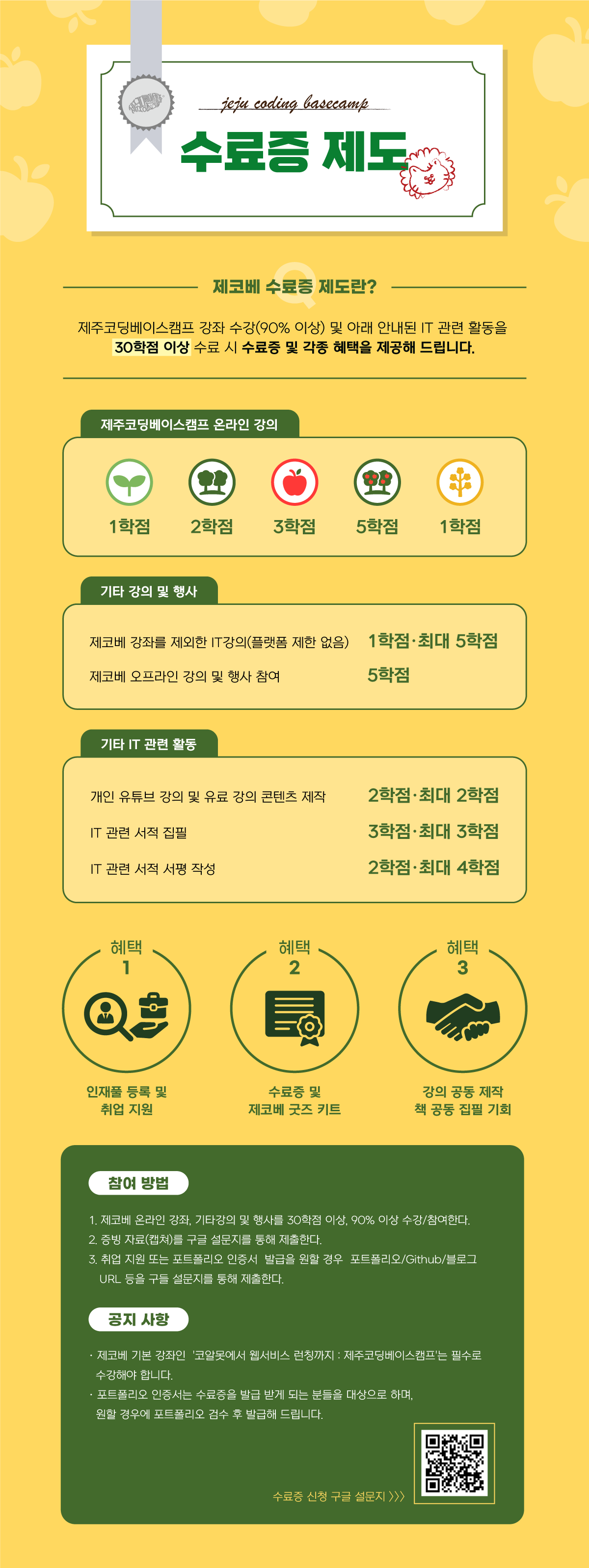
︎ 제주코딩베이스캠프 수료증 제도


- 1.png.webp


Curriculum

All

17 lectures ∙ (2hr 46min)

Course Materials:

Lecture resources
Published: 
Last updated: 

Reviews

All

3 reviews

3.3

3 reviews

  • 이단비님의 프로필 이미지
    이단비

    Reviews 3

    Average Rating 4.7

    4

    100% enrolled

    좋은 강의 감사합니다. 다만 특정 시트 id를 올리고, 구글 콘솔에도 자기 계정만 올려놓으니 본인만 쓸 수 있는 서비스가 된다는 단점이 있네요... ㅠㅠ... 배포 이후에 다른 사람도 쓸 수 있도록 만드는 방법도 같이 다뤘으면 더 좋았을 것 같아요. 그래도 여러 팁을 얻을 수 있어서 좋았습니다!

    • witch white님의 프로필 이미지
      witch white

      Reviews 1

      Average Rating 5.0

      5

      76% enrolled

      google sheet API, 에디터 등 사용법 알아두면 여러가지로 유용하고 간편하게 활용할 수 있을 것 같아 수강시작했어요! 꾸미기를 좋아해서 간편하게 만든 후 제 취향데로 메모장 꾸미는 재미도 즐길수 있을거라고 기대중입니당. (😍 취미코더 )

      • sg HYUN님의 프로필 이미지
        sg HYUN

        Reviews 1

        Average Rating 1.0

        1

        41% enrolled

        질문에 답변을 안해주시네요.. 초반에 google quick start 코드도 완전 바뀌어서 수업을 듣는데 어려움이 많네요. 환불할 수는 없나요?

        $22.00

        jejucoding's other courses

        Check out other courses by the instructor!

        Similar courses

        Explore other courses in the same field!