

inflearn logo

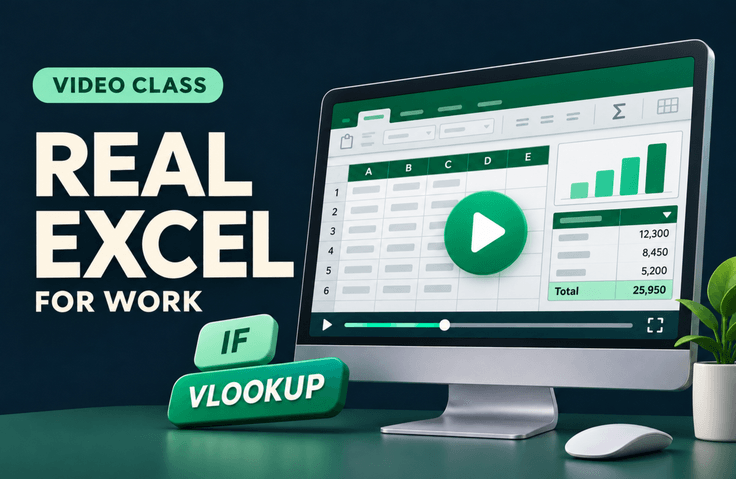
Practical Excel for Getting Off Work Earlier

Learn how to use Excel by following along on the actual screen, from basic cell and worksheet operations to IF, VLOOKUP, charts, and pivot tables. Master the features you’re always searching for, one step at a time, and build the essential skills you need for work by trying them out yourself.

1 learners are taking this course

Level Beginner

Course period Unlimited

Excel
Excel
pivot
pivot
vlookup
vlookup
data-analysis
data-analysis
microsoft-office
microsoft-office
Excel
Excel
pivot
pivot
vlookup
vlookup
data-analysis
data-analysis
microsoft-office
microsoft-office

What you will gain after the course

  • Organize work data with cell formatting, sorting, filters, and keyboard shortcuts.

  • Use IF to return results based on conditions, and VLOOKUP, INDEX, and MATCH to find the values you need.

  • Summarize data using charts and pivot tables, and prepare reports.

Recommended for
these people

Who is this course right for?

  • For those taking on Excel tasks for the first time who want to learn the basics.

  • An office worker who looks up functions whenever they need them in Excel

  • For those who want to build their skills step by step, from functions to charts and pivot tables.

Need to know before starting?

  • You just need to be able to perform basic PC tasks, such as opening and saving files and using a mouse and keyboard. We’ll explain everything, starting with basic Excel terminology.

Hello
This is excelfactory

Hello, this is Cheolsu’s Excel Workshop.

I’m an IT developer in the financial industry with 15 years of experience, and I offer custom Excel solutions and one-on-one lessons on Kmong.

When you get stuck using Excel, knowing just the name of a feature isn’t always enough to solve the problem. I’ll walk you through it step by step so you can see how and when to use it.


Channels I Manage

I also run a YouTube channel and a Smart Store. Check them out at the links below.


Inquiries

If you’re interested in custom Excel solutions or one-on-one lessons, feel free to contact us via KakaoTalk or email.

More

Curriculum

All

12 lectures ∙ (3hr 34min)

Published: 
Last updated: 

Reviews

Not enough reviews.
Please write a valuable review that helps everyone!

Similar courses

Explore other courses in the same field!

Limited time deal ends in 6 days

$19,800.00

80%

$77.00