Free Cloud-Based 3D CAD - Onshape Basics
usefulit
$22.00
Basic / Onshape
5.0
(34)
57,700+
Learn the fundamentals of Onshape and learn the basics of 3D modeling and CAD.

Basic
Onshape

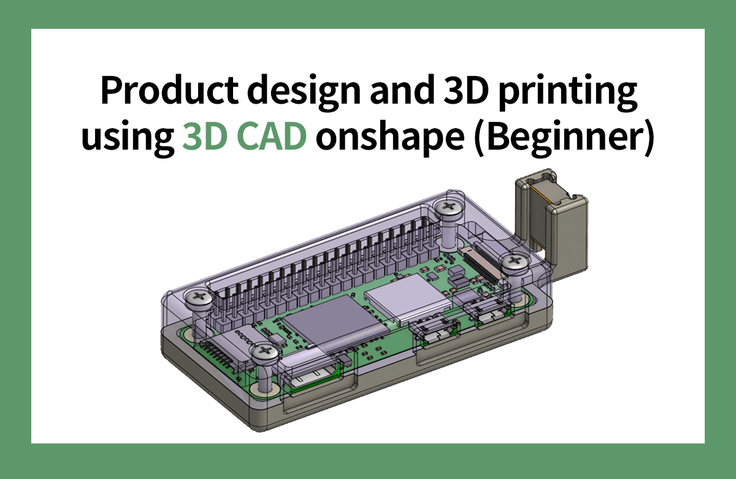
Using CAD onshape
From product design to 3D printing! 🖨️
Among the objects we encounter in our daily lives,
Excluding items with complex curves
Almost any object can be modeled .
While most CAD training focuses on learning CAD commands, this course focuses on defining a project and using the CAD system as a tool to achieve it. Of the vast number of CAD commands available, only about 10% are frequently used in modeling. This means that studying CAD solely through commands is a highly inefficient approach.
After learning the basic interface and commands, the best approach is to naturally learn more complex and support commands while completing a single project. Furthermore, the design process is also a key element. The intermediate course is designed to cover the entire process from designing, verifying, and launching a commercially viable product.
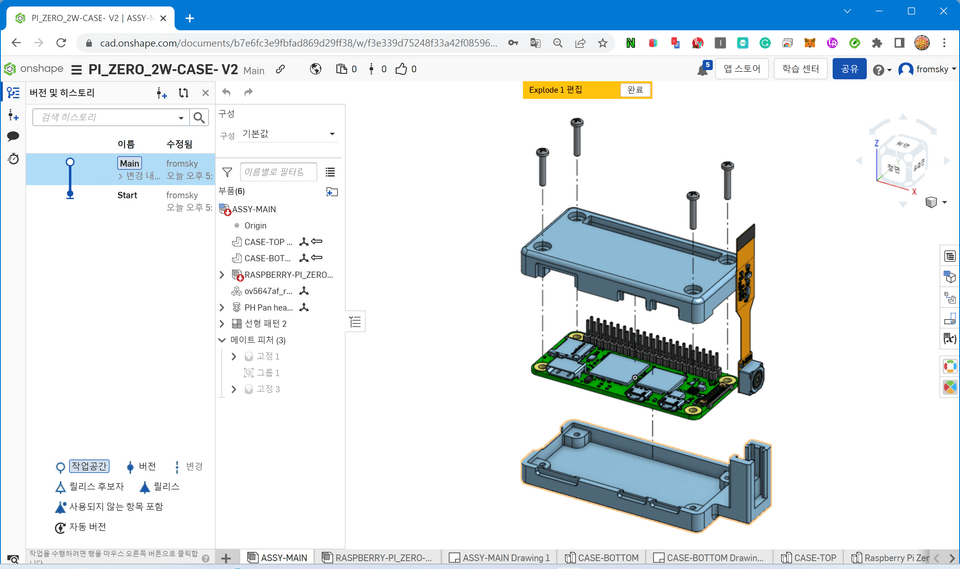
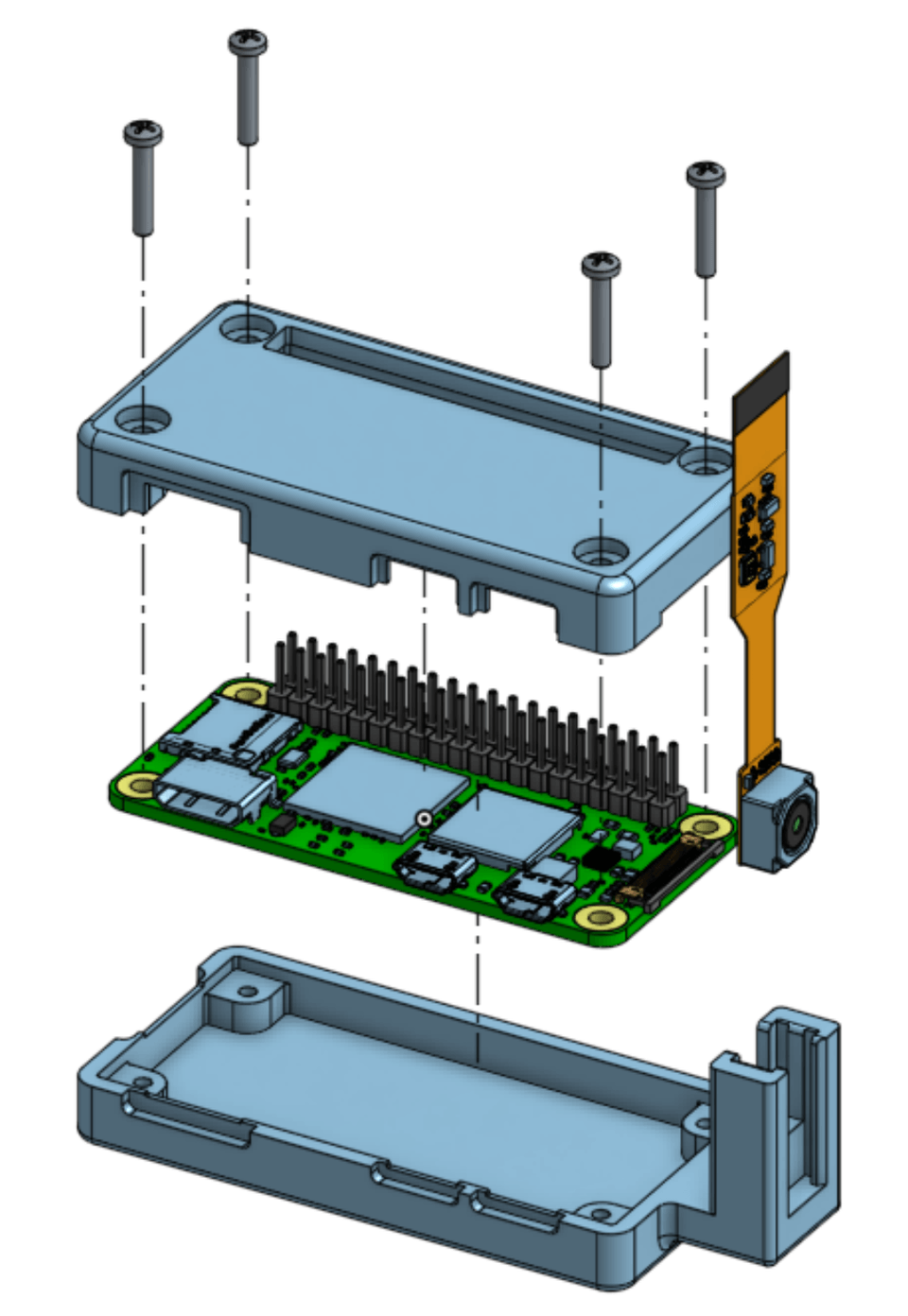
Onshape Assembly 3D Printing Raspberry PI Zero
This course uses Onshape, a powerful cloud-based 3D CAD system, to teach beginner-level 3D modeling, assembly, and 2D drawing. Afterwards, you'll model a Raspberry PI Zero case and 3D print it to assemble it. This course focuses on practical application, not just learning CAD commands. (The free licensed version of Onshape is used in this course.)

Numerical based for 3D printing
Anyone who wants to learn modeling programs

Woodworking and craft drawings
Those who want to draw it themselves

From the basics of product development
Those who want to know until the end

How to create a drawing
Anyone who wants to know how to create drawings
The course proceeds in the following order, gradually building the knowledge necessary to carry out the project. The course consists of seven stages, each of which outlines key points and provides hands-on practice.
We'll walk you through signing up for Onshape, explaining the user interface, and setting it up in less than a minute, but show you how to create a realistic 3D model.
Learn how to draw and constrain sketches, which are the backbone of 3D modeling.
You'll learn the six most frequently used commands first, and the remaining commands will be learned naturally through practical training. This is a more efficient learning method, as the concepts behind the commands taught in the practical training are more complex, and learning through practice is easier.
This is the stage where you define your design goals and gather data. In this lecture, we'll collect data for the Raspberry PI Zero 2W. Based on this data, we'll create an assembly and verify the collected data and model.
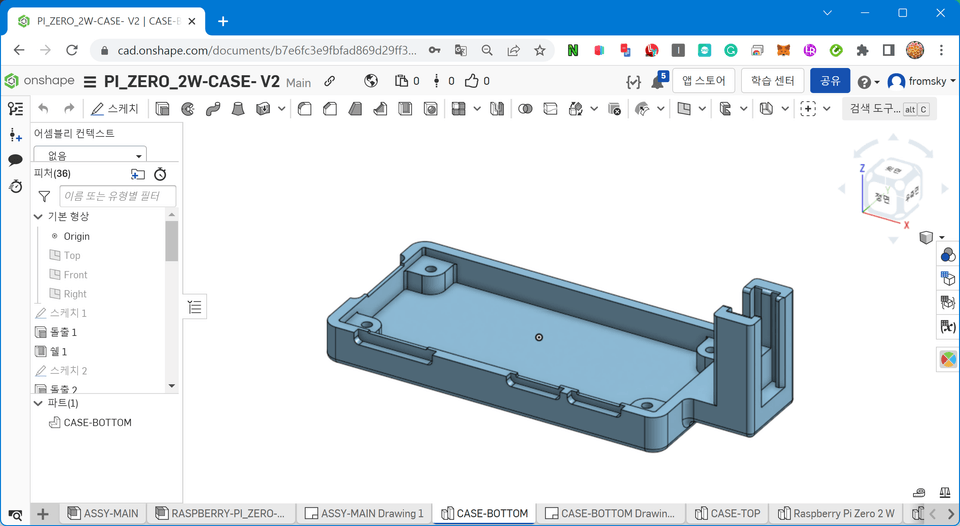
Create parts in an assembly and model them in detail.
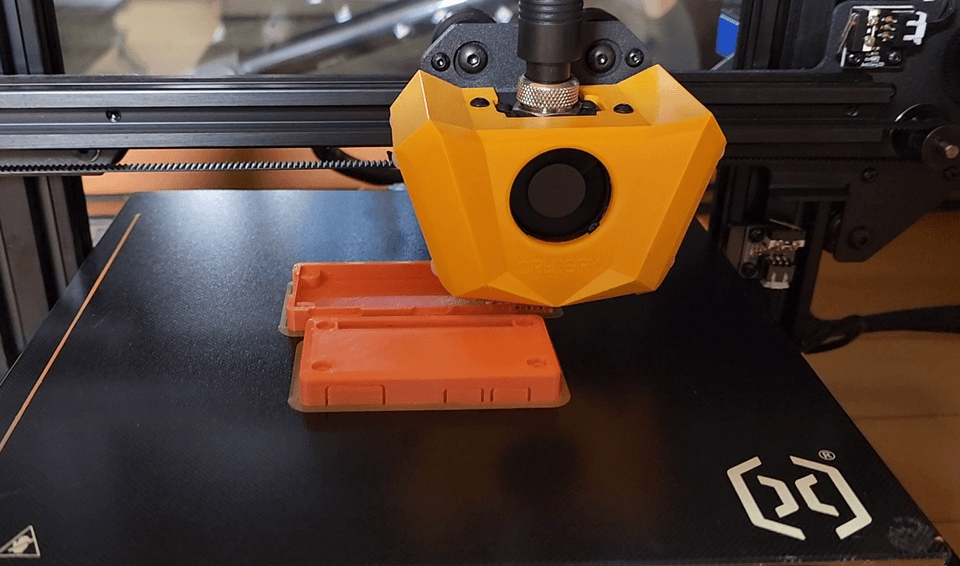
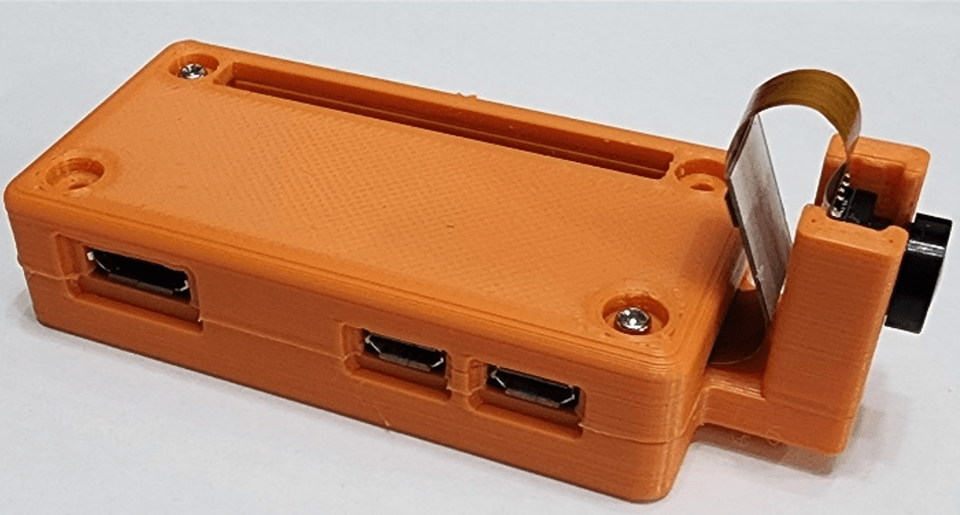
Convert the part model to an STL file, print it with a 3D printer, assemble it, and verify it.
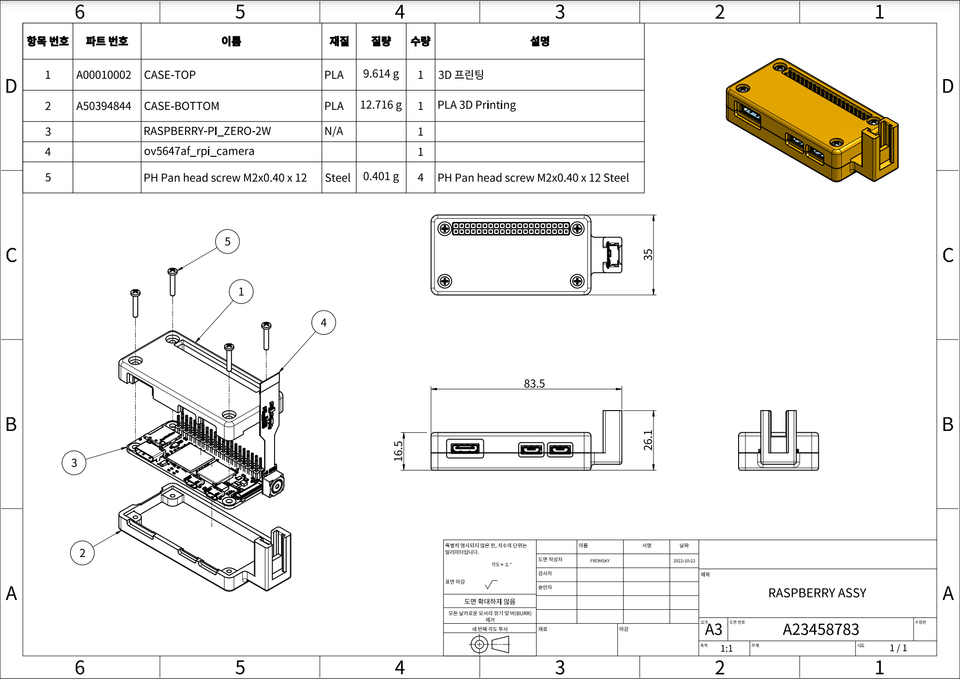
Create 2D part drawings, assembly drawings, and exploded views. Learn the fundamentals of drawing and how to create and dimension drawings using trigonometry.
Q. Can non-majors also take the course?
It's open to beginners, beginners, intermediate learners, and even non-majors. I'll avoid technical jargon whenever possible and provide detailed explanations when necessary.
Q. Do you have the necessary supplies or tools?
If possible, a 3D printer would be ideal, but if not, you can get one from a public institution. Measuring tools like vernier calipers are required, but even without them, you can still follow the lecture. During the lecture, we'll recommend purchasing methods and appropriately priced products.
Q. Please tell me how the lecture is conducted.
We'll be learning by following along. If you're going too fast, you'll need to pause the video intermittently to model everything to fully understand it.