

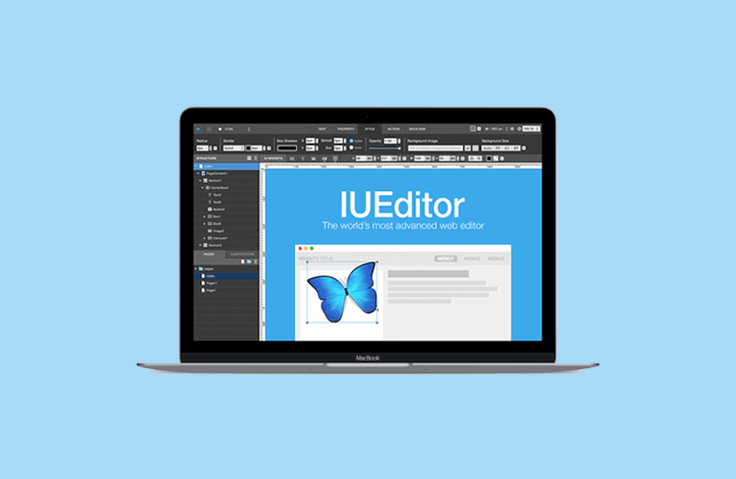
1. Course Introduction
Building a responsive website costs a fortune and takes a ton of time, right? Maintenance can be a real pain, too. Even a small change can require multiple people and multiple discussions. But with IUEditor, if a client encounters a problem, you can make changes on the spot and publish the results quickly and easily. That's why even large companies like LGU+ can complete a six-month project in two weeks, and even complex websites like 8 Percent use IUEditor to build them.
This course explains widgets and basic features to help you build a simple responsive website with IUEditor. We plan to offer additional courses covering more complex website creation methods, WordPress, backend support, and more. We strive to make IUEditor a valuable tool that can help you in your work, reducing your workload.
About IUEditor
IUEditor is a web editor that automatically generates the front-end code required for responsive website development. It is a WYSIWYG (What You See Is What You Get) web development tool that allows you to easily create websites with various functional widgets that replace the long and complicated coding of existing web editors. It allows you to easily create responsive websites optimized for various screens (smartphones, tablets, desktops). It supports back-end frameworks such as Django and Angular JS, and recently released a version with integrated support for WordPress, allowing users to create various WordPress themes using drag-and-drop without coding with IUEditor alone.
2. People who can help
Designers, planners, and developers planning to create responsive websites
For those who want to reduce the ping-pong between designers and developers.
Anyone who needs a responsive website



