inflearn logo

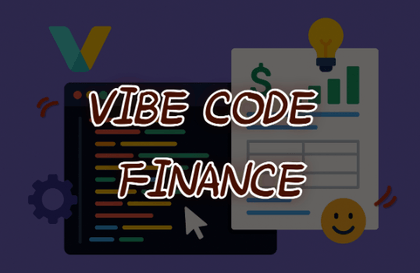
Complete everything from web service planning to deployment with AI vibe coding

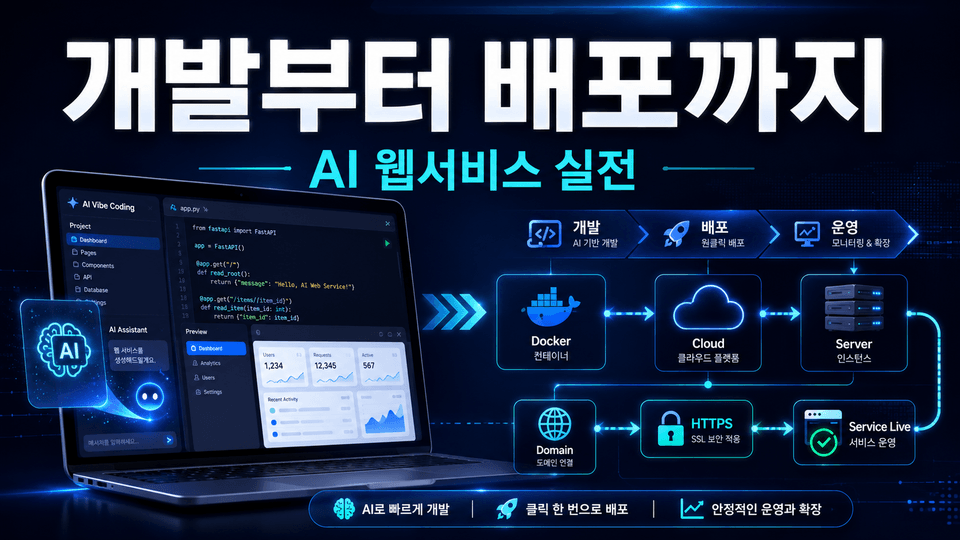
Using generative AI tools such as ChatGPT and Claude, you will turn ideas into actual web services and experience the entire development and operations process in a single project—from Docker containerization and server deployment to domain connection, HTTPS implementation, and CI/CD setup. Rather than simply generating code, you will develop practical skills by completing and maintaining a service that real users can access.

1 learners are taking this course

Level Basic

Course period 12 months

Docker
Docker
CI/CD
CI/CD
Vibe Coding
Vibe Coding
Spring Boot
Spring Boot
Git
Git
Docker
Docker
CI/CD
CI/CD
Vibe Coding
Vibe Coding
Spring Boot
Spring Boot
Git
Git

What you will gain after the course

  • Complete practical process for developing and deploying a full-stack web service to a production server using AI vibe coding

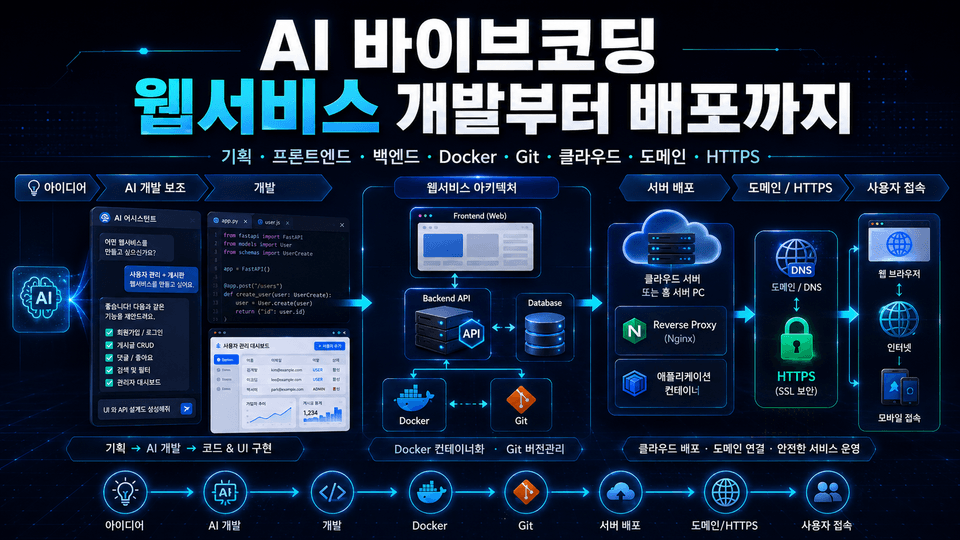
  • Hands-on practice with the connections between the frontend, backend, database, and infrastructure, as well as Docker-based containerization

  • Automating service operations by connecting the domain, applying HTTPS, and building a CI/CD pipeline

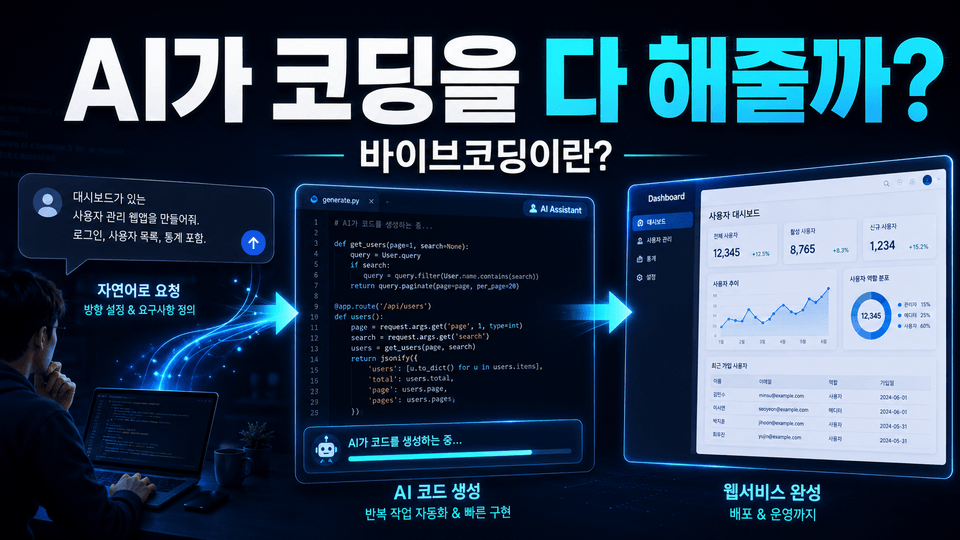
Turn your ideas into services with AI
Complete them as operational web services!

Connect everything yourself, from Docker to domains and automated deployment.


Turn AI-generated drafts into actually accessible services.
From server configuration to secure connections and automated deployment, gain the power to operate them yourself.


With AI vibe coding,
bring your ideas to life as real services.

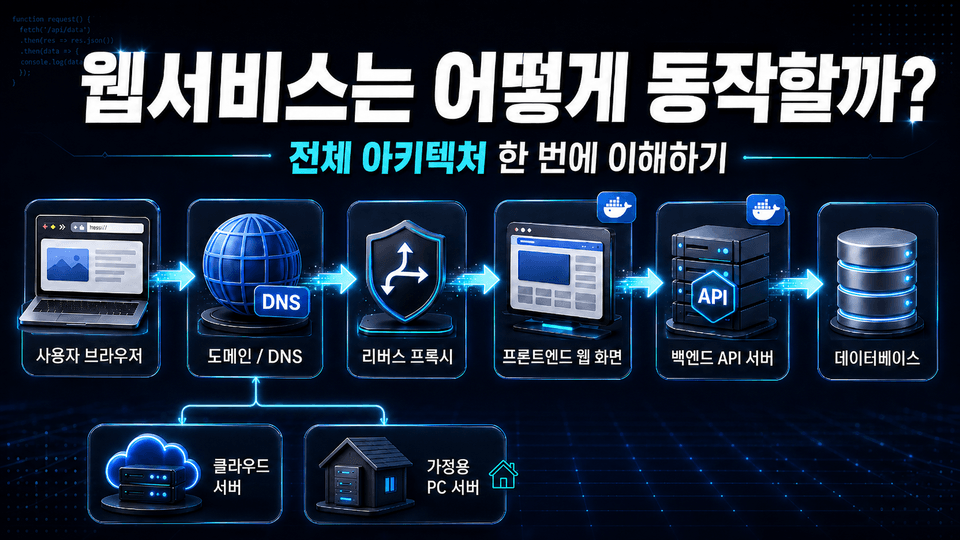
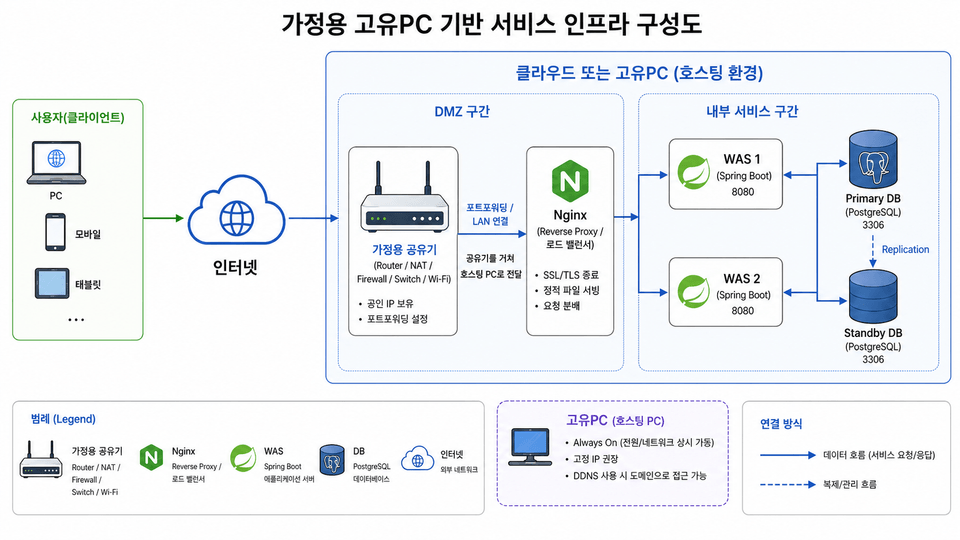
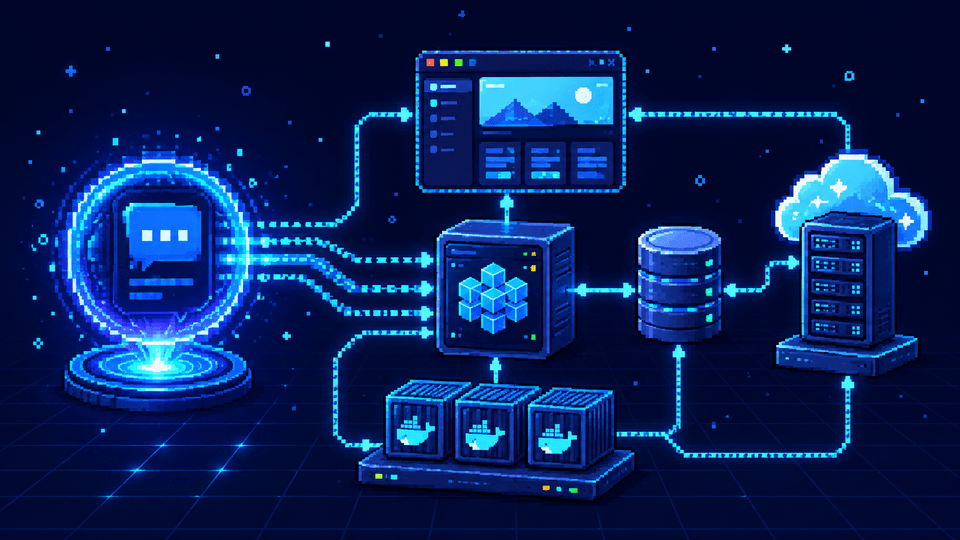
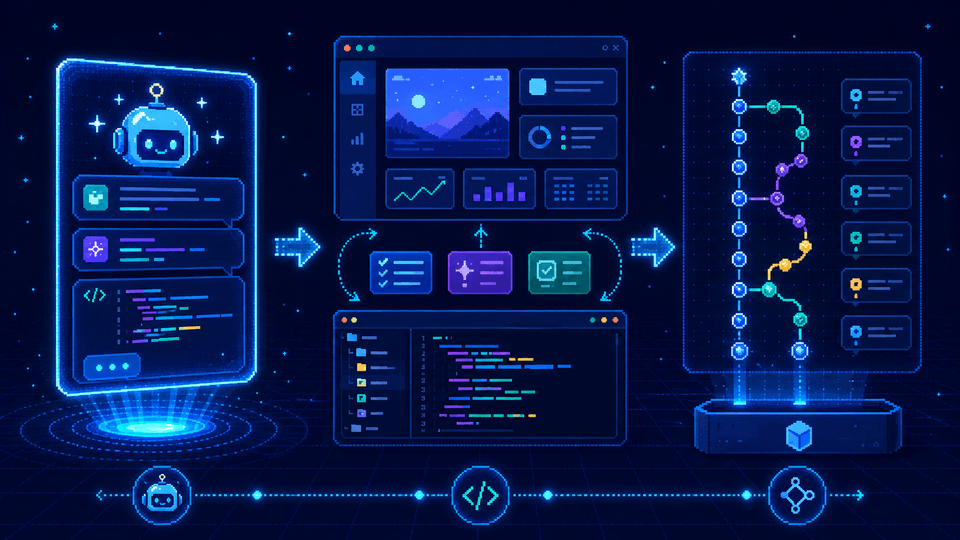
Beyond simple code generation, connect frontend (react, nginx) · backend (Spring Boot) · database (postgresql) and directly handle the service’s development and operations structure by configuring Docker, Git, and build and deployment systems.

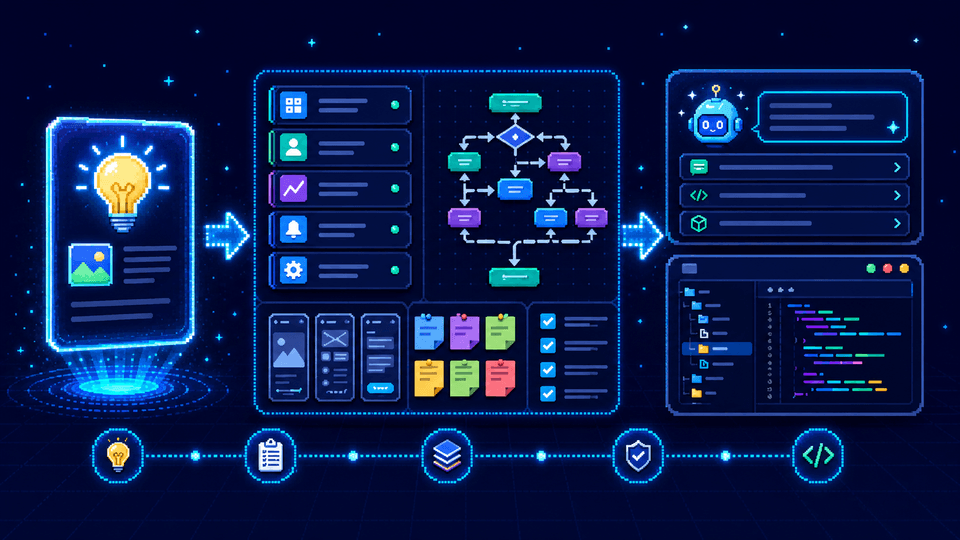
Rather than stopping at the prototype stage, you will turn a topic of your own choosing into a concrete web service.
You will build and refine its features, completing a finished product at the level of a service that real users can access.

From setting up a home computer to configuring a cloud virtual machine, you will build and deploy projects in a Git environment.
You will experience the operational workflow, including domain connection, applying https (SSL), and Git-based automatic redeployment.

Build from an idea
to a live service

Section 1 - Lecture Overview and Overall Architecture

Understand the concept of vibe coding using generative AI and how the course is structured. Explore the overall web service architecture, including how the frontend, backend, database, and infrastructure are connected.

Section 2 - Selecting a Service Topic and Preparing for Development

Select a topic for the web service to be implemented and create planning deliverables. Design prompts to provide to generative artificial intelligence and begin full-scale service development.

Section 3 - Vibe Coding and Version Control

Build a service with generative AI and improve its features and code according to the requirements. Learn the process of modifying features and set up Git to establish a foundation for source code version control.

Section 4 - Configuring Servers and Cloud Infrastructure

Set up a local computer and a cloud virtual machine, and practice connecting to a remote server. After configuring the cloud execution environment, retrieve the project and build it using Docker.

Section 5 - Making the Service Public and Automating Production Deployment

Publish the web service you built to the internet, connect a domain, and apply an SSL certificate to create a secure access environment. Build a Git-based deployment pipeline and practice an operations workflow that automatically or repeatedly deploys changes.

Do you want to launch your idea as a real service?
This course was created specifically for people like you.


✔️ Beginners who have created prototypes with AI

  • Those who have created screens with generative AI but feel lost about the next stage of development

  • Those who want to learn by directly seeing how the frontend and backend connect

  • Those who want to complete a web service accessible from outside their computer
    and leave it as a tangible finished product

✔️ Junior developers who want to learn the entire development workflow

  • Those who want to experience everything from selecting a topic to implementing features through
    a single project

  • Those who want to connect the database and server architecture,
    and configure them using Docker containers

  • Those who want to upload a project to a cloud virtual server and
    reproduce the deployment process firsthand

✔️ Planners and aspiring entrepreneurs looking to launch a service quickly

  • Those who want to flesh out their ideas into prompts
    and develop them into usable web services

  • Those who want to establish a secure access environment by connecting a domain and applying an SSL certificate

  • Those who want to configure a Git-based deployment pipeline (such as CI/CD) and
    automatically apply changes


Don’t just keep the screen you’ve created to yourself.
Turn your idea into a deployed web service and
build the entire flow through to operation yourself.

Notes Before Taking the Course


Practice Environment

  • Windows, macOS, and Linux are supported.
    Docker and Git must be installed.

  • We use a web browser and terminal.
    For server virtual machines, at least 8GB of memory is recommended.

Prerequisites and Notes

  • Basic web development knowledge is helpful.
    Understanding HTML and server concepts will make things easier.

  • Using Git and the CLI is helpful.
    Cloud and networking are learned through hands-on practice.


Recommended for
these people

Who is this course right for?

  • A beginner developer who has created a prototype with AI but doesn’t know how to actually deploy and operate it

  • A junior developer who wants to understand the overall structure of the frontend, backend, and infrastructure and complete a real-world project

  • Planners and aspiring entrepreneurs who want to quickly launch web services using generative AI

Need to know before starting?

  • Basic experience using generative AI tools such as ChatGPT and Claude

  • Understanding of the basic syntax of HTML, CSS, and JavaScript

  • Basic knowledge of the fundamental concept of web services (client-server architecture)

Hello
This is sangin Lee

Career Verified

Hello. I’m instructor Gyutto, and I love building things and deploying them myself.

I currently work in practical software development and have hands-on experience with everything from web service development to server setup, deployment, and operations.

Recently, I have been interested in using AI and vibe coding to quickly turn ideas into real-world services, and I am personally developing and operating web services and game projects.

The courses I create go beyond simply typing along with the code,

"Understanding the entire process of turning my idea into a working service and making it available on the internet"

aim to develop.

From technologies like React, Spring Boot, PostgreSQL, Docker, and Nginx to post-development processes such as domains, HTTPS, and Git-based deployment, I’ll explain everything as clearly and seamlessly as possible.

Even those who are new to development will complete a service themselves, gaining the experience of
“I can build this too.” This course will make that possible.

[GitHub] https://github.com/godsangin
[Blog] in-idea.tistory.com
[Service] https://ideastorming.kr/

More

Curriculum

All

16 lectures ∙ (2hr 25min)

Published: 
Last updated: 

Reviews

Not enough reviews.
Please write a valuable review that helps everyone!

Similar courses

Explore other courses in the same field!

Limited time deal

$2,337.00

69%

$47.30