

Learn PTC Creo Parametric 6.0 Assembly & Drawing with Video
gypsum
This is a lecture on assembly and drawing using PTC Creo Parametric 6.0.
Basic
Creo Parametric
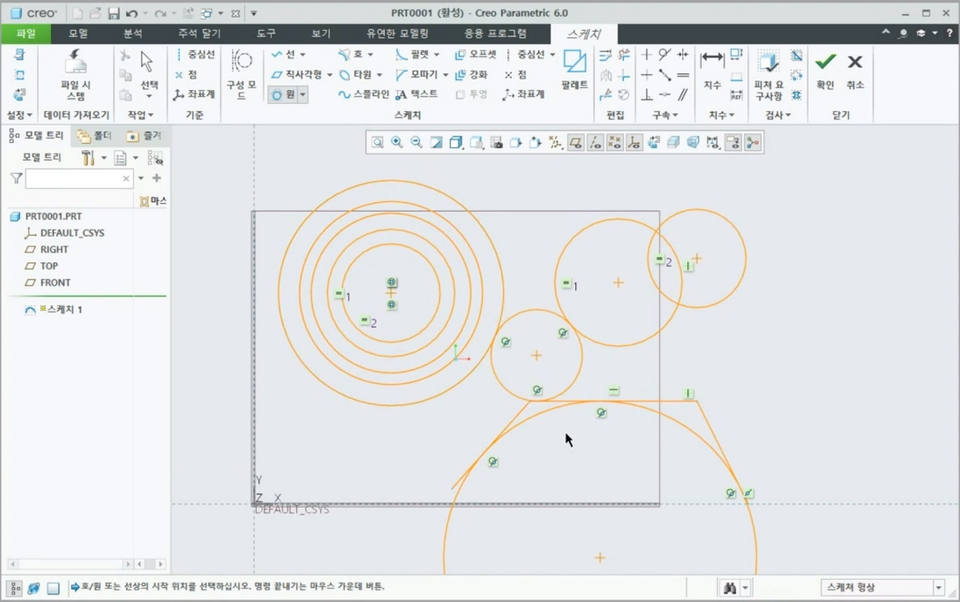
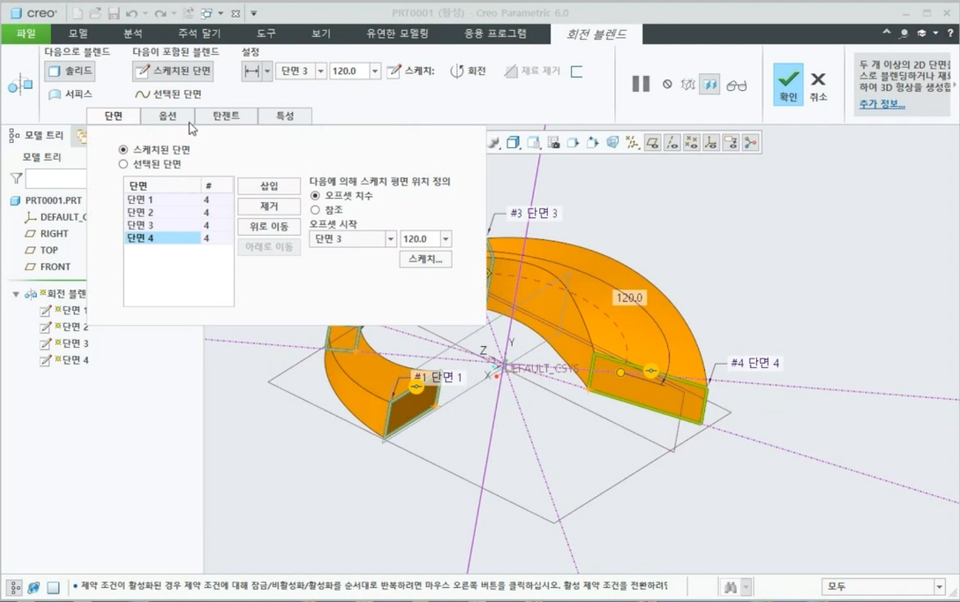
Learn about the various command options and usage methods required for 3D single-part modeling using PTC Creo Parametric 6.0.

Reviews from Early Learners
5.0
지환
The lectures are not too long, and the teacher breaks them up when we lose focus. The content is very informative.
5.0
만두맛잇당
This was a huge help to me as I was getting started with Creo!
5.0
ynseo1379
I am studying without knowing anything about Creo, and it is very helpful that you are explaining in detail the practical contents and parts that I did not know. I hope that I will have the opportunity to learn about simulations such as stress analysis or dynamic analysis in the future.
Overall understanding and methods of the 3D modeling process using Creo
3D modeling techniques using Creo, various commands, detailed options, and usage methods
Learn 3D single-item modeling with Cryo!
Fast and excellent product
Designed and developed to enable
It is a 3D CAD solution .
Creo Parametric is a core solution in the PTC Creo product design software suite. It is a scalable and interoperable product design software that accelerates time to value. It features powerful design tools that enable the creation, analysis, and exploration of downstream product designs using 2D/3D CAD, parametric, and direct modeling.
This course is designed to teach you the functions necessary for product design by learning the sketch, shapes, engineering, and various editing functions required for 3D single-product design using PTC Creo Parametric.
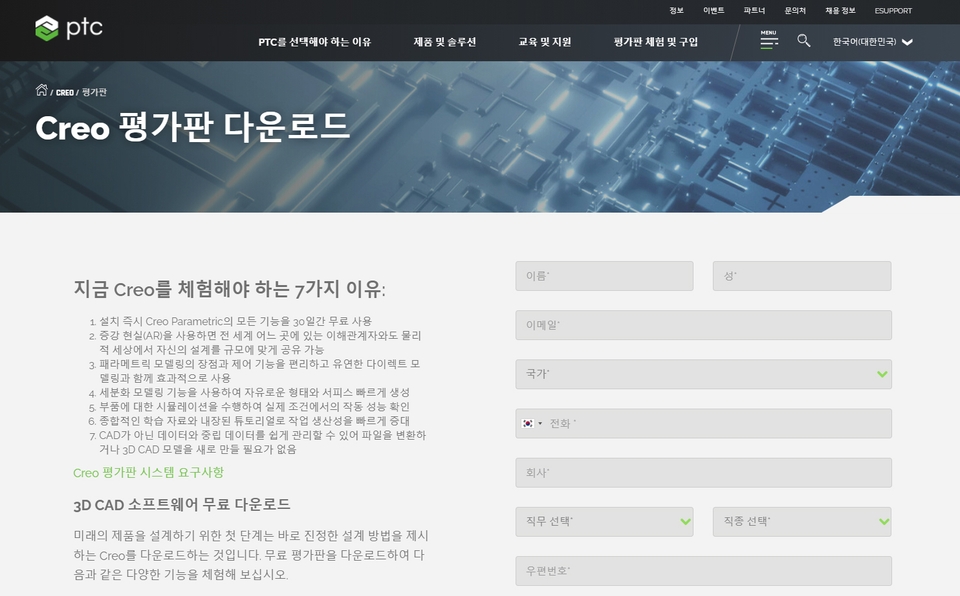
This course uses PTC Creo Parametric version 6.0 . You can access a free 30-day trial version on the official website or purchase a paid solution.
Who is this course right for?
For those new to Creo
Anyone who wants to try 3D modeling using Creo
Need to know before starting?
Drawing interpretation skills to view basic 2D drawings
1,198
Learners
98
Reviews
9
Answers
4.9
Rating
42
Courses
Key Experience: Graduate of Yonsei University Graduate School
(Former) Adjunct Professor, Department of Computer Science, Seoul Health College
(Former) Instructor, Future Talent Development Center, Inha University
(Current) Adjunct Professor, Gachon University, etc.
All
48 lectures ∙ (12hr 41min)
Course Materials:
11. Lecture 11: Line
26:16
16. Round of 16 Text
12:34
31. 31 Sketch Ex 05
08:09
44. Lecture 44 Blend
22:24
All
9 reviews
4.9
9 reviews
Reviews 1
∙
Average Rating 5.0
5
I only knew the very basics of using Creo. After completing the training, I was able to solve problems from a different perspective. I think it was a good training because I felt that my work efficiency was maximized. Thank you.
Thank you.^^
Reviews 4
∙
Average Rating 4.8
Reviews 1
∙
Average Rating 5.0
Reviews 1
∙
Average Rating 5.0
Reviews 1
∙
Average Rating 5.0
5
I am studying without knowing anything about Creo, and it is very helpful that you are explaining in detail the practical contents and parts that I did not know. I hope that I will have the opportunity to learn about simulations such as stress analysis or dynamic analysis in the future.
Check out other courses by the instructor!
Explore other courses in the same field!