Mastering Crawling Through Practice with Data Workshop
Python Crawling Master. This is all you need, from installation to application. We've packed it with only the essential content you truly need for real-world use.
141 learners
Level Beginner
Course period Unlimited
News
8 articles
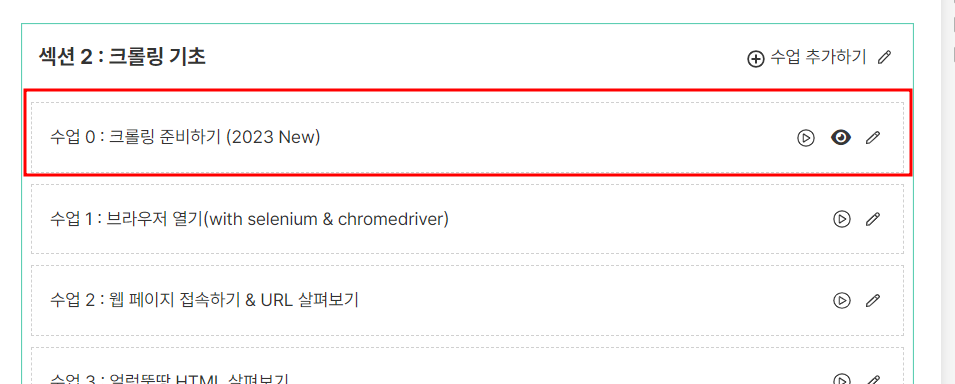
With the first update of 2023,
Added tips for using the Chrome browser version auto-management library.
(Changed the existing chromedriver installation session)
Check out the blog for more information
In addition to this, a video explaining the parts that have changed as the library has been updated.
And other lectures are also being prepared. Please refer to them.
selenium while updating this version
The find_elements_by_css_selector ( ) command has been removed.
You can use find_elements( 'css selector' , ), so please change the code in that section and use it.
Detailed information is summarized on the blog .
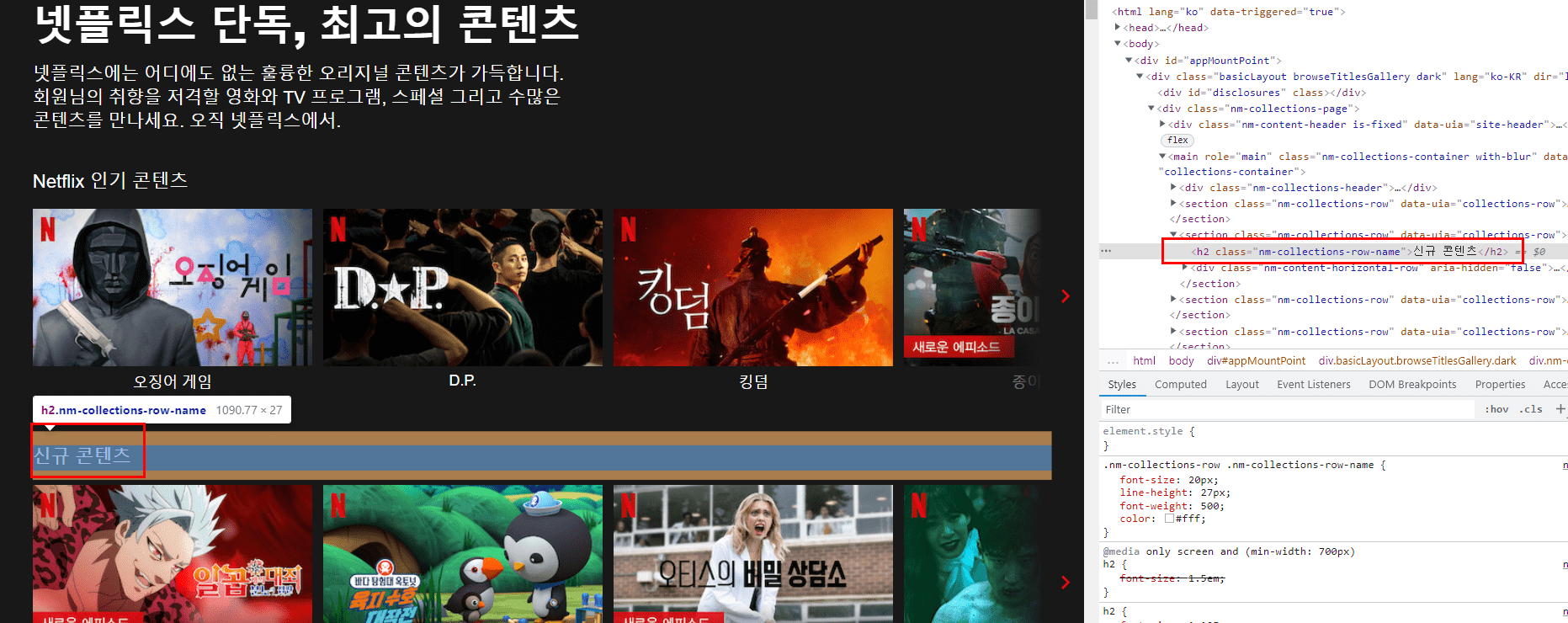
Due to the Netflix site reorganization, the tags in the title section have changed.
I'll add the edit code below the post.
section_title = section.select('h3')[0].text #Before change)
section_title = section.select('h2')[0].text # Modification) Change the section title part tag
-----------
2022.01.01 Additional modifications
When retrieving image files and program URL portions from Netflix
In cases where there is no information or there is different information, we added a code to organize it.
If it is image file information
1. If it contains image file information,
2. If it is in a format other than a file (data:image/gif;base64,R0lGODlhAQABAAAAACH5BAEKAAEALAAAAAABAAEAAAICTAEAOw==) (the image is not displayed on the screen)
3. There are cases where the image file information itself is missing.
Check each step above one by one, and if it is not the information you are looking for, organize it into the next information.
I modified it as follows using try, except statements, if conditional statements, etc.
-------------------------------------------------- ----------------------
try:
program_img = program.select('img')[0]['src']
if 'https' not in program_img:
program_img = '' # If the image file location is not displayed (not visible on the screen), enter a blank space.
except:
program_img = '' # If there is no image information itself, enter blank space.
-------------------------------------------------- ----------------------
As there are cases where there is no information at all in the program link tag, we have organized it so that a blank space is entered in such cases.
-------------------------------------------------- ----------------------
try:
program_link = program.select('a')[0]['href']
except:
program_link = '' # If there is no link address, enter blank space
-------------------------------------------------- ----------------------
updated 2021.09.30Due to the Netflix site redesign, tags in section titles have changed.
Accordingly, the crawling code also needs to be changed.
[Before change]
section_title = section.select('h1')[0].text
[After change]
section_title = section.select(' h2' )[0].text
※ The site is constantly changing, so rather than the code itself,
It's better to learn the approach I'll explain as I go along and how to use the BeautifulSoup select( ) command.
(Many people have already found it and done it themselves ^^)
※ Section title part tag image
We would like to inform you of changes to the YouTube comment collection section.
When collecting YouTube comments, the following logic is currently used.
1. Get the total number of comments on YouTube
2. Scroll down the comments until the maximum number of comments (500) is reached → Stop when the total number of comments matches.
The total number of comments that are initially retrieved only brings the number of replies.
There was a problem with the number of comments collected below only counting general comments.
There are two ways to approach it:
1. How to get all replies and count them as numbers
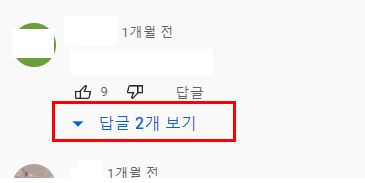
At this time, you can collect reply information by clicking the "View Replies" button one by one.
In this case, you will have to click one by one and wait for the results, which will take a long time, making it difficult to collect a large amount of data.
It's going to take more time.
2. Scroll down the comments and stop when there is no difference from the existing number of comments.
As you scroll down, keep comparing the number of comments with the number you organized earlier.
If the number of comments does not increase even after scrolling down, it is considered complete. This process is stopped.
There are pros and cons to both methods, but I think the second method is cleaner.
Let me guide you through this process.
I will upload the code data to the relevant lecture material post (Section 5, Collecting YouTube comments 2).
If you give a lecture, it will be helpful to the students as well.
As an instructor, I also learn a lot.
We mainly provide offline or online lectures, but we also provide real-time lectures.
I'm curious about how online video lectures are delivered.
We hold events to prepare better lectures and reflect on ourselves.
Please leave a course evaluation/course review.
To those who left
To provide explanations and answers to your questions, feedback, interviews, etc.
We will give you a 1:1 online consultation voucher (30 minutes) .
If you have written a course review, please send it to my email (datago0ba0@gmail.com).
After that, we will proceed at a time that is convenient for both parties. (We will proceed using Zoom.)
※ The event has ended
Adding YouTube crawling process.
I've been so busy with other things lately that I haven't been able to update much.
We will start uploading the parts that we have received the most requests for in sequence.
For those of you who have been waiting for YouTube, I'm sorry for making you wait so long.
If you have any further questions, please let me know. Thank you.
Instagram crawling process has been added.
We plan to continue adding practice sites by organizing them by type.
If you have any questions or difficulties, please email me at datago0ba0@gmail.com
I will take this into consideration when choosing a lecture topic. Thank you.
Additional lectures must use methods/functions that are not used before, if possible.
We plan to utilize the sites.