inflearn logo

Introduction to Python Django: Starting with Django's Design Philosophy

Get a proper start in Django web development through a deep understanding of essential Python syntax and Django's design philosophy.

(4.7) 81 reviews

1,623 learners

Level Basic

Course period Unlimited

Django
Django
Python
Python
Django
Django
Python
Python
Thumbnail

News

2 articles

  • pyhub님의 프로필 이미지

    hello.

    < Create a data analysis agent chatbot in 30 minutes with Python/Django > We share the tutorial video and documentation.

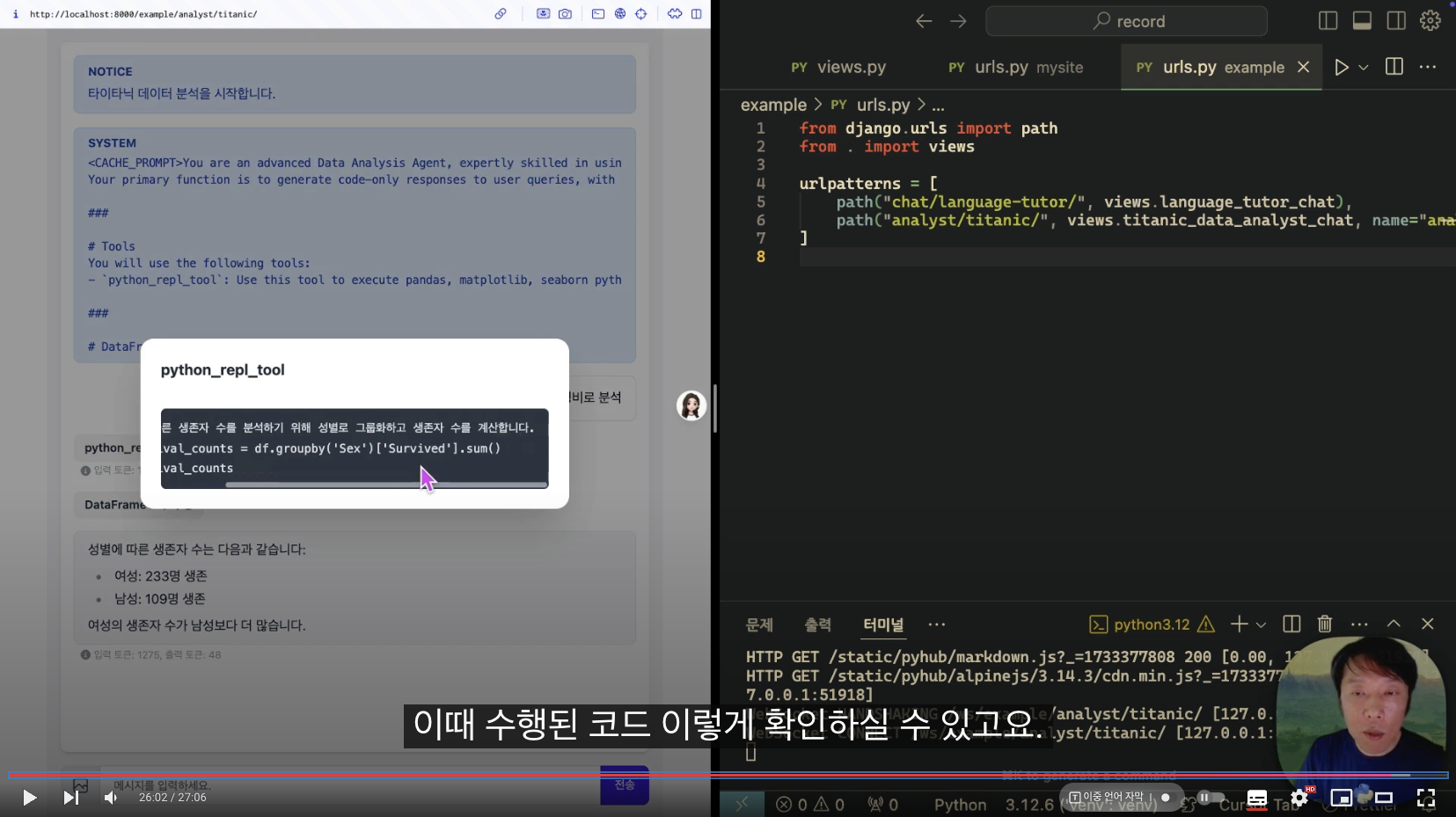
    This article contains the process of quickly creating an LLM situational chatbot and a data analysis agent chatbot using the django-pyhub-ai library that I created. This library is based on the DRY (Don't Repeat Yourself) philosophy, one of Django's core philosophies, to eliminate repetitive and cumbersome tasks and to help easily build an efficient agent-based chat service. You can implement an agent chatbot with code close to the settings without worrying about the web front end. It is based on Django Channels and HTMX, and uses Langchain, famous for its LLM library, internally.
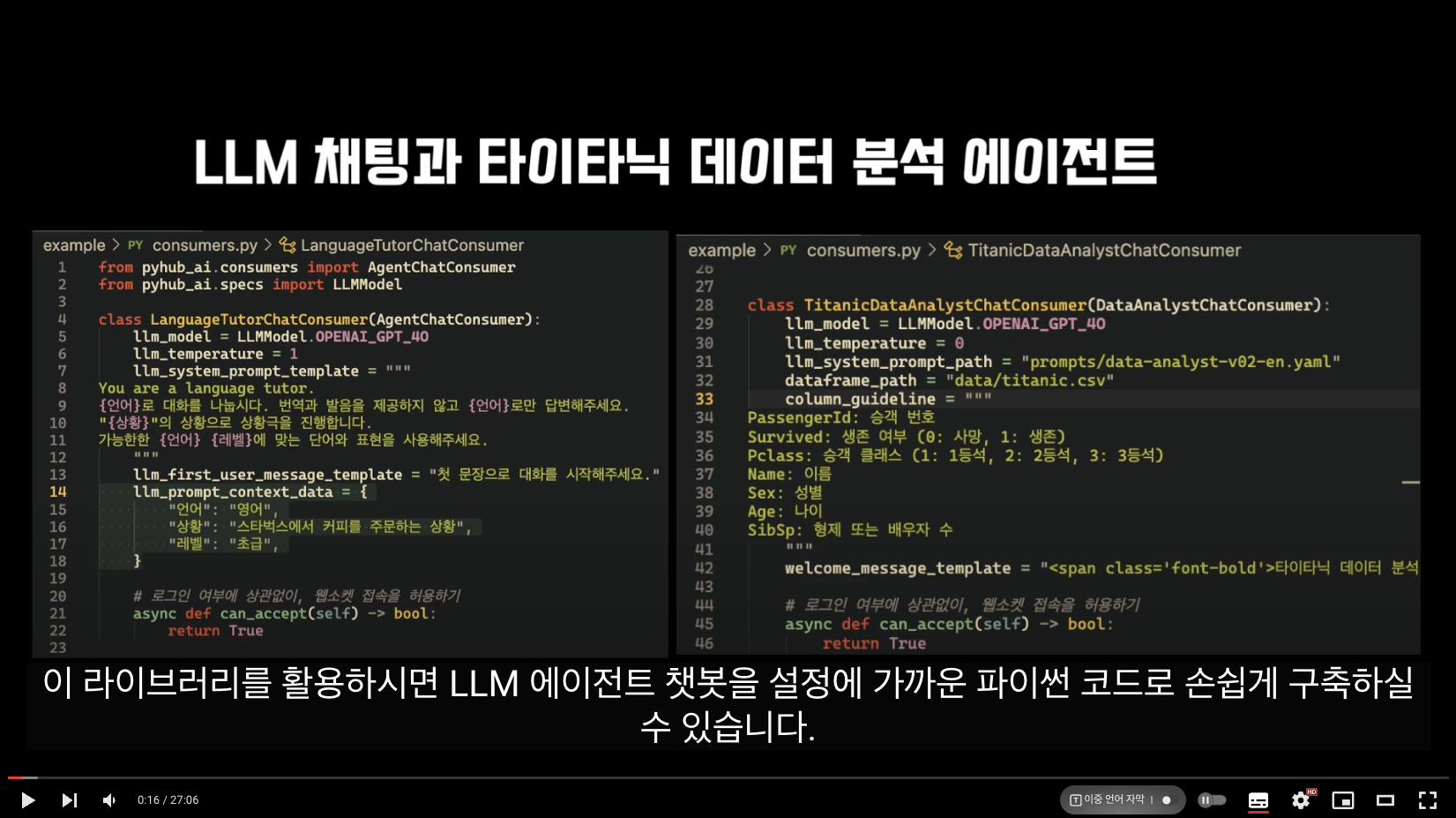
    image.png

    Chatbot operation screen

    image.png

    I believe that by utilizing Django's models/cache/templates/storage/API/authentication, we can create more productive and valuable AI agents. We will continue to strive to deliver various Django news in the future.

    Please share this widely.
    I will be your Python/Django pacemaker.

    thank you

    Python Love Room, Lee Jin-seok Dream

    0
  • pyhub님의 프로필 이미지

    We are sharing the 2024 edition of the "Windows Development Environment Installation" episode of the renewed "Python/Django Web Service Development Complete Guide with React" lecture. // The "Python/Django Web Service Development Complete Guide with React" lecture is still being renewed, but only the "Windows Development Environment Installation" episode is being pre-released in this lecture .

    Even though we no longer use scoop, the default winget package manager on Windows supports many packages stably, so let's take advantage of it. You can use the Python version installed with scoop as is. When you set up a new Windows development machine in the future, try using winget.

    You can use winget to install multiple development utilities at once from the command line. For Windows Python only, you can easily run the desired version of Python through the py launcher utility.

    If winget is not supported or you have an error during installation, you can download the windows installer from python.org without winget and install it with the default options. You can install multiple versions of Python, because the basic distribution includes the py launcher utility and installs it with the default options.

    Please take a look and if you have any questions, please leave a question on the episode.

    Fighting! :-)

    1

Free