강의

멘토링

커뮤니티

Programming

/

Front-end

Create a variety of image effects quickly and easily!

We will create various pattern image effects that complete the scattered image pieces into one image using JavaScript and CSS and process them to appear randomly. I think that if you apply this lesson, you will be able to create your own unique effects!

(5.0) 11 reviews

157 learners

  • ggangcoding162118
3시간 만에 완강할 수 있는 강의 ⏰
JavaScript
HTML/CSS
Interactive Web
jQuery

Reviews from Early Learners

What you will gain after the course

  • We will implement various image effects using JavaScript and CSS, combine the implemented effects into one, process them to appear randomly, create a function, and apply it to the UI to create highly immersive interactions.

  • Development of an effect that brings scattered images together to form a single image

  • Creating a website with a unique UI

Create easy and fast image effects and apply them in various ways!

Lecture Preview

▲ You can see the class content in more detail by watching the video.


💡 Course Introduction

Lesson Point 1

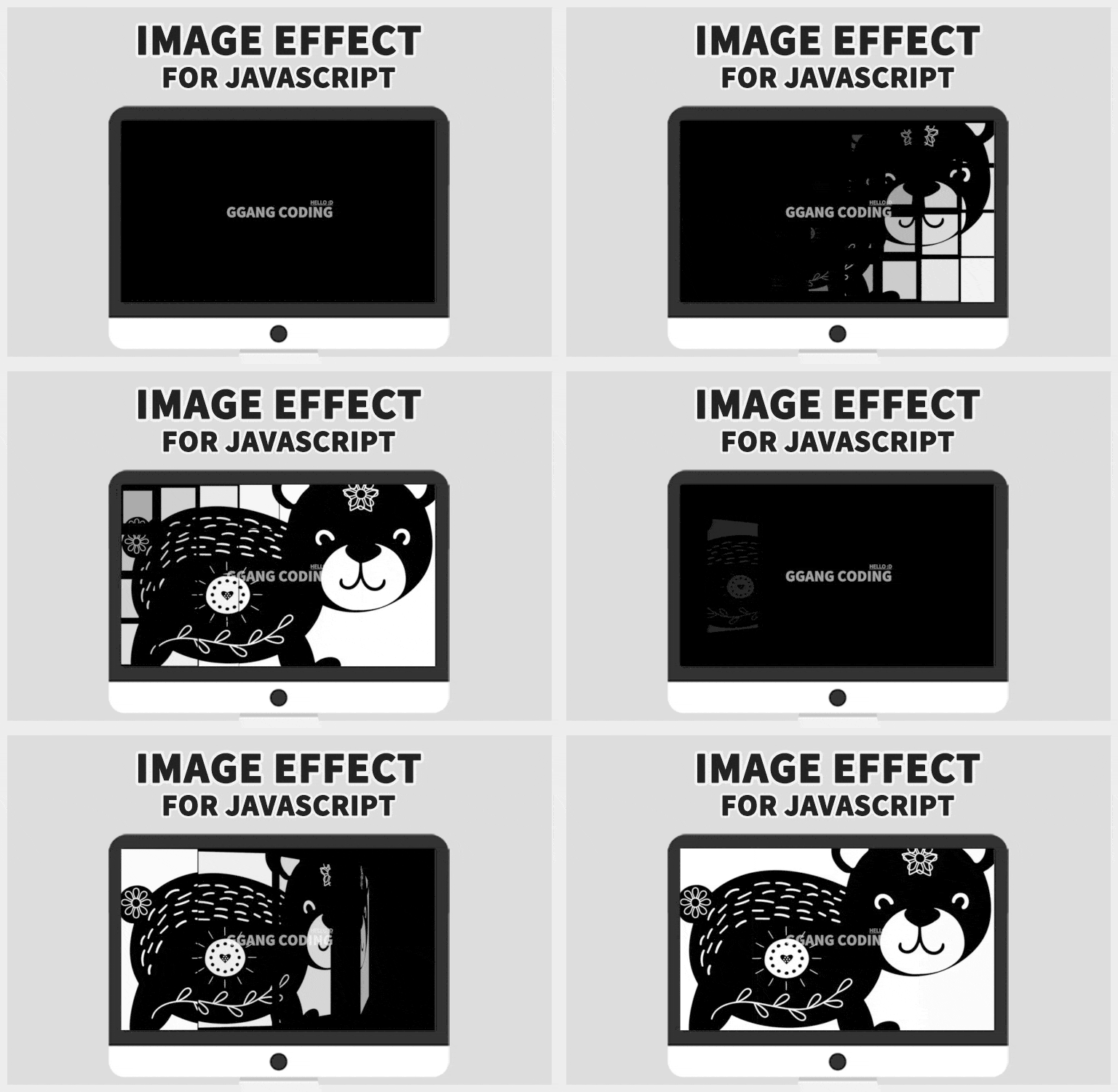
Let's create an effect where scattered images are executed sequentially to form a single image .

▲ Effects that run sequentially

Lesson Point 2

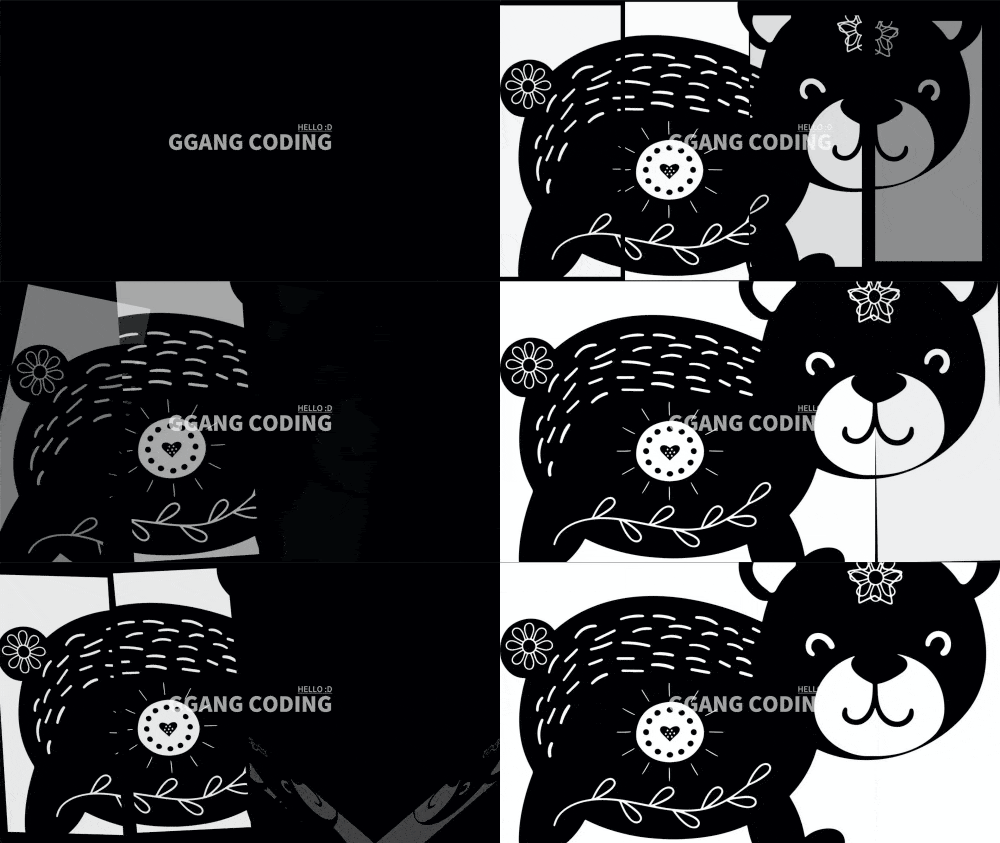
Create more diverse and free image effects by changing the properties to suit the developer's taste.

▲ Custom effects

Lesson Point 3

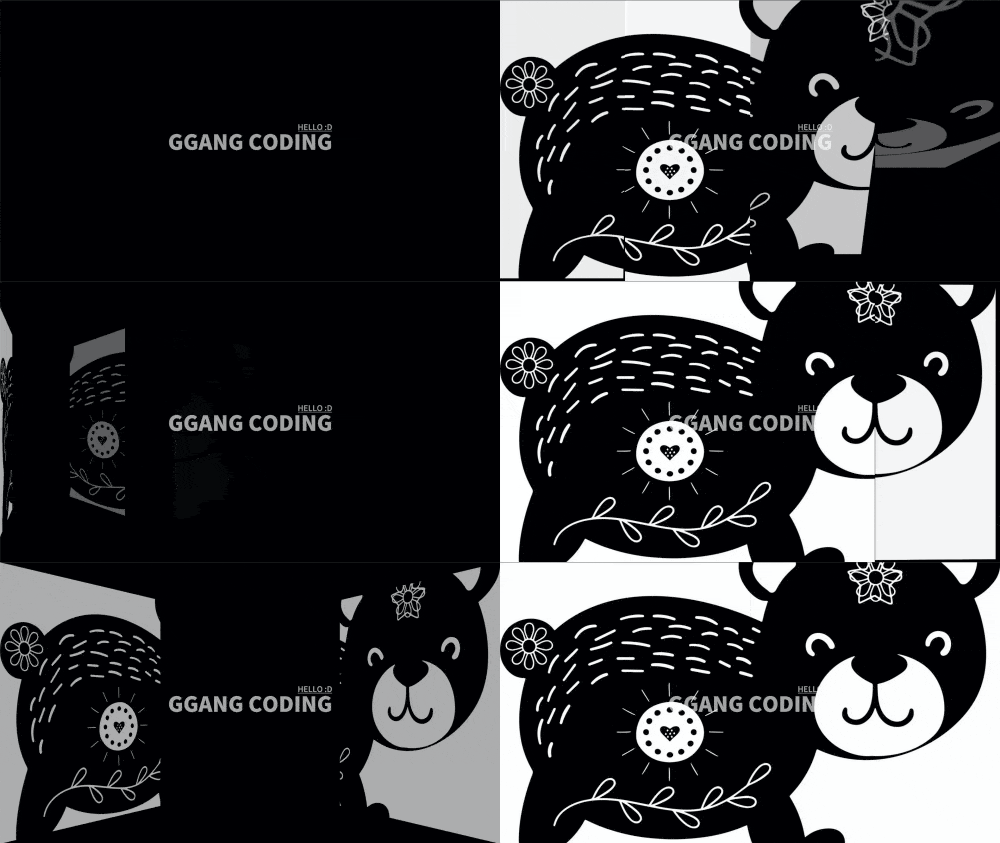
Let's add a 3D effect to make it a little more three-dimensional .

▲ 3D effect applied

Lesson Point 4

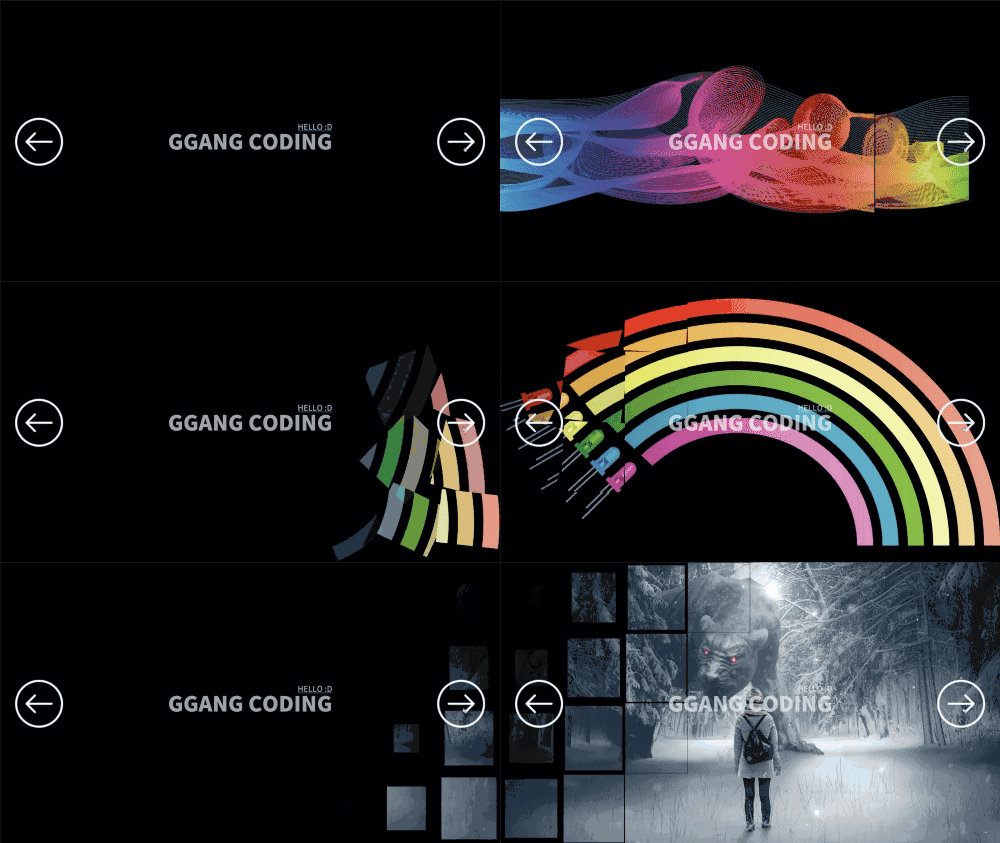
Let's create a more splendid and immersive slider by combining all the effects implemented above into one and making them appear randomly , and applying the effects to the open source slick slider so that various effects are randomly exposed when the slider is slid.

▲ Applying effects to the slider

TIP. How to apply image effects in various ways!

If you apply image effects to scroll interactions, you can even implement scroll UI effects that appear randomly in response to scrolling.

※ The class on creating a scroll UI is not included in this lecture.

▶Go to Scroll Interaction Lecture


💡 Course Features

  1. Create a variety of image effects that can be used in practice.
  2. Create about 15 effects with quick and simple modifications.
    I think you could create over 100 different effects if you add your own ideas and apply them :D
  3. I tried to reduce the amount of code as much as possible .
    If the code is too long, it's difficult to learn and takes a long time to master, right? I tried to make it as short and concise as possible.
  4. Minimize small talk.
    Because your time is precious! We've boldly eliminated unnecessary explanations, small talk, and the like.
  5. Edit sample code zoom in/out
    Zoom-in editing of example code makes it easier to understand even on mobile devices. Take a moment to invest in this on your commute to school or work!

💡 Please be informed

Languages and libraries used

  • CSS, JavaScript, jQuery

Cross-browser compatibility

  • There may be slight differences depending on your system and browser.

Class Difficulty

  • You should have a basic understanding of CSS and JavaScript to follow the course smoothly. (Beginner level or higher)

Try it out!

  • By applying the course content, students will be able to create their own unique effects.

💡 Expected Questions Q&A

Q. Can non-majors also take the course?
A. Regardless of whether you are a major or non-major, if you know the basics of CSS and JavaScript, you can learn and utilize them sufficiently.


💡 Watch the previous lecture together

Apple Scroll Interactions Even Beginners Can Create. Part 1: JavaScript
Learn various motion effects required for scroll interactions.

Recommended for
these people

Who is this course right for?

  • People interested in UI/UX

  • For those interested in motion effects

  • People interested in creative and unique homepages

  • Job seekers who want to create a special portfolio

  • Designers but interested in interaction

  • For those who want to increase their salary by adding interaction skills!

Need to know before starting?

  • HTML, CSS, JavaScript

Hello
This is

1,342

Learners

79

Reviews

163

Answers

4.7

Rating

3

Courses

안녕하세요. 백엔드 개발자로 시작해 프론트엔드 개발자로 전향해서 UI 개발에 푹 빠져있는 깡코딩입니다. :)


10여 년 동안 다수의 기업 홈페이지와 쇼핑몰 SI 소상공인 홈페이지를 제작하며 알게 된 UI/UX 제작 기법 노하우 등을 공유하기 위해 이 강의를 시작하게 되었습니다. 국내 여러 대기업 프로젝트를 경험했고 소상공인에게 초점을 맞춘 홈페이지 제작 사업도 하였습니다.


저는 가끔 국내 코딩관련 커뮤니티에서 취미로 만든 애플 인터렉션과 창작 인터렉션을 공유하며 재밌는 기술을 소개했었는데요

많은 분들의 관심을 주셔서 이렇게 강의까지 만들게 되었습니다.


제가 만들어갈 강의는 표준 브라우저를 고려하고 실무에서 사용 가능한 감탄사가 절로 나오는 다양하고 멋진 인터렉션과 모션그래픽을 만드는 방법들을 알려드릴 예정이고 프론트 개발자나, 웹퍼블리셔가 솔루션을 이용해 홈페이지, 쇼핑몰 등을 바닥부터 만들 수 있는 강의도 만들 예정입니다.


그럼 수업에서 뵙겠습니다 :)

Curriculum

All

11 lectures ∙ (1hr 41min)

Course Materials:

Lecture resources
Published: 
Last updated: 

Reviews

All

11 reviews

5.0

11 reviews

  • kbba785883님의 프로필 이미지
    kbba785883

    Reviews 33

    Average Rating 4.8

    5

    64% enrolled

    Teacher, please tell me how to apply it in swiper.js. I'm struggling for a while. ㅠㅠ

    • ggangcoding162118
      Instructor

      Hello, thank you for your valuable review. :) It's the same when applied to Swiper js~! const swiper = new Swiper('.swiper-container', { effect: 'fade', speed: 0, navigation: { nextEl: '.swiper-button-next', prevEl: '.swiper-button-prev', }, on: { slideChange: function () { var thisSlide = $('.swiper-container').find('.swiper-slide').eq(this.activeIndex); ggangImgEffect(thisSlide, this.activeIndex); } } }); You can use the slideChange callback function that is called when the slide changes like this. :)

  • glaciershard2755님의 프로필 이미지
    glaciershard2755

    Reviews 3

    Average Rating 5.0

    5

    100% enrolled

    It was a lecture that I could apply briefly. Thank you.

  • rje2875734264님의 프로필 이미지
    rje2875734264

    Reviews 3

    Average Rating 5.0

    5

    100% enrolled

    Gave birth to.

  • ejjung3127219님의 프로필 이미지
    ejjung3127219

    Reviews 13

    Average Rating 4.9

    5

    100% enrolled

    Good, good, this is a really good lecture.

  • sprout0719002828님의 프로필 이미지
    sprout0719002828

    Reviews 6

    Average Rating 4.7

    5

    100% enrolled

    This is a great lecture full of great tips despite the short time! I will use it in various ways:D

    • Hello! I would be more than happy if you could use the tips in various ways :) Thank you for your valuable review :)

Limited time deal ends in 8 days

$16,170.00

30%

$18.70

ggangcoding162118's other courses

Check out other courses by the instructor!

Similar courses

Explore other courses in the same field!