


Learn fullPage + animation + SVG Animation portfolio with JavaScript
Vanilla Javascript + fullPage.js + SVG Animation Interactive Web Portfolio! Essential Course for Employment and Career Change!

New lecture launch~! HTML CSS basic lecture opened ^^
Contains know-how in running the national flag course!
Create responsive web templates that are ready for practical use
HTML5 + CSS3
The basics of HTML5 and CSS
Learn about responsive web
Finally, a responsive web template
This is a tutorial on making it!
Before starting the lecture
With this lecture
What can you learn?
This course is designed for those who are new to web standards. The goal is to learn HTML/CSS basics, HTML information design and CSS layout, and then ultimately create a responsive web template .
This book is designed to cover the process of creating a responsive web template based on know-how that can be applied directly in practice. Learn HTML basics, CSS usage, how to create CSS Layouts that are mainly used in practice, and Flex usage in sequence, and take one step at a time toward becoming a web publisher.
In this lecture
What are the features?
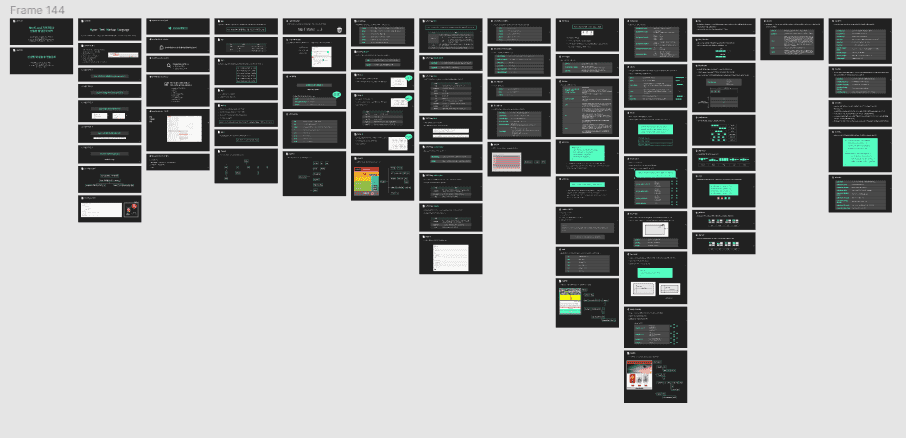
From basic content to advanced learning required for practical work. Check out the practice problems and lecture notes for each part!
At the end of each section, there are practice problems for each section. We recommend that you solve the problems first, check your results, and then listen to the lectures for the next section.
We provide lecture notes in PDF format so that students can understand more easily and study more comfortably. This is developed based on our know-how gained through conducting classes both online and offline, and will be of great help to your studies.
This lecture
Who needs it?

Code once
Would you like to learn?
Want to get started with coding?
Coding beginner

Web publisher
I want to be
I don't know any coding at all
Those who wish to change jobs

Information design is
What should I do?
For UI design
People who need information design

For portfolio
Is there no template?
Responsive website
Anyone who needs a template
For those who want to get started with web coding, those who want to move from being a web publisher to someone who knows nothing about coding, those who need information design for UI design, designers who need to learn publishing… I’ve created this book by selecting only the systematic and essential content to help a variety of people. If studying alone is too difficult and you’re scared by the vast amount of material, I’ll help you!
Additionally, designers who are learning publishing or aspiring to become web publishers will be able to use the templates created in the course to create portfolios.
This is how the lecture proceeds
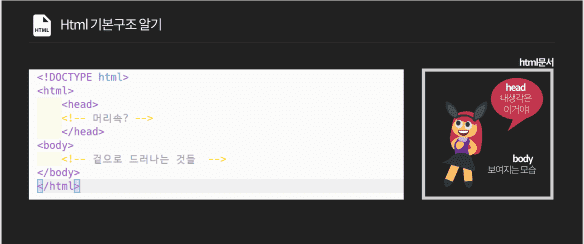
Learn about the basic grammar of HTML and the characteristics of tags used to create documents using vscode.
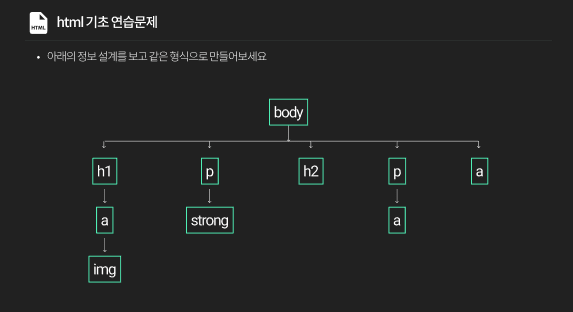
We will study the basic grammar and usage of CSS, as well as various selectors.
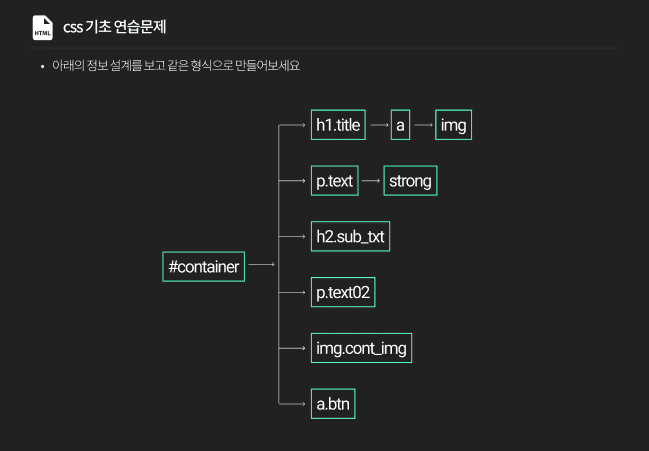
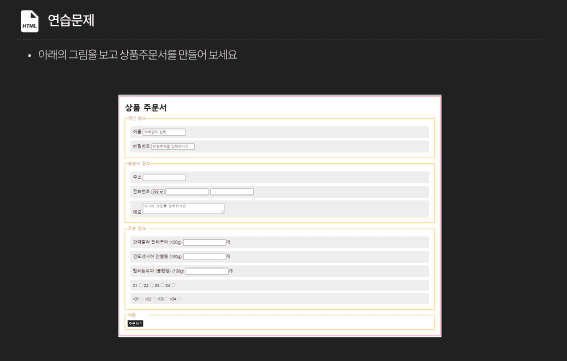
Learn about the tags that are mainly used in HTML and various tags and usage of semantic / list / user input tag / grouping.
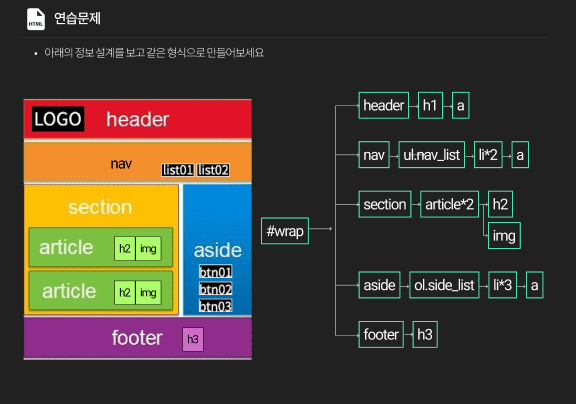
Learn about CSS capital classes, paragraph alignment, fonts, and units.
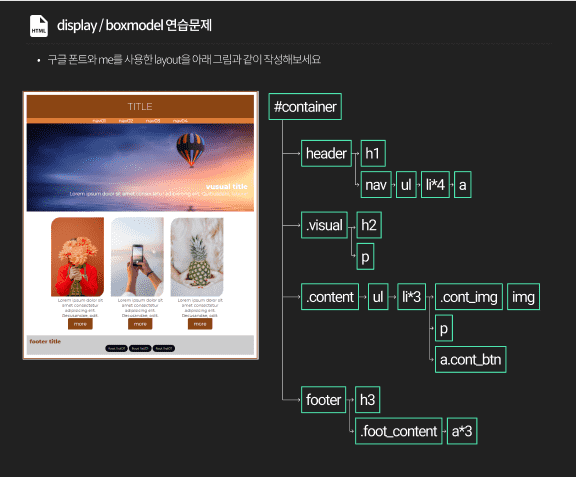
We will study display and boxmodel in depth as some of the core CSS features.
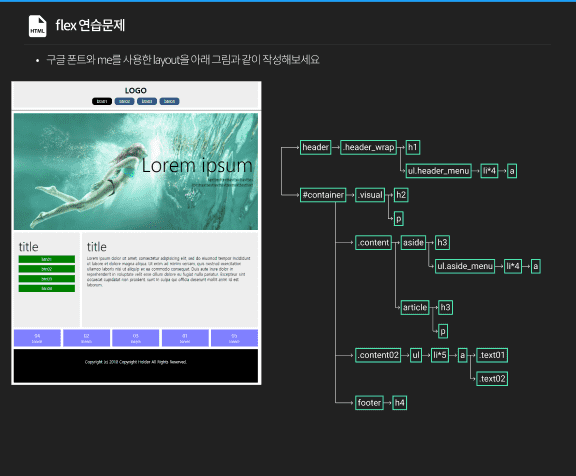
We will study about flex, position, and transition/animation/transform, which are mainly used in CSS layout.
part7. css / media query / responsive web
Learn about media queries for responsive web work.
Learn through comprehensive examples
Responsive Web Development Process
Check out the draft work that will be created with the knowledge sharer! Let's create it together step by step!
Please note that this course does not cover the process of creating a blueprint, i.e. a design work .
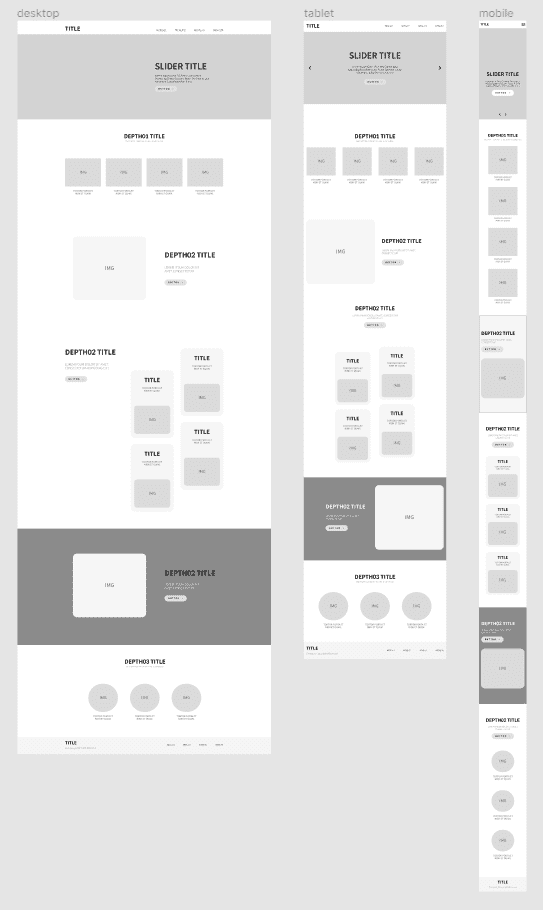
See a comprehensive example
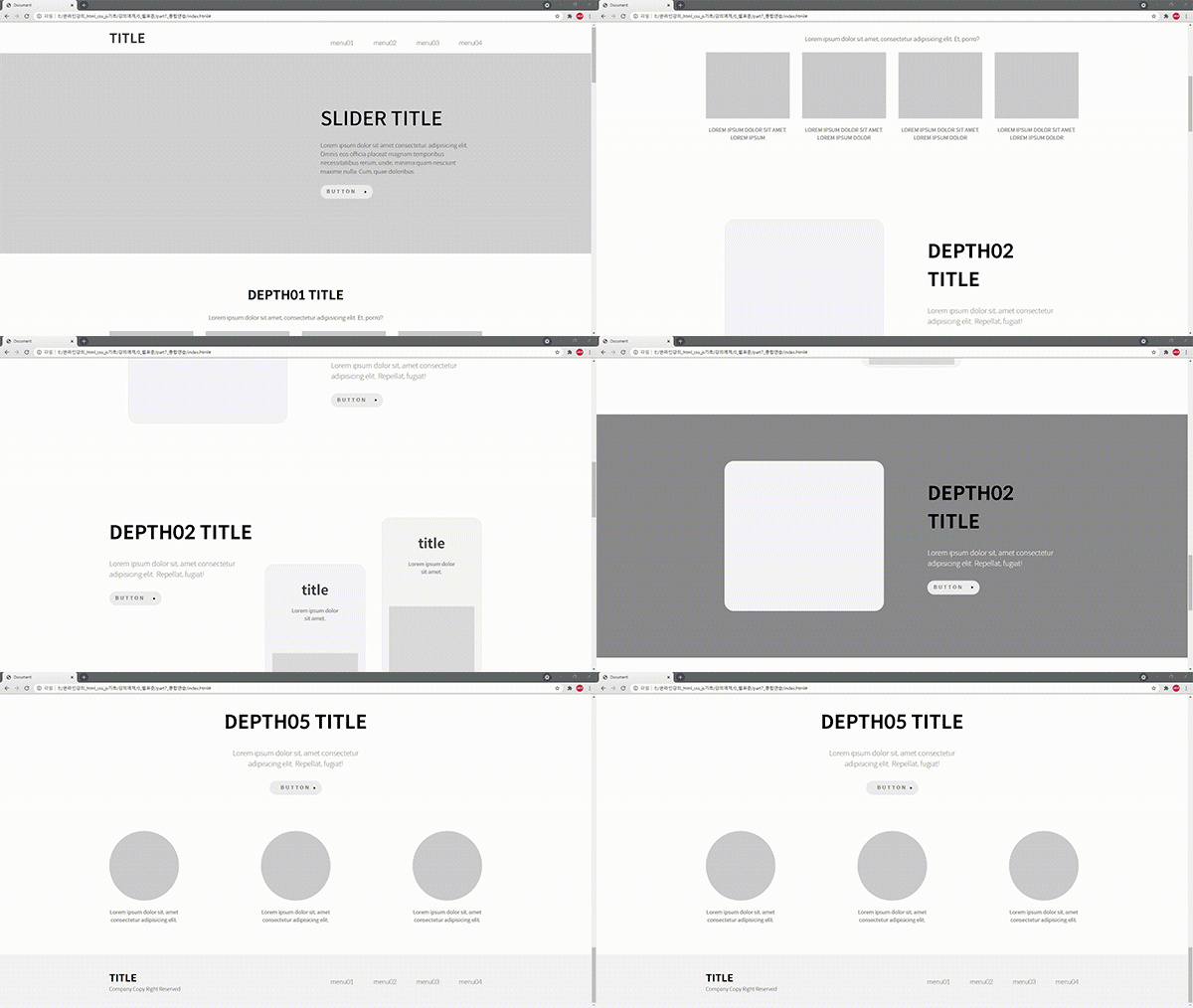
desktop screen
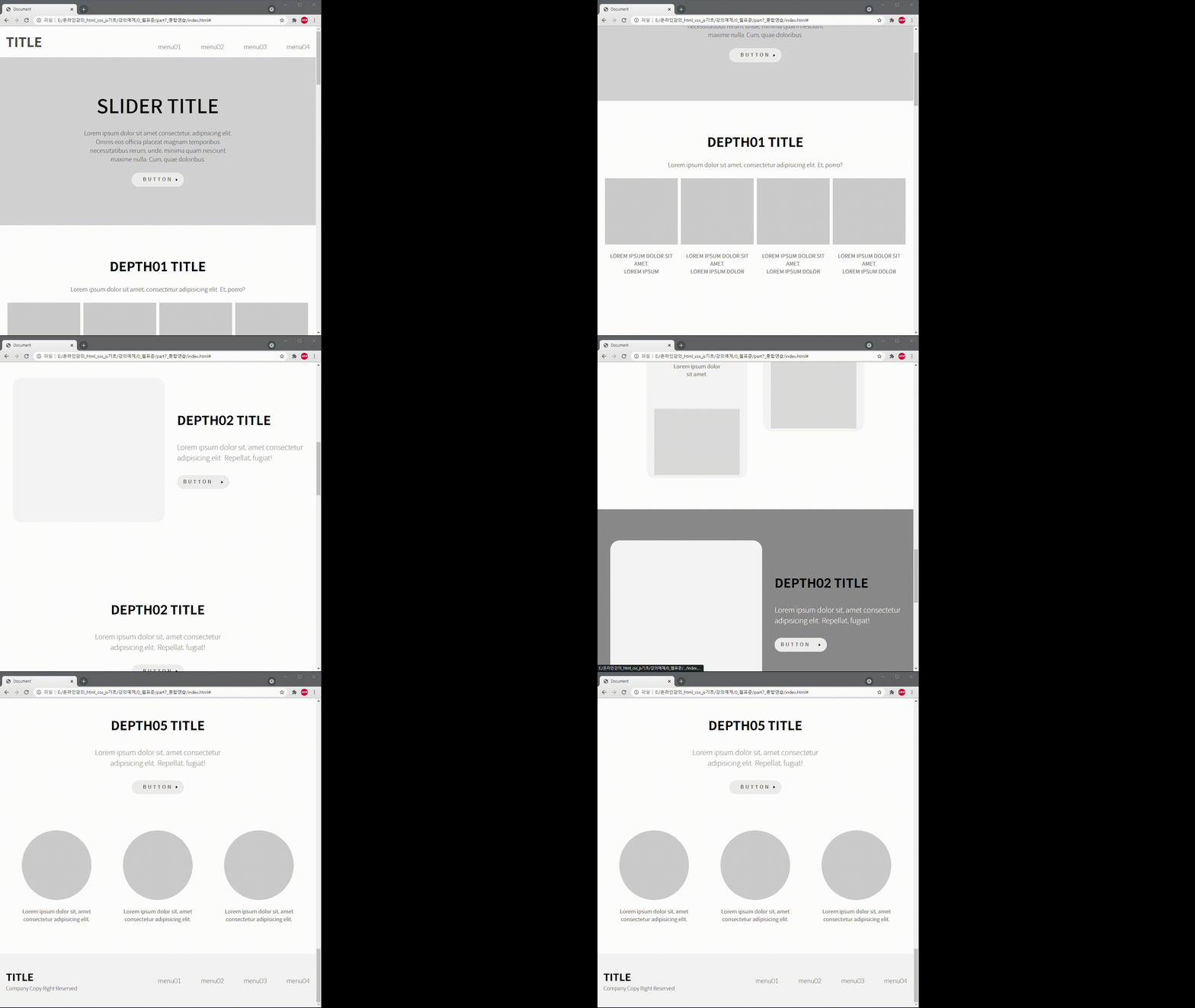
tablet screen
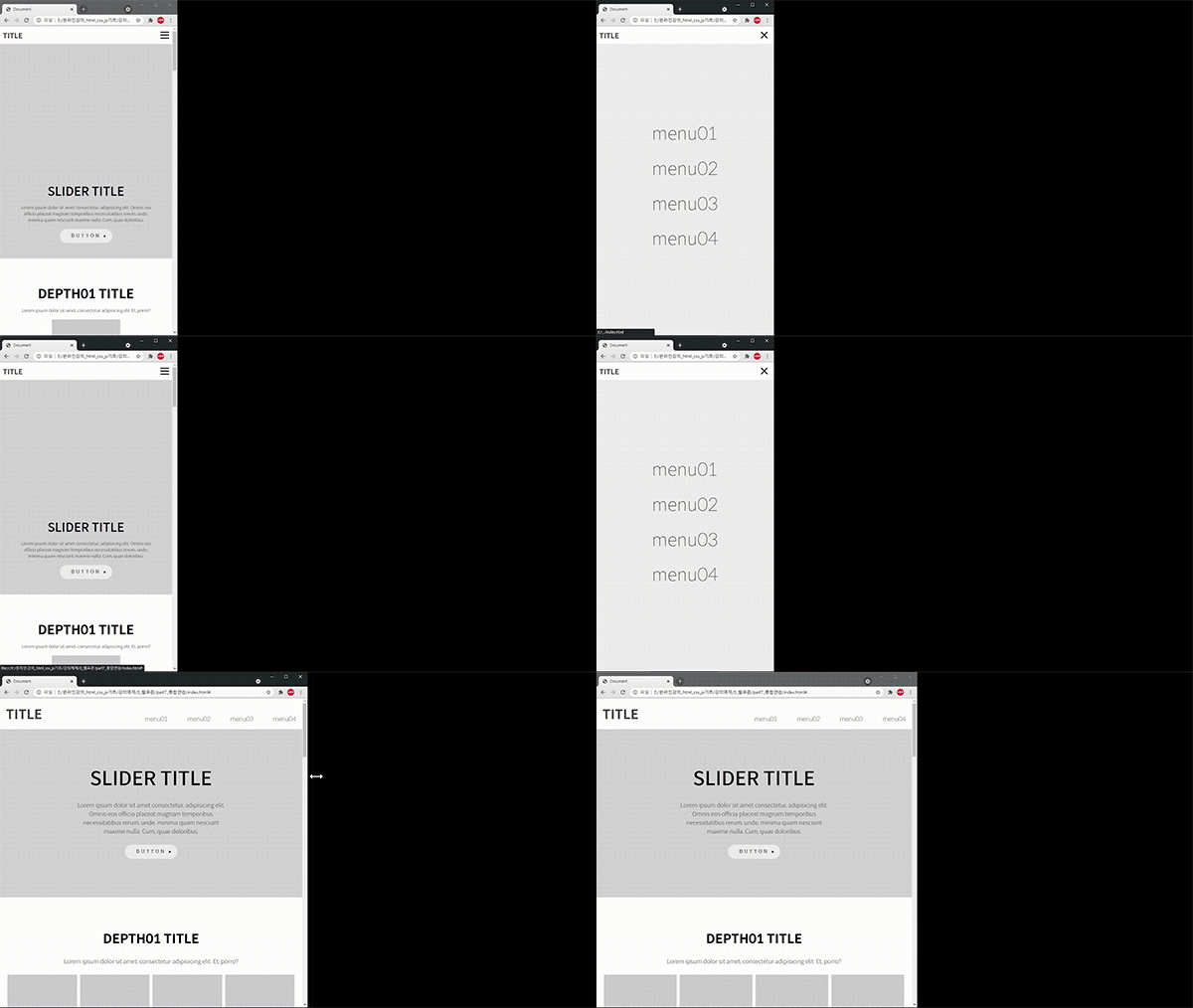
navigation
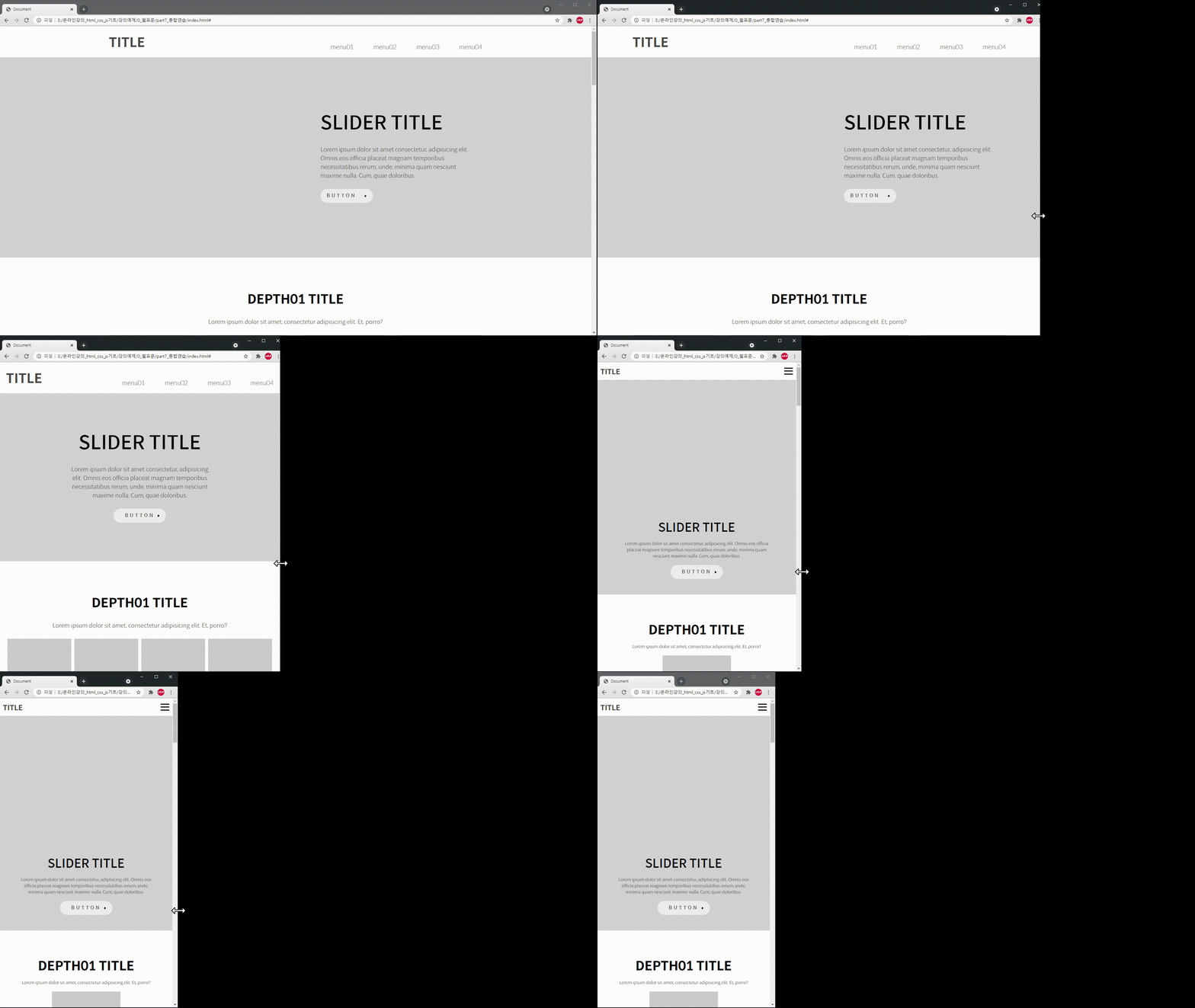
responsive
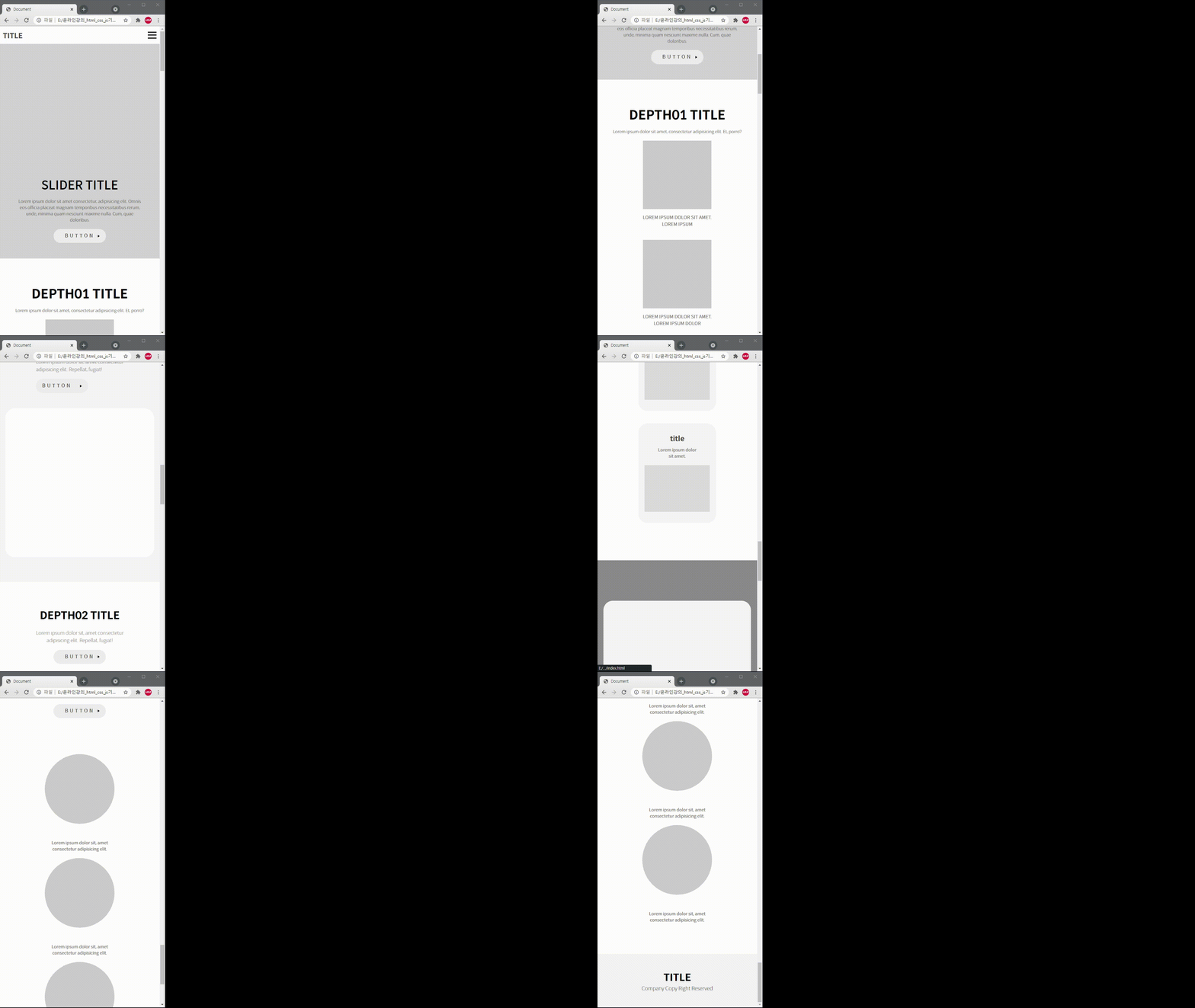
mobile screen
Expected Questions Q&A
Q. Isn't it difficult for non-majors to learn?
Yes, I have prepared explanatory notes so that even non-majors can easily learn. If you have any difficulties while listening to the lecture, please feel free to ask questions. I will respond as soon as possible.
Q. Can I become a publisher by taking this class?
Beginning is half the work. After studying this course well, I think you can become a publisher, depending on how much effort you put into studying on your own. This is not an empty phrase, but something I personally experienced in offline lectures.
Q. What level of content is covered in the class?
We focused on responsive web production and information design methods using HTML5/CSS3, especially flex during layout production.