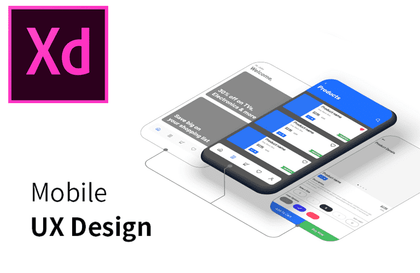
Mobile UI UX Practical Design Using XD by Author Kim Young-sam
softcampus
You can master mobile UX design practices using Adobe XD. (Study materials and practice files provided)
Intermediate
XD, Mobile App Design
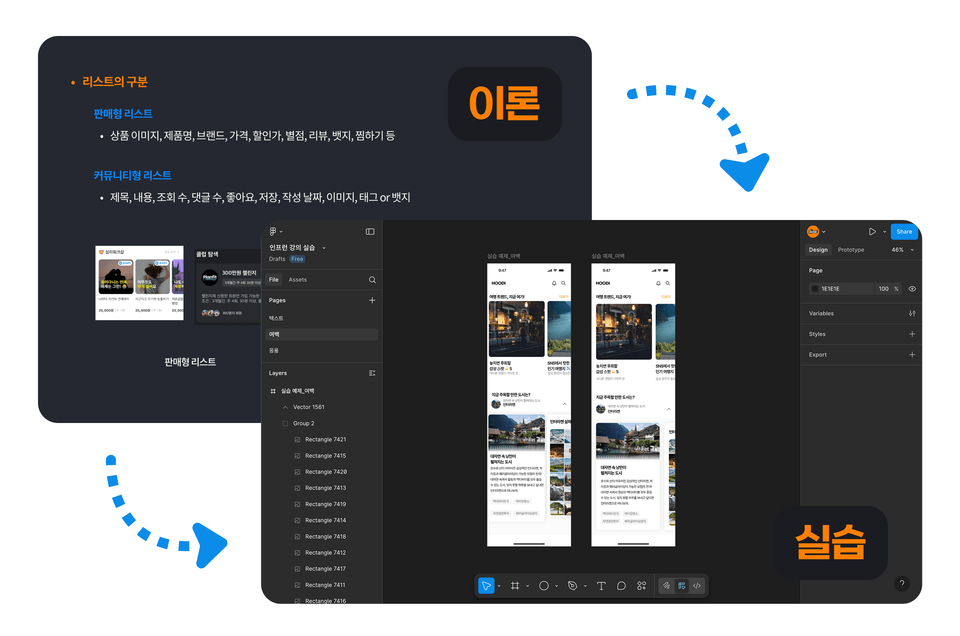
This is a practical introductory course for those who are new to or lack the basics of mobile UX/UI design. Learn step by step through basic theories and various practical exercises to gain practical app design skills and build your confidence! 💪
63 learners
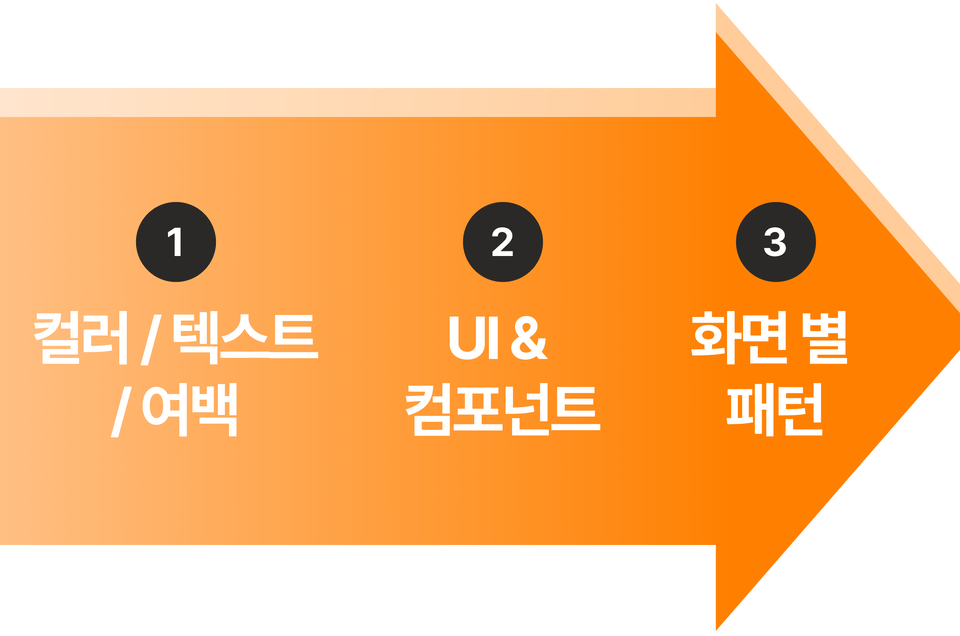
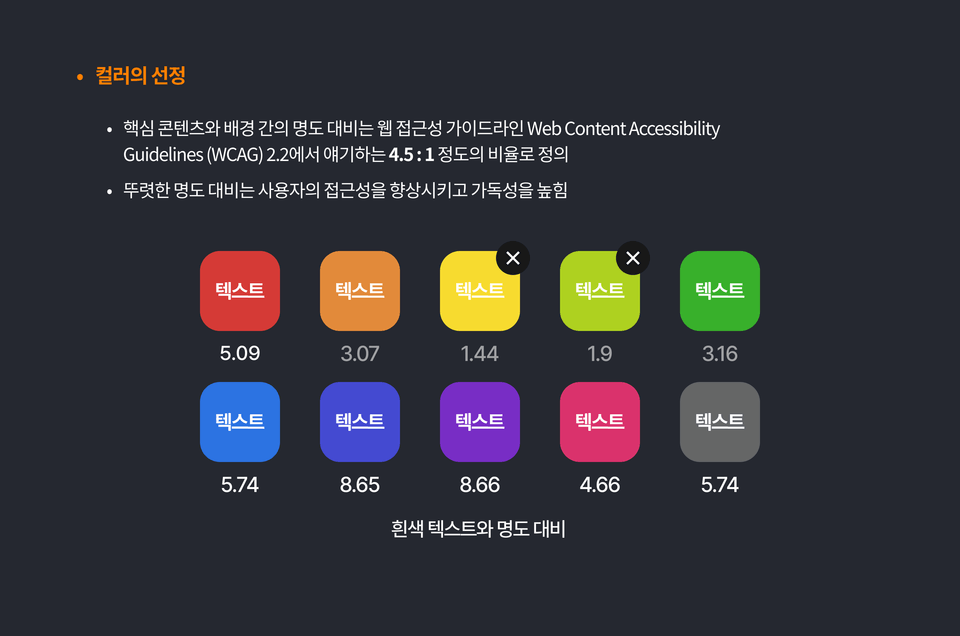
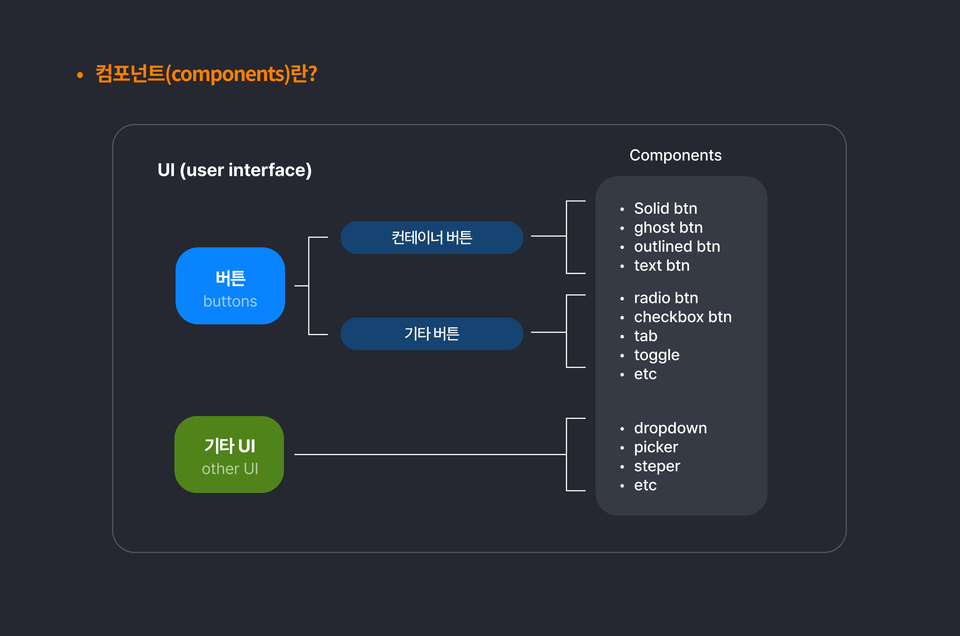
You can learn the basic theories and elements necessary for mobile design.
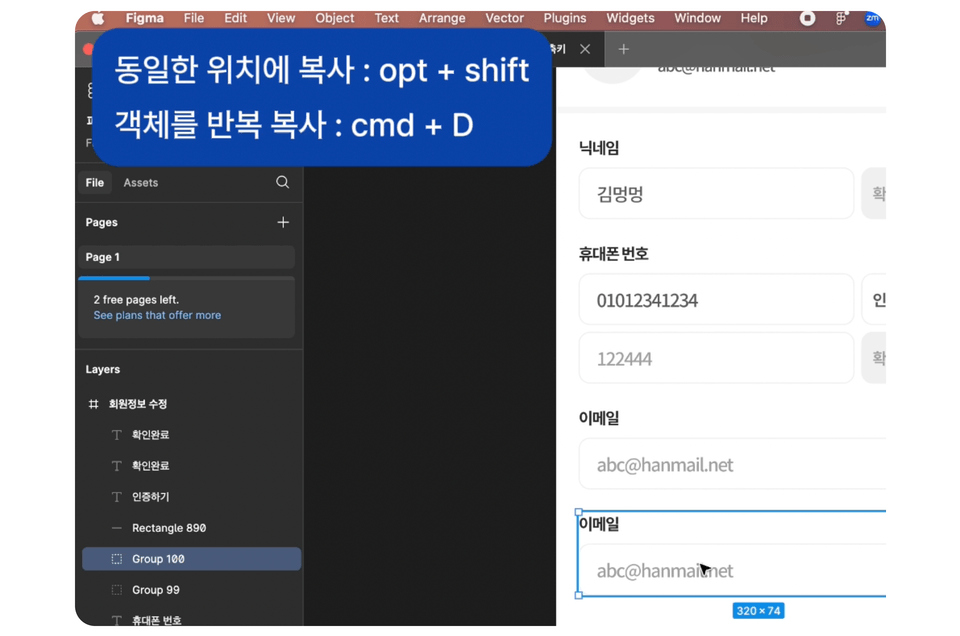
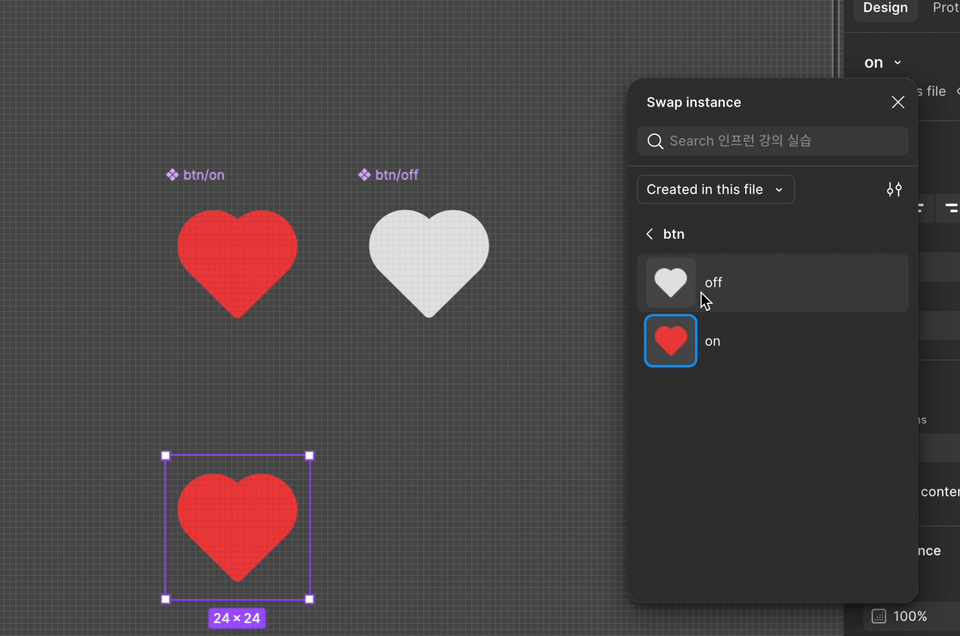
Various tips and useful features for Figma.
I can create mobile screens based on the wireframe.
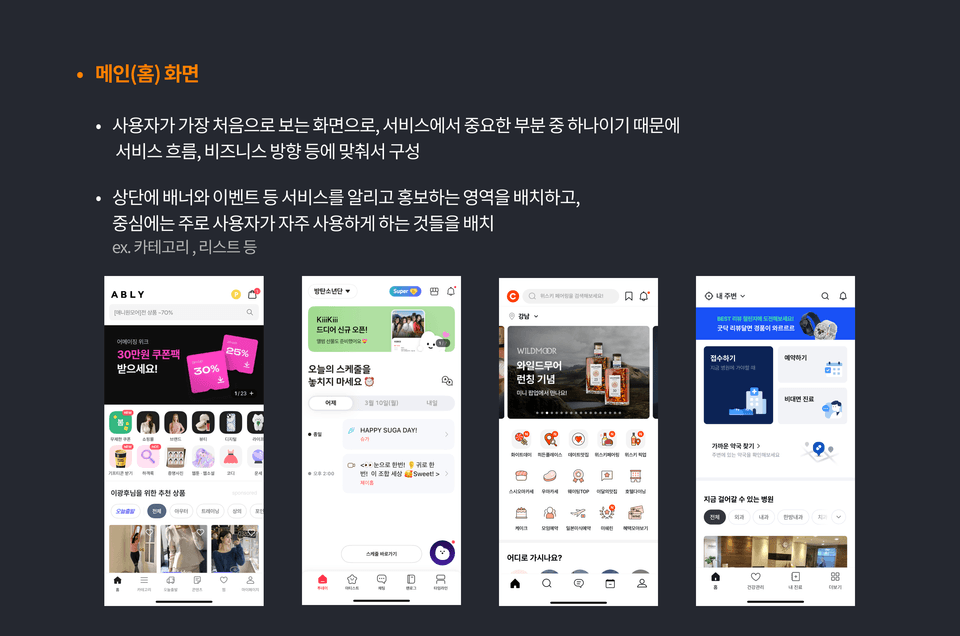
You can visually learn through actual app examples.
Who is this course right for?
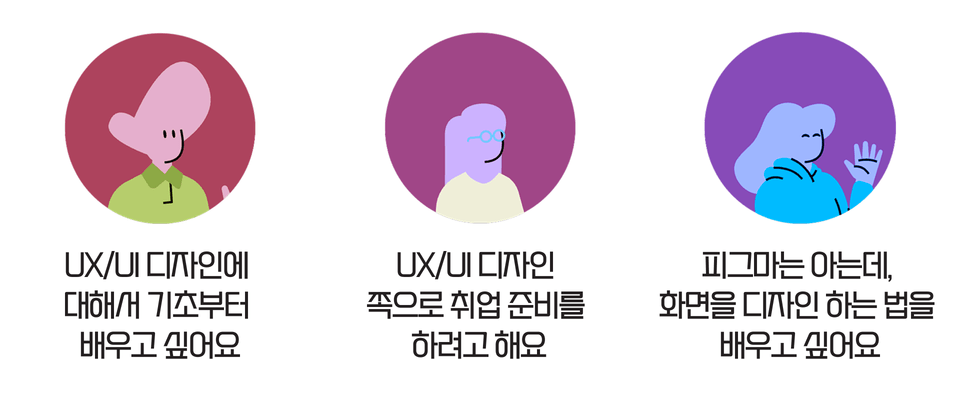
Those who want to learn about UX/UI design
Entry-level designer
Aspiring UX/UI Designer Job Seeker
Those dreaming of a career change to UX/UI designer
Need to know before starting?
Knowing how to use simple Figma tools like shape creation, color application, and text alignment is good.
63
Learners
20
Reviews
2
Answers
5.0
Rating
1
Course
현) 크몽 및 숨고 등 다양한 플랫폼에서 UX/UI 디자인 전문가로 활동
현) 스타트업 위주의 대면 미팅을 통한 앱 설계 및 컨설팅 진행
전) 삼성생명 TF팀 '워리스' 서비스 UX/UI 디자인 협업 및 제작
전) 삼성전자 가전사업부 사내 UX 팀 과제 협업
안녕하세요 ! UX/UI 프로젝트 및 디자인 교육을 진행하는 후디입니다.
디자이너로 커리어를 쌓으며 배우고 습득한 여러 경험과 정보들로
디자이너를 꿈꾸는 많은 분들께 도움이 되는 각종 강의와 프로덕트를 만들어 나가고 있습니다 😎
쓰레드(threads) : https://www.threads.com/@hoodi_ux
All
55 lectures ∙ (5hr 33min)
Course Materials:
All
20 reviews
5.0
20 reviews
Reviews 23
∙
Average Rating 5.0
Edited
5
I've been contemplating which course to take, thinking I need to learn UX/UI recently, and Hoody's lecture is really great. I started listening to it because I wanted to fill in the design aspects while developing, even though I have no basic knowledge. It was easy to understand because it explained in detail how to use fonts and text, starting from the concept of color. I'm not good at handling Figma, but it was great because I could do it much more easily by watching and following along. As I recently started developing a mobile app, I've been able to meticulously structure the design aspects.
Hello. This is Hoodie, your knowledge sharer. Thank you very much for your heartfelt course review! It's especially impressive that, as a developer, you took the course while contemplating the design aspects with us! After all, design isn't just about creating pretty screens; it's also a way to communicate better with users and effectively deliver functions. 😊😊 This course was designed to be as easy as possible to follow from the basics, so I'm truly gratified that it was so helpful to Chanran-nim! In the future, if you encounter design challenges in your work, please refer back to the course content and utilize it. I've made it available for unlimited access so you can revisit it anytime. :) I sincerely hope for excellent results in your future development and design work!
Reviews 2
∙
Average Rating 5.0
5
I was able to grasp the fundamentals for planning application screen composition and design from a user perspective. Thank you.
Hello, I'm knowledge sharer Hoody. It's so great that you were able to learn the basics needed for planning..! 😊😊 As you work with various platforms and domains, you'll get a sense of what perspective to take when designing..! Thank you for your precious review and rating ☺️ You don't have much left until completion..! Fighting!
Reviews 1
∙
Average Rating 5.0
5
Hello, I'm Hoodie, a knowledge sharer. Thank you for your valuable rating after 100% completion..! I hope my design lecture was helpful! 😊
Reviews 1
∙
Average Rating 5.0
5
I didn't even know what UX/UI was and felt overwhelmed, but after taking this lecture, I started to understand things one by one. There were also quizzes in the middle, so I could check if I understood correctly. What I liked most was that they explained why things should be done this way, really easily. Instead of just telling me to memorize it, they told me the reasons, so it really stuck in my head. Because they explained using apps like 배달의민족 and 당근마켓 as examples, I immediately understood, thinking 'Ah, this is it!'. It was also fun to create things myself with 피그마, and even though I haven't finished the entire course yet, I can already create simple screens. I really recommend this to anyone struggling with UX/UI. I was a complete beginner too, but I was able to understand it.
Hello, this is knowledge sharer Hoodie. Thank you so much for Cracker's valuable review! 👍 UX/UI can be difficult and overwhelming at first, but hearing that you're starting to understand it piece by piece truly makes me proud. I'm especially delighted that you grasped the part where I focused on explaining "why it needs to be done this way." Explaining with real app examples like Baemin and Danggeun Market was intended to help you understand more visually and clearly by looking at actual apps, since 'image' is crucial in design, so I'm grateful you recognized that :) If you continue to follow the lecture until the end, you'll build much stronger skills. Once again, thank you for your valuable review!
$102.30
Explore other courses in the same field!