

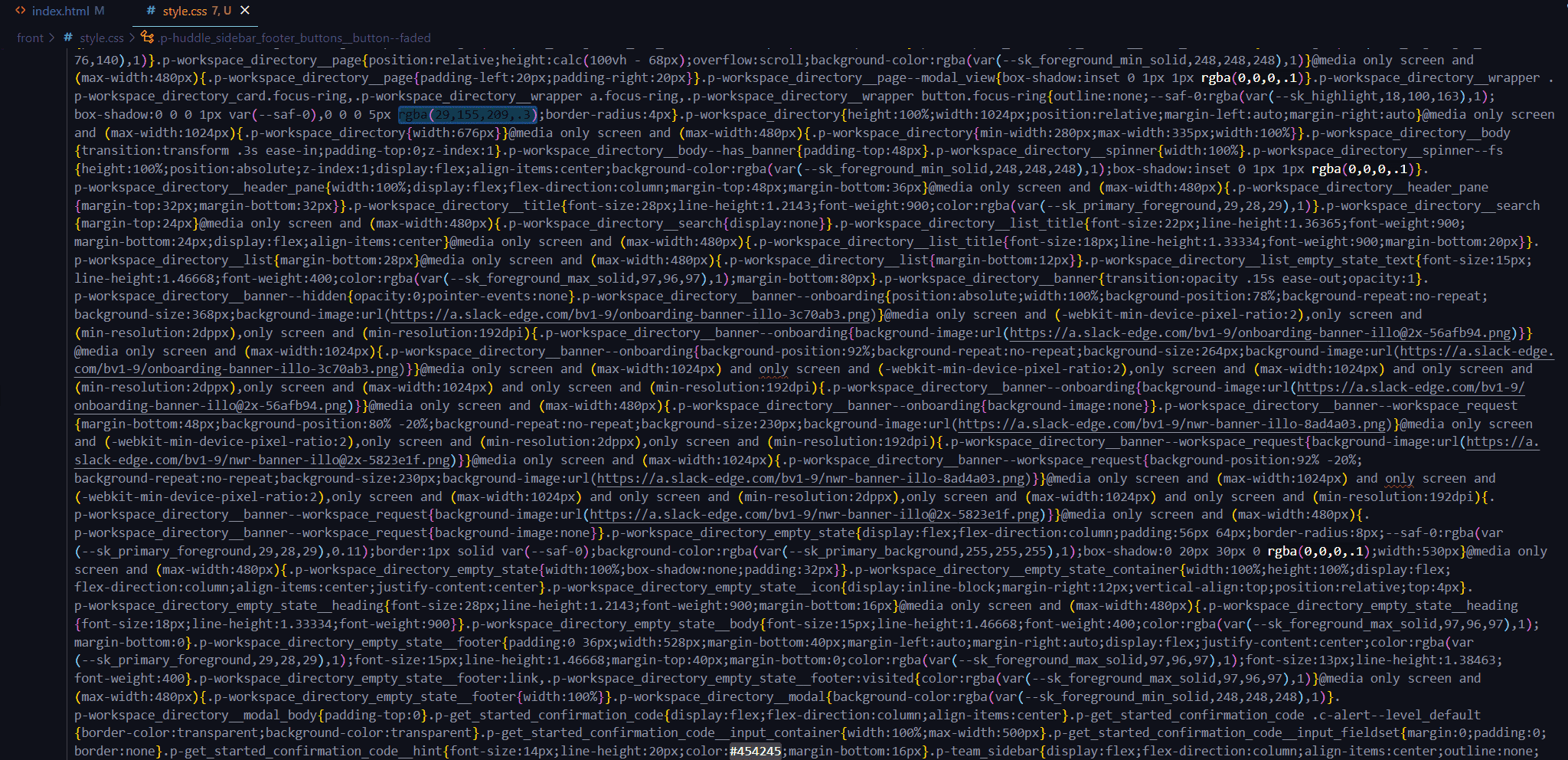
안녕하세요 제로초님 3:25초경에 해당하는 주소에 들어가서 css 파일로 만들어서 html에 연결했는데 css파일에서 오류가 발생했습니다.
1337
36 asked

Answer 7
0
오늘기준으로 최신 해쉬 적용한 전체 소스코드 입니다.
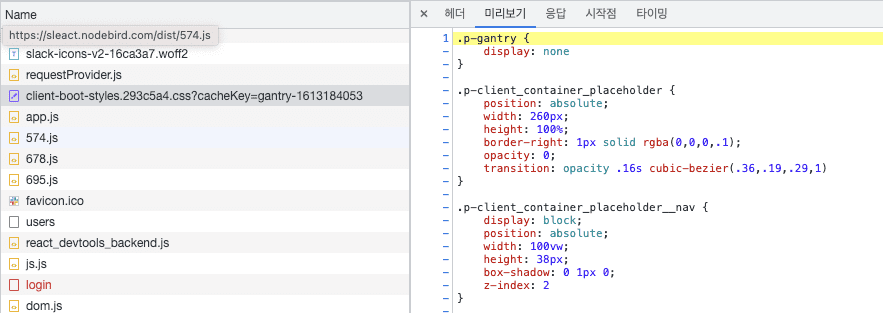 ]client-boot-styles 에서 css를 제공합니다.
0
오늘 기준으로 슬랙에있는 최신 해쉬가 62c1ab0 이여서 적용해봤는데 안됩니다.
0
그리고 위의 css 에서 발생한 오류는
"성능상의 이유로 긴 줄의 경우 토큰화를 건너뜁니다. 이 항목은 'editor.maxTokenizationLineLength'를 통해 구성할 수 있습니다."
( expected css(css-lparentexpected)
라고 나와있습니다
0
위에서 알려주신 링크에 있는
0
모두 적용하였는데 적용이 되지 않습니다.. ㅠㅠ
콘솔창에서는 다음과 같은 오류를 뱉어냅니다.
Refused to apply style from 'http://localhost:3090/style.css' because its MIME type ('text/html') is not a supported stylesheet MIME type, and strict MIME checking is enabled.
ps. 아 css 파일 연결해놓은 코드가 있어서 지웠는데 그래도 적용이 안되네요..
타입 점검하기 swr관련 질문 있습니다.
0
50
2
기본 셋팅과 관련하여
0
128
1
초기 셋팅 back과 front만 남겨두고 다 지운 후 진행 방법
0
135
2
focus 시에만 화면 업데이트 되는 이유 + 해결방법
0
205
2
useEffect 개수 관리
0
148
2
라이브러리 서치 방법
0
136
2
함수 정의 패턴
0
103
1
npm run dev 에러
0
184
3
npx webpack 후 에러
0
215
2
'void' 형식 식의 truthiness를 테스트할 수 없습니다.ts(1345)
0
179
2
사용자 가입시 에러발생 (TypeError: Cannot read properties of null (reading 'addMembers')
1
226
2
초기세팅중 packge.json 에러떠요
0
186
2
CORS - Access-Control-Allow-Origin 누락 문제
0
486
3
로그인 페이지 무한 새로고침 현상
0
647
2
Module not found: Error: Can't resolve './App' 에러
0
993
1
배포 방법
0
328
2
npm run dev 시 빌드가 매우 느려졌습니다
0
1070
2
alias 경로 설정 오류
0
491
2
fetcher 함수의 data 값이 두번 찍히는 이유
0
309
1
제네릭 질문
0
251
2
ts-node 대신 tsx 사용여부
0
398
1
배포 관련 질문
0
251
1
[nginx + https] 서비스를 실행하면 niginx가 아닌 서비스 화면을 보여주게 하고 싶습니다.
0
414
2
[배포하기] webpack에 aws 퍼블릭 IPv4 주소 와 포트 주소를 작성하고 나서 빌드후 실행하면 오류가 발생합니다.
0
359
1